
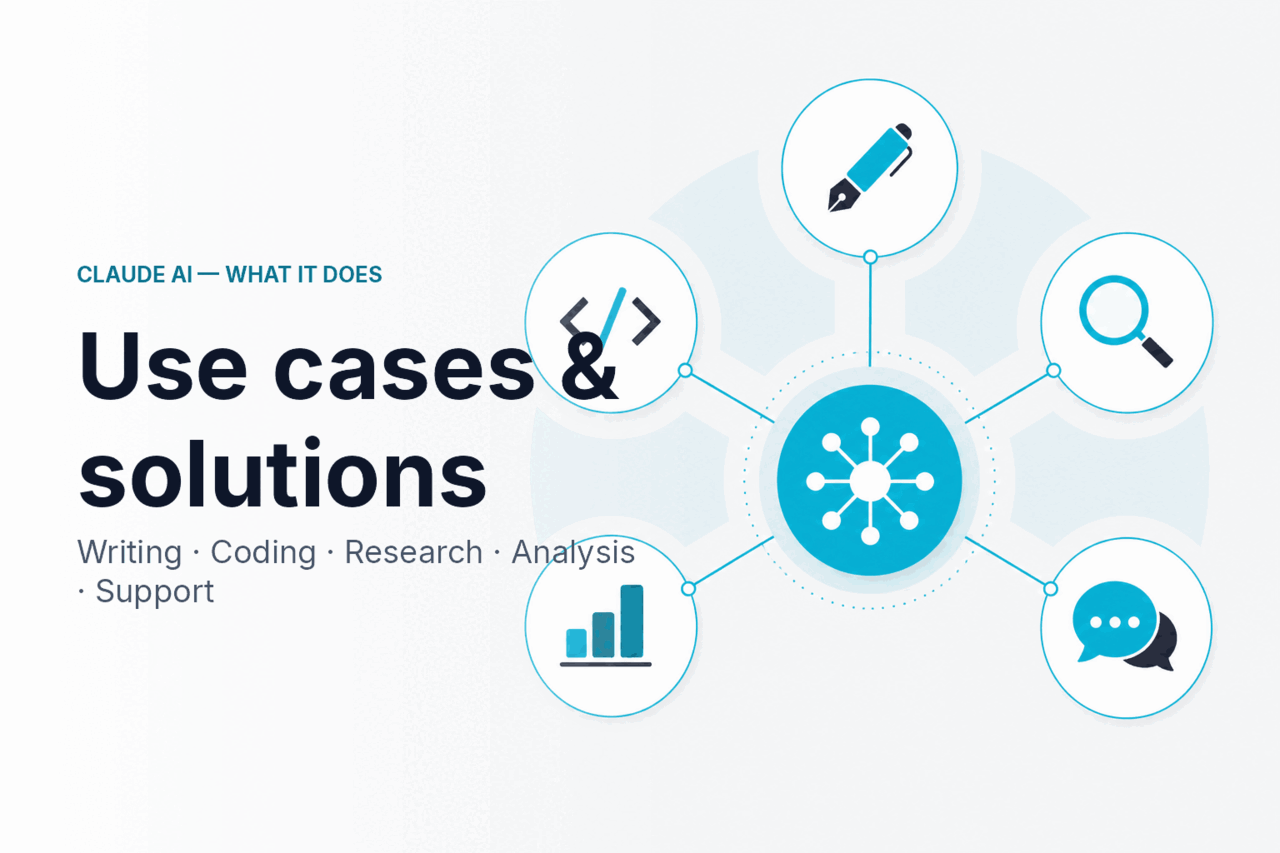
Claude AI use cases that work well include writing and editing, coding help, research synthesis, data cleanup, customer support, and API automation, with Sonnet 4.6 as the recommended default model for most teams.
This page is part of c-ai.chat’s independent guide to Claude AI. We are not Anthropic; Anthropic makes Claude, and claude.ai is the official product. Use this guide to decide where Claude fits, which model to start with, and when another tool is a better choice.
- Overview
- Writing and editing
- Coding and engineering
- Research and analysis
- Data and spreadsheets
- Customer support
- Automation and agents
- What Claude is not great at
- Quick model picker
- FAQ
- Sources
Overview
Claude is strongest when the work is text-heavy, context-heavy, or review-heavy. It can turn messy inputs into structured output, read long documents, explain code, draft responses, and coordinate tool calls through an API workflow.
The model rule is simple: start with Sonnet 4.6, move to Opus 4.7 for harder reasoning or long context, and use Haiku 4.5 when speed and unit cost matter most. For more detail, see our Claude models guide or Anthropic’s official model overview.
API prices are per million tokens. Opus 4.7 is $5 input and $25 output with 1M context. Sonnet 4.6 is $3 input and $15 output with 1M context and 128K max output. Haiku 4.5 is $1 input and $5 output.
- Writing Sonnet 4.6 default
- Coding Sonnet 4.6 or Opus 4.7
- Research Opus 4.7 for hardest analysis
- Data Sonnet 4.6 for cleanup and explanation
- Support and agents Haiku 4.5 for volume
Plan choice depends on volume, collaboration, and administration. See the official Claude plans page before buying because limits and feature availability can change.
Free
$0
Good for occasional personal use and trying Claude.
Pro
$20/mo or $17/mo annual
Good for individual users who need more regular access.
Max
from $100/mo
Good for heavy individual use and larger everyday workloads.
Team Standard
$25/seat or $20/seat annual
Good for shared team use with seat-based billing.
Team Premium
$125/seat or $100/seat annual
Good for teams with heavier collaboration and administration needs.
Enterprise
$20/seat base + API rates
Good for larger organisations that price seats separately from API usage.
Writing and editing
Claude is useful for writing when you give it real source material and a clear audience. Good tasks include turning meeting notes into an internal brief, rewriting a policy page for non-technical staff, drafting a client email from bullet points, and adapting a product update into a help-centre article. For feature-level context, see our Claude features guide.
Editing is often a stronger use case than blank-page drafting. Ask Claude to shorten a report, remove repetition, preserve a specific tone, flag unsupported claims, or produce a before-and-after rewrite with reasons for each change.
Claude should not invent citations, quotes, legal claims, or customer evidence. If a draft depends on facts, provide the source text and ask Claude to separate supported claims from assumptions. For high-stakes work, use Claude as an editor and reviewer, not the final authority.
Coding and engineering
Claude is strong on software work because code has structure, tests, errors, and context that the model can reason over. It can explain unfamiliar files, generate tests, translate code between frameworks, review pull requests, draft migration plans, and help debug stack traces.
Do not treat Claude as a replacement for engineering judgment. Use it to propose patches, identify likely causes, and create reviewable diffs. You still need tests, code review, security checks, and deployment controls.
Claude Code is useful when the work belongs in a terminal. It can help inspect a project, edit files, run commands, and iterate with developer approval. Give it small, reviewable goals instead of a broad request to fix the app.
Inspect context
Ask Claude to review the relevant files, dependency versions, failing logs, and existing tests before suggesting code.
Propose a patch
Request a minimal diff and ask Claude to explain the trade-offs, risks, and files touched.
Run tests
Use your normal test command, such as
npm test,pytest, or your CI task, then paste failures back into the conversation.Review
Check the diff yourself, test edge cases, and merge only after the change passes the same checks you would use for a human contribution.
Research and analysis
Claude is well suited to research that involves reading, comparing, and synthesising large amounts of text. Examples include reviewing contracts, summarising interview transcripts, comparing vendor proposals, extracting risks from due-diligence documents, and turning a bundle of PDFs into a decision memo.
Opus 4.7 and Sonnet 4.6 support 1M-token context. That helps when the answer depends on a long report, a large policy archive, a full repository, or many source documents. Long context does not remove the need for verification. Ask Claude to quote or cite the passages it relies on, then check the original source.
Good research prompts specify the output format and decision criteria. Instead of asking for a summary, ask for a table of claims, evidence, risks, missing information, and recommended follow-up questions. If the task includes judgment, ask Claude to show the assumptions behind that judgment.
Worked example
Turn a long PDF into a decision memo
Upload the source file where file handling is available. Ask for the main claims, supporting evidence, page references, open questions, and recommended next steps. Use the result as a research aid, then verify page references against the original file.
Data and spreadsheets
Claude is useful when spreadsheet work is partly analytical and partly explanatory. Give it the relevant file, table, or pasted cells. It can explain formulas, clean labels, draft spreadsheet formulas, normalise categories, or turn a table into a narrative brief.
For CSV and JSON tasks, Claude is strongest at transformations, schema reasoning, and validation planning. It can infer columns, convert a sample CSV into JSON Lines, draft checks that flag missing values, and identify inconsistent categories.
Do not make Claude the only system of record for regulated financial calculations. Use it to prepare, explain, and check data, then run final calculations in the spreadsheet, database, or BI tool that owns the numbers.
Customer support
Customer support is a natural Claude use case because many support actions are classification, retrieval, and drafting tasks. Claude can label tickets, detect urgency, suggest a macro, extract order IDs, rewrite a rough agent note, or draft a reply from a policy document. Haiku 4.5 is often the right model because it is fast and low-cost for high-volume, repeatable tasks.
Claude should not silently close tickets, approve refunds, or make exception decisions without rules and oversight. A safer workflow is triage first, draft second, human approval for anything sensitive, and clear logging for each model decision. For regulated or sensitive support data, review Anthropic’s Trust Center and your own data-handling requirements.
Cost control matters in support because ticket volume can be large. Keep the policy prompt stable, separate short classification calls from longer drafting calls, and use caching or batch processing where the workflow allows it. For plan-level and API cost context, see our Claude pricing guide and Anthropic’s official API pricing docs.
Worked example
Haiku 4.5 triages a support queue
Assumption: each ticket uses about 800 input tokens and 200 output tokens before prompt caching or Batch API discounts.
90% off
cached input tokens when repeated prompts or context can be reused
50% off
Batch API input and output tokens when asynchronous processing fits the workflow
Automation and agents
Automation fits when Claude is one step in a controlled workflow: read an incoming request, classify it, call a defined tool, draft an answer, wait for approval, and record the result. The value is that Claude can interpret messy language and return structured outputs that other systems can use. Our Claude API guide explains the developer path.
Use Anthropic’s official developer docs for tool use, structured outputs, and agent workflows. Build against official docs because interfaces and availability can change.
Model choice depends on the agent’s role. Use Sonnet 4.6 for most planning, routing, and tool-use decisions. Use Haiku 4.5 for low-risk, high-volume classification or extraction. Use Opus 4.7 when the agent must reason across long instructions, complex policies, or many dependent steps.
Add timeouts, human approvals, audit logs, and safe fallback behaviour before giving any agent write access to production systems.
What Claude is not great at
Claude is a strong language and reasoning model, but it is not right for every AI job. Look at the final deliverable. If you need generated images, live voice infrastructure, or a validated vertical system, choose the tool built for that job and use Claude only where language reasoning helps.
Use Claude when
- The task is based on text, code, documents, tickets, or structured records.
- A human can review the output before it affects customers, money, or safety.
- The workflow benefits from explanation, synthesis, drafting, or tool selection.
- The output can be checked with tests, citations, business rules, or logs.
Choose another tool when
- Image generation is the main deliverable; use an image model or design tool.
- Real-time speech, telephony latency, turn-taking, or voice output is the core product.
- A specialised vertical stack already provides validated workflows, such as CAD, EHR, accounting, or compliance software.
- The task requires exact calculations or binding legal, medical, or financial decisions without qualified review.
Quick model picker
Use this table as a starting point, not a permanent rule. Start with the smallest model that meets the quality bar, then upgrade only when the task needs stronger reasoning, longer context, or more reliable multi-step planning.
| Use case | Recommended model | Why |
|---|---|---|
| Writing and editing | Sonnet 4.6; Opus 4.7 for complex long-form work | Sonnet 4.6 handles everyday drafts, rewrites, and briefs. Opus 4.7 is better when the piece depends on many sources or strict constraints. |
| Coding and engineering | Sonnet 4.6 for routine work; Opus 4.7 for hard refactors | Sonnet 4.6 is a good default for explanations, tests, and smaller patches. Opus 4.7 is stronger for large codebase reasoning and migration planning. |
| Research and analysis | Opus 4.7 for hardest analysis; Sonnet 4.6 for routine synthesis | Use Opus 4.7 when the answer depends on long context or careful reasoning across many documents. Use Sonnet 4.6 for standard briefs and summaries. |
| Data and spreadsheets | Sonnet 4.6; Haiku 4.5 for simple extraction | Sonnet 4.6 is useful for explanation, cleanup, and validation planning. Haiku 4.5 can handle repeatable extraction at lower cost. |
| Customer support | Haiku 4.5 for triage; Sonnet 4.6 for sensitive replies | Haiku 4.5 is the fast, low-cost choice for classification, extraction, and first-draft replies at scale. |
| Automation and agents | Sonnet 4.6 default; Haiku 4.5 for volume; Opus 4.7 for complex planning | Automation mixes routing, extraction, and tool use. Match the model to the risk and complexity of each step. |
FAQ
For shorter answers to common product questions, see our Claude AI FAQ.
What are the strongest Claude AI use cases?
The strongest Claude AI use cases are writing and editing, coding help, long-document research, spreadsheet and data cleanup, customer support triage, and API automation. Claude is most useful when the task depends on understanding language, preserving context, and producing reviewable output.
Which Claude model should I use for most tasks?
Use Sonnet 4.6 for most tasks. It balances quality, speed, and cost for writing, analysis, coding help, and routine business workflows.
When should I use Opus 4.7?
Use Opus 4.7 for harder work: complex long-form writing, difficult code refactors, large research tasks, strategic planning, or workflows where many constraints must stay consistent. It is the flagship model, but it is not necessary for every short or high-volume task.
When should I use Haiku 4.5?
Use Haiku 4.5 for fast, low-cost work such as classification, extraction, routing, tagging, and first-draft support replies. It is usually the right choice when you run many small tasks and can tolerate simpler output.
Can Claude analyse PDFs and long documents?
Yes, where file upload or API document handling is available. Claude can summarise, extract claims, compare sections, and build tables from long documents. Ask for page references or quoted evidence, then verify the answer against the original document.
Is Claude good for coding?
Yes. Claude is useful for code explanation, test generation, debugging help, refactoring plans, and reviewable patches. It works best with real repository context, failing logs, and clear constraints. Production code still needs tests, human review, and security checks.
Can Claude run autonomous agents?
Claude can power agent workflows through API tool use and documented agent tooling. Keep agents bounded: define tools, permissions, approvals, logs, and fallback behaviour before allowing them to act on external systems.
How should teams control Claude costs?
Use the smallest model that meets the quality bar, keep reusable prompts stable, and separate short classification calls from longer drafting calls. Prompt caching gives 90% off cached input, and Batch API gives 50% off input and output tokens where asynchronous processing fits.
Independent guide. Not affiliated with Anthropic. For the official Claude product, visit claude.ai.
Last updated: 2026-05-14