Writing and editing
- Draft emails, briefs, proposals, scripts, posts, policies, and documentation in a specified tone.

Claude AI is Anthropic’s AI assistant and model family for writing, coding, document analysis, research support, and automation. This independent c-ai.chat guide explains who makes it, which models power it, what it costs, and where to use it.

Contents
Claude AI is a conversational AI system from Anthropic. You can use it through the official Claude product at claude.ai, official apps, team workspaces, or the developer API. It answers questions, drafts and edits text, writes and reviews code, reads supported files, and helps reason through complex work.
Claude is made by Anthropic, an AI research and product company. Anthropic builds the Claude models, operates the official Claude app, runs the developer platform, and sets the product policies that govern Claude’s use.
c-ai.chat is not Anthropic. We are an independent guide that explains Claude, compares it with other AI tools, and points readers back to official sources when product details, policy, pricing, or availability matter.
Claude is a general-purpose assistant. Its value depends on the task, the context you provide, and how you check the result. For a task-by-task view, see our Claude features guide.
Claude works best when you give it a clear job, audience, format, and source material. A vague prompt usually gets a vague answer. A specific prompt gives Claude a target to hit.
Example prompt
Weak: Write a strategy.
Better: You are advising a seed-stage B2B SaaS startup selling to CFOs. Create a launch strategy. Include target users, channels, risks, assumptions, and a one-page action plan. Flag claims that need evidence.
Claude also has limits. It does not automatically know your private files, account data, or live webpages unless you provide that context or use an approved feature or integration. If a question needs current checking and Claude does not have live research access, its answer may be stale.
For important work, treat Claude’s output as a draft or analysis aid. Ask it to show assumptions, list uncertainties, and cite source passages when you provide documents. For code, run tests and review security-sensitive changes. For legal, medical, financial, or employment decisions, involve a qualified person before acting.
Claude is not one model. It is a product layer over model families with different strengths: Opus for the hardest work, Sonnet for balanced everyday use, and Haiku for fast, lower-cost tasks. Anthropic’s official model overview is the controlling source for exact model IDs and technical limits. Our Claude models guide explains how to choose between them.
| Model | Best fit | Context and output note | API input | API output |
|---|---|---|---|---|
| Claude Opus 4.7 | Flagship model for difficult reasoning, complex coding, long-context analysis, and high-care drafts. | 1M context | $5/M tokens | $25/M tokens |
| Claude Sonnet 4.6 | Recommended default for professional writing, coding, analysis, agents, and production use cases. | 1M context; 128K max output | $3/M tokens | $15/M tokens |
| Claude Haiku 4.5 | Fastest and lowest-cost option for routing, extraction, simple chat, classification, and high-volume tasks. | Optimized for speed and cost | $1/M tokens | $5/M tokens |
Model choice changes both quality and cost. Input tokens are what you send to Claude. Output tokens are what Claude returns. A long prompt with many files can spend more on input even if the answer is short. A brief request for a long report can spend more on output.
Long context can matter more than raw model rank. Opus 4.7 and Sonnet 4.6 support 1M-token context. Sonnet 4.6 also supports 128K maximum output. Long context helps with large codebases, policy archives, and multi-document comparisons, but it does not replace clear instructions.
90% off
cached input tokens with prompt caching
API users should separate model selection from cost optimization. Anthropic’s API pricing documentation covers token pricing, prompt caching, and Batch API pricing. Prompt caching gives 90% off cached input tokens. Batch API gives 50% off both input and output tokens for eligible batch jobs.
You can use Claude as a chat product or as infrastructure. The chat product is best for individuals who want to ask questions, write, analyze files, and work through tasks directly. Team and Enterprise plans add shared workspace options and administration. The API is for developers who want Claude inside products, internal tools, agents, or automated workflows. Check our Claude pricing guide before you choose a tier.
| Plan | Price | Best fit |
|---|---|---|
| Free | $0 | Trying Claude and light personal use with usage limits. |
| Pro | $20/month or $17/month with annual billing | Individual users who need higher limits than Free. |
| Max | From $100/month | Heavy individual use with higher limits. |
| Team Standard | $25/seat/month or $20/seat/month with annual billing | Shared team workspace use. |
| Team Premium | $125/seat/month or $100/seat/month with annual billing | Teams that need higher-tier workspace capabilities. |
| Enterprise | $20/seat base + API rates | Organization-wide use under Enterprise terms. |
Go to claude.ai, create or sign into an account, and begin a chat in the official product.
Use Anthropic’s official iOS or Android app where available. Keep sensitive work inside accounts and devices approved by your organization.
Install the official Claude desktop app from the path Anthropic provides. Avoid third-party installers claiming to be Claude.
Free has usage limits. Pro, Max, Team, and Enterprise add higher limits, more workspace options, or business terms depending on the plan.
Create a developer account on platform.claude.com, generate an API key, choose a model ID, and follow our Claude API guide and the official developer docs.
The web app and the API solve different problems. A Claude subscription covers app usage under the plan’s limits and product rules. API usage is billed separately by tokens on the developer platform. Buying a paid chat plan does not make API calls free.
For individual work, start with the app. Create a Project for a recurring task, add the relevant context, and give Claude a clear role. A marketer might use Claude for campaign drafts. A student might use it for study notes. A developer might ask for specific diffs, tests, or explanations instead of broad rewrites.
For software teams, start with a small API prototype. Pick one narrow workflow, define success criteria, log prompts and outputs, and test multiple models. Common first use cases include support triage, document extraction, code review helpers, internal knowledge assistants, and draft generation.
For regulated or security-sensitive work, decide how data will move before anyone pastes documents into a chat box. Identify the approved plan, workspace owner, access rules, review process, and spend controls before launch.
Anthropic presents Claude as a safety-focused AI system. Its public materials emphasize model behavior, misuse prevention, policy, evaluations, and trust controls. Safety does not mean Claude is always right, private in every setting, or appropriate for every task.
One important concept is Constitutional AI. In plain language, this is a training approach where a model critiques and revises outputs using written principles, then receives more tuning through feedback. It is part of why Claude often explains refusals and avoids harmful requests. It is not a guarantee that every answer is safe, correct, unbiased, or complete.
Privacy and security depend on the product path. Consumer chat, Team workspaces, Enterprise contracts, and API usage can have different terms and controls. For operational details, start with the Anthropic Trust Center, your account terms, and your organization’s policies.
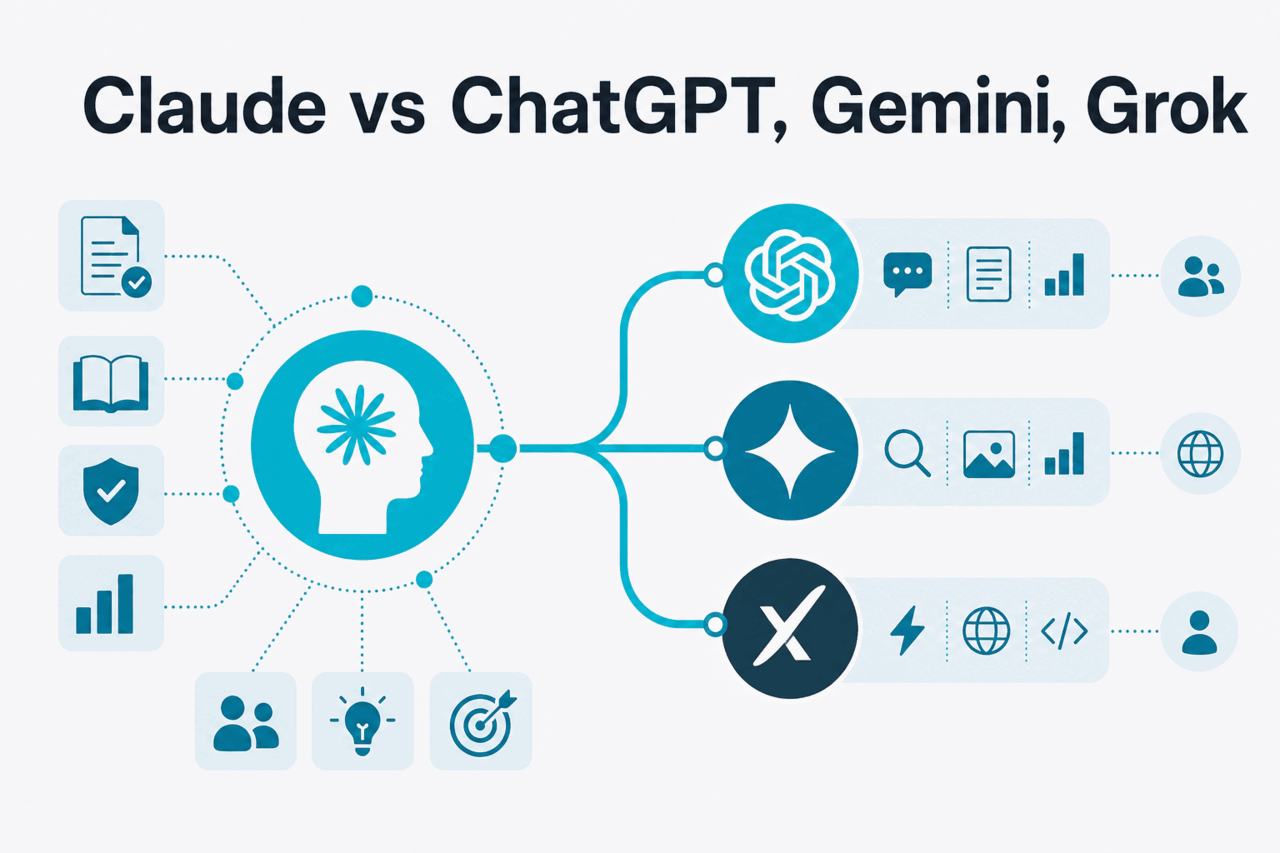
Claude sits in the same broad category as ChatGPT, Gemini, and Grok: conversational AI assistants powered by large language models. The differences show up in writing style, coding behavior, context handling, tool access, integrations, policy, enterprise controls, and price.
| Assistant | Maker | Often chosen for | Main caution |
|---|---|---|---|
| Claude | Anthropic | Careful writing, long-document analysis, code review, structured reasoning, and professional drafts. | It can still hallucinate, and feature access varies by plan, account, and region. |
| ChatGPT | OpenAI | Broad consumer adoption, strong general assistant use, and a large surrounding ecosystem. | Model and product choices can be complex for teams that need predictable controls. |
| Gemini | Google ecosystem workflows, multimodal tasks, and users already centered on Google accounts or Workspace. | The strongest experience may depend on the surrounding Google setup and enabled features. | |
| Grok | xAI | X-adjacent use cases, social context where available, and users who want that product style. | It may not fit organizations that need the same enterprise workflow as their existing productivity stack. |
Claude’s tone is often a reason people keep using it. It tends to produce structured answers with fewer gimmicks, and it is strong at turning messy notes into useful drafts. Tone is not the same as truth. A polished answer can still be wrong.
Claude is a strong option for professional reading, writing, coding help, and structured analysis. Its appeal is the mix of careful tone, long-context usefulness, strong drafting, and models that cover different cost and capability needs. If you are new to Claude, start with Sonnet for normal work, try Opus for harder reasoning or large document tasks, and consider Haiku when speed and cost matter most.
The main risk is over-trust. Claude can invent citations, miss edge cases, produce insecure code, or follow a flawed prompt too literally. It may also refuse requests that another tool answers. The best results come when you give Claude context, constraints, examples, and a clear definition of a good answer.
The best way to evaluate Claude is to test it on real work. Give it a document you know well and ask for the strongest arguments, weak spots, and next actions. Give it code with a known bug and ask for a fix and tests. Give it a messy brief and ask for a client-ready version. Keep Claude when it saves time without lowering quality.
Claude’s Free plan is $0. Pro costs $20/month, or $17/month with annual billing. Max starts at $100/month. Team Standard is $25/seat/month, or $20/seat/month with annual billing. Team Premium is $125/seat/month, or $100/seat/month with annual billing. Enterprise is $20/seat base + API rates. API usage is separate and priced by input and output tokens. Check Claude’s official pricing page for plan details.
Yes. Claude has a Free plan at $0 with usage limits. Free is enough to try the assistant, learn the interface, and test ordinary prompts. Paid plans add higher limits, more model access, workspace options, or business terms depending on the plan.
Use the official product at claude.ai. Create an account or sign in with the method Anthropic offers in your region and plan. For API access, use the developer platform, create an API key, and store that key securely. For Team or Enterprise accounts, your organization may manage login, SSO, workspace access, and permissions.
Claude can work in many natural languages and programming languages. Quality can vary by language, topic, and task. For casual translation, drafting, and explanation, it is often useful. For legal, medical, contractual, or public-facing translation, have a fluent human review the result.
Yes. Claude is available through the web product, official mobile apps for iOS and Android where available, and a desktop app path provided by Anthropic. Use official sources rather than third-party downloads. If you are unsure whether an app or installer is legitimate, start from claude.ai or Anthropic Support.
Age eligibility is set by Anthropic’s current terms and support guidance, not by c-ai.chat. If you are setting up Claude for a student, minor, classroom, or family account, check Anthropic’s official terms and support pages first. Organizations should also check local rules and their own acceptable-use policies.
Claude availability depends on supported countries, regions, products, plans, and account types. If you cannot sign up, log in, or access a feature, check Anthropic Support and the Claude status page. Availability can differ between the consumer app, team workspaces, Enterprise contracts, and the API platform.
Independent guide. Not affiliated with Anthropic. For the official Claude product, visit claude.ai.
Hand-picked from the cluster — the pages we recommend first.