Claude Code Plan Mode is a planning-first workflow for Claude Code: Claude inspects your repository, proposes an implementation plan, and waits for approval before making changes. c-ai.chat is an independent guide, not Anthropic; for the broader product context, see our Claude features guide.
The short answer
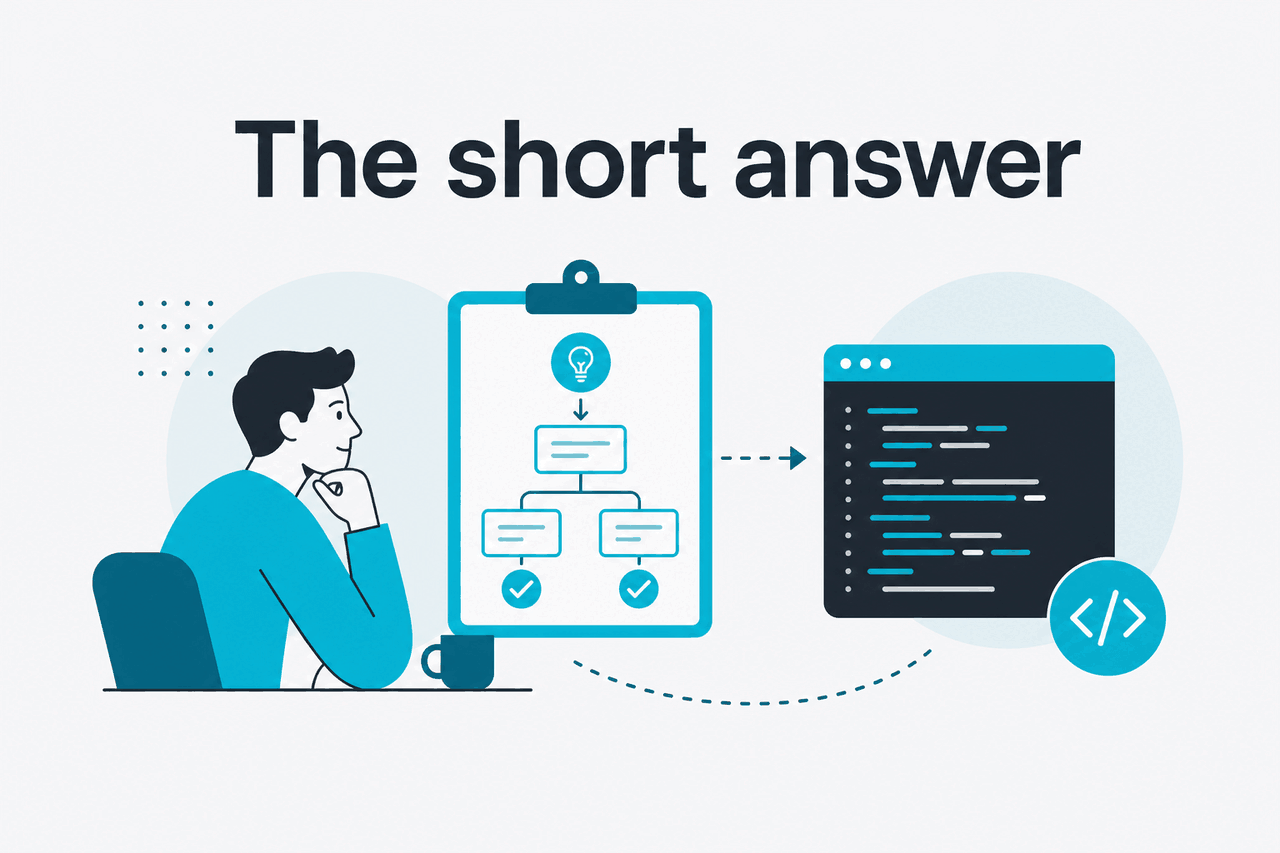
Use Claude Code Plan Mode when you want Claude to think before it edits. It helps map a codebase, identify likely files, list risks, and propose a step-by-step path before any implementation starts.
- What it does: asks Claude to produce a reviewable plan before code changes.
- Where it runs: in Claude Code, Anthropic’s terminal coding agent.
- What it costs: there is no separate public Plan Mode add-on price. Claude access depends on your plan and usage limits.
- Who it helps: engineers, tech leads, and teams handling multi-file work, refactors, migrations, and risky fixes.
Plan Mode is not a separate Claude model. It is a Claude Code workflow. The result still depends on the model available to your account, the repository context, your prompt, and the tool permissions you grant. For plan costs, see our Claude pricing guide. For developer usage, see our Claude API docs guide.
How it works

Claude Code runs in your terminal and works against a local project. In a direct coding flow, you might ask Claude to edit files immediately. In Plan Mode, Claude first gathers context, explains what it found, and proposes a plan. You then accept, revise, or stop.
The workflow is strongest when the task has hidden dependencies. A bug may involve a route handler, a schema, a test fixture, and a frontend assumption. A migration may touch dependencies, CI, runtime settings, and developer docs. Plan Mode gives Claude time to inspect before acting.
Claude Code can use the tools and permissions available in your session. That may include reading files, searching the repository, checking git state, or running commands if you allow them. Treat the plan as a proposal from a capable pair programmer, not as proof that the work is correct.
1. Open the project
Start from the repository you want Claude Code to inspect, usually at the project root.
2. Switch to planning
Use Claude Code’s current Plan Mode control. If your setup differs, check the in-product help or Anthropic’s docs.
3. State the goal
Describe the task, likely files, constraints, and what “done” means. Tell Claude not to edit files yet.
4. Review the plan
Look for missed files, risky assumptions, database changes, missing tests, and deployment steps.
5. Approve or revise
If the plan is sound, move into implementation. If it is too broad, ask for smaller steps.
A good Plan Mode prompt is specific. “Fix auth” is too loose. “Plan a fix for password reset tokens expiring too early; include likely files, test cases, and rollback risk; do not edit files yet” gives Claude a clearer job.
Plan the smallest safe change for this issue:

Users who request a password reset near midnight UTC sometimes receive an expired-token error.
Do not edit files yet.
First inspect the auth, token, and time-zone handling code.
Return:
1. likely root cause
2. files to change
3. tests to add
4. risks and rollback notes
What you would use it for
Plan Mode is useful when the cost of a wrong edit is high. Skip it for tiny changes, such as renaming one variable or adding a missing import. Use it when you want a map before the patch.
Example 1: Plan a refactor before touching code
Refactors are a natural fit because the external behaviour often stays the same while the structure changes. Ask Claude to identify coupling, propose a sequence, and call out tests before it writes code.
Use Plan Mode.

Goal: refactor the legacy invoice calculation module so tax and discount logic are separate.
Constraints:
- keep public API behavior unchanged
- avoid database changes
- preserve existing test fixtures unless a fixture is wrong
- do not edit files until I approve the plan

Please inspect the relevant files and propose a staged plan.
Worked example
A safer invoice refactor plan
The point is not that Claude already knows your billing rules. The point is that it can inspect the code and give you a plan you can challenge before implementation.
Example 2: Debug a failing test suite
When tests fail after a merge, direct editing can make the problem worse. Plan Mode lets Claude inspect the failing test, recent changes, and related code paths before suggesting a fix.
Plan a debugging approach for the failing checkout tests.
Do not change files yet.

Context:
- failures started after the shipping-rate merge
- affected suite: checkout/pricing
- the failure appears only when free shipping and coupon discounts are both active

Return the likely causes in priority order and the first three checks you would run.
This prompt also helps avoid a common AI coding failure: patching the symptom. Ask Claude to explain why each possible cause fits the evidence.
Example 3: Prepare a framework upgrade
Framework upgrades usually involve dependency constraints, build settings, runtime behaviour, and test updates. Plan Mode helps size the work before you commit to it.
Use Plan Mode to assess this framework upgrade.
Do not edit files.

Please inspect package files, build config, CI config, and app entry points.
Return:
- blockers
- dependency risks
- files likely to change
- a phased migration plan
- checks to run after each phase
If the plan is too large, ask Claude to split it into “audit only,” “dependency update,” “code changes,” and “test fixes.” That gives you review checkpoints instead of one sprawling branch.
Example 4: Turn an issue into implementation steps
Plan Mode can translate a product or bug ticket into engineering work. This helps when the ticket is clear about user impact but vague about implementation.
Plan implementation for this ticket without editing files:

"Admins need to export filtered user lists as CSV from the Users page."

Please inspect the existing admin user list, API routes, authorization checks, and export patterns.
Return a plan with:
- backend work
- frontend work
- permission checks
- tests
- edge cases for large exports
This does not replace engineering judgement. You still decide whether CSV generation should be synchronous, queued, paginated, or rate limited.
Example 5: Review an unfamiliar repository
Plan Mode is also useful before onboarding to a codebase. Instead of asking Claude to explain everything, ask it to build a task-specific map.
I am new to this repository.
Use Plan Mode only.

Task: understand how user permissions are enforced.
Please inspect the relevant modules and produce:
1. the main permission flow
2. where checks happen
3. missing or inconsistent checks, if any
4. what you would verify before changing authorization code
For adjacent Claude capabilities outside the terminal, see our Claude resources and Claude models guides.
How it compares
Plan Mode competes less with autocomplete and more with agentic coding workflows. Cursor, GitHub Copilot, Cody, and similar tools can help write code inside an editor. Claude Code Plan Mode is narrower: it is a terminal-first way to get Claude to reason about a repository before making changes.
| Tool or workflow | Best fit | Main trade-off | Where Plan Mode differs |
|---|---|---|---|
| Claude Code Plan Mode | Planning multi-file changes, refactors, migrations, and debugging paths. | Requires review and clear permissions. A terminal workflow may not suit every team. | Prioritises an explicit plan before edits. |
| Normal Claude Code workflow | Implementing well-scoped changes after you know what to do. | Can move too quickly if the task is ambiguous. | Slows the first step so you can inspect intent. |
| Cursor | Editor-based AI coding with inline context and file edits. | Strong editor integration. Planning discipline depends on how you prompt. | Terminal-first and plan-gated. |
| GitHub Copilot | Autocomplete, chat, and coding help inside developer environments. | Useful for local productivity. Repo-wide planning still needs framing. | Built around repository inspection before action. |
| Cody | Code search and codebase-aware assistance. | Useful for understanding larger codebases. Implementation workflow varies by setup. | Focuses on turning inspection into an approval-ready implementation plan. |
| Claude chat | Explaining snippets, drafting approaches, and reasoning about pasted context. | Not the same as operating inside your local repository. | Claude Code can inspect project files directly when permitted. |
The practical difference is control. Autocomplete is fast but local. Chat is flexible but depends on pasted context. Agentic editing can overreach. Plan Mode sits between design discussion and implementation: Claude can inspect the codebase, but you can pause at the plan before files change.
Use Plan Mode when
- The change spans multiple files or packages.
- You need a reviewable implementation plan.
- You are working in an unfamiliar codebase.
- The task has security, data, or deployment risk.
Skip Plan Mode when
- The edit is obvious and local.
- You already have a detailed technical design.
- You cannot allow repository inspection in your environment.
- The task requires product judgement more than code analysis.
Decision rule: if you would normally write a short design note before coding, use Plan Mode first. If you would normally make the edit in under a minute, skip it.
Pricing depends on the Claude plan and usage path. Free is $0. Pro is $20 per month or $17 per month on an annual plan. Max starts from $100 per month. Team Standard is $25 per seat per month or $20 per seat per month on an annual plan. Team Premium is $125 per seat per month or $100 per seat per month on an annual plan. Enterprise uses a $20 per seat base plus API rates. Check the official Claude pricing page before buying.
For API work, Anthropic lists model prices separately. Opus 4.7 is $5 per million input tokens and $25 per million output tokens, with a 1M context window. Sonnet 4.6 is $3 per million input tokens and $15 per million output tokens, with a 1M context window and 128K max output. Haiku 4.5 is $1 per million input tokens and $5 per million output tokens. Prompt caching gives 90% off cached input. Batch API gives 50% off both directions.
FAQ
Is Claude Code Plan Mode the same as read-only mode?
No. Plan Mode is a workflow that asks Claude to plan before editing. You should still manage tool permissions, command approvals, repository access, and secrets carefully.
Can Plan Mode write code?
The planning step is designed to produce a proposal first. After you approve the plan or move out of planning, Claude Code can help implement it if your session permits file changes. Review diffs before committing.
Does Plan Mode use a different Claude model?
No. It is a Claude Code mode, not a separate model. The available model depends on Anthropic’s product settings and your plan or API configuration.
Is Claude Code Plan Mode available in the browser?
Plan Mode is associated with Claude Code’s terminal workflow. You can ask Claude to draft a plan in chat, but that is not the same as Claude Code inspecting a local repository with tool access.
Does it cost extra?
There is no separate public Plan Mode add-on price. Claude Code access and usage depend on your Claude plan, team setup, or developer configuration. For API-based work, Anthropic lists token pricing on platform.claude.com.
Can I trust the plan?
Use the plan as a starting point, not an authority. Ask Claude to name assumptions, tests, risks, rollback steps, and files it did not inspect. Then review the result like any other technical proposal.
What is the best first prompt?
Start with the goal, constraints, and approval boundary. A strong pattern is: “Use Plan Mode. Inspect the relevant files. Do not edit yet. Return likely cause, files to change, tests, risks, and a staged plan.”
The honest take
Claude Code Plan Mode is worth using when the task is too broad for a direct edit. It gives you a checkpoint between “ask Claude” and “let it modify the repository.” That checkpoint helps with refactors, migrations, security-sensitive changes, test failures, and unfamiliar codebases.
It is not magic, and it is not a substitute for engineering process. Bad prompts can still produce shallow plans. Missing tests can still hide regressions. The best use is simple: ask Claude to inspect, require a concrete plan, challenge the plan, then approve only the smallest safe implementation.
Independent guide. Not affiliated with Anthropic. For the official Claude product, visit claude.ai.
Last updated: 2026-05-12
This article is part of the Claude Code hub on c-ai.chat.