c-ai.chat is an independent guide, and the short version of claude code vs copilot workspace is this: Claude Code is better if you want an AI coding agent tied closely to Claude’s models and Anthropic’s ecosystem, while GitHub Copilot Workspace is better if you want a GitHub-native planning and implementation flow built around repositories, issues, and pull requests. Below, we break down how each tool works, where each fits, and which type of user should pick which.
- The short answer
- How it works
- What you’d actually do with it
- Vs. the alternatives
- Other questions readers ask
- The honest take
If you are still comparing the broader Claude ecosystem, our guides to Claude Code, Claude features, Claude pricing, and the Claude API cover the surrounding pieces.
The short answer
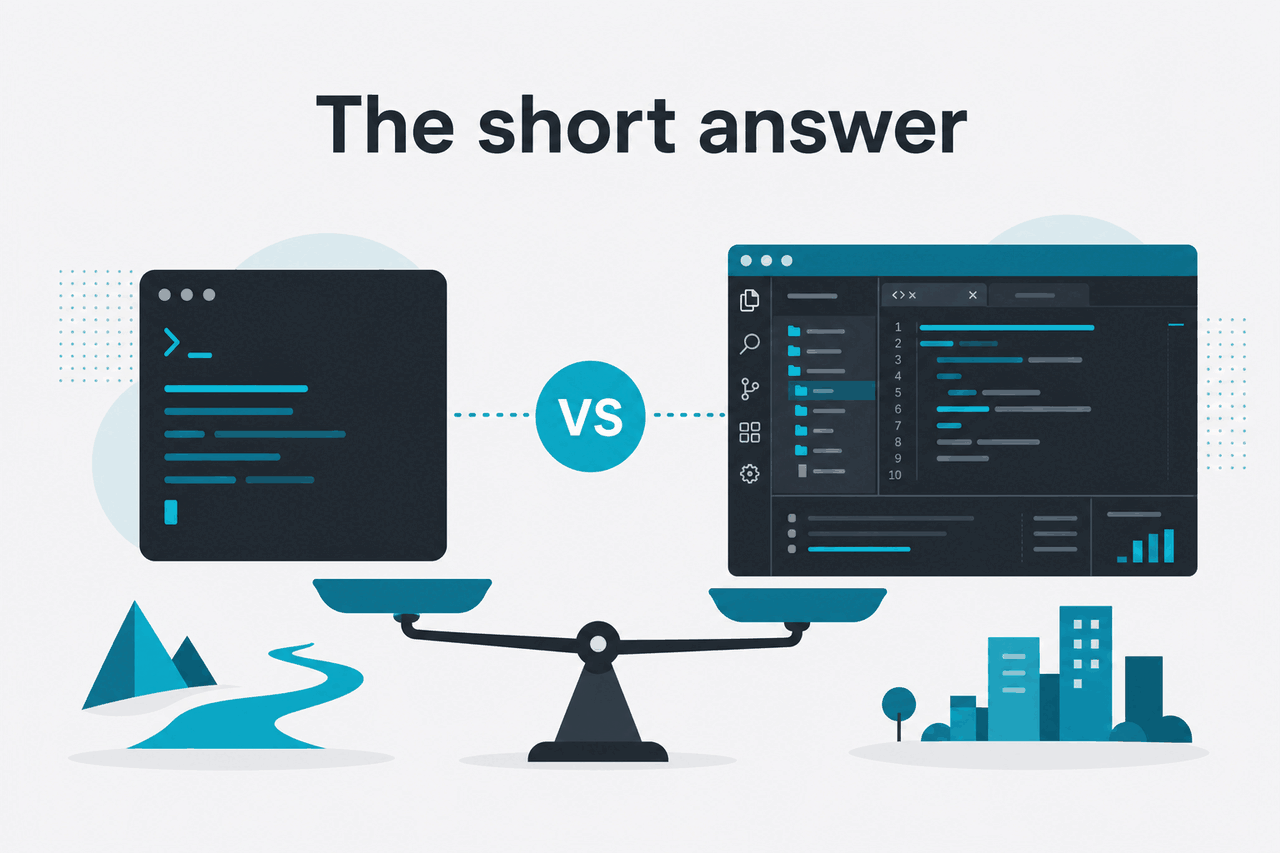
For most engineers, the real choice is between two different workflows rather than two identical coding assistants. Claude Code is the better fit when you want to work directly with Claude on code generation, editing, and repository-level reasoning using Anthropic’s models. Copilot Workspace is the better fit when your work starts inside GitHub and you want AI to help turn issues or tasks into plans, edits, and reviewable changes.
That distinction matters. Claude Code leans toward an agent-style coding experience tied to Claude, while Copilot Workspace leans toward a GitHub workflow where planning, implementation, and repository context are central. If you already live in GitHub all day, Workspace can feel more natural. If you care more about Claude’s coding behaviour and model quality, Claude Code is usually the stronger reasoned coding choice.
- What it does: both help plan, edit, and explain code, but Claude Code is Claude-first while Copilot Workspace is GitHub-first
- Where it runs: Claude Code is part of Claude’s ecosystem; Copilot Workspace is built around GitHub workflows
- What it costs: Claude Pro is $20/month or $17/month annual; Max starts from $100/month; Team Standard is $25/seat/month or $20 annual; Team Premium is $125/seat/month or $100 annual
- Who it’s for: Claude Code suits developers who want strong coding help from Claude; Copilot Workspace suits teams centred on GitHub issues, repos, and pull requests
One practical note: c-ai.chat is independent. Anthropic makes Claude, and the official product lives at claude.ai. Pricing and model details come from Anthropic’s official pages such as claude.com/pricing and the model overview.
How it works

Claude Code works like an AI coding agent attached to Claude’s model stack. In practice, you give it a task, relevant files, and constraints, and it reasons across the codebase, proposes changes, writes code, explains trade-offs, and helps iterate. The value is not just autocomplete. It is the combination of code generation, repository understanding, and stronger multi-step reasoning on larger tasks.
Copilot Workspace starts from a different centre of gravity. The workflow is more naturally framed around GitHub artifacts such as issues, repositories, and planned changes. Instead of beginning with “help me code this in Claude,” the experience is closer to “take this repository task and help me move it toward implementation and review.” That can be excellent for teams already standardised on GitHub, but it also means the product is less about the Claude model experience itself.
For engineers, the biggest difference is where context lives. With Claude Code, the context is whatever you deliberately bring into Claude’s working session, along with the model’s ability to reason over large inputs. Anthropic’s current pricing and model pages also highlight long context support up to 1,000,000 tokens for Claude Opus 4.7 and Sonnet 4.6, which matters if you want broad repo or document context at standard rates. With Copilot Workspace, more of the natural context comes from the GitHub environment and its task structure.
-
Start with the task, not the code
Describe the change you want, the constraints, and the output format. For example:
Refactor our auth middleware to separate token validation from role checks. Keep public API unchanged. -
Attach or point to the relevant project context
In Claude Code, that usually means the files, repo snapshot, or copied context you want Claude to reason over. In a GitHub-first workflow, the issue, repository state, and related pull request discussion may already frame the task.
-
Ask for a plan before edits
A strong first prompt is often
List the files to change, the migration risks, and the tests to add before writing code.This exposes bad assumptions early. -
Generate, inspect, and tighten the diff
Have the assistant write code in small batches. Then ask for stricter checks such as edge cases, type safety, performance impact, or backward compatibility.
-
Finish with test and review prompts
Use follow-ups like
Write unit tests for the failure pathsandExplain why this change is safe for existing clientsbefore you ship.
1M tokens
long context on Claude Opus 4.7 and Sonnet 4.6 can help on larger codebases
If cost is part of your workflow decision, the Claude side is straightforward to inspect. Anthropic lists user plans on claude.com/pricing, and API rates on platform.claude.com. If you are using Claude programmatically around coding tasks, prompt caching can reduce cached input cost by 90%, and the Batch API can cut both input and output cost by 50% for suitable async workloads.
What you’d actually do with it
The easiest way to compare these tools is to look at real coding work. Most developers are not asking an assistant to “write some code.” They are asking it to understand a codebase, apply constraints, and make safe changes under time pressure.
Here are common tasks where the difference between Claude Code and Copilot Workspace becomes obvious.
1. Refactor a messy service without breaking the API
This is a strong Claude Code use case. You can give Claude a set of files and a careful brief like:
Review these service and controller files.
Refactor internal duplication into a shared helper.
Do not change route names, request schema, or response shape.
List risks first, then propose edits, then write tests.
Claude tends to do well when you want structured reasoning before code. Copilot Workspace can still help here, especially if the task started as a GitHub issue and you want a traceable implementation path, but the Claude-style flow is often better when the main problem is reasoning through a messy codebase.
2. Turn a GitHub issue into a working change plan
This is where Copilot Workspace makes more sense conceptually. If the work already lives in GitHub, a Workspace-style flow can feel more direct: start from the issue, create a plan, map files, generate implementation steps, and move toward a pull request. The advantage is less about raw model output and more about staying close to the repository workflow your team already uses.
Claude Code can do similar planning if you paste or upload the issue content, but you are translating the GitHub task into Claude’s workspace instead of working inside the GitHub-native path.
3. Generate tests for edge cases the team keeps missing
Both tools can help, but Claude Code is usually the better choice when you want richer reasoning about missing failure paths, hidden assumptions, and boundary conditions. A realistic prompt looks like this:
Given this payment retry logic, identify 8 edge cases not covered by current tests.
Then write table-driven tests for the top 4.
Assume network timeouts, duplicate webhooks, stale idempotency keys, and partial DB writes.
If your team reviews test changes through GitHub and wants AI to stay tied to that workflow, Copilot Workspace remains useful. But if the priority is the quality of analysis rather than the shape of the workflow, Claude Code has the edge.
4. Estimate the cost of using Claude for code-heavy automation
If you are building coding automation on top of Claude models through the API, pricing matters. Anthropic currently lists Claude Opus 4.7 at $5 per million input tokens and $25 per million output tokens, Sonnet 4.6 at $3 and $15, and Haiku 4.5 at $1 and $5. For many engineering assistants, Sonnet 4.6 is the sensible default.
Worked example
Code review assistant using Sonnet 4.6
If your workflow reuses cached prompts, prompt caching can reduce cached input cost by 90%, which can materially lower repeated review runs.
5. Explain unfamiliar code before you touch it
This is a common real-world need, especially for inherited repositories. Claude Code is a good fit when you want an explanation-first session:
Explain this module as if I am joining the team tomorrow.
Cover data flow, side effects, external dependencies, and likely failure modes.
Then suggest three safe starter refactors.
Copilot Workspace can support this if the goal is tied to a GitHub task, but Claude Code often feels more natural for exploratory understanding. It is closer to having a strong technical explainer in the loop before implementation begins.
Pick when
- You want strong reasoning on refactors and tests
- You prefer Claude’s model behaviour for coding work
- You need larger context windows for broad repository understanding
Skip when
- Your team needs everything to begin and end inside GitHub workflows
- You care more about issue-to-PR process than model choice
- You want the assistant to feel like a native GitHub planning layer first
For related context, you can compare this with our pages on how Claude Code works, Claude features for builders, and how Claude pricing maps to different usage patterns.
Vs. the alternatives
Most searchers asking about claude code vs copilot workspace are really choosing between categories: a Claude-first coding agent, a GitHub-first implementation tool, or a more editor-centric assistant such as Cursor or Cody. The trade-offs are usually about workflow location, model preference, and how much planning versus direct coding help you need.
| Tool | Best for | Main strength | Main trade-off |
|---|---|---|---|
| Claude Code | Developers who want Claude for coding and reasoning | Strong code understanding, planning, and long-context support within Claude’s ecosystem | Less naturally anchored to GitHub issue and PR workflows than a GitHub-native tool |
| GitHub Copilot Workspace | Teams organised around GitHub repositories and tasks | Natural flow from issue to plan to implementation in a GitHub-centric environment | The core value is workflow fit, not necessarily model preference |
| Cursor | Developers who want AI tightly embedded in the editor | Editor-first coding experience and fast iteration | Can be less about structured task planning across repo workflows |
| Cody | Teams focused on codebase search and assistant help inside dev workflows | Useful repository assistance and code understanding patterns | Feature fit depends heavily on existing tooling and stack choices |
The honest ranking depends on your bottleneck. If your bottleneck is reasoning quality and code explanation, Claude Code is easier to recommend. If your bottleneck is getting work from GitHub issue to reviewable change with minimal context switching, Copilot Workspace has the cleaner story.
It also matters whether you are buying a user product or building with the API. Anthropic separates user plans from API pricing. Free access is $0/month with daily usage limits. Pro is $20/month or $17/month annual. Max starts from $100/month. Team Standard is $25/seat/month or $20/seat/month annual. Team Premium is $125/seat/month or $100/seat/month annual. Enterprise starts with a $20/seat base plus usage at API rates. If your evaluation includes custom engineering workflows, our Claude API guide is the more relevant companion.
Other questions readers ask
The honest take
If you searched for claude code vs copilot workspace, the practical answer is that Claude Code is the better pick for developers who want Claude itself to do the heavy lifting on coding, refactoring, explanation, and test generation. Copilot Workspace is the better pick for teams whose process already revolves around GitHub issues, repositories, and pull-request style execution.
Neither is universally “better.” They solve adjacent problems from different starting points. Pick Claude Code if model quality, reasoning depth, and Claude-centric workflows matter more. Pick Copilot Workspace if your strongest requirement is a GitHub-native path from task to implementation. If you want to understand the Claude side first, start with our Claude Code guide or check the official product at claude.ai.
Independent guide. Not affiliated with Anthropic. For the official Claude product, visit claude.ai.
Last updated: 2026-05-12