Claude conversation history is Claude’s record of your past chats in the official app, which helps you reopen earlier threads, continue work, and refer back to prior answers; this guide from c-ai.chat explains what that history is, how it behaves, where it helps, and where it falls short.

- What it does at a glance
- How it works
- When this feature actually helps
- What it can’t do
- Other questions readers ask
- The honest take
What it does at a glance
Claude conversation history lets you return to earlier chats in the Claude app, continue a thread with its prior context, and use old conversations as a searchable reference point for ongoing work. In practice, it is less like a permanent knowledge base and more like an organised chat log that can be reopened, reviewed, and extended when the conversation is still available in your account.
- Reopen old chats in Claude on web and supported apps
- Continue context inside the same saved thread
- Useful for Projects and longer-running workstreams
- Not a perfect archive or full-document management system
If you are comparing this with other Claude features, the main distinction is simple: conversation history stores the thread structure of past chats, while tools like Projects, model selection, and integrations affect what Claude can do inside those chats. If you want to understand model behaviour inside saved conversations, see our guide to Claude models.
How it works
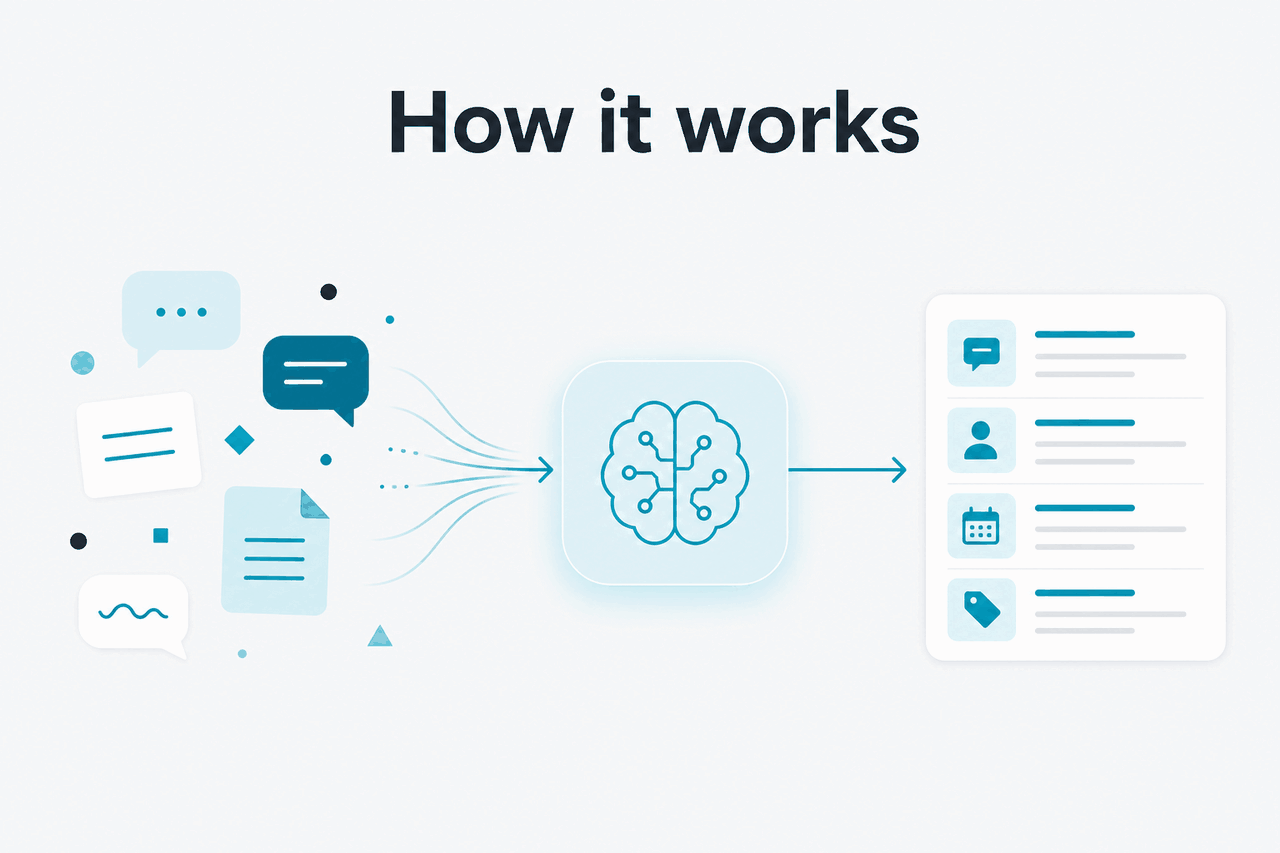
At a basic level, Claude conversation history works by saving your chat threads to your Claude account so they can appear again in the interface later. When you reopen an earlier thread, Claude can see the messages in that thread and continue from them, which is why follow-up questions often make sense without you restating everything from scratch. That is the core convenience: the thread itself carries the earlier context.
That does not mean every old chat behaves like unlimited long-term memory. The useful context is tied to the specific conversation you reopen, the account you are using, and the product experience Anthropic provides in the official app at claude.ai. If you start a brand new thread, Claude does not automatically treat your entire account history as one giant memory bank. For developers, this is also different from the API at Claude API, where conversation state is usually managed by the application rather than by a consumer chat sidebar.
Worked example
Using conversation history for a weekly report
The value comes from continuity inside one thread, not from Claude magically remembering every unrelated chat you have ever had.
This matters even more if you use Claude for coding or structured workflows. In Claude Code and related technical setups, session context, local files, and application state may matter more than the consumer app’s visible conversation history. So when people search for claude conversation history, they often mean one of two things: “Can I reopen old chats?” or “Does Claude remember me across sessions?” The answer to the first is generally yes inside the app; the answer to the second is much more limited.
When this feature actually helps

Conversation history helps most when the work is iterative and the thread itself is part of the workflow. It is especially useful for tasks where you want to preserve previous instructions, earlier drafts, or a running back-and-forth that would be annoying to rebuild from scratch.
- Draft revision: reopen an older writing thread and ask Claude to tighten, shorten, or adapt a document without re-explaining the whole brief.
- Ongoing research: keep a thread for a topic, then return later to ask for comparisons, summaries, or updates in the same frame.
- Project continuity: use one conversation for a recurring task such as weekly planning, meeting prep, or studying a specific subject.
- Code troubleshooting: revisit a bug discussion so Claude can see the earlier error descriptions and attempted fixes.
- Reference lookup: find an earlier answer, prompt, explanation, or generated text you want to reuse.
Pick when
- You work in recurring threads rather than one-off prompts
- You need continuity across drafts, revisions, or follow-ups
- You want an easy way to revisit earlier reasoning or outputs
- You use Projects or structured chat workflows in the official app
Skip when
- You need a formal document repository with strict indexing
- You expect automatic memory across every separate conversation
- You need guaranteed long-term retention for compliance records
- Your app manages context externally through the API instead
For many users, the practical benefit is not “memory” in the human sense. It is reduced repetition. You spend less time re-pasting your goals, prior drafts, or previous outputs. That is why conversation history tends to matter more for professionals than for casual question-and-answer use. It turns Claude from a single-prompt tool into something closer to a running workspace, especially when paired with broader product capabilities listed on the official Claude plans page.
What it can’t do
Claude conversation history is helpful, but it is not a universal memory layer, a guaranteed archive, or a substitute for your own records. If you need exact retrieval, organisation across many files, or account-wide persistent understanding that carries flawlessly into every new chat, this feature will feel narrower than the search term suggests.
- It does not mean global memory across all chats. A new conversation is not the same as reopening an old one.
- It is not a knowledge management system. Long chat lists can become harder to navigate than a proper notes tool.
- Past context can still get messy. In very long threads, important instructions may be buried or diluted by later turns.
- It is not ideal for compliance-sensitive archiving by itself. Teams with governance needs should look at official admin and trust materials, including Anthropic Trust.
- Product behaviour can change. Search, retention, app layout, and feature availability depend on Anthropic’s official product decisions.
- It does not replace local source control or documentation. For code, keep your files, commits, and issue history outside the chat app.
That last point is important. Users often blame conversation history when the real issue is thread design. A clean, scoped conversation usually works better than one giant catch-all chat that mixes brainstorming, admin work, coding, and unrelated questions together.
Other questions readers ask
These are the adjacent questions that usually appear alongside searches for claude conversation history.
The honest take
Claude conversation history is genuinely useful, but its value is practical rather than magical. It helps you reopen earlier threads, continue work with less repetition, and treat past chats as a lightweight reference layer. If that is what you need, it does the job well.
Where people get disappointed is when they expect permanent, account-wide memory or a polished research database. That is not the safest assumption. Think of conversation history as saved chat continuity inside the official Claude experience, not as a full knowledge management platform. If you want the official product, go to claude.ai. If you want a broader independent overview of how Claude works, start with our Claude features guide.
Independent guide. Not affiliated with Anthropic. For the official Claude product, visit claude.ai.
Last updated: 2026-05-12