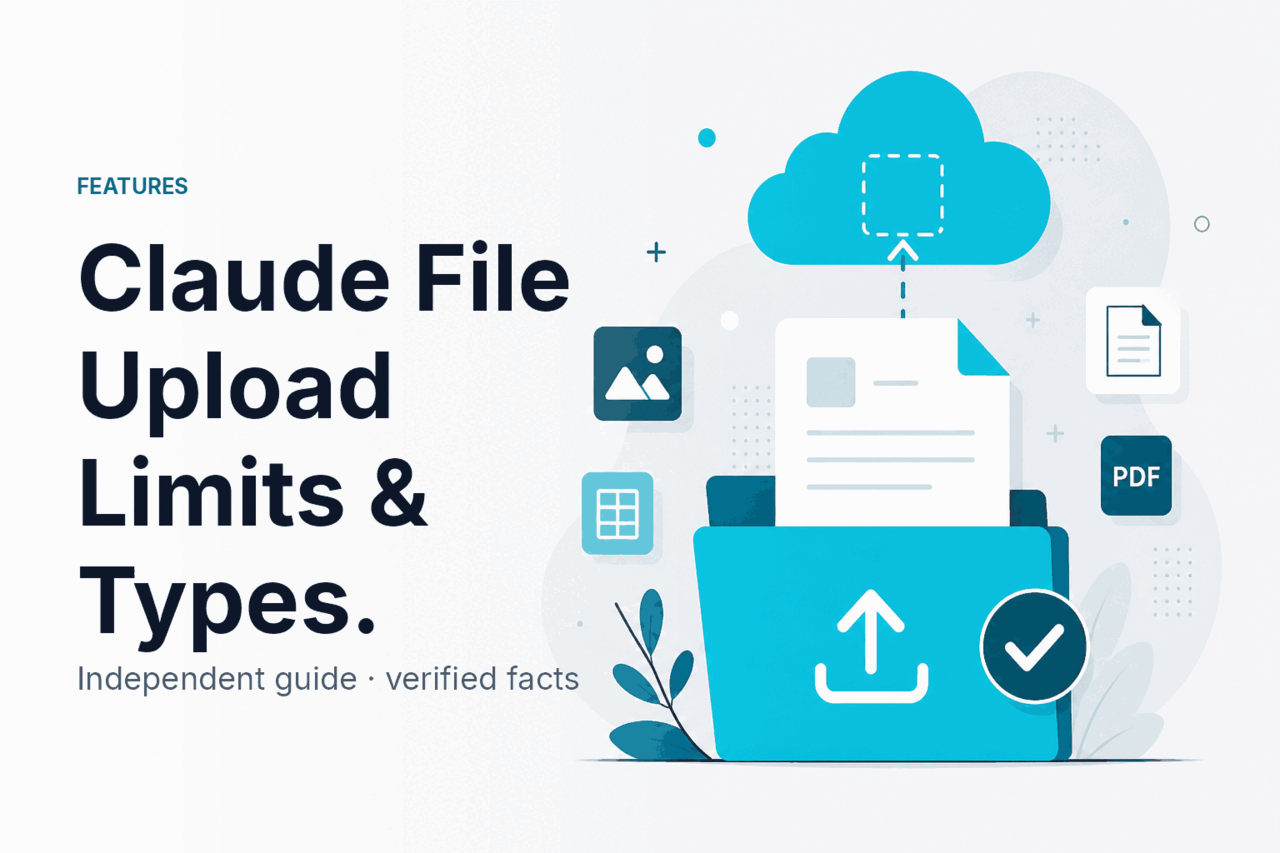
Claude file upload lets you attach documents, images, and other supported files so Claude can read them, extract information, and answer questions about their contents; this guide is an independent explanation from c-ai.chat, not Anthropic, and below you’ll see how it works, where it helps, where it breaks, and what to use instead when uploads are not enough.
If you want the broader product context first, see our independent Claude guide, then compare related capabilities in Claude features.
- What it does at a glance
- How it works
- When this feature actually helps
- What it can’t do
- Other questions readers ask
- The honest take
What it does at a glance
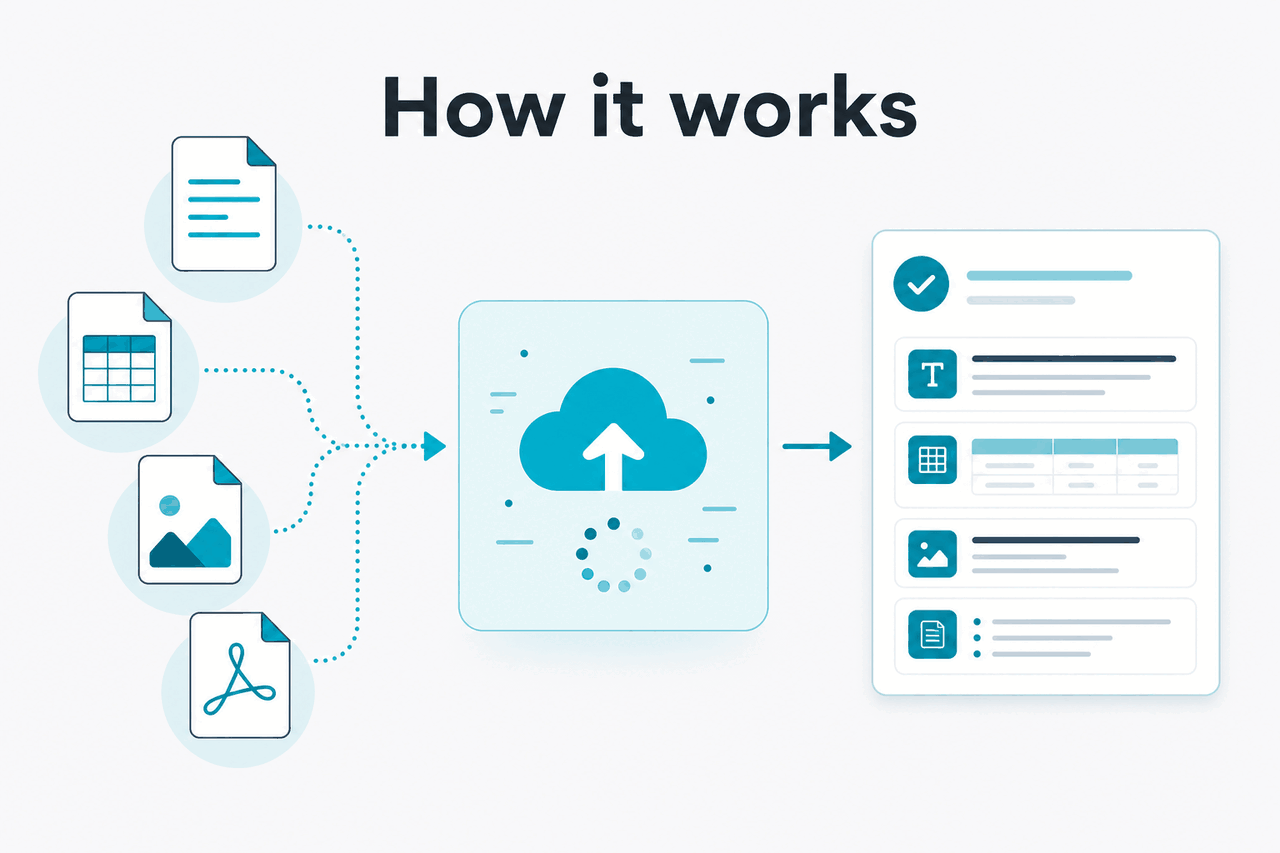
Claude file upload means you provide a file inside Claude and the model uses the file contents as part of the prompt context, which is useful for summarising PDFs, reviewing spreadsheets, extracting facts from reports, and discussing screenshots or images without pasting everything manually.
- Uploads files into chat so Claude can analyse their contents
- Works across apps on web, desktop, iOS, and Android where supported by Claude plans
- Useful for documents, images, and data files when text is too long to paste
- Still bound by context and format limits so large or messy files may need splitting
In practice, file upload is a convenience layer over Claude’s context window. Instead of copying raw text into the chat box, you attach a file, ask a question, and Claude attempts to parse the relevant text or visual information before generating a response. That makes it easier to work with long documents, but it does not remove the normal model limits described on Claude pricing and the model overview.
If you are choosing a model for uploaded files in the API, our Claude models guide and Claude API guide are the next useful pages.
How it works
When you upload a file, Claude does not “open” it like desktop software. The file is processed into information the model can consume inside its context window. For text-heavy files, that usually means extracting text and structure. For images, it means turning the visual content into model-readable input. Claude then answers based on that interpreted content plus your prompt.
The important detail is that upload is not the same as perfect document understanding. A clean PDF with selectable text usually works better than a scanned PDF with poor OCR. A tidy spreadsheet with clear headers works better than a workbook full of merged cells, hidden tabs, and formulas that depend on external references. If the file is very large, Claude may only focus on the parts that fit into the available context, especially on long chats where earlier messages already consume space.
Worked example
Uploading a quarterly PDF report
Uploads work best when you pair the file with a narrow task instead of a vague “analyse this.”
For developers, the same principle applies in the API. You choose a model, pass file-related content in a supported way, and pay according to token usage. If you need repeated analysis of the same large prompt material, prompt caching can reduce cached input cost by 90%, according to Anthropic’s API pricing docs.
90% off
cached input tokens with prompt caching
If your workflow is code-heavy rather than document-heavy, Claude Code may be more relevant than plain chat uploads.
When this feature actually helps
Claude file upload is most useful when the source material already exists in a file and the job is understanding, extracting, comparing, or rewriting that material faster than manual reading.
- Summarising long PDFs: reports, contracts, proposals, policy documents, research papers, and meeting notes.
- Extracting structured facts: pulling dates, obligations, totals, named entities, risks, or action items from a document.
- Reviewing spreadsheets: spotting trends, explaining columns, identifying anomalies, and turning tabular data into a narrative.
- Working with images and screenshots: asking Claude to describe a chart, read interface text, or explain what appears on screen.
- Comparing versions: uploading two documents and asking what changed, what conflicts, or what needs approval.
It also helps when you want a persistent conversation around the same material. In Claude’s app, Projects can keep related chats and reference material together. For people who work with many files each week, that can matter more than the upload button itself. Anthropic lists Projects, Research, and other app features on its pricing page.
Pick when
- You need answers from an existing document, not general web knowledge
- The file is readable, well-structured, and not wildly oversized
- You can ask specific questions such as “extract the key clauses”
- You want quick first-pass analysis before human review
Skip when
- You need guaranteed exact parsing of every cell, footnote, or image element
- The file is low-quality scan output or has complex formatting
- You need deterministic document processing for compliance workflows
- The task is really software execution, not file interpretation
A good rule: use upload for interpretation, drafting, comparison, and extraction. Do not treat it as a legally or financially final parser without checking the source file yourself.
What it can’t do
Claude file upload is helpful, but it is not a guarantee that every file will be ingested cleanly or fully. The main constraints are supported file types, file size, token context, image quality, document structure, and the model’s tendency to summarise or infer when the source is ambiguous. That means upload should be treated as model-assisted reading, not perfect document execution.
- Large files can exceed practical context limits: even with long context models, not every detail may stay active in the conversation at once.
- Scanned or messy PDFs can fail: poor OCR, skewed pages, handwriting, and low contrast reduce accuracy.
- Spreadsheets are not always interpreted exactly: formulas, hidden sheets, merged cells, and formatting quirks can confuse output.
- Uploads do not verify truth: Claude can misread a line, miss a table note, or answer confidently from incomplete extraction.
- Some tasks need a different tool: if you need database-grade extraction, document signing logic, or exact accounting reconciliation, use specialist software.
- Long chats add pressure on context: the file plus your follow-ups all consume room, so later responses may rely on compressed earlier context.
- Availability and limits depend on plan and product surface: app usage limits and feature access differ across Free, Pro, Max, Team, and Enterprise on claude.com/pricing.
For API users, model choice matters here. Anthropic lists Opus 4.7 as the flagship at $5 per million input tokens and $25 per million output tokens, Sonnet 4.6 at $3/$15, and Haiku 4.5 at $1/$5 on the official pricing page. If your uploaded content is long and reasoning-heavy, cheaper models may save money but can require more verification.
| Model | Best fit for uploaded files | Input price | Output price |
|---|---|---|---|
| Claude Opus 4.7 | Complex documents, nuanced analysis, longest tasks | $5/M | $25/M |
| Claude Sonnet 4.6 | Default choice for most file analysis work | $3/M | $15/M |
| Claude Haiku 4.5 | Fast, lower-cost first pass on simpler files | $1/M | $5/M |
Other questions readers ask
These are the closest related questions people usually mean when they search for claude file upload.
For teams, official plan differences matter if file analysis is part of a shared workflow. Anthropic lists Team Standard at $25/seat/month or $20/seat/month annual, Team Premium at $125/seat/month or $100/seat/month annual, and Enterprise at $20/seat base plus usage at API rates, with controls such as SSO, SCIM, audit logs, and regional options depending on contract.
The honest take
Claude file upload is genuinely useful if your main job is asking questions about documents, images, and spreadsheets you already have. It saves time, reduces copy-paste work, and makes long-source conversations possible. For clean files and well-scoped prompts, it is often good enough to become part of daily work.
The limit is reliability at the edges. Upload does not turn Claude into a perfect parser, and large or messy files still need human checking. If you treat it as a fast first-pass analyst, it is strong. If you expect exact document processing with zero misses, you will hit the ceiling quickly.
Independent guide. Not affiliated with Anthropic. For the official Claude product, visit claude.ai.
Last updated: 2026-05-12