Claude Sites is Claude’s website-building feature: you describe a small web app or interactive page in plain English, and Claude generates the HTML, CSS, and JavaScript for you to preview, refine, and share. c-ai.chat is an independent guide, not Anthropic, and this page explains what Claude Sites does, how it works, where it helps, and where it falls short. For a broader product overview, see our Claude AI guide.

- What it does at a glance
- How it works
- When this feature actually helps
- What it can’t do
- Other questions readers ask
- The honest take
What it does at a glance
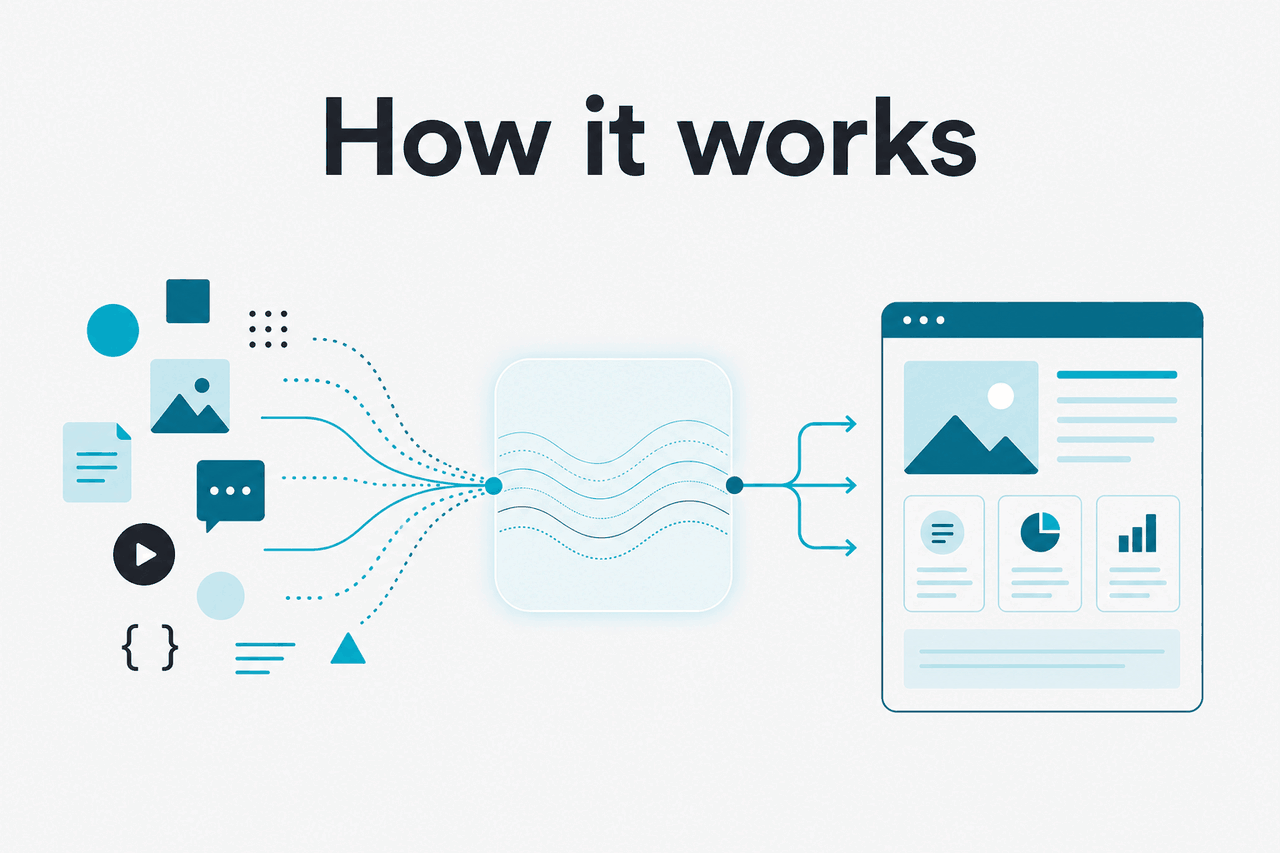
Claude Sites lets you turn a prompt into a simple web app, landing page, calculator, quiz, dashboard, or other interactive webpage without starting from scratch in code. It is best understood as AI-assisted front-end generation inside Claude, not a full no-code platform with database hosting, user accounts, and production-grade deployment controls.
- Prompt to page · describe a site and Claude writes the interface
- Interactive output · handles HTML, CSS, and JavaScript for small apps
- Best for prototypes · landing pages, tools, calculators, demos, forms
- Not full-stack · limited for databases, auth, and complex production systems
If you already use Claude for writing or coding, Sites sits somewhere between those two modes. It gives non-developers a faster way to make something visible, and it gives developers a quick way to sketch a front end before moving into a fuller workflow like Claude Code or the Claude API.
How it works
Under the hood, Claude Sites works by having Claude generate browser-based code from your instructions. You ask for a page or tool, specify the layout and behaviour you want, and Claude produces the markup, styling, and client-side logic needed to render it. If something looks wrong, you keep iterating in natural language: “make the chart wider,” “add a dark mode toggle,” “validate the form,” or “turn this into a pricing calculator.”
That means Claude is not “designing” in a magical black box. It is writing front-end code based on patterns it has learned, then revising that code as you give feedback. The quality depends on how clearly you describe the task, how constrained the requirements are, and whether the requested feature can run entirely in the browser. For more on Claude’s general capabilities, see our Claude features overview and Claude models guide.
Worked example
Build a simple pricing calculator from one prompt
The gain is speed. The trade-off is that you still need to review the output and test edge cases.
When this feature actually helps
Claude Sites helps most when the bottleneck is getting a usable interface in front of people quickly. It is strong for lightweight, self-contained pages where the main value is the user interaction itself, not a large back-end system behind it.
- Landing pages and campaign microsites: useful when you need a presentable page fast and want to iterate on copy, layout, and calls to action in one place.
- Internal tools and calculators: good for ROI calculators, scorecards, estimators, simple planners, and one-screen business tools.
- Teaching demos: helpful for making quizzes, visual explainers, mini simulators, and interactive examples without hand-coding every component.
- Product mockups: useful for founders and product teams that need a clickable concept before committing engineering time.
- Front-end starting points: developers can use it to generate a first draft UI, then move the project into a fuller workflow.
Pick when
- You need a small interactive site or app quickly
- You can describe the behaviour clearly in plain English
- The project can run mostly in the browser
- You want a prototype before writing production code
- You are testing an idea, workflow, or message
Skip when
- You need a large app with many moving parts
- Your project depends on databases, auth, or server-side logic
- You need strict design-system consistency from day one
- You cannot review or test generated code
- You need enterprise deployment and governance controls
For many users, that makes Claude Sites a practical bridge between idea and implementation. It is not a replacement for every website tool, but it can remove the blank-page problem. If your goal is a more code-centric workflow, Claude Code is often the better next step.
What it can’t do
The main limit is scope. Claude Sites can generate a convincing front end, but that does not automatically make it a full product. You still need to think about security, reliability, accessibility, analytics, content governance, and whether the page needs data or services that live outside the browser.
- No guarantee of production-ready code: generated output may need cleanup, testing, and structural fixes.
- Weak for complex back ends: database operations, secure authentication, and private server logic are outside the simplest browser-only model.
- Can miss edge cases: forms, calculations, validation, responsive layouts, and state handling may break in uncommon scenarios.
- Design consistency may vary: the first draft may not match an existing brand system without detailed prompting and revision.
- Accessibility is not automatic: you should still check keyboard use, contrast, labels, semantics, and screen-reader behaviour.
- Maintenance remains your job: if requirements change later, somebody still has to own and review the code.
Other questions readers ask
Searches for “claude sites” often overlap with broader questions about Claude’s coding abilities, hosting, and product scope. Here are the short answers.
- Free tier · no card
- Pro · $20/month or $17/month annual
- Team · from $25/seat/month
- Enterprise · $20/seat base + usage
The honest take
Claude Sites is useful if you want to build a small web app or interactive page without opening with a blank code editor. It can turn a rough idea into something tangible very quickly, especially for calculators, demos, microsites, and prototype interfaces. That is real value.
But it is not a shortcut past software fundamentals. If the project needs secure back-end systems, durable data, strict QA, or long-term maintainability, you should treat Claude Sites as the starting point, not the final system. For many readers, that is the right mental model: fast front-end generation, strong for prototypes, limited for full production builds.
Independent guide. Not affiliated with Anthropic. For the official Claude product, visit claude.ai.
Last updated: 2026-05-12