A Claude tokenizer turns text into the token units Claude models process, so you can estimate context use, API cost, and whether a prompt will fit before you send it; c-ai.chat is an independent guide, not Anthropic, and this page explains token counting within the wider Claude features ecosystem.
- What it does at a glance
- How it works
- When this feature actually helps
- What it can’t do
- Other token counting questions
- The honest take
- Sources
What it does at a glance
A Claude tokenizer answers one practical question: “How much model space will this text use?” Claude models do not process prompts as words or pages. They process tokens: text pieces that can be whole words, word fragments, punctuation, whitespace, code symbols, or other units. Context windows, output limits, and API pricing all use tokens. For production counts, use Anthropic’s official token counting tools. For planning, third-party tokenizer estimates can still help.
- Estimates prompt size before you send long text.
- Checks context fit against model limits.
- Helps forecast API cost from input and output token prices.
- Supports prompt trimming for files, chat history, logs, and code.
The safest mental model is simple: a tokenizer is a measuring tool, not an answer-quality tool. It can estimate how much space a prompt consumes. It cannot tell you whether Claude will answer well, follow instructions, or choose the right reasoning path.
| Term | What it means | Why it matters |
|---|---|---|
| Token | A chunk of text processed by the model | Pricing, limits, and context windows are token-based |
| Input tokens | Tokens you send to Claude, including instructions, files, and conversation history | They affect prompt size and API cost |
| Output tokens | Tokens Claude generates in its reply | They affect response length and API cost |
| Context window | The available space for input plus output | Large prompts may need compression or splitting |
| Tokenizer estimate | A count produced before or outside a model call | Useful for planning, but official tooling is safer for exact counts |
If you are choosing a Claude model, pair token counting with the model limits and prices in our Claude models guide. If you are building with the API, token counting belongs in your request pipeline, alongside logging, rate-limit handling, and cost controls in your Claude API docs guide.
How it works
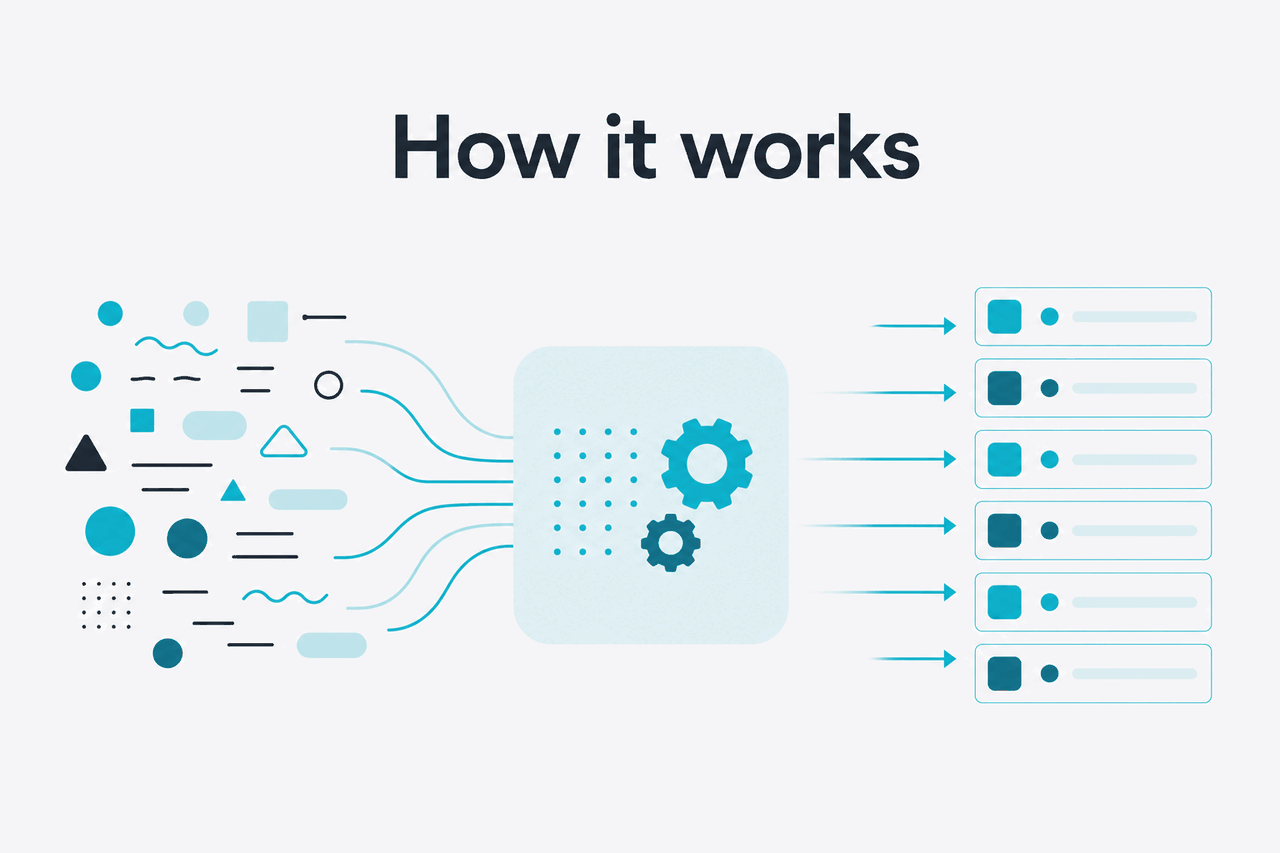
Tokenization converts plain text into model-readable pieces. Those pieces are not the same as words. “Chat” may be one token in one context. A rare technical term, emoji, URL, or code expression may split into several tokens. Spaces, line breaks, punctuation, and formatting can also affect the count. That is why two prompts with the same word count can use different numbers of tokens.
For Claude, the most reliable count is the one calculated by Anthropic’s systems. Anthropic documents token counting through the official Claude docs and developer platform at docs.claude.com and platform.claude.com. Third-party counters can help while drafting, but they may not match a live Claude request exactly, especially when messages include tool calls, images, PDFs, system prompts, or hidden formatting added by an app.
Worked example
Estimating a support-summary prompt
A tokenizer helps you find the bulky section before the request fails or costs more than expected.
Token counting also clarifies the difference between context and output. Context is the space Claude can consider while generating a response. Output is the text Claude returns. A long prompt can leave less room for a long answer. A short prompt can still produce a long answer if you allow a high output limit. Developers usually manage both values explicitly.
In API usage, billable cost depends on the model and token direction. Input tokens and output tokens have different prices.
Opus 4.7
$5 per million input tokens
$25 per million output tokens
Flagship model with a 1M-token context window.
Sonnet 4.6
$3 per million input tokens
$15 per million output tokens
Balanced model with a 1M-token context window and 128K max output.
Haiku 4.5
$1 per million input tokens
$5 per million output tokens
Lower-cost model for high-volume or latency-sensitive work.
These prices make token counting more than a technical detail when you run repeated jobs, agents, batch processing, or user-facing tools. See our Claude pricing guide for plan and API cost context.
90% off
cached input tokens with prompt caching
Cost optimisation changes the calculation. Anthropic’s prompt caching can reduce the cost of reused input tokens by 90%. The Batch API can reduce costs by 50% in both directions for eligible workloads. A tokenizer helps identify repeated prompt sections that may be worth caching, such as long policy documents, product catalogues, codebase summaries, or stable system instructions.
When this feature actually helps

A Claude tokenizer helps most when the prompt is long, repeated, expensive, or generated automatically. If you only ask short questions in claude.ai, you may not need token counts often. If you upload large files, build API workflows, or run Claude over many records, token counting becomes basic quality control.
- Checking whether long documents fit. Contracts, transcripts, research notes, and exported chat logs can grow quickly. Token counting shows whether you can send the whole document or need a summary-first workflow.
- Estimating API spend before launch. If your app sends thousands of requests, small token changes can move monthly cost. Count representative prompts and expected outputs before choosing a model.
- Designing prompts for coding work. Coding tasks often include file paths, diffs, logs, stack traces, and instructions. Token counting helps decide what to include. See our Claude resources for related developer guides.
- Managing chat history in agents. Agent systems often carry forward prior messages. A tokenizer helps trim old turns, preserve key facts, and avoid sending irrelevant history.
- Preparing batch jobs. If each row in a batch has a different text length, counting tokens helps group jobs, cap outliers, and prevent unexpected failures.
Decision rule
Count tokens when failure or cost would matter. Count long prompts, user-generated prompts, document-heavy prompts, and prompts that run at scale. Skip routine one-off chats unless you are debugging a limit problem.
Pick when
- You are sending long files, transcripts, logs, or code.
- You need predictable API costs.
- You are deciding between Opus, Sonnet, and Haiku.
- You want to reduce repeated prompt content with caching.
Skip when
- You are asking short one-off questions in the Claude web app.
- You only need a rough answer and cost does not matter.
- Your interface already handles truncation safely.
- You expect the count to predict answer quality.
For product teams, token counting also improves user experience. Instead of failing after a user submits a huge request, your app can warn them early, compress the input, split the job, or ask which sections matter most. That handling is often more valuable than shaving a few tokens from a prompt template.
What it can’t do
A Claude tokenizer is useful, but it is not a complete model simulator. It measures text size under a tokenization scheme. It does not reproduce Claude’s reasoning, safety behavior, retrieval behavior, tool use, file handling, or the exact hidden structure an app may send behind the scenes. Treat the count as an input-planning signal, not a guarantee.
- It cannot guarantee exact counts across every interface. The Claude web app, API, integrations, and third-party tools may package content differently.
- It cannot predict answer quality. A shorter prompt may be worse if it removes important context. A longer prompt may be worse if it adds noise.
- It cannot show what Claude understands. Tokens are input units, not concepts, facts, or beliefs.
- It cannot bypass model limits. If a request exceeds a model’s context or output constraints, you still need to split, compress, or redesign the workflow.
- It may be wrong for non-text content. PDFs, images, tool results, attachments, and structured messages can have counting rules that a simple text box does not capture.
- It cannot replace real API accounting. For billing and production monitoring, use usage data from Anthropic’s platform and your own logs.
Another common mistake is treating the context window as a target. Filling the full context window can help with document analysis, but it is not always better. Claude still needs clear instructions, relevant context, and enough output room. A smaller, better-structured prompt often performs better than a large prompt filled with loosely related material.
Other token counting questions
These are the related questions people usually mean when they search for a Claude tokenizer.
For official product access, use claude.ai. For service availability, check status.claude.com. For company and trust information, Anthropic publishes official material at anthropic.com and trust.anthropic.com. For broader background, see our Claude FAQ.
The honest take
A Claude tokenizer is most valuable as a planning tool. It helps you avoid oversized prompts, compare model costs, set output budgets, and design better API workflows. It is less important for casual chat, where Claude’s interface hides most token management and the stakes are lower.
If you build on Claude, add token counting early. Use estimates while drafting, then validate with Anthropic’s official developer tools before you depend on the numbers. If you mainly use Claude through the web app, treat tokenization as background knowledge: useful when long documents fail, but not something you need for every prompt.
Independent guide. Not affiliated with Anthropic. For the official Claude product, visit claude.ai.
Last updated: 2026-05-12