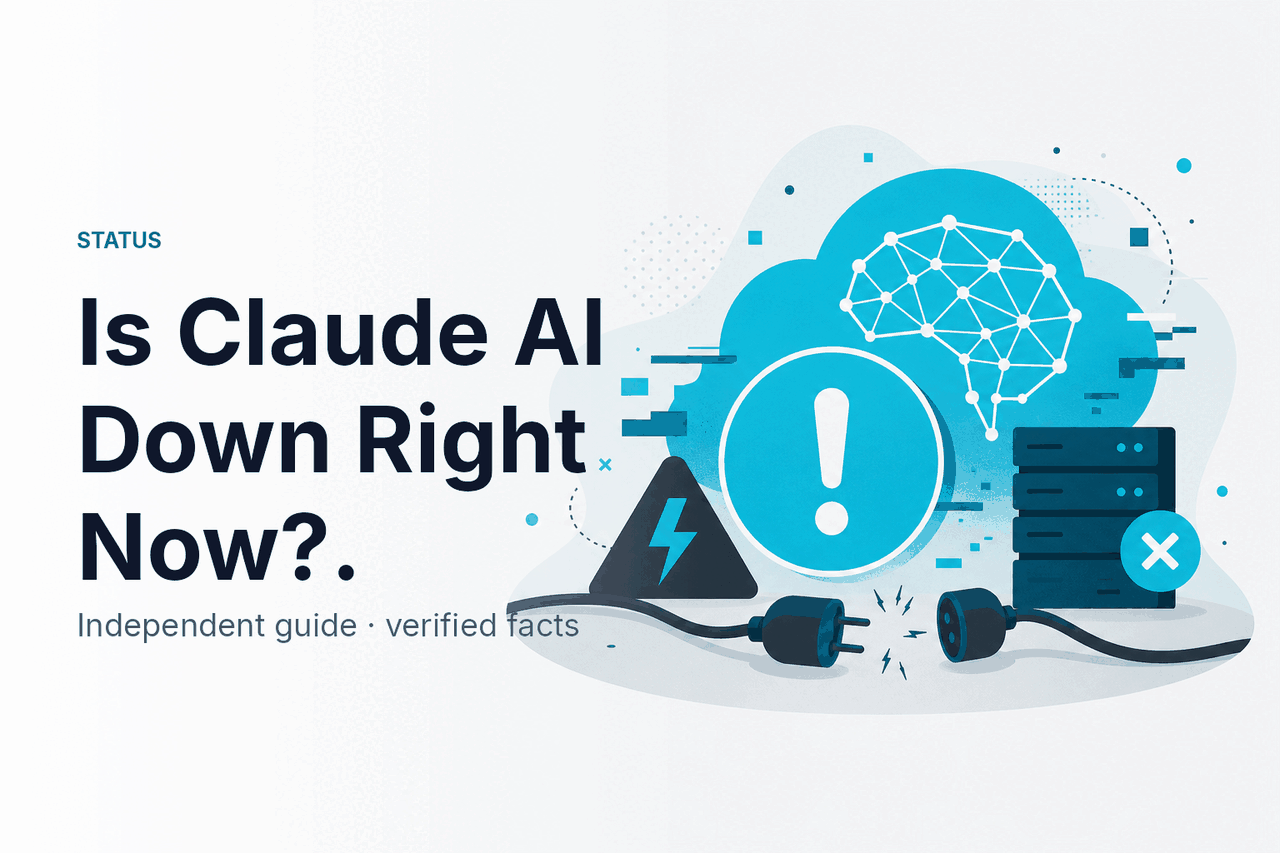
If you are asking “is Claude AI down right now?”, check status.claude.com first: it is Anthropic’s official live status page for Claude, while c-ai.chat is an independent Claude guide that explains what the status means and what to try next.
- Is Claude down right now?
- Common failure modes
- Recent incident history
- What to do during an outage
- FAQ: other questions readers ask
- The honest take
- Sources
- Official status: status.claude.com
- Official product: claude.ai
- Independent guide: c-ai.chat is not Anthropic and does not operate Claude.
Is Claude down right now?
Use status.claude.com for the live answer. Anthropic operates Claude and publishes official incident notices there.
If the status page shows an active incident, Claude may be unavailable, slow, or partially degraded. A partial degradation may affect only some users, the web app, file uploads, the console, or API requests. One person may see errors while another can use Claude normally.
If the status page says all systems are operational, the issue may be local. Browser extensions, expired sessions, network filters, rate limits, account limits, and malformed API requests can look like platform downtime.
Use this order when you need a fast answer:
Check the official status page
Open status.claude.com and look for active incidents or degraded components.
Test Claude in a clean session
Open claude.ai in a private browser window. This helps rule out extensions, cache, cookies, and stale login state.
Try a different network
Switch from office Wi-Fi to mobile data, or disconnect a VPN. Some workplaces, schools, and corporate networks block or inspect AI services.
Check whether the issue is web-only
If you use the API, test a small request through the Anthropic Console or your normal client. If the API works but claude.ai fails, the issue may be limited to the web app.
For API users, a failed request is not always an outage. Check the status code and error body before assuming Claude is down. Authentication failures, quota errors, malformed requests, and context-length errors are client-side or account-side problems. Our Claude API guide explains the API path in more detail.
Common failure modes
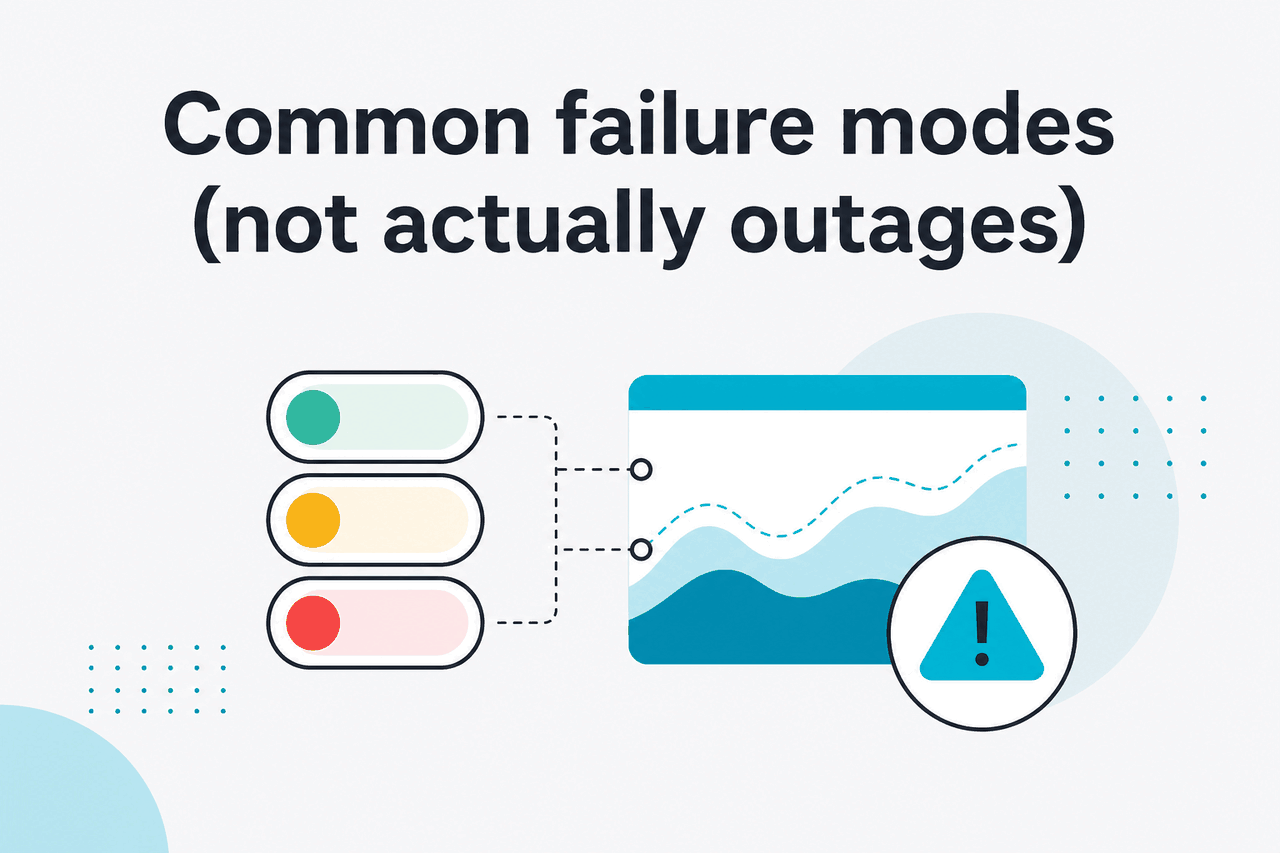
Several user-side issues look like Claude is down. Most have quick fixes.
| Symptom | Likely cause | What to try |
|---|---|---|
| Limit message or sudden stop | Account, workspace, or API rate limit | Wait for the limit window to reset, reduce request frequency, shorten prompts, or review usage settings. |
| Claude will not load on one network | Network filter, VPN issue, regional block, or DNS problem | Try mobile data, disable the VPN, or ask your network administrator whether Anthropic domains are allowed. |
| Claude works in one browser but not another | Extension, cache, cookie, or browser-session problem | Use a private window, disable extensions, clear site data for claude.ai, or try a different browser. |
| Login loop or blank account screen | Expired session or account re-authentication issue | Sign out, sign back in, and test the same account on another device. |
| Only one conversation or upload fails | Large file, unsupported file type, or problem with that chat state | Start a fresh chat, upload a smaller file, or test with plain text first. |
| API errors continue while the status page is clear | Invalid model name, missing header, oversized context, bad JSON, or invalid tool schema | Send a minimal request and compare it with the current Anthropic API documentation. |
Likely an outage when
- The official status page shows an active incident.
- Multiple devices and networks fail at the same time.
- Both claude.ai and API requests fail for many users.
- Errors appear before your prompt is processed.
Likely local when
- Only one browser fails.
- A private window works.
- The API works but your web session does not.
- The error mentions limits, billing, authentication, or request format.
The simplest split is this: if Claude fails everywhere, for many users, while the status page reports an incident, treat it as an outage. If Claude fails only for your account, device, network, browser, or one workflow, troubleshoot locally first.
Paid plans can also change the symptoms. Higher usage allowances do not prevent outages, but they can reduce confusion caused by usage limits. If you often hit limits rather than downtime, compare the official Claude pricing page with our independent Claude pricing guide.
Recent incident history
Use Anthropic’s incident timeline on status.claude.com for the official record. Social posts and outage aggregators can be useful signals, but they are not the canonical source.
When reading incident history, check the affected component. “Claude.ai degraded” does not always mean the API is down. “API errors” does not always mean the consumer web app is broken. “Elevated latency” means Claude may still answer, but more slowly. “Partial outage” means only some requests, users, regions, or features may be affected.
Also check the incident state. Investigating means Anthropic is diagnosing the cause. Identified means the team has found the likely cause. Monitoring means a fix is in place and they are watching for recurrence. Resolved means the incident is closed, though some users may still need to refresh sessions or retry failed jobs.
What to do during an outage
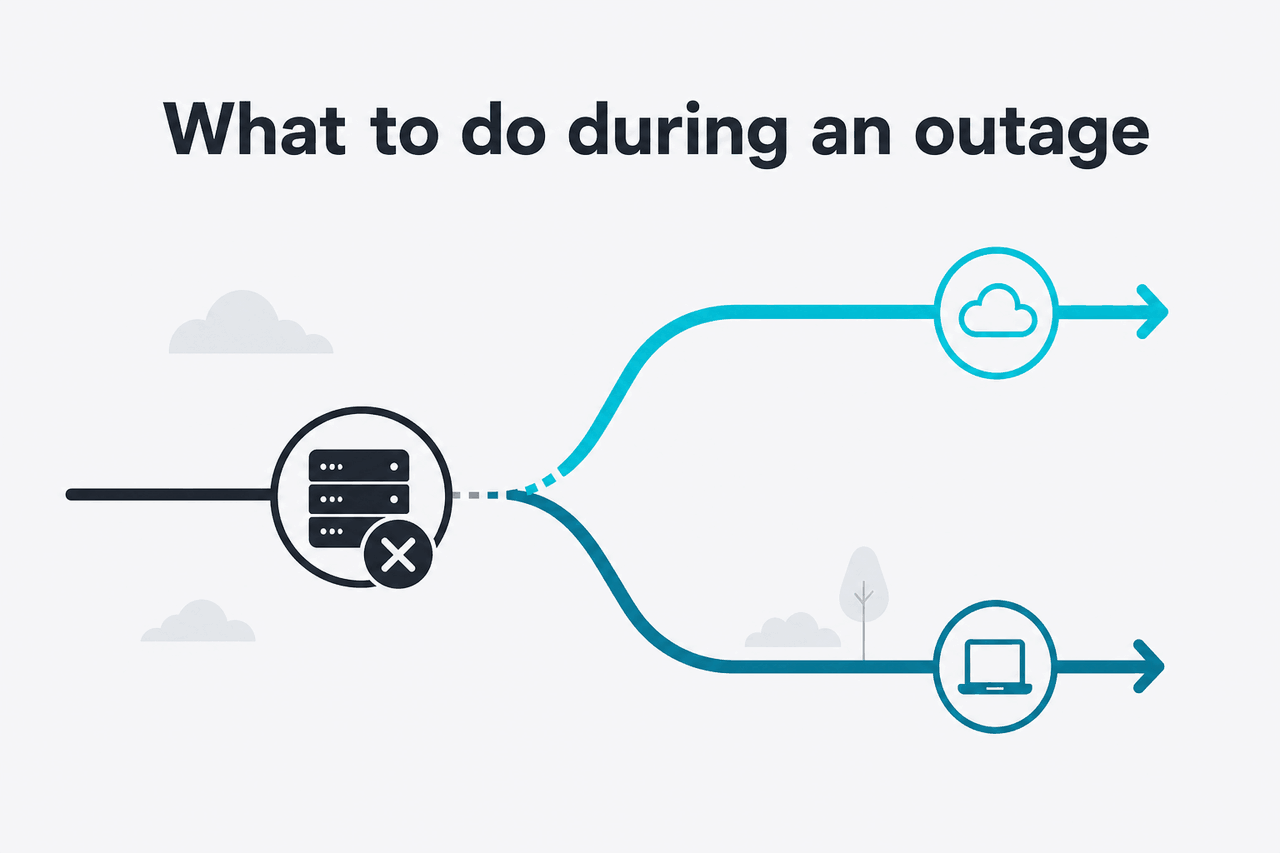
During a real outage, reduce dependency on the affected surface and preserve your work. Avoid repeated retries with large prompts if the API is returning errors. That can waste time and may increase cost for requests that partially process.
- Try the API instead of the web app: If claude.ai is degraded but the API is healthy, move urgent work through the Anthropic API platform. Test with a small request first.
- Try the web app instead of the API: If your API client is failing because of authentication, request formatting, or deployment code, test the same task in claude.ai.
- Use a smaller model if available: If one model is slow or degraded, test a lighter model for drafts, classification, extraction, or simple support tasks. Review important outputs. Our Claude models guide explains the main trade-offs.
- Shorten the prompt: Remove old context, attachments, and unnecessary instructions. Smaller requests are easier to retry and move between tools.
- Batch later: Delay non-urgent summarisation, enrichment, classification, and data-cleaning jobs until the incident is resolved.
- Copy work locally: If you can still access a conversation, save critical prompts, outputs, code, and decisions before refreshing or starting over.
- Use another assistant temporarily: For time-sensitive drafting, brainstorming, or general research, use another AI assistant while Claude is unavailable. Treat outputs as new work, not as a perfect continuation of Claude context.
- Pause production automations: If your product depends on Claude API calls, use circuit breakers, fallback queues, and clear user-facing error messages. Do not silently drop customer tasks.
Developers should make failures visible. Log status codes, model names, request IDs where available, retry counts, and user-visible impact. If you contact Anthropic support, precise error data is more useful than “Claude is down.” The Anthropic support site is the official support path for account-specific help.
If your business depends on Claude, build a practical fallback plan before the next incident. That plan can include cached answers, queued jobs, degraded-mode responses, alternate model providers, and clear internal rules for when to pause automation. Our Claude features guide can help separate must-have features from tasks that can wait.
Worked example
Triage a failed Claude workflow
This process prevents wasted retries and helps separate downtime from a local configuration problem.
FAQ: other questions readers ask
These quick answers cover related Claude outage and access questions.
If you are trying to understand Claude more broadly, see our Claude FAQ. It covers account access, model behavior, privacy basics, and common product questions in plain language.
The honest take
c-ai.chat cannot tell you live service state better than Anthropic’s own systems. If you need to know whether Claude AI is down right now, use status.claude.com. If that page shows an active incident, wait, use a fallback, or move urgent work to another available tool.
If the official status page is clear, treat the problem as local until proven otherwise. Test a private browser window, another network, a fresh login, a smaller prompt, or a minimal API request. Most “Claude is down” moments are real but partial incidents, temporary rate limits, or local session and browser issues.
Independent guide. Not affiliated with Anthropic. For the official Claude product, visit claude.ai.
Last updated: July 16, 2026