Status & Outages

The fastest way to answer “is Claude down?” is to check status.claude.com: if it lists an active incident for the Claude.ai, API, or platform component you use, treat that Claude surface as down or degraded. If the page is green, troubleshoot your account, usage limits, browser, network, and integration next. c-ai.chat is an independent guide to Claude AI, not Anthropic or claude.ai. Use this page to confirm status, rule out local failures, choose fallbacks, and set up monitoring.

Is Claude AI Down? Live Status & Troubleshooting — hero illustration.
Is Claude AI Down? Live Status & Troubleshooting

Is Claude down right now?

Concept diagram for is claude down

Open status.claude.com and match the component to your workflow. Treat any active incident, degraded performance notice, or partial outage as the live public answer for that component.

  • Official status: status.claude.com
  • Claude.ai and API: can fail separately
  • Green status: does not rule out local, account, plan, or network issues
  • Second-device testing: helps separate an outage from a local fault

Start with the service you were using. If the web app will not load, check the Claude.ai component. If an integration fails, check the API component. If a developer console, workbench, or billing page fails, check the platform component if it is listed. A green indicator for one component does not prove every Claude surface is healthy.

Then compare the status page with your symptoms. A broad outage usually shows page-load failures, server errors, or the same failure across many users and locations. A degraded incident can be narrower: slow responses, intermittent errors, delayed tool calls, upload failures, or login trouble.

If the official page is green, do not assume it is wrong. Plan limits, rate limits, browser storage problems, VPN routing, corporate proxies, blocked cookies, expired sessions, and workspace permissions can all stop Claude without a public incident.

  1. Check the official page

    Open status.claude.com and identify whether the web app, API, or another Anthropic service is affected.

  2. Test a second path

    Try another browser, private window, device, or network. If one path works and another fails, the issue is probably local.

  3. Compare product surfaces

    Try Claude.ai if the API is failing, or a small API request if the web app is failing. Component-specific failures are common.

  4. Record the exact error

    Save the message, HTTP status code, request ID if present, model name, workspace, and the action that triggered the problem.

  5. Escalate after triage

    If status is green and the issue follows your account across browsers and networks, contact Anthropic Support.

Status signal What it usually means Best next action
Official incident listed Anthropic has acknowledged a service problem for at least one component. Stop heavy retries, follow the incident page, and use a fallback workflow.
All official components look healthy The issue may be local, account-specific, quota-related, or not yet reflected publicly. Test another browser, device, and network before opening a support ticket.
Claude.ai fails but API works The web product, login flow, browser session, or frontend path may be affected. Use API-based workflows if you already have them and the task is suitable.
API fails but Claude.ai works Your API key, rate limit, billing state, model choice, request shape, or API component may be the issue. Check logs, reduce request size, try a minimal request, and review the Claude API guide.
Only one model fails The problem may be model-specific, capacity-related, or caused by a request that exceeds that model’s limits. Switch models only if the task allows it, and compare constraints in the Claude models guide.

For web users, the simplest health check is direct. Sign out and back in only if you can safely do so. Try a private window. Then try another network. If the same account fails everywhere while a colleague can use Claude normally, you may have an account, workspace, subscription, or permission issue.

For developers, read the error class before changing code. Server-side errors and widespread latency can point to a service issue. Authentication errors usually point to a key, header, workspace, or billing problem. Rate-limit errors mean the service is responding but refusing extra load under your current limits. Malformed-request errors mean Claude is reachable, but your request needs work.

Status looks healthy? Open the official Claude product and test a short prompt before resuming important work.

Open Claude

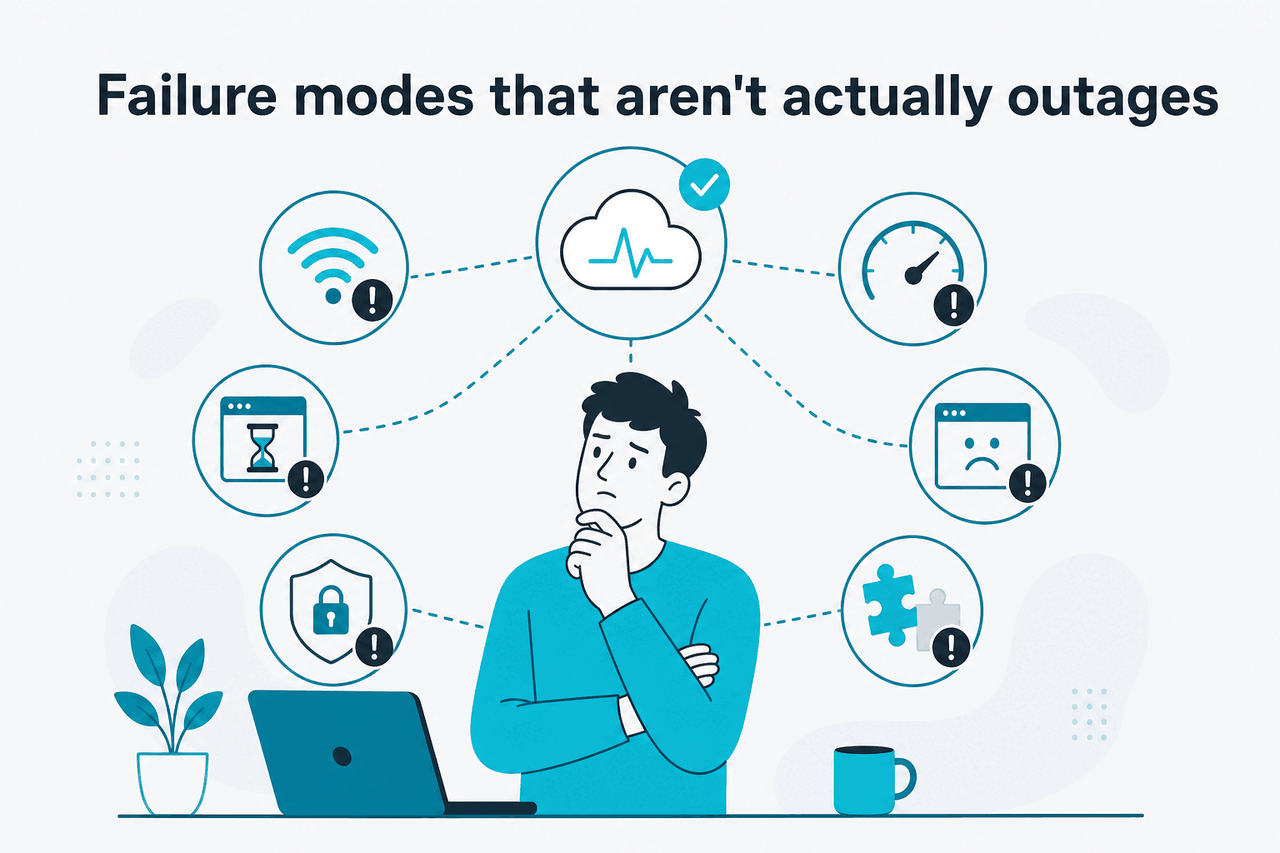
Failure modes that are not outages

Abstract scene of using Claude AI

Not every failed Claude request means Anthropic is having an outage. Check these common causes before assuming Claude is down.

  • Usage limits on Claude.ai: the web product can stop or slow work when you reach your plan’s usage allowance.
  • API rate limits: HTTP 429 errors usually mean your application is sending too much traffic for its current limits.
  • API authentication problems: invalid API keys, missing headers, workspace mismatch, or revoked credentials can make every request fail.
  • Billing or account state: expired payment details, disabled workspaces, or admin restrictions can block access while the public service remains healthy.
  • Region restrictions: Anthropic controls product availability by location and policy. One country, network, or travel setting may be blocked while others connect.
  • Browser storage and cookies: corrupted cookies, blocked local storage, or an expired session can stop Claude.ai from loading or saving chats.
  • Browser extensions: privacy, script-blocking, ad-blocking, password, and security extensions can interfere with login, uploads, streaming responses, or clipboard actions.
  • VPNs and corporate proxies: some networks block or inspect long-lived HTTPS connections, which can break streamed responses without blocking every site.
  • Device clock or certificate problems: incorrect system time, strict certificate inspection, or outdated trust stores can cause login and secure connection failures.
  • File and context limits: large files, unsupported formats, or very long prompts can fail even when normal text prompts work.
  • Feature-specific issues: a tool, connector, upload flow, integration, or project feature may fail while ordinary chat remains available.
  • Model selection issues: a selected model may be unavailable to your plan, workspace, or region while another model works.
  • Local Claude Code setup: terminal permissions, shell configuration, proxy settings, package state, and authentication can make Claude Code fail independently of Claude.ai.

Reduce the test. Use the smallest action that should work: a short prompt in a new chat, a private browser window, a separate network, or a minimal API call. If a tiny request works, Claude is not fully down. Your failing workflow is probably hitting a size, permission, tool, extension, or quota boundary.

Usage-limit messages are the most common false alarm for web users. A limit can block your next prompt, but it is not the same as a public outage. If limits keep interrupting work, compare plans in our Claude pricing guide.

Free

$0

Check whether you reached the free usage allowance.

Pro

$20/mo or $17/mo annual

Check whether a paid individual plan fits your workload.

Max

from $100/mo

Check whether higher usage capacity is the real need.

Team Standard

$25/seat or $20/seat annual

Check team seats, workspace access, and admin settings.

Team Premium

$125/seat or $100/seat annual

Check team policy, connectors, and higher-tier access.

Enterprise

$20/seat base + API rates

Check workspace policy, API billing, and administrator controls.

A plan change can reduce usage-limit blocks. It does not fix a confirmed Anthropic incident.

API rate limits are the developer version of the same problem. A rate-limit response means Anthropic received your request and enforced a limit. Add exponential backoff, cap parallel jobs, queue non-urgent work, and avoid retry storms. Repeating the same failing request at high speed can make your own outage worse.

Browser issues are also easy to misread. Claude.ai relies on login state, browser storage, network streaming, and scripts. A strict extension can block one of those pieces. A private window with no extensions is a quick test. If Claude works there, disable extensions one by one or clear Claude-related site data after saving anything important.

Network restrictions matter. Corporate networks, school networks, managed devices, and some VPN routes apply rules that differ from a home connection. If Claude works on mobile data but fails on office Wi-Fi, the service is probably reachable and your local network path needs attention.

Model and feature issues can be narrower. A long document upload may fail while a normal text prompt works. A connector may stall while chat is fine. A selected model may fail while another model responds. In those cases, check the affected feature, reduce file size or prompt length, and test a simpler path. Our Claude features guide explains which product features can add extra failure points.

Treat it like an outage when

  • Anthropic lists an active incident.
  • Multiple networks and accounts fail the same way.
  • Claude.ai and API both show broad errors.
  • Server errors or timeouts appear across simple requests.

Treat it like local troubleshooting when

  • Only one browser, device, workspace, or network fails.
  • You see usage-limit, permission, billing, or authentication messages.
  • Only one file, tool, prompt, or model path fails.
  • A private window or alternate network fixes the issue.
Symptom Likely cause Quick test Fix
“Too many requests” or 429 Rate limiting Send one small request after a pause Backoff, queue work, reduce parallel calls
Login loop on Claude.ai Cookies, session, SSO, or extension conflict Private window and another browser Clear site data, allow cookies, check SSO settings
Only office network fails Proxy, firewall, DNS, or VPN route Test mobile data or a trusted home network Ask IT to allow the required Anthropic domains
Only file uploads fail File size, type, scanning, or tool-specific issue Try a smaller supported file Split files, simplify formatting, retry later
API returns 401 or 403 Authentication, workspace, permission, or account state Test a known-good key in a minimal request Rotate key, check workspace, review billing and access
Claude Code fails locally CLI auth, shell, proxy, permissions, or local environment Test Claude.ai and a minimal terminal command separately Review Claude resources, then check auth and network settings

When a failure looks local, collect facts before changing many things at once. Record the browser, network, account, workspace, model, feature, and exact error. Change one variable at a time. If you are in a managed workspace, ask the admin to check policy, model access, connectors, tools, and data settings.

Recent incident history

Anthropic’s public status history is the official incident trail. It can distinguish Claude.ai incidents from API incidents, show degraded-performance windows, and mark staged recovery across components. Use the history view on status.claude.com when you need the official record.

Use history to identify patterns, not to prove a live incident by itself. An older API event does not explain today’s browser problem unless the component and symptoms match.

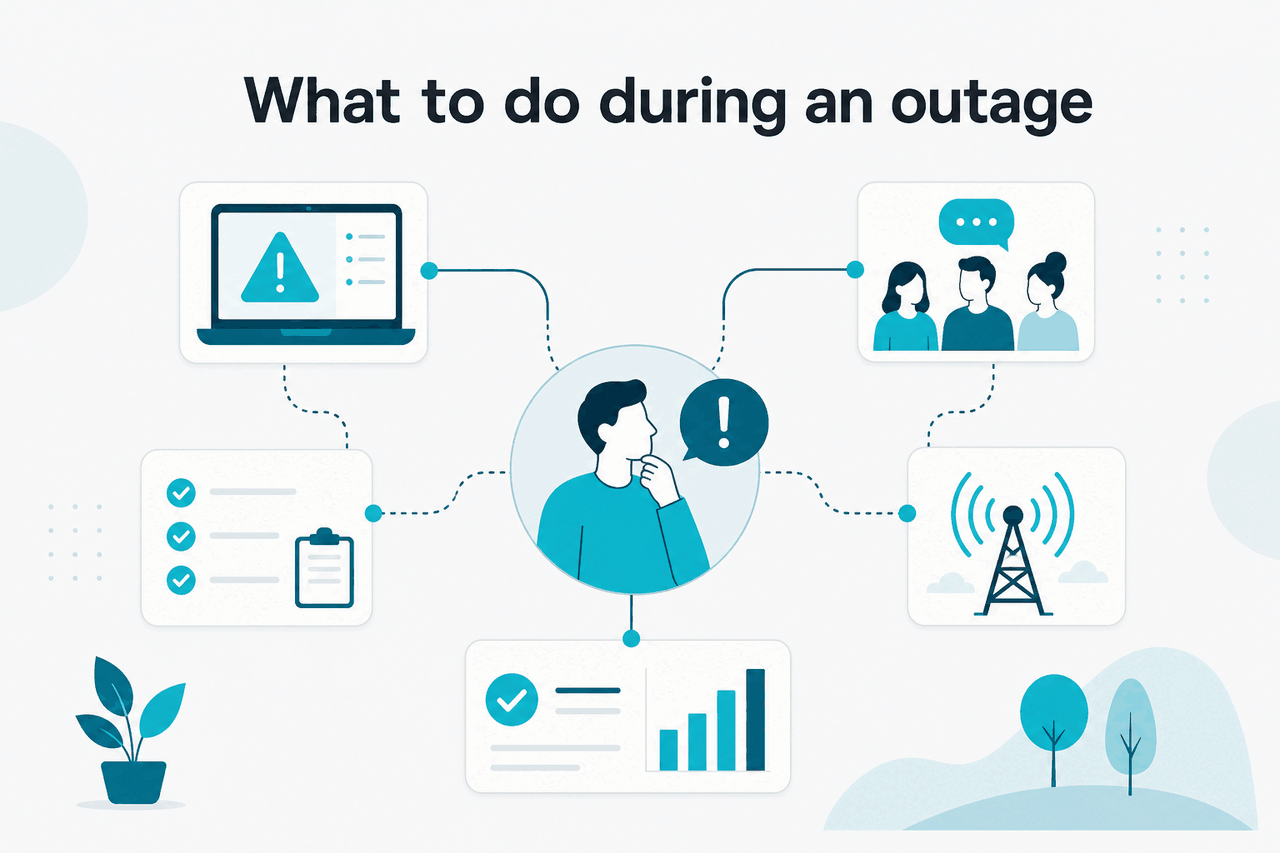
What to do during an outage

Abstract ecosystem illustration

During a confirmed Claude outage, reduce dependence on the affected component, preserve work, avoid aggressive retries, and move only tasks that can safely run elsewhere.

  • Pause heavy retries: repeated refreshes and automated retry loops rarely help during an active incident.
  • Save work outside Claude: keep prompts, drafts, code notes, and task instructions in a local editor or approved document system.
  • Switch component when safe: if Claude.ai is affected but the API is healthy, use an existing API workflow. If the API is affected but Claude.ai works, handle manual tasks in the web product.
  • Switch model when appropriate: if a model-specific issue appears, use another available Claude model that fits the task’s quality, speed, and context needs.
  • Reduce request size: smaller prompts, fewer files, and simpler tool use can succeed when larger workflows time out.
  • Queue non-urgent API jobs: store jobs for later instead of dropping them or retrying without limits.
  • Degrade product features: show a clear message, disable AI-only actions, and keep the rest of your app usable.
  • Use manual review: for high-risk work, route tasks to a human process rather than pushing them through a degraded AI path.
  • Communicate impact: tell your team which workflow is affected, what users should do instead, and where to watch for updates.
  • Contact support when needed: if the status page is green and the issue is reproducible across networks, send a concise report to Anthropic Support.

A good fallback depends on what failed. For a writer using Claude.ai, the best fallback may be saving the prompt and waiting. For a developer running production automation, the fallback should be part of the product design: queue work, show a plain-language error, and retry with limits after the service is stable.

For web users, the safest fallback is usually low-tech. Keep a local copy of the prompt and any source material. If Claude stops responding mid-answer, do not rely on the browser tab as your only copy. Paste the prompt into a notes app, document editor, or issue tracker. When service returns, start with a fresh chat and include only the context needed to continue.

For teams, decide which tasks may move to another approved provider and which tasks must wait for Claude. Legal, medical, financial, customer-data, and code-deployment workflows often have approval rules. A fallback that violates internal policy is not useful. Write the rule before the outage.

For developers, use backoff with jitter, timeouts, circuit breakers, and job queues. A circuit breaker prevents your application from hammering an unavailable dependency. A queue keeps work durable. A clear user message prevents repeated submissions.

Cost controls do not replace resilience. Prompt caching gives 90% off cached input, and Batch API gives 50% off input and output. They can lower costs for repeated or queued work, but you still need backoff, timeouts, circuit breakers, and durable queues.

  1. Freeze the failing path

    Stop bulk jobs, scheduled retries, and user actions that depend on the failing Claude component.

  2. Confirm the affected surface

    Separate Claude.ai, API, model-specific, connector, and local-network issues before choosing a workaround.

  3. Choose the safest substitute

    Use a smaller prompt, another available model, a manual workflow, or a preapproved alternative service depending on risk.

  4. Keep users informed

    Tell users what failed, whether their data was saved, and what they can do next.

  5. Recover carefully

    When the incident clears, restart jobs gradually and watch for duplicate submissions.

Model switching helps only when the task tolerates it. A quick classification, rewrite, or extraction task may move from one Claude model to another with little impact. A complex coding, research, or long-context task may need the same model and prompt shape. Compare limits and trade-offs in the Claude models guide. Do not switch models blindly for regulated or user-facing decisions.

If your application uses Claude as one step in a longer process, design the outage state as a normal product state. For example, an app can accept a user’s document, store it safely, mark AI processing as delayed, and send a notification when processing resumes. That is better than showing a spinner until the user leaves.

Support-ready report

What to capture before contacting support

Service usedClaude.ai, API, Claude Code, or another surface
Failure patternError text, status code, timeout, or blank screen
ScopeOne account, one workspace, one network, or many users
Minimal reproductionSmallest prompt or request that still fails
GoalHelp Anthropic separate incident, account, and request issues

A concise report usually gets better support than a long narrative without exact errors.

Keep fallback prompts short. During recovery, long context, multiple files, and complex tool calls are more likely to expose performance problems. Start with a small confirmation prompt. Then resume larger work once the service is stable for your account and network.

How to monitor Claude availability yourself

Teams should monitor both the public Claude product and their own API path. A generic website check can miss authenticated failures, rate limits, model-specific errors, and request-shape problems that affect your application.

Use three layers. First, subscribe to updates on status.claude.com if the option is available. Second, monitor the surface your users see, such as Claude.ai for internal teams or your own app page for customers. Third, run a synthetic transaction that tests the exact Claude path your product depends on.

A synthetic API check should be small, safe, and cheap to run. Do not send real customer data. Use a harmless prompt, a low output limit, and a dedicated monitoring key stored as a secret. Alert only after repeated failures, not one isolated timeout. Log latency, HTTP status, model, error type, and request ID when available.

monitor: claude-api-synthetic-check
request:
  method: POST
  path: /v1/messages
  headers:
    x-api-key: <stored secret>
    anthropic-version: <configured Anthropic API version>
  body:
    model: <your monitor model>
    max_tokens: 8
    messages:
      - role: user
        content: "Reply with ok."
pass_if:
  http_status: 200
  response_contains: "ok"
alert_if:
  consecutive_failures: <your threshold>

Monitor the real dependency, not the vendor homepage. If your product uses the Messages API, test the Messages API. If your workflow depends on a specific model, include that model in a low-risk check. If your team depends on Claude.ai login, monitor the login and page-load path through an approved tool.

Keep monitoring respectful. Do not run high-frequency probes, long prompts, large file uploads, or expensive generation tasks just to prove availability. A monitor should answer one question: can the dependency complete a minimal request from our environment?

Your runbook should name owners and actions. Assign the person who checks Anthropic’s status page, the person who pauses jobs, the person who updates users, and the person who reviews failed requests after recovery. If nobody owns those actions, the response will default to chat messages and repeated refreshing.

For production applications, collect enough metrics to distinguish vendor incidents from your own failures. Track request volume, error rate, latency, model selection, prompt size, output size, retry count, and queue depth. If errors rise only after a code deploy, investigate your change first. If errors rise while nothing changed on your side and Anthropic lists an incident, treat it as a vendor dependency issue.

Use the Claude developer docs and the Anthropic API platform when designing API checks, retries, and model-specific tests. Pair those sources with your own logs; the public status page cannot see prompt size, account state, or retry behaviour.

Monitor components

not just the homepage or a single browser session

Good monitoring also prevents false alarms. A private browser problem should not wake an engineering team. A single failed synthetic request should not trigger a public incident message. Use thresholds, compare regions, and include manual verification. The goal is to detect real service impact without training your team to ignore alerts.

Honest take

Claude is reliable enough for everyday work, but it is still an external cloud service. Casual users can often wait and retry later. Teams should monitor it, design graceful fallbacks, and keep humans in the loop for high-risk decisions.

FAQ

Why does the status page say Claude is operational when I cannot use it?

The status page reports broad service health. Your account can still have a local issue, usage limit, region restriction, browser conflict, SSO problem, billing issue, or workspace permission problem. Test another browser and network. If the same account fails everywhere, contact Anthropic Support with the exact error.

Is Claude.ai down if the API still works?

Not necessarily. Claude.ai and the API are different surfaces. The web app can have login, frontend, session, or browser-related issues while the API remains healthy. The reverse can also happen. Match the incident to the component you use.

Does a usage limit count as an outage?

No. A usage limit means the service is enforcing your current allowance. It can block your next prompt, but it is not the same as Claude being down for everyone. If limits are the main blocker, review your plan and workload.

What should I send to Anthropic Support?

Send the product surface, account or workspace affected, exact error text, model if relevant, browser or API client, network type, request ID if available, and the smallest reproduction that still fails. Also say whether the problem happens in another browser, device, or network.

Can Claude be down in one country or on one network only?

Yes. Access can differ by region, network, policy, and routing. A VPN, corporate proxy, school firewall, or local internet provider can block or degrade Claude even when Anthropic’s global status is healthy. Testing a trusted alternate network is one of the fastest checks.

Why does Claude Code fail when Claude.ai works?

Claude Code depends on your local terminal environment, authentication, network path, permissions, and project setup. Claude.ai working in a browser proves that your account can access the web product, but it does not prove the local CLI path is configured correctly.

Should I keep refreshing Claude during an outage?

No. Repeated refreshes rarely fix a confirmed incident. Save your work outside Claude, watch the official status page, and retry with a small prompt once the incident is marked resolved or performance has clearly recovered for your account.

Sources

Independent guide. Not affiliated with Anthropic. For the official Claude product, visit claude.ai.

Claude AI Outage History

Claude AI Outage History — featured

A Claude outage is best checked at status.claude.com; c-ai.chat is an independent guide, not Anthropic, and this page shows how to verify live issues, rule out local problems, and choose a fallback while you wait. For broader Claude guidance, see…