Claude for PM means using Claude to speed up product work like PRDs, user research synthesis, backlog grooming, stakeholder updates, and strategy drafts; this guide from c-ai.chat is independent, not Anthropic, and walks you through a practical workflow, common mistakes, related questions, and the honest trade-offs.

If you are choosing where Claude fits, start with our broader Claude features guide for capability context, then use the workflow below to adapt it to product management.
- What you’ll learn
- Step by step
- Common mistakes to avoid
- Where to go next
- Other questions readers ask
- The honest take
- Free tier · no card
- API priced per million tokens
For most product managers, Claude is strongest when you give it messy inputs and ask for structured outputs. It can turn scattered interview notes into themes, compare roadmap options, rewrite requirements for different audiences, and help you prepare decision documents. It does not replace product judgment, customer access, or prioritisation accountability.
| PM task | Where Claude helps most | What still needs a human |
|---|---|---|
| User research synthesis | Theme extraction, quote clustering, draft insights | Interpreting weak signals and deciding what matters |
| PRD writing | First drafts, edge cases, acceptance criteria, rewrites | Scoping, trade-offs, final sign-off |
| Roadmap communication | Audience-specific summaries for execs, sales, support, engineering | Priority decisions and political alignment |
| Backlog grooming | Splitting stories, finding ambiguities, dependency checks | Sequencing against real team capacity |
| Strategy work | Option framing, assumptions, memo structure | Owning the recommendation |
What you’ll learn
By the end, you should have a repeatable way to use Claude for PM work without treating it like an autopilot.
- Set up a simple Claude workflow for research, PRDs, roadmap notes, and stakeholder comms.
- Write prompts that produce usable PM outputs instead of generic summaries.
- Choose when the free app is enough and when paid plans or the Claude API make more sense.
- Reduce hallucinations by grounding Claude in your real docs, notes, and constraints.
- Review outputs like a PM, with explicit checks for assumptions, missing evidence, and scope drift.
Step by step
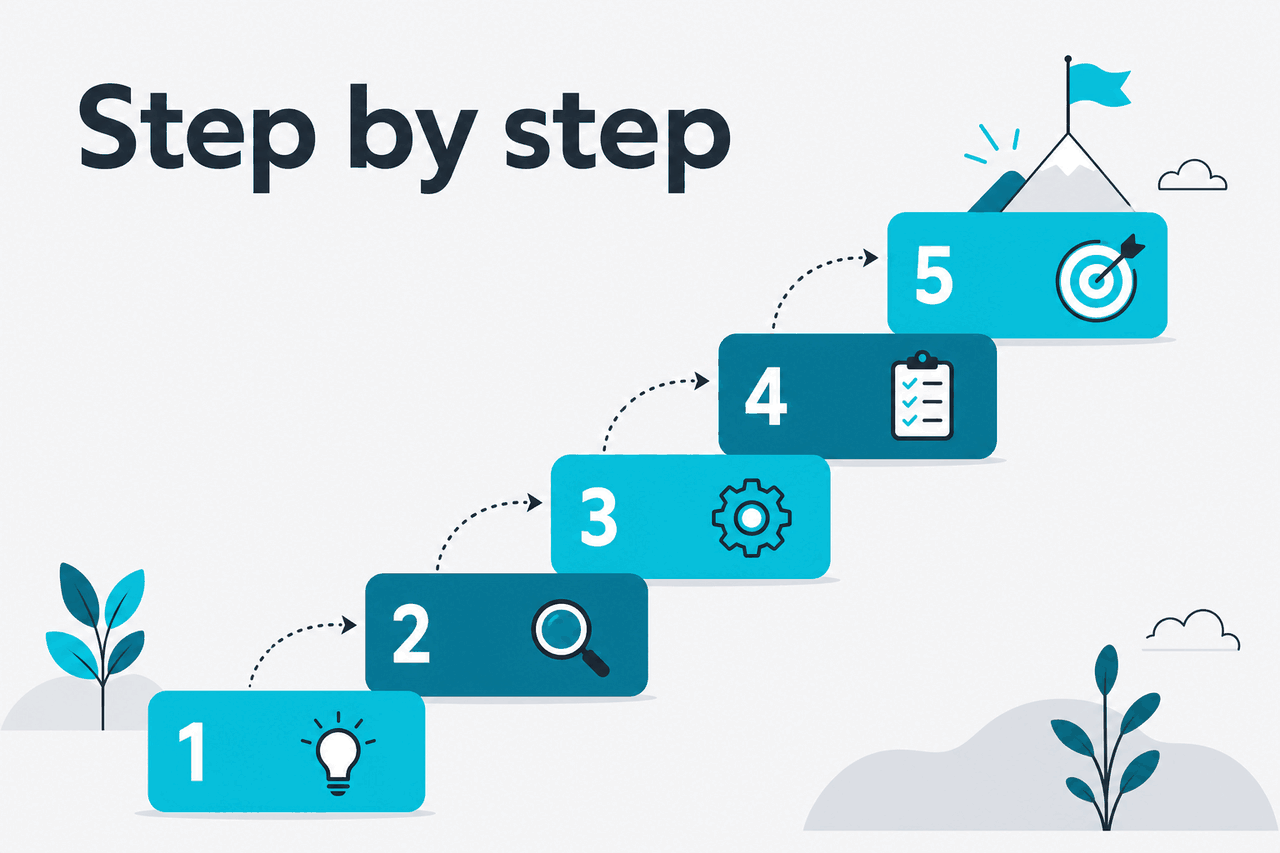
This is a hands-on walkthrough you can use for your next feature, discovery cycle, or roadmap update.
-
Pick one PM job, not ten at once
Start with a single output: a PRD draft, research synthesis, release note, stakeholder memo, or backlog clean-up. Claude works better when the task has one owner, one audience, and one clear deliverable. If you ask for strategy, copywriting, prioritisation, and analytics interpretation in the same prompt, quality usually drops.
-
Give Claude the raw material before asking for conclusions
Paste notes, transcripts, tickets, support themes, existing docs, or feature constraints first. Tell Claude what is source material and what is instruction. Product work is context-heavy, so grounded inputs matter more than clever prompt wording.
-
Define the audience and output format
Say who the document is for and what shape it should take. A PRD for engineers, a one-pager for leadership, and a release explanation for customer-facing teams all require different levels of detail. Ask for headings, tables, open questions, and assumptions explicitly.
-
Ask Claude to separate facts, assumptions, and recommendations
This is the fastest way to make outputs more trustworthy. Product managers often need to show where an argument comes from. If Claude mixes evidence with opinion, ask it to label each section clearly and cite only the material you provided.
-
Use iterative passes instead of one giant prompt
Do not expect the first answer to be final. Good PM usage usually looks like: ingest notes, extract themes, identify risks, draft a document, then tighten for a specific audience. Short revision loops beat a single mega-prompt.
-
Force edge cases and failure modes into the draft
Claude is helpful for finding missing flows, dependency risks, and ambiguous requirements. Ask directly for what could break, what users might misunderstand, and what engineering or support would challenge. This is especially useful before handoff.
-
Turn one core draft into multiple stakeholder versions
Once you have a source-of-truth draft, ask Claude to adapt it for engineering, design, leadership, sales, and support. This saves time without changing the underlying decision. You still need to review tone and accuracy for each audience.
-
Store your best prompt patterns and reuse them
If a workflow works, save the template. PM teams get leverage from repeatable structures like interview synthesis prompts, PRD skeletons, launch checklists, and weekly update formats. If your team needs heavier reuse or automation, look at Claude tutorials and then the API path.
Here is a prompt pattern that works well for product discovery synthesis.
You are helping a product manager synthesise discovery interviews.

Task:
Review the notes below and produce:
1. Top 5 user problems
2. Evidence for each problem using only the notes provided
3. Frequency or strength signal if visible
4. Risks of over-interpreting the data
5. Recommended next questions for follow-up interviews

Rules:
- Separate facts from assumptions
- Do not invent user quotes
- Flag contradictions
- Output in a table first, then a short narrative summary

Audience:
PM and design lead

Source notes:
[paste interview notes here]
Worked example
Turning six interview notes into a PM-ready synthesis
The value is not perfect analysis. The value is getting to a reviewable structure much faster.
For PRD drafting, use a more constrained prompt.
Act as a product writing assistant.

Create a PRD draft from the context below with these sections:
- Problem statement
- User segments
- Goals and non-goals
- User stories
- Functional requirements
- Edge cases
- Dependencies
- Open questions
- Success metrics
- Rollout risks

Rules:
- Mark anything unsupported as an assumption
- Keep requirements testable
- If scope is ambiguous, propose 2 scope options: narrow and broad

Context:
[paste notes, tickets, and constraints here]
If you need stakeholder communication, ask Claude to rewrite the same source material for different readers. This is one of the most reliable PM uses because the facts stay the same while the framing changes.
Pick when
- You already have notes but need structure
- You need multiple document versions for different audiences
- You want help spotting ambiguities and missing edge cases
- You can review outputs before sharing
Skip when
- You need a source of truth without review
- You have no grounded inputs to provide
- The real problem is stakeholder misalignment, not documentation speed
- You expect Claude to make prioritisation decisions for you
Plan choice matters less than workflow, but it still affects volume and collaboration. The free plan is enough to test personal workflows. Pro at $20/month or $17/month annual is the practical upgrade for individual PMs who use Claude regularly. Team plans make sense when you need admin controls and a shared workspace.
Free
$0/month
For PMs testing Claude
- Web, iOS, Android, and desktop access
- Daily usage limits
Pro
$20/month
For individual PMs using Claude weekly or daily
- Claude Code and Claude Cowork
- Unlimited Projects and Research access
- Additional models
- Office integrations for Excel, PowerPoint, and Word beta
Team (Standard)
$25/seat/month
For small product teams
- SSO and admin controls
- Shared workspace
If you want automation instead of manual prompting, the API pricing is straightforward. Claude Opus 4.7 costs $5 per million input tokens and $25 per million output tokens. Claude Sonnet 4.6 costs $3 per million input tokens and $15 per million output tokens. Claude Haiku 4.5 costs $1 per million input tokens and $5 per million output tokens.
90% off
cached input tokens with prompt caching
That matters for PM teams that reuse long background context, such as product principles, glossary terms, support categories, and template instructions. Anthropic also offers Batch API pricing at 50% off both input and output, which can help if you process large sets of notes or documents asynchronously.
| Model | Good PM use | Input price | Output price |
|---|---|---|---|
| Claude Opus 4.7 | Complex synthesis, strategy memos, nuanced drafting | $5/M tokens | $25/M tokens |
| Claude Sonnet 4.6 | Default choice for most PM workflows | $3/M tokens | $15/M tokens |
| Claude Haiku 4.5 | Fast classification, lightweight rewriting, simple automation | $1/M tokens | $5/M tokens |
Common mistakes to avoid
Most PM frustration with Claude comes from process mistakes, not model failure.
- Asking for answers without context. Fix: paste the notes, constraints, audience, and success criteria first.
- Using one prompt for multiple deliverables. Fix: split synthesis, drafting, critique, and rewriting into separate passes.
- Letting Claude invent evidence. Fix: tell it to use only supplied material, label assumptions, and flag missing support.
- Accepting polished writing as good product thinking. Fix: review every recommendation for logic, evidence, and scope.
- Skipping edge cases. Fix: ask directly for failure modes, exceptions, dependencies, and support implications.
- Over-building too early. Fix: test the workflow manually before moving it into the API or a custom internal tool.
Where to go next

These follow-on tutorials help once you have the basic PM workflow working.
- Claude tutorials — broader how-to guides for repeatable prompting and workflow setup.
- Claude API — for automating research synthesis, template generation, or internal PM tooling.
- Claude Code — useful if your PM work overlaps with specs, technical exploration, or developer collaboration.
Other questions readers ask
These are closely related questions people usually ask alongside “claude for pm”.
The honest take
Claude for PM work is useful when the bottleneck is turning raw information into a clear, reviewable output. It is less useful when the real problem is missing strategy, weak customer evidence, or unresolved team disagreement. If you treat Claude as a drafting and synthesis partner, it can save real time. If you treat it as a decision-maker, it will disappoint you.
For most product managers, the right starting point is simple: use the Claude app on a real PM task this week, keep your prompts grounded in source material, and review every output like it came from a smart but overconfident colleague. If that workflow sticks, then explore broader Claude features or move into automation with the API.
Independent guide. Not affiliated with Anthropic. For the official Claude product, visit claude.ai.
Last updated: 2026-05-12