A Claude Skill creator helps you turn a repeatable Claude workflow into a reusable Skill: a small package of instructions, reference files, and optional scripts that Claude can load when the task matches; c-ai.chat is an independent guide, not Anthropic, and our broader product context is in the Claude features guide.
- What it does at a glance
- How it works
- When this feature helps
- What it cannot do
- FAQ: Claude Skill creator
- The honest take
- Sources
What it does at a glance
A Claude Skill is a reusable set of task-specific instructions. It works best when the task repeats, the output format is stable, and Claude needs the same rules or examples each time. Anthropic makes Claude, and the official product is claude.ai.
- Core file:
SKILL.md, which explains when and how Claude should use the Skill. - Optional assets: templates, examples, checklists, schemas, or scripts.
- Best use: repeatable workflows such as brief formatting, review checklists, and data cleanup.
- Wrong use: vague preferences, one-off prompts, or unattended approval workflows.
Think of a Skill as a compact operating manual for Claude. Instead of pasting the same long prompt each time, you package the guidance once. Common examples include report formatting, brand-safe copy review, contract triage, customer escalation summaries, and codebase-specific review rules.
The right setup depends on where the workflow runs. Some tasks belong in the Claude app. Some are better as API workflows. Some coding tasks need a repository-aware tool rather than a Skill. For product and API context, see our Claude API guide, Claude models guide, and Claude pricing guide.
Use a Skill when: the same task comes up often, the procedure is clear, and Claude needs the same instructions or files each time.
Use another approach when: you need backend automation, strict guarantees, external system access, or a workflow that changes every week.
How it works
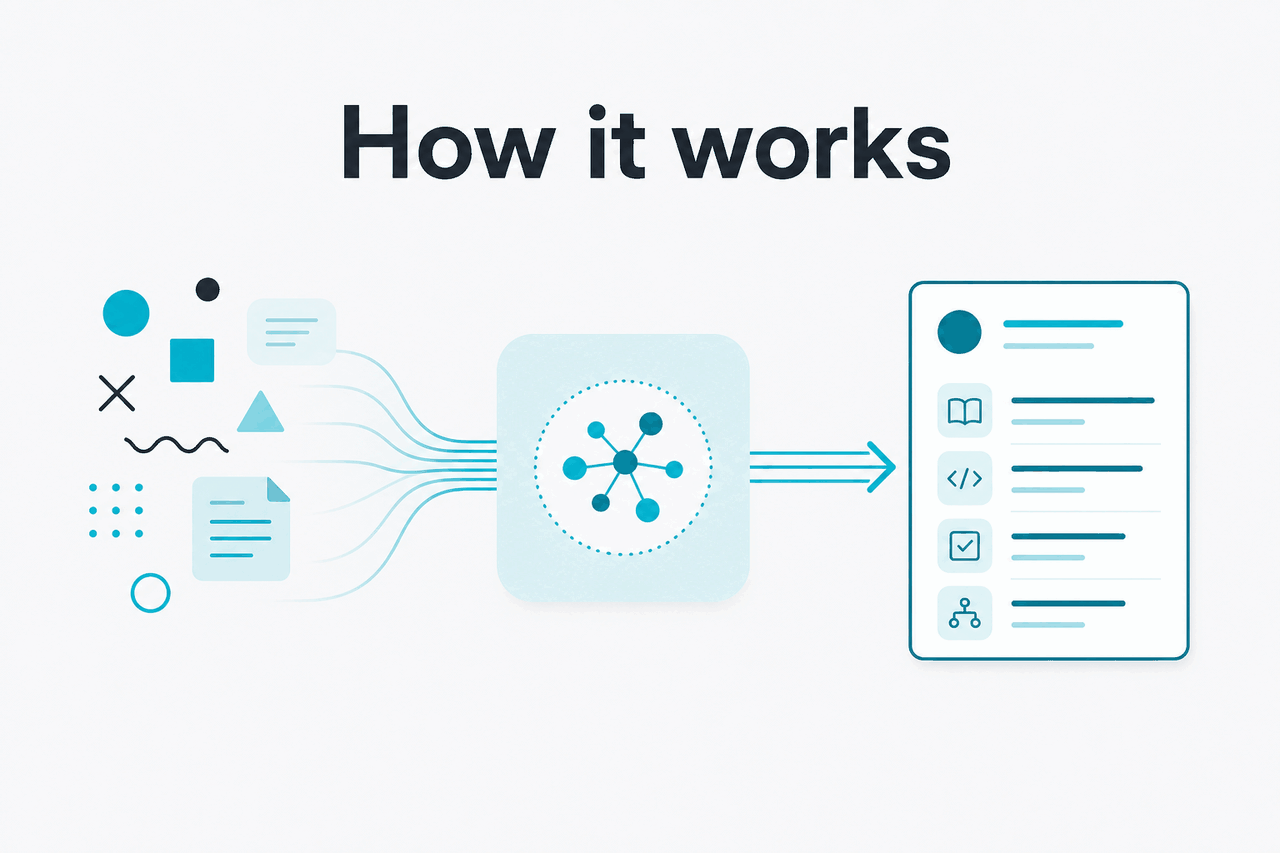
A Claude Skill is usually a folder with a main instruction file and, when useful, supporting resources. The main file tells Claude what the Skill is for, when to apply it, what steps to follow, and what output to return. Supporting files can include examples, style rules, templates, checklists, schemas, or scripts.
Claude does not learn a Skill permanently in the human sense. It reads and applies the packaged instructions when the Skill is available and relevant. The activation description matters. If it is too broad, Claude may use the Skill at the wrong time. If it is too narrow, Claude may miss the task.
A practical Skill should include a clear purpose, trigger conditions, step-by-step instructions, edge cases, and examples of acceptable output. Check Anthropic’s official documentation at docs.claude.com and platform.claude.com before you build for a live team.
Choose one repeatable task
Start with a workflow you already perform often, such as turning meeting notes into a client-ready summary.
Write the trigger
Describe when Claude should use the Skill. Example:
Use this skill when the user asks for a board memo review.Add the procedure
List the checks Claude should run, the order it should follow, and the output format it should return.
Attach useful references
Add templates, examples, glossaries, or policy notes only when they improve the result.
Test with real inputs
Run normal, messy, vague, long, and out-of-scope examples. Revise the Skill when Claude misfires.
A minimal Skill file can be short. The goal is not to write a long manual. The goal is to remove ambiguity.
# Client Brief Formatter

Use this skill when the user provides rough notes and asks for a client-ready brief.

## What to produce
Return a brief with these sections:
- Objective
- Audience
- Key points
- Open questions
- Next actions

## Rules
- Keep the tone professional and direct.
- Preserve factual claims from the source notes.
- Flag missing dates, names, budgets, or approvals.
- Do not invent client decisions.

## Output format
Use headings and bullet points. End with a short list of questions for the user if required details are missing.
Worked example
Turning a repeated prompt into a Skill
This task suits a Skill because the structure matters every time.
| Option | Best for | Watch out for |
|---|---|---|
| Claude Skill | Repeatable assistant workflows with stable instructions and reference files. | Activation can still be imperfect. Human review may be needed. |
| Claude Project | Ongoing workspaces with related chats, files, and context. | A Project is not the same as a reusable procedure. |
| API workflow | Application logic, backend automation, batch processing, and product integrations. | You must design the orchestration, safety checks, and monitoring. |
| Coding agent workflow | Repository work, code edits, tests, and terminal-based development tasks. | A plain Skill may not be enough for multi-step coding work. |
When this feature helps
Skills help when the same task repeats and quality depends on consistent instructions. They are less useful for quick questions, brainstorming, or workflows where the process changes each time.
- Document transformation: convert notes, transcripts, or drafts into a fixed format such as a memo, brief, changelog, or support article.
- Review workflows: check content against brand rules, legal review criteria, data-handling policies, or editorial standards.
- Research packaging: turn source material into a consistent table, comparison, evidence brief, or decision note.
- Team procedures: encode recurring internal steps, such as launch checklists, onboarding reviews, or customer escalation summaries.
- Code-adjacent guidance: store project conventions, review rules, or release-note formats when you do not need a full coding agent.
Pick a Skill when
- You repeat the same prompt with small changes.
- The task has a stable output format.
- Claude needs examples, templates, or rules each time.
- A team needs more consistent handling across users.
- You can test the Skill against real inputs before sharing it.
Skip a Skill when
- The task is a one-off question.
- You need deterministic automation with strict guarantees.
- The workflow depends on private systems Claude cannot access.
- The process changes too often to maintain a Skill.
- You need a backend integration rather than an assistant workflow.
A Skill should not become a dumping ground for every team preference. Too many rules can create conflicts and rigid output. Keep each Skill narrow. If one workflow contains three separate jobs, create separate Skills or use a clearer process.
Model choice still affects the result. Opus 4.7 is the flagship model at $5 per million input tokens and $25 per million output tokens, with a 1M context window. Sonnet 4.6 is the balanced option at $3 and $15, with a 1M context window and 128K max output. Haiku 4.5 is the fastest and cheapest at $1 and $5.
Claude app workflows
Plan prices are Free at $0, Pro at $20 per month or $17 per month billed annually, and Max from $100 per month. Check official feature availability before assuming a Skill is supported on a specific plan.
Team workflows
Team Standard is $25 per seat or $20 per seat billed annually. Team Premium is $125 per seat or $100 per seat billed annually. Enterprise is $20 per seat base plus API rates.
API workflows
If you implement the process through the API instead, prompt caching gives 90% off cached input. Batch API processing gives 50% off both input and output.
What it cannot do
A Skill improves repeatability, but it does not make Claude infallible. Claude can still misunderstand the user’s goal, choose the wrong procedure, miss a detail in a long document, or produce output that needs review. Treat Skills as structured assistance, not approval systems, compliance engines, or unattended automation.
- It cannot bypass permissions. A Skill does not grant Claude access to files, apps, or systems that are not available in the product or workspace.
- It cannot guarantee perfect activation. Claude may fail to use the Skill or may use it when the request only partly matches.
- It cannot fix vague instructions. If the Skill says “make this better,” results will vary. Define the criteria.
- It cannot replace human judgment. Legal, medical, financial, security, and hiring workflows need qualified review.
- It cannot keep itself current. If your policy, template, or schema changes, update the Skill.
- It cannot make scripts safe by default. Review, scope, and test executable helpers before use.
- It cannot promise uptime. Anthropic tracks service availability at status.claude.com.
FAQ: Claude Skill creator
These are the related questions people ask when they search for a Claude Skill creator or build their first Skill.
If you are still deciding whether Claude is the right product for the workflow, start with our independent Claude guide or the practical answers in our Claude FAQ.
The honest take
A Claude Skill is worth building when a task repeats, has stable rules, and benefits from consistent formatting or review criteria. The creator work is disciplined packaging: write a clear trigger, give Claude the right procedure, add only useful supporting files, then test against messy real inputs.
Do not use a Skill as a shortcut for unclear process design. If your team cannot explain how the task should work, Claude will not reliably infer it from a pile of files. Start small. Build one narrow Skill. Expand only after it saves time without increasing review burden.
Independent guide. Not affiliated with Anthropic. For the official Claude product, visit claude.ai.
Last updated: 2026-05-12