The claude code agents command refers to Claude Code’s /agents workflow for creating, selecting, and using task-specific coding agents inside the Claude coding environment; if you want a practical explanation rather than product copy, this independent guide maps what the command does, when it helps, and where it fits alongside the broader Claude Code guide.

- The short answer
- How it works
- What you’d actually do with it
- Vs. the alternatives
- Other questions readers ask
- The honest take
The short answer
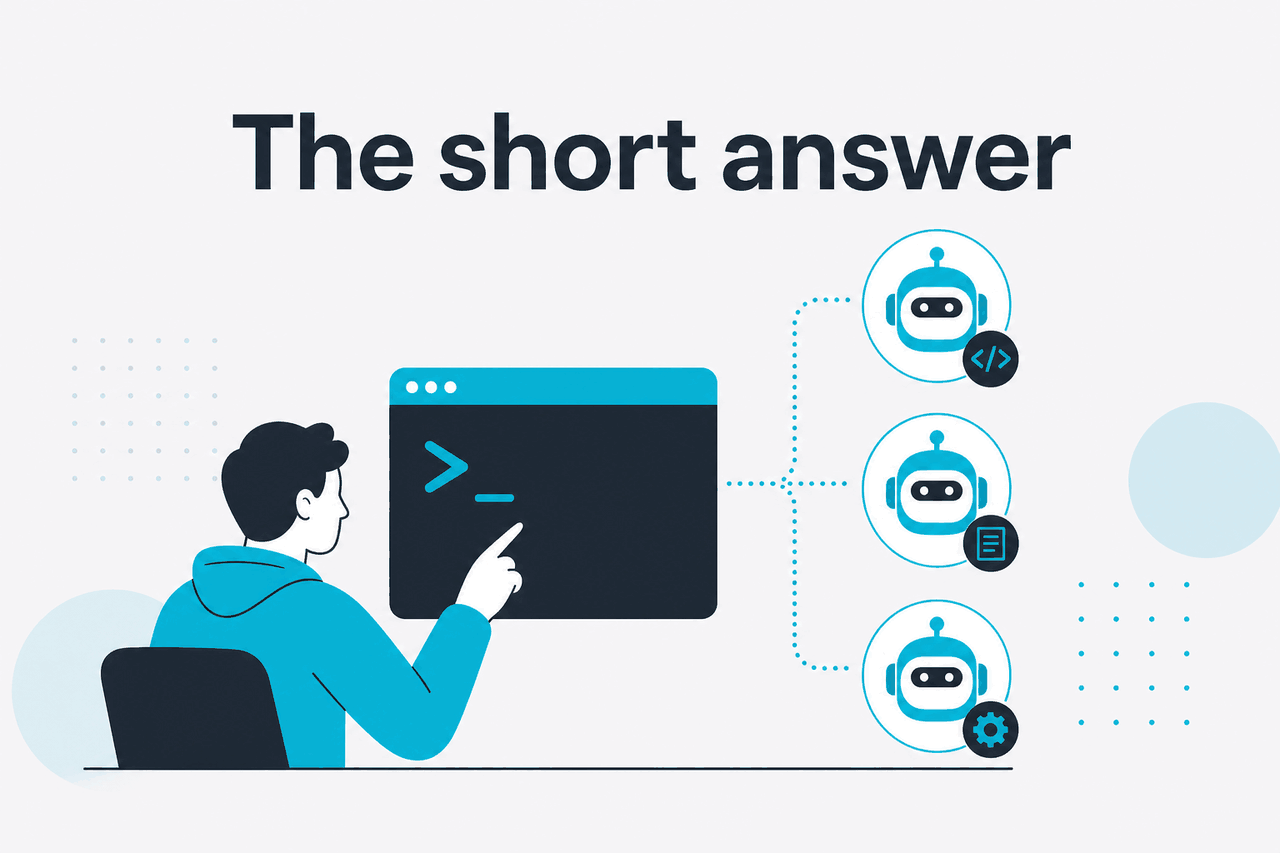
The /agents command in Claude Code is for people who want Claude to behave like a reusable specialist inside the terminal coding workflow, instead of re-explaining the same rules on every task. In practice, you use it to define or select an agent with its own instructions, then assign that agent to work like a reviewer, debugger, test writer, documentation helper, or repo-specific assistant.
- What it does · creates or uses task-specific coding agents
- Where it runs · inside Claude Code workflows tied to your development environment
- What it costs · depends on your Claude plan and model/API usage, not a separate add-on fee
- Who it’s for · developers who repeat the same coding, review, or repo rules
That matters because many command-line AI coding tools become messy once your project has more than one job to do. One assistant is fine for ad hoc edits. It is less reliable when you also want code review standards, migration rules, test conventions, and documentation style enforced consistently. The agents approach is meant to reduce that drift.
Claude itself is made by Anthropic, and the official product lives at claude.ai. c-ai.chat is an independent guide, not Anthropic. If you are comparing product access, models, or plan limits, see our pages on Claude pricing, the broader Claude features, and the developer side of the Claude API.
How it works

The basic idea is simple: instead of using one general assistant for everything, you define an agent with a job, a set of instructions, and often a preferred way of reasoning about your codebase. That agent then becomes a repeatable tool in your Claude Code workflow. For example, one agent may always review pull requests for security and test coverage, while another focuses on refactors in a TypeScript monorepo without touching public APIs.
Under the hood, this is less like hiring a separate model and more like packaging stable instructions around Claude’s coding abilities. The benefit is consistency. The agent carries rules you would otherwise keep rewriting: coding standards, allowed file paths, formatting preferences, review criteria, migration boundaries, or stack-specific guidance. That is why /agents is mainly useful for engineers who work on recurring workflows, not one-off code questions.
It also fits naturally with Claude’s broader strengths in long-context work. Anthropic’s official model overview and pricing pages show that Claude’s current coding-capable models can handle large context windows, and some tiers support heavier usage than others. If your agent needs lots of repository context, plan limits and model choice matter more than the command itself.
-
Open Claude Code in your project
Start in the repository where you want help. The agent is most useful when Claude can inspect actual files, tests, and project structure rather than working from pasted snippets alone.
-
Run
/agentsUse the command to view existing agents or start creating a new one. The exact interface may vary, but the goal is the same: define a reusable specialist rather than issuing one temporary prompt.
-
Name the role and instructions clearly
Examples:
backend-reviewer,test-writer,migration-planner, ordocs-maintainer. Add durable rules such as “never change public API signatures without asking” or “prefer Jest tests in colocated files.” -
Invoke that agent for a task
Ask the agent to inspect code, propose edits, generate tests, or review a diff. The quality usually improves when the task matches the role closely.
-
Refine after the first real run
If the agent changes too much, misses project conventions, or overreaches, tighten the instructions. Good agents are usually edited after one or two real tasks.
A practical way to think about it is this: prompts are disposable, agents are operational. If you find yourself copying the same paragraph into Claude Code every day, that is usually a signal that an agent would save time and improve consistency.
Pick when
- You repeat the same repo rules across tasks
- You want separate reviewer and builder behaviors
- Your team needs more predictable AI output
- You work in larger codebases with established conventions
Skip when
- You only ask occasional one-off coding questions
- Your project is too small to justify setup
- You have not yet settled your coding standards
- You expect the agent to replace code review by itself
What you’d actually do with it
The easiest way to understand the /agents command is to look at realistic jobs. Most developers do not need a generic “AI engineer” persona. They need narrow, dependable help tied to a repo and a task.
1. Create a pull request reviewer for your stack
You can define an agent that reviews code with your own standards instead of broad textbook advice. For example:
/agents

Create agent: pr-reviewer
Purpose: Review TypeScript backend changes
Rules:
- Flag breaking API changes
- Check for missing tests
- Prefer small, low-risk fixes
- Do not rewrite files unless asked
- Highlight security or auth regressions first
Then, when a branch changes ten files, you can ask the agent to inspect the diff and produce a focused review. This is better than a fresh prompt each time because the priorities remain stable.
2. Build a test-writing agent
Test generation is one of the clearest use cases. A dedicated test agent can be told which framework to use, where to place tests, how much mocking is allowed, and whether snapshots are acceptable.
Use agent: test-writer

Write unit tests for src/billing/invoice.ts.
Follow existing Vitest patterns.
Do not add integration tests.
Aim for meaningful branch coverage, not snapshots.
That reduces a common problem with AI coding tools: they generate tests that pass technically but do not match the repo’s style or maintenance preferences.
3. Make a migration planner before touching code
For risky changes, an agent can act more like a planner than a coder. You may want it to map dependencies, identify side effects, and propose a sequence of safe edits before writing any code.
Use agent: migration-planner

We need to rename the billing status enum and keep backward compatibility.
Scan the repo and propose:
1. affected files
2. API risks
3. DB migration concerns
4. rollout order
Do not edit files yet.
This is especially useful in larger repositories where the cost of a bad automated change is higher than the cost of a slower plan.
4. Create a documentation maintenance agent
Not every coding task is code generation. A repo-specific docs agent can update README files, changelogs, onboarding notes, or internal usage instructions without drifting from the implementation.
Use agent: docs-maintainer

Compare the current CLI flags in src/cli/ with docs/cli.md.
List outdated sections first.
Then draft the smallest doc edits needed to match the codebase.
Because Claude is strong at long-context synthesis, this kind of cross-file consistency check is often a better fit than simple autocomplete tools.
5. Estimate API work when you automate this at scale
If you move beyond an interactive coding session and start automating repeated analysis, cost becomes part of the design. Anthropic prices API usage per million tokens, with current rates of $5 input and $25 output for Opus 4.7, $3 input and $15 output for Sonnet 4.6, and $1 input and $5 output for Haiku 4.5. Prompt caching can cut cached input costs by 90%, and the Batch API can reduce both input and output costs by 50% for suitable async workloads.
Worked example
Using a repo-review agent via the API on Sonnet 4.6
If most of that repo context is cached on repeat runs, cached input can be far cheaper than sending the same large prompt from scratch each time.
90% off
cached input tokens with prompt caching
So the command itself is not the expensive part. The real variables are how much context you send, which model you choose, and whether your workflow reuses enough context to benefit from caching. For more on those trade-offs, see our API guide and pricing breakdown.
Vs. the alternatives
The closest alternatives are other AI coding tools that offer persistent instructions, project-aware assistance, or editor-integrated agent workflows. The right choice depends less on branding and more on where you work: terminal, editor, pull request flow, or enterprise-managed development environment.
| Tool | Best fit | Strengths | Trade-offs |
|---|---|---|---|
Claude Code with /agents | Developers who want reusable specialist behavior in Claude’s coding workflow | Strong long-context handling, clear role separation, useful for repo-specific repeated tasks | Needs setup discipline; exact command behavior may change over time; less familiar to users who only want inline autocomplete |
| GitHub Copilot | Developers who live inside mainstream editors and want fast inline suggestions | Low friction, broad ecosystem adoption, strong autocomplete habits | Can be weaker for large-context reasoning and reusable specialist workflows unless carefully configured |
| Cursor | Developers who want an AI-first editor with chat, edits, and project context in one place | Integrated editing experience, strong popularity among individual developers, good for iterative coding loops | Editor-centric workflow may not match terminal-first teams; persistent behavior still depends on prompt hygiene |
| Sourcegraph Cody | Teams focused on code search and large codebase context | Useful retrieval across repositories, enterprise relevance, codebase-aware assistance | Experience depends heavily on search/retrieval quality and deployment setup |
The honest trade-off is that Claude Code’s agents workflow is more appealing if you think in roles and repeatable procedures, not just autocomplete. If all you want is fast next-line suggestions in an editor, another tool may feel simpler. If you want “use the security reviewer,” “use the migration planner,” or “use the docs maintainer” as repeatable commands, the agents model is easier to justify.
Other questions readers ask
The honest take
The claude code agents command is useful if you want Claude Code to act like a set of repeatable specialists instead of one general chatbot with a short memory for process. It is most valuable in real repositories where the same standards come up again and again: review rules, test style, migration safety, and documentation consistency. That is where the setup cost pays off.
If your work is mostly casual prompting or lightweight autocomplete, you may not need it. But if you keep retyping the same instructions to get predictable coding help, /agents is exactly the kind of feature that can make Claude Code feel operational rather than improvised. For official product access, use Claude directly; for broader context, compare it with our guides to Claude Code, Claude features, and plans and pricing.
Independent guide. Not affiliated with Anthropic. For the official Claude product, visit claude.ai.
Last updated: 2026-05-12