Claude Code on GitHub Actions means using Anthropic’s coding agent inside a GitHub Actions workflow so Claude can review code, propose fixes, generate changes, and help automate engineering tasks in CI; this guide from c-ai.chat is independent, not Anthropic, and it covers what it does, how it works, where it fits, and when it is worth using.

If you are deciding between Claude in CI, local CLI use, or a different coding assistant, this page focuses on the practical question: what happens when you run Claude Code inside GitHub Actions, what you need to configure, and what trade-offs you get compared with editor-based tools. If you need the broader product context first, see our Claude Code guide.
- The short answer
- How it works
- What you’d actually do with it
- Vs. the alternatives
- Other questions readers ask
- The honest take
The short answer
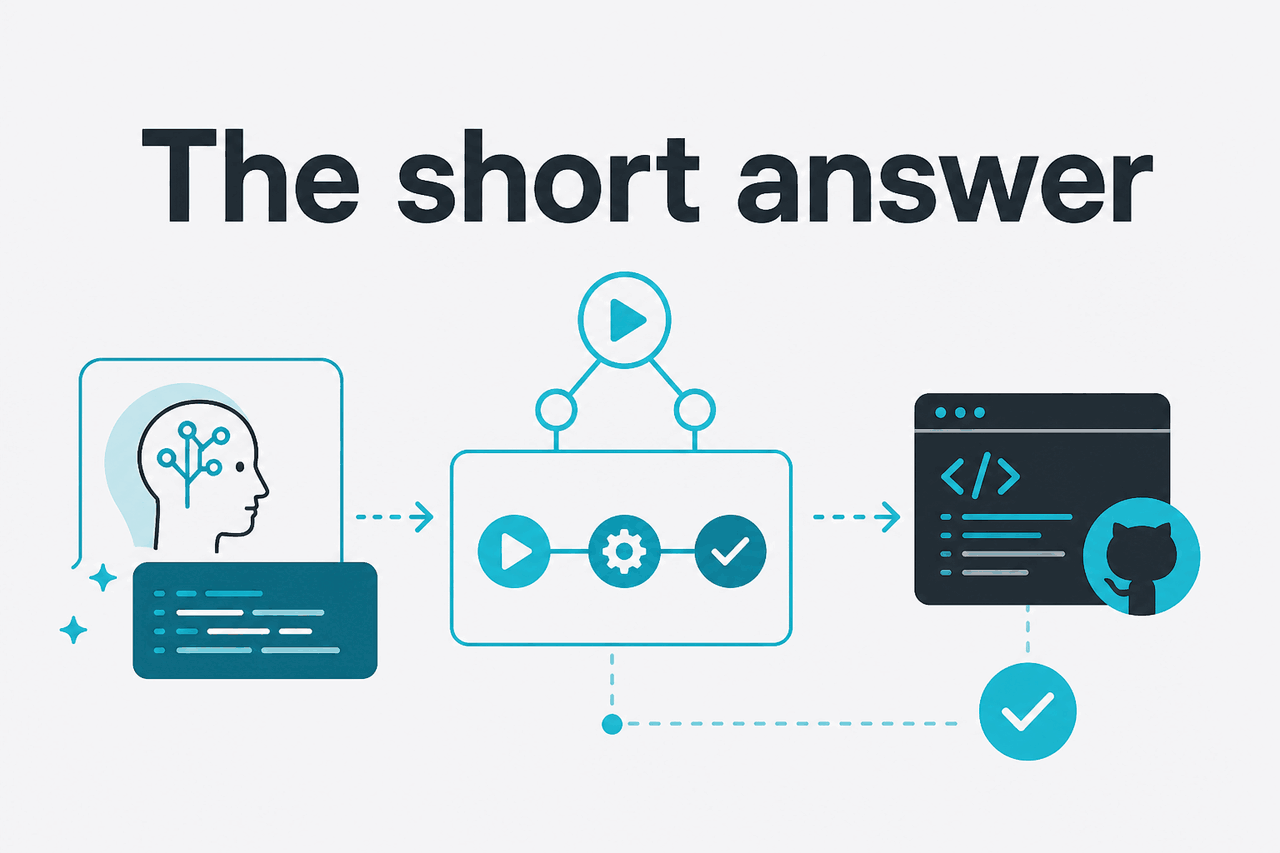
Claude Code GitHub Actions is for engineering teams that want Claude to operate inside pull request or CI workflows instead of only in a local terminal. In practice, you connect a repository workflow to Claude, pass repository context and prompts, and let the model analyse code, draft patches, explain failures, or comment on pull requests in a controlled, repeatable environment.
- What it does · runs Claude-powered coding tasks in CI workflows
- Where it runs · inside GitHub Actions on your repository events
- What it costs · API usage billed per million tokens; Claude Sonnet 4.6 is $3 input and $15 output
- Who it’s for · teams automating reviews, fixes, summaries, and repo maintenance
The key distinction is that GitHub Actions is asynchronous and workflow-driven. Claude is not sitting in your editor waiting for each keystroke. It runs when an event happens: a pull request opens, a label is added, tests fail, or a scheduled job starts. That makes it useful for repeatable engineering tasks, especially in shared repositories.
For pricing context, Claude Code workflows usually rely on the Claude API rather than the consumer chat plans alone, so usage is tied to model and token volume. Anthropic lists active API models including Claude Opus 4.7 at $5 input and $25 output per million tokens, Claude Sonnet 4.6 at $3 and $15, and Claude Haiku 4.5 at $1 and $5. You can compare those on our Claude pricing guide and the official pricing pages at claude.com/pricing and platform.claude.com.
How it works

At a high level, Claude Code on GitHub Actions combines three parts: a GitHub workflow trigger, a runner with repository access, and a Claude-powered step that receives instructions plus code context. The workflow can check out the repository, inspect changed files, run tests or linters, and then ask Claude to analyse the results or produce a patch. Depending on how you wire it, Claude can output comments, markdown summaries, JSON, or file changes for a later commit step.
Engineers usually start with narrow jobs. Good first candidates include pull request summaries, explanation of failing CI jobs, test generation for changed files, or safe refactors on a limited path. This reduces token use, keeps prompts easier to audit, and lowers the chance that the model tries to reason over the whole codebase when it only needs a diff and a few logs.
The main operational choices are model, scope, and permissions. Claude Sonnet 4.6 is often the practical default because it balances cost and quality. Opus 4.7 is stronger for more complex reasoning or larger, ambiguous changes. Haiku 4.5 is useful when speed matters and the task is simple. You also need to decide whether the workflow can only read code and write comments, or whether it can open commits or pull requests. Start with the least privilege that still gets the job done. For the broader API mechanics, see our Claude API overview and Anthropic’s official models overview.
-
Create an API-backed workflow
Add a GitHub Actions workflow that triggers on
pull_request,push, orworkflow_dispatch. Store the Anthropic API key in GitHub Secrets rather than in the repository. -
Limit the context you send
Check out the repo, collect only the changed files, test output, or selected directories, and pass that to Claude. Smaller context is cheaper and usually easier for the model to follow.
-
Define one clear instruction
Tell Claude exactly what role it has: review this diff, explain this failure, or generate tests for these files. Ask for a specific output format such as markdown bullets or a unified diff.
-
Post the result back to GitHub
Publish a pull request comment, upload an artifact, or create a commit in a follow-up step. Keep a human approval step for anything that modifies production code.
-
Optimise after the first run
Use prompt caching where it fits for repeated context and consider Batch API for non-urgent jobs. Anthropic lists prompt caching at
90% offcached input tokens and Batch API at50% offinput and output.
90% off
cached input tokens with prompt caching
One more practical point: GitHub Actions is a good fit for repeatable tasks, not for every coding interaction. If a developer is still actively shaping a feature, local use is usually faster. If the team wants a policy-enforcing, auditable step that runs the same way every time, Actions is where Claude starts to look useful.
What you’d actually do with it
The most useful Claude Code GitHub Actions setups are narrow and concrete. They are less about “write my whole app” and more about “perform one coding or review task against this repository event.” Below are common patterns that teams actually implement.
1. Pull request review assistant. A workflow triggers on a new or updated PR, gathers the diff, and asks Claude to review for logic issues, missing tests, security concerns, and migration risks. The output becomes a PR comment. This works well when you want a consistent first-pass review before a human reviewer spends time on the branch.
Review the changed files in this pull request.
Focus on:
- correctness bugs
- missing or weak tests
- unsafe database or auth changes
- unclear naming and maintainability risks

Return:
1. a short summary
2. up to 5 concrete review comments
3. a final risk level: low, medium, or high
2. Failing CI explanation. Instead of making an engineer parse long logs, the workflow sends the failing test output, stack traces, and changed files to Claude and asks for a root-cause summary. The result can be posted directly into the build summary. This is especially useful for large monorepos where one broken dependency can create noisy failures.
The build failed.
Use the logs and changed files to explain:
- the most likely root cause
- whether the failure is deterministic or flaky
- the smallest fix to try first

Keep the answer under 200 words.
3. Generate or update tests for touched code. When a PR changes application logic but no test files are modified, Claude can draft unit tests for the affected module. In a conservative setup, it produces a patch artifact for review rather than pushing directly. This keeps the model useful without giving it too much write authority.
Based on the changed files, generate unit tests only for modified business logic.
Do not change production code.
Prefer existing test patterns in the repository.
Output a unified diff.
4. Repository maintenance. Scheduled workflows can ask Claude to classify stale issues, suggest changelog entries from merged pull requests, or normalise docs. These jobs are often cheaper and easier to govern than code-writing workflows because they touch lower-risk assets.
5. Refactor proposals on demand. A maintainer can trigger a manual workflow dispatch, specify a path, and ask Claude for a safe refactor plan or code patch. This gives you an approval gate and keeps token usage tied to deliberate actions rather than every commit.
Worked example
PR summary and review on Claude Sonnet 4.6
That is a realistic example of a moderately large review job using Sonnet 4.6 pricing at $3 per million input tokens and $15 per million output tokens.
That worked example also shows why scope matters. If you send the whole repository for every event, costs rise fast and the signal often gets worse. If you send the diff, a few nearby files, and the relevant logs, Claude usually performs better and stays cheaper. For more on product capabilities around Claude itself, our Claude features guide covers the broader toolset.
Pick when
- You need repeatable PR or CI automation
- You want outputs posted back into GitHub
- You can define narrow prompts and clear permissions
- You care about auditable, shared workflows
Skip when
- You mainly want interactive pair programming in the editor
- Tasks change constantly and are hard to standardise
- You have not yet set permission or review boundaries
- The repository is too sensitive for automated write access
Vs. the alternatives
Claude Code in GitHub Actions is not a direct replacement for every coding assistant. The closest alternatives usually fall into two groups: editor-first copilots and repository or PR assistants. The right choice depends on where you want the AI to work: inside the IDE, inside the terminal, or inside automation.
| Tool or approach | Best for | Strengths | Trade-offs |
|---|---|---|---|
| Claude Code on GitHub Actions | PR review, CI analysis, automated repo tasks | Repeatable workflows, shared team visibility, easy integration with repo events | Less interactive than an IDE assistant; setup and permissions take work |
| Claude Code locally | Agentic coding in a terminal | Fast iteration, flexible repo exploration, good for one developer driving | Harder to standardise across the team; less automatic on PR events |
| GitHub Copilot | Inline code completion and chat in editor flows | Strong IDE presence, low friction for individual developers | Not the same as CI-first automation; review workflows may need extra tooling |
| Cursor | Editor-centric coding with AI-assisted edits | Tight interactive editing loop, convenient for daily implementation work | Less natural for repository event automation in GitHub Actions |
| Cody and similar repo assistants | Codebase Q&A and assisted edits | Useful code search and context features | Actual CI automation depth varies by product and setup |
The practical trade-off is simple. If you want help while writing code, IDE tools usually feel faster. If you want a job that runs every time a PR changes, GitHub Actions is the better home. Many teams use both: an editor assistant for individual work and Claude in Actions for standard review or maintenance steps.
Use editor AI for live coding. Use GitHub Actions when the task should happen the same way for everyone, every time.
Cost can also change the decision. CI workflows can be tuned with prompt caching and Batch API, while editor tools often package usage differently. If you are comparing total spend, do not just compare subscription price. Compare the real unit of work: one PR review, one failed build explanation, or one generated test set.
Other questions readers ask
If you are troubleshooting reliability, check Anthropic’s official status page. For product and platform details, use the official docs on docs.claude.com and platform.claude.com.
The honest take
Claude Code on GitHub Actions is worth using when you want Claude to handle repeatable repository tasks inside a team workflow, not just assist one developer in a local session. It is especially useful for pull request review, CI failure explanation, test generation, and maintenance jobs where consistency matters. It is less compelling if your main need is live pair programming in an editor.
The strongest setup is usually conservative: start with Sonnet 4.6, read-only permissions, narrow prompts, and outputs that land as comments or artifacts. Once the workflow proves useful, add patch generation or write steps where they are safe. That approach keeps costs understandable, limits risk, and makes it easier to see whether Claude is actually saving engineering time.
Independent guide. Not affiliated with Anthropic. For the official Claude product, visit claude.ai.
Last updated: 2026-05-12