CLAUDE.md is a Markdown memory file that tells Claude Code how to work in your repository; c-ai.chat is an independent guide, not Anthropic, and our Claude resources hub connects this workflow to the wider Claude ecosystem.
- The short answer
- How CLAUDE.md works
- Practical examples
- CLAUDE.md vs alternatives
- FAQ
- The practical verdict
- Sources
The short answer
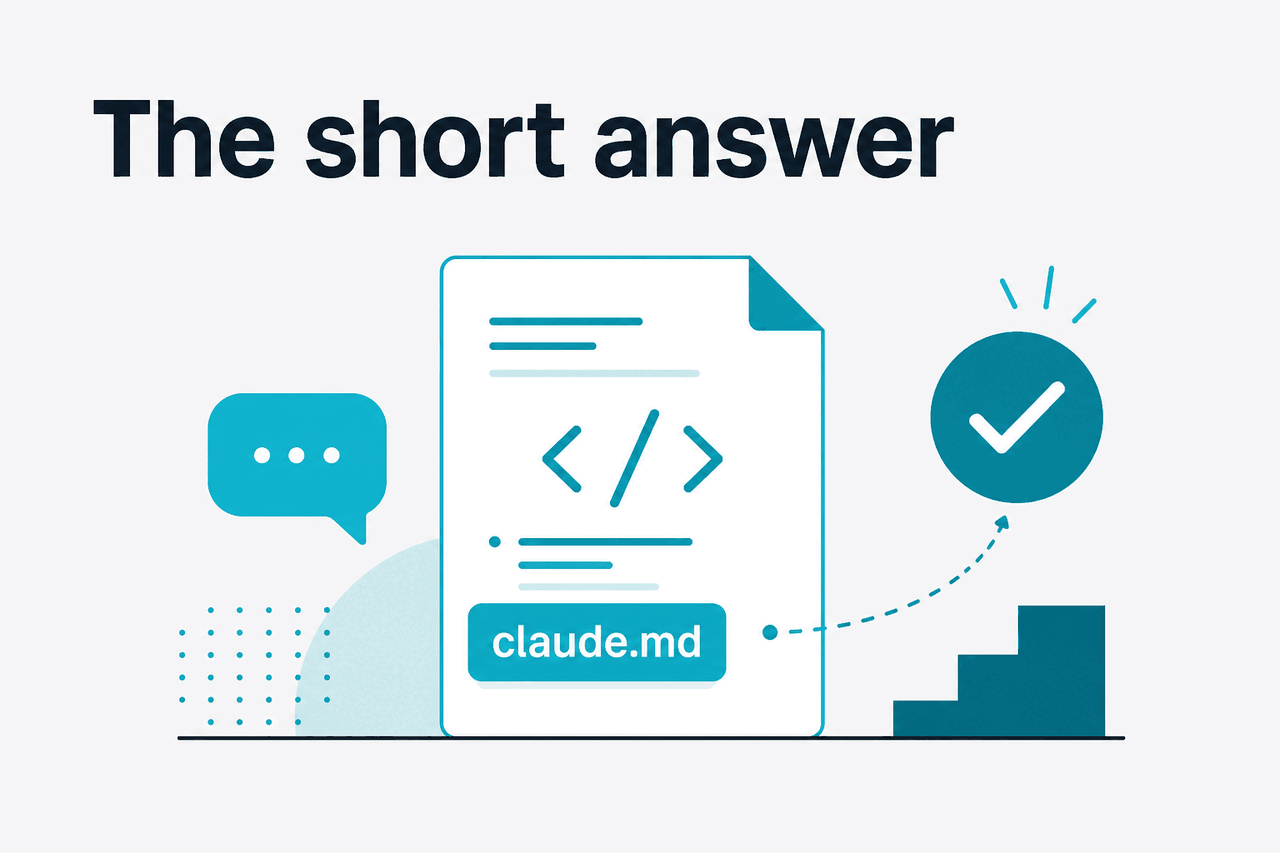
A CLAUDE.md file is a plain-text project memory file for Claude Code. It usually lives in your repository and tells Claude how the project works: how to test it, what style to follow, which files matter, and which rules it should not break.
- What it does: stores repository-specific instructions for Claude Code.
- Where it runs: inside Claude Code workflows, not as a standalone app.
- What it costs: the file is free; Claude access depends on your plan or API usage.
- Who it helps: developers and teams working in shared codebases.
The file is useful when Claude needs stable context across many coding sessions. Common entries include the package manager, test commands, database migration rules, architecture boundaries, naming conventions, and review standards. Good files stay short, specific, and easy to update.
Individual access
Free is $0. Pro is $20 per month, or $17 per month on an annual plan. Max starts at $100 per month.
Team access
Team Standard is $25 per seat per month, or $20 per seat per month annually. Team Premium is $125 per seat per month, or $100 per seat per month annually.
Enterprise and API
Enterprise is $20 per seat as a base, plus API rates. API pricing depends on the model and usage pattern.
Anthropic documents CLAUDE.md in the official Claude Code memory documentation. The official Claude product is available at claude.ai. This page explains the workflow from an independent implementation perspective.
How CLAUDE.md works

Claude Code runs in a development environment where it can inspect files, edit code, and run commands when allowed. CLAUDE.md gives it durable project context. Instead of repeating “use pnpm, run Vitest, avoid generated files” in every prompt, you write those rules once.
The mechanism is simple. Claude Code loads relevant memory instructions, combines them with your current prompt and repository context, then plans or edits with those instructions in mind. This improves consistency. It does not guarantee perfect compliance.
Think of CLAUDE.md as onboarding notes for an automated pair programmer. It should not replace source code, tests, type checks, permissions, or code review. It should point Claude toward the safeguards your team already uses.
Create the memory file
Add
CLAUDE.mdat the repository root, or use Claude Code’s initialization flow if your setup provides one. Keep the first version short.Describe the project
State the stack, package manager, key directories, and generated or vendor files Claude should avoid editing.
Add verified commands
List commands Claude can run, such as
pnpm test,pnpm lint, orpytest. Do not include obsolete or unsafe commands.Set coding rules
Document style rules that are not obvious from the codebase, such as API patterns, naming conventions, or migration policy.
Revise after failures
When Claude repeats a mistake, update the file with one concrete rule instead of adding a long explanation.
A useful starter file can be small:
# CLAUDE.md

## Project
This is a TypeScript Next.js app using pnpm.

## Commands
- Install: pnpm install
- Test: pnpm test
- Lint: pnpm lint
- Type check: pnpm typecheck

## Rules
- Do not edit generated files in /src/generated.
- Prefer server components unless client state is required.
- Add tests for changes in /src/lib.
- Use existing API helpers in /src/api before creating new fetch logic.
That is enough to save time. Long files can work, but important rules can get buried. If a rule is critical, put it near the top and make it testable.
Practical examples
The strongest CLAUDE.md files answer the questions a new engineer would ask during the first hour in the repository. They also tell Claude what not to do.
Worked example
Stop Claude from using the wrong package manager
pnpm test instead of npm test.Small instructions like this prevent repeated cleanup.
Example 1: repository orientation. Use CLAUDE.md to give Claude a map of the codebase. This helps when your app has several packages, legacy folders, or non-obvious boundaries.
## Repository map
- apps/web: customer-facing Next.js app
- apps/admin: internal admin UI
- packages/db: Prisma schema and database helpers
- packages/ui: shared React components
- docs: product and developer documentation

Do not move code between apps without asking first.
A realistic prompt after adding that context:
Update the admin user table to show last login time. Follow the repository map in CLAUDE.md and avoid changing the customer-facing app.
Example 2: test and verification policy. Claude can generate code quickly, but verification depends on the commands you expose and the rules you set. Put the normal verification path in the file.
## Verification
Before saying a task is complete:
1. Run pnpm lint for frontend changes.
2. Run pnpm test for changed packages.
3. Run pnpm typecheck after TypeScript changes.
4. If a command fails, report the failure and do not claim success.
Then ask:
Refactor the billing summary component. Use the verification rules in CLAUDE.md before you finish.
Example 3: coding style that linters do not catch. Linters catch syntax and formatting. They rarely explain product-specific patterns. CLAUDE.md can fill that gap.
## API patterns
- Use the existing request helper in src/lib/apiClient.ts.
- Do not call fetch directly from React components.
- Return typed errors using AppError.
- Do not introduce a new state library without asking.
Good prompt:
Add retry handling to the profile update flow. Follow the API patterns in CLAUDE.md.
Example 4: migration safety. Database work is a common place where AI coding assistants need strict boundaries. Put irreversible or environment-specific rules in plain language.
## Database rules
- Never drop columns or tables without explicit approval.
- New migrations must be backwards-compatible.
- Use nullable columns first, backfill second, enforce constraints last.
- Do not edit existing migration files after they have been committed.
Prompt:
Add a customer_tier field to accounts. Propose a safe migration plan before editing files.
Example 5: review checklist. You can ask Claude to review changes against your local standards. This works better when the standards are written down.
## Review checklist
When reviewing a pull request, check:
- Security-sensitive changes in auth, billing, and permissions
- Missing tests for changed business logic
- Direct database access outside approved data modules
- Public API changes that require documentation updates
Prompt:
Review the current diff against the CLAUDE.md review checklist. List blocking issues first.
If your workflow depends on Claude models through the API instead of the Claude Code product, see our Claude API guide. If you are comparing subscriptions and usage options, see our Claude pricing guide.
CLAUDE.md vs alternatives
CLAUDE.md is not the only way to give an AI coding tool project context. Cursor, GitHub Copilot, Sourcegraph Cody, and other tools have their own rule files, workspace context, or indexing systems. The practical difference is how explicit, portable, and reviewable the instructions are.
| Option | Where context lives | Strengths | Trade-offs |
|---|---|---|---|
| CLAUDE.md with Claude Code | Markdown file in or near the project | Plain text, versionable, easy for teams to review, close to the code | Only useful where Claude Code reads it; quality depends on maintenance |
| Cursor rules | Cursor-specific project or user rules | Integrated into Cursor’s editor workflow | Less portable outside Cursor; rules can diverge from other tool instructions |
| GitHub Copilot instructions | Repository or workspace instructions, depending on setup | Fits GitHub and VS Code workflows | Behavior varies by IDE and Copilot feature; still needs review |
| Sourcegraph Cody context | Code graph, repository context, and configuration | Useful for large codebase search and navigation | May require more setup than a simple Markdown file |
| README or developer docs | Human-facing documentation | Useful for people and tools; expected in most projects | Often too broad for task-specific AI instructions |
The main advantage of CLAUDE.md is reviewability. A team can inspect a pull request that changes the memory file and decide whether the instruction is correct. That is better than each developer keeping private prompt snippets in personal notes.
The main limitation is that memory is not enforcement. If a rule says “run tests,” Claude may still fail to run them if the environment is missing dependencies, commands time out, or permissions block execution. Treat the file as guidance. Keep automated checks in CI.
Use CLAUDE.md when
- Your repository has repeated conventions Claude should follow.
- Several developers use Claude Code on the same project.
- You want project instructions in version control.
- You need a clear place for test, lint, and safety rules.
Do not rely on it alone when
- The rule must be enforced by CI or permissions.
- The information is secret or regulated.
- The project changes faster than the file is maintained.
- You expect it to replace human code review.
For a broader view of what Claude can do outside coding, see our Claude features guide. For model differences, see our Claude models guide. For official product details, use Anthropic’s website and the official Claude product site.
FAQ
Is the file named CLAUDE.md or claude.md?
Use CLAUDE.md unless your tooling documents a different name. Many people search for claude.md, but project memory examples commonly use the uppercase filename. Case can matter on some file systems.
Is CLAUDE.md the same as Claude Projects knowledge?
No. CLAUDE.md is associated with Claude Code workflows and repository memory. Claude Projects in the web product can also use context, but that is a different product surface.
Should CLAUDE.md be committed to Git?
Usually, yes. If the instructions describe shared project conventions, commit the file so the whole team can review and update it. Do not commit secrets or personal preferences that should not apply to everyone.
How long should CLAUDE.md be?
Start with one to two screens of text. Add rules only when they prevent real mistakes. If the file becomes long, move stable human documentation into normal docs and keep CLAUDE.md focused on coding instructions.
Can CLAUDE.md make Claude follow rules perfectly?
No. It improves consistency, but it is not a security boundary or a replacement for tests. Critical rules should also be enforced through permissions, linters, type checks, CI, and code review.
Should personal preferences go in CLAUDE.md?
Only if they are team conventions. Keep personal workflow notes in user-level settings or private prompts, not in a shared repository memory file.
Can CLAUDE.md include links to internal documentation?
Yes, if Claude Code can access those files or URLs in your environment. Prefer short links with clear labels. Do not assume Claude can access private systems unless your setup allows it.
If Claude Code or claude.ai is unavailable, check the official Claude status page. For privacy, security, and compliance material, use Anthropic’s trust center. For general site questions, see our Claude FAQ.
The practical verdict
CLAUDE.md is worth using if you use Claude Code on any non-trivial repository. The file is simple, visible, and easy to improve. Its value comes from reducing repeated context-setting and making Claude follow the same workflow your team expects from human contributors.
Do not overload it. Put durable rules there: commands, architecture boundaries, safety notes, and review expectations. Keep enforcement in your actual toolchain. A good CLAUDE.md file makes Claude easier to work with. It does not make the codebase self-governing.
Independent guide. Not affiliated with Anthropic. For the official Claude product, visit claude.ai.
Last updated: 2026-05-12
This article is part of the Claude Code hub on c-ai.chat.