Claude Code remote control means supervising Anthropic’s coding agent while it works in a local, remote, or cloud development environment; c-ai.chat is an independent guide, not Anthropic, and this page explains the practical setup, limits, costs, and safety checks. For broader Claude product context, see our Claude features overview.
The short answer
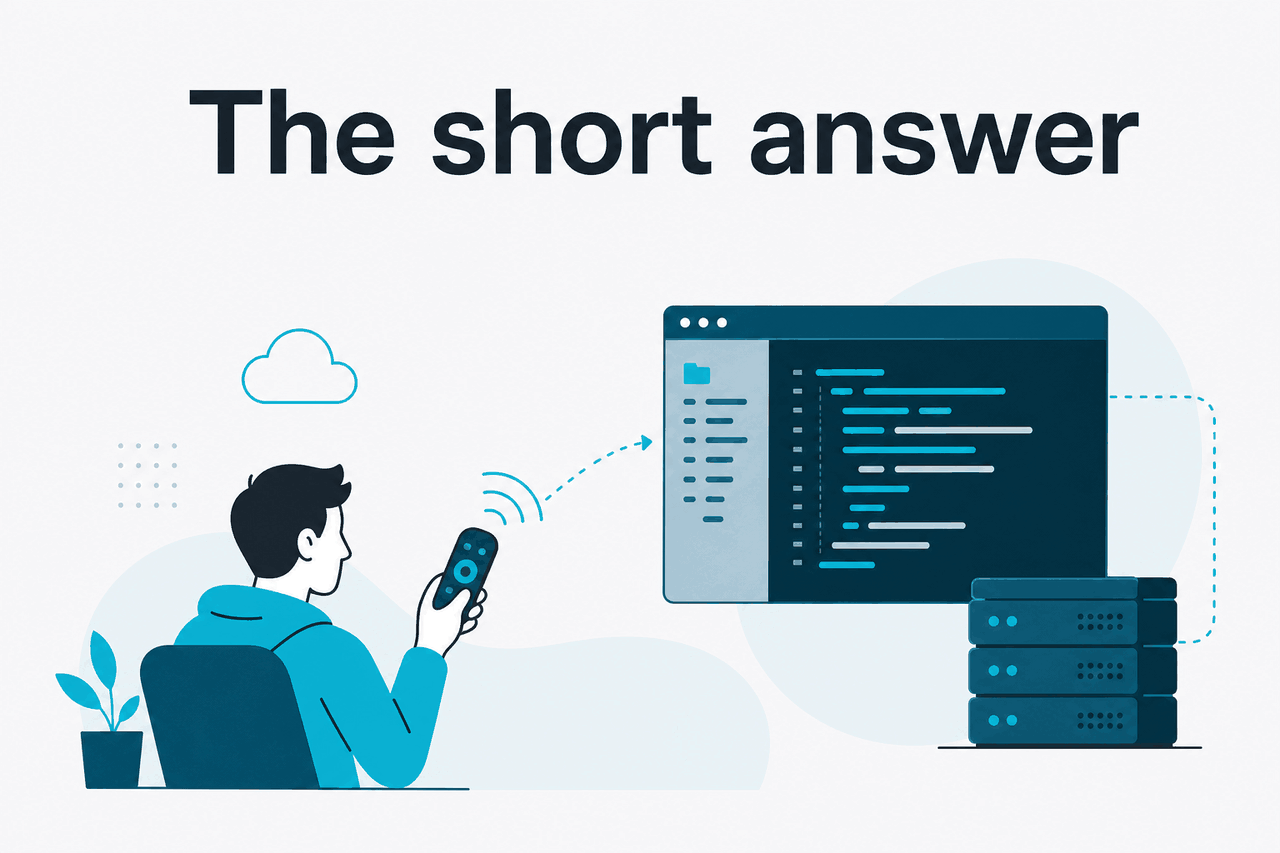
Claude Code remote control is useful when you want Claude to inspect a real repository, edit files, run commands, and return reviewable diffs while you direct the work from another session or device.
The safest pattern is simple: run it in a controlled workspace, give narrow instructions, review every diff, run tests, and commit only what you understand. Treat Claude as a coding agent with tools, not as an unattended engineer.
Anthropic makes Claude and provides the official product at claude.ai. Access to Claude Code depends on Anthropic’s supported product surfaces, your plan, and your workspace setup. If you are choosing between the Claude app, Claude Code, and API workflows, see our independent Claude AI guide, Claude models guide, and Claude API docs overview.
Supervised coding agent
Claude Code can inspect code, propose edits, run checks, and explain changes when the workspace gives it the right tools.
The phrase “remote control” can mean several things. Some people mean running Claude Code over SSH. Some mean using a cloud development environment. Others mean checking a long-running coding task from a browser or mobile device. The safety rule is the same in each case: keep permissions narrow and require human review before merge or deployment.
How it works

Claude Code works by giving Claude access to project context and development actions. In a typical workflow, it can read files, suggest or apply edits, run tests, inspect command output, and explain what changed.
This is closer to agentic coding in a controlled workspace than screen sharing. Claude does not need to move a mouse or view pixels. It needs repository access, instructions, tool permissions, and feedback from commands. Use Anthropic’s official Claude Code documentation on docs.claude.com for setup details.
The main design choice is where the work happens. A local laptop is simple. A remote development environment is easier to reach from anywhere, but it needs stricter permissions. A CI-style agent can be repeatable, but it should never push unreviewed changes to protected branches.
Open a controlled workspace
Use a branch, worktree, container, or remote development environment where changes can be reviewed and rolled back.
Start Claude Code
Launch the coding agent in the project root or through a supported Claude Code entry point. Confirm which files and commands it can access.
Give a narrow task
Ask for one outcome, such as
Find why the login test fails and propose the smallest fix. Avoid broad requests such asImprove the app.Ask for a plan before edits
Have Claude identify relevant files, likely causes, and intended changes before it writes code.
Review the diff and run tests
Read the patch, run the relevant checks, inspect logs, and commit only after human review.
Good guardrails matter. Keep secrets out of the environment unless the task truly needs them. Prefer read-only credentials. Use branch protection. Log commands. Run formatters, type checks, and tests. Require a second review for payments, authentication, migrations, deployment scripts, and permission changes.
Costs depend on how you access Claude. Claude app subscriptions are separate from API usage. For plan-level context, see our Claude pricing guide. For token pricing, use Anthropic’s official pricing page on platform.claude.com.
Free
$0
Entry-level access with usage limits.
Pro
$20/month
$17/month with annual billing.
Max
From $100/month
Higher-usage individual plan.
Team Standard
$25/seat/month
$20/seat/month with annual billing.
Team Premium
$125/seat/month
$100/seat/month with annual billing.
Enterprise
$20/seat base
Plus API rates.
What you can use it for
The strongest Claude Code remote-control tasks are bounded. They have a clear success condition, a test path, and a small blast radius.
Worked example
Fix a failing test from a remote development container
This works well because Claude can inspect the code, run the test, make a narrow change, and show evidence before you merge.
A useful prompt for that scenario:
We are on branch fix/checkout-test. Please investigate the failing test:
npm test -- checkout.discount.spec.ts

First explain the likely cause. Then make the smallest safe change.
Do not modify unrelated files. After editing, run the targeted test and show the diff.
Dependency upgrade triage is another good fit. Name the dependency, limit the version range, and require checks.
Upgrade zod from the current version to the latest compatible minor version.
Check for breaking type errors. Do not change runtime behaviour.
Run the TypeScript checker and the validation-related tests only.
Claude Code can also help with codebase orientation. This is lower risk because it does not require editing files.
Map the authentication flow in this repository.
Identify the entry points, middleware, session storage, and test coverage.
Do not edit files. Return a concise explanation with file paths.
For refactoring, keep the surface area small. Claude can often handle a rename, extraction, or test cleanup when the boundaries are clear. It is less reliable when asked to modernise a large service without constraints.
Refactor src/billing/coupons.ts to separate parsing from validation.
Keep public function signatures unchanged.
Add or update tests only for this module.
Show the before/after structure before making broad edits.
A final common use is preparing a pull request description. Claude can draft the summary, risk notes, and test evidence from the branch diff. Edit the final text yourself, especially for user-facing or compliance-sensitive changes.
Review the current branch diff against main.
Draft a pull request description with:
- What changed
- Why it changed
- Tests run
- Risks or follow-ups
Do not invent test results. Use only commands that were actually run.
Good remote Claude Code tasks
- One failing test or bug report.
- One module refactor.
- Dependency upgrade triage.
- Codebase mapping without edits.
- Pull request summary drafting.
Tasks that need extra caution
- Production deployments.
- Authentication and billing changes.
- Database migrations.
- Broad rewrites with no tests.
- Work requiring privileged credentials.
Claude Code vs alternatives
Claude Code is one way to get AI help with programming. The right option depends on where you want the assistant to operate: in your editor, in a terminal, in a hosted workflow, or behind your own API integration.
| Tool pattern | Where it works | Strength | Trade-off | Best fit |
|---|---|---|---|---|
| Claude Code | Project workspace, often terminal or remote development environment | Repo-aware investigation, edits, tests, and explanations | Needs careful permissions and human review | Scoped engineering tasks where Claude can inspect real files |
| AI IDE assistant | Editor-first workflow | Fast inline edits and code navigation while you code | Less suited to long-running terminal tasks | Developers who want tight editor integration |
| Autocomplete assistant | Editor and pull request workflows | Low-friction suggestions, snippets, and tests | Less agentic for multi-step repo work | Daily coding assistance while a human drives |
| Code search assistant | Large indexed codebases | Repository understanding and navigation | Depends on indexing and setup | Large monorepos or many-service environments |
| Custom Claude API agent | Your infrastructure | Control over prompts, tools, logging, and cost limits | Requires engineering work and safety design | Internal developer platforms and repeatable automation |
The main distinction is control. Editor assistants are convenient while you type. Claude Code is stronger when the task needs a sequence: inspect files, reason about an issue, edit, run a command, read output, and iterate. A custom API agent gives more control, but it also creates more responsibility.
For API-based automation, model choice and token pricing matter. Published prices include Claude Opus 4.7 at $5 per million input tokens and $25 per million output tokens, with a 1M-token context window. Claude Sonnet 4.6 is $3 per million input tokens and $15 per million output tokens, with a 1M-token context window and 128K maximum output. Claude Haiku 4.5 is $1 per million input tokens and $5 per million output tokens.
90% off cached input
Anthropic’s prompt caching discount applies to cached input tokens. Batch API usage is 50% off in both directions.
If you are not building automation, subscription pricing may matter more than token pricing. If you are building an internal coding agent, compare the hosted product with direct API access through our Claude API documentation guide.
FAQ
For availability problems, check Anthropic’s official status page at status.claude.com. For account, plan, and workspace help, use support.anthropic.com. For enterprise security and compliance material, Anthropic maintains resources at trust.anthropic.com.
Verdict
Claude Code remote control is valuable when you treat it as supervised engineering assistance. It can help with investigation, test repair, refactoring, documentation, and pull request preparation. It is weakest when the assignment is vague, the repository has poor tests, or the environment gives the agent more access than the task requires.
The practical rule: use Claude Code for bounded tasks in a branch, ask it to show its plan, review the diff, and run tests before merging. If you need repeatable automation or strict cost controls, evaluate the Claude API. If you only want inline suggestions, an editor assistant may be enough.
Last updated: 2026-05-12