Claude Code permissions control what Claude Code can read, edit, run, and access on your machine; this independent c-ai.chat guide explains how to review those requests and fit them into a safer development workflow alongside broader Claude features.
- The short answer
- How it works
- What you would actually do with it
- Vs. the alternatives
- Other questions readers ask
- The honest take
- Sources
The short answer
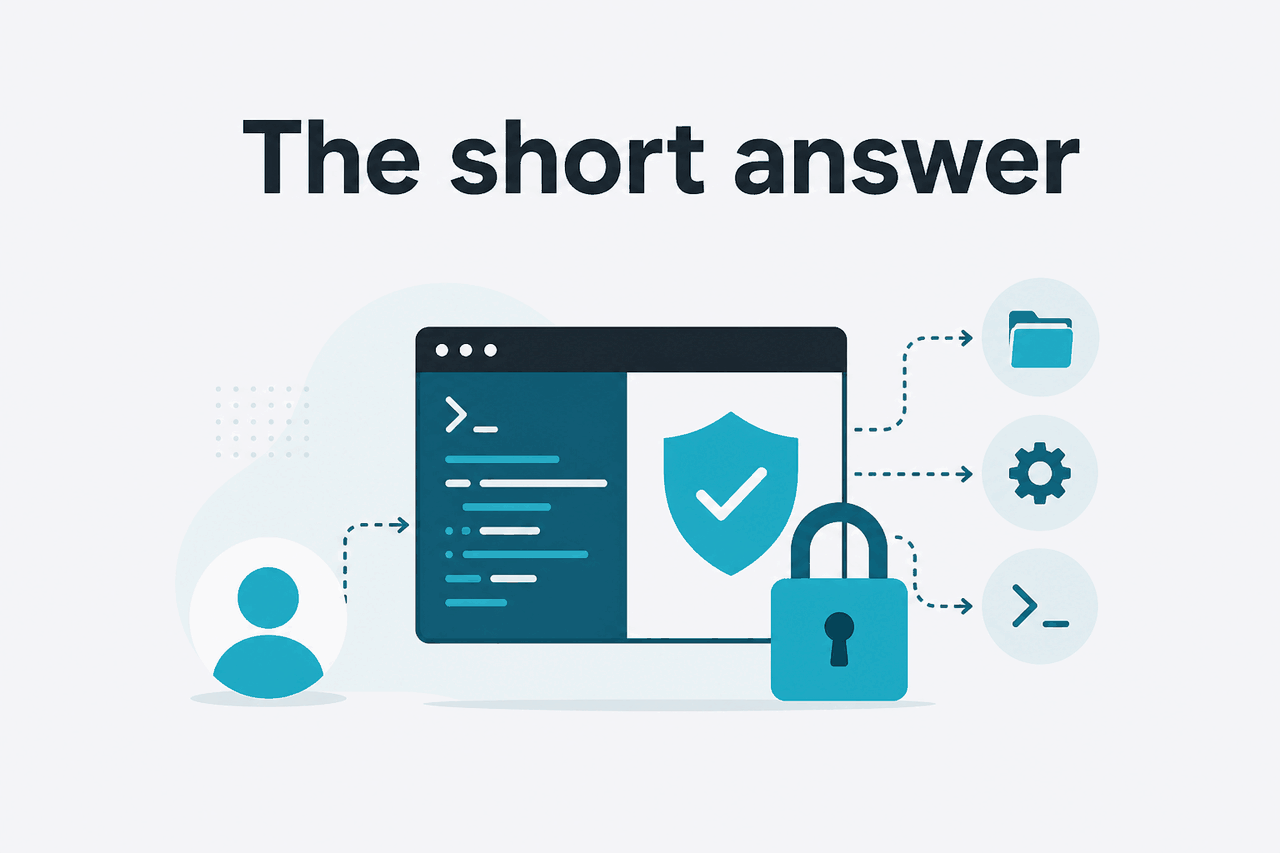
Claude Code permissions are for developers who want Claude to help inside a real codebase without giving it unchecked control over the local environment. Claude Code runs in the terminal, inspects project files, proposes changes, and can ask before actions such as editing files, running shell commands, or using connected tools. Anthropic makes Claude and Claude Code. c-ai.chat is an independent guide to the Claude ecosystem.
- What it does: prompts before sensitive file, shell, and tool actions.
- Where it runs: in your terminal, usually inside a project folder.
- What it is not: a full security sandbox or a substitute for code review.
- Who it is for: developers who want agentic coding help while keeping local control.
Pricing depends on how you access Claude. Claude plans include Free at $0, Pro at $20/month or $17/month annual, Max from $100/month, Team Standard at $25/seat or $20/seat annual, Team Premium at $125/seat or $100/seat annual, and Enterprise at a $20/seat base plus API rates. API pricing is separate. For the full breakdown, see our Claude pricing guide and Anthropic’s official Claude pricing page.
Permissions matter most when Claude Code moves from explanation to action. Asking why a test fails is lower risk. Asking it to modify authentication logic, run a migration, install packages, or call an external service needs more care. The permission prompt is the checkpoint where you decide whether the action matches your intent.
How it works

Claude Code works as a local coding agent. You start it in a repository, describe the task, and Claude inspects relevant files. When it needs to perform an action that may affect your project or machine, it can ask for permission.
The key point is that permissions are action-based. Claude can reason about code in conversation, but changing the working tree or executing commands is different. A permission prompt gives you the proposed action and asks whether to allow it. Use Anthropic’s official Claude documentation for current command names and configuration details.
Allow once
Use this for a narrow edit or command that clearly matches your prompt.
Ask for a plan
Use this before broad refactors, migrations, dependency changes, or security-sensitive work.
Deny and narrow
Use this when the request touches unrelated files, secrets, production data, or a command you do not understand.
Think of permissions as a review queue before side effects happen. They do not replace code review. They also do not prove that a command is safe. A shell command can look simple and still delete files, leak data, or modify global state.
Open the right repository
Start in the project directory you want Claude Code to inspect. Avoid launching it from a parent folder that contains unrelated projects, credentials, or personal files.
Ask for a bounded task
Use a concrete instruction, such as
Find why the user settings test fails and propose the smallest fix. Narrow prompts lead to narrower tool requests.Review each permission prompt
Check the file path, command, and intent. Approve only if the action matches the task you gave.
Inspect the diff
Use
git diff, your editor, or your normal review tool before committing generated changes.Run tests yourself
Let Claude suggest test commands, but treat final verification as your responsibility.
Permission design also affects team policy. An individual developer may approve one-off commands during exploratory work. A team using Claude Code across production repositories should document safe command patterns, banned directories, secret-handling rules, and review expectations. If your organisation uses Claude through the API, compare this terminal workflow with our Claude API docs guide, where your application controls which tools the model can call.
Claude Code can be useful because it sees more of the project than a chat window. That same strength is why permissions matter. A coding assistant that can inspect files, modify code, and run tests needs boundaries. The permissions system gives you a practical boundary at the point of action.
What you would actually do with it
The best way to understand Claude Code permissions is to look at ordinary development work. These examples show where approval decisions appear and what to check before accepting them.
Worked example
Fix a failing unit test without broad file edits
This task is a good fit because the scope is easy to verify.
A realistic prompt for that workflow might look like this:
claude
> The account settings test is failing. Inspect the relevant files, explain the cause, and propose the smallest fix before editing.
If Claude asks to edit src/account/settings.ts, that may be reasonable. If it asks to rewrite the whole settings module, update unrelated snapshots, or change authentication helpers, pause and ask for a narrower plan. Treat permission prompts as design checkpoints.
Documentation cleanup is lower risk but still needs review. You might ask Claude to update a README after a configuration change. Reading project files and editing Markdown is usually safe, but Claude can still add incorrect commands or stale instructions.
claude
> Update the README setup section to match package.json and docker-compose.yml. Do not change application code.
Permissions become more important when shell commands enter the workflow. Running npm test or pytest is usually routine. Running install scripts, migrations, destructive cleanup commands, or anything involving credentials deserves more scrutiny. If a command can alter a database, filesystem, cloud resource, or package lockfile, read it carefully before approval.
Refactoring is useful but higher risk. Claude Code may identify repeated logic and propose a shared helper. That can save time, but broad edits are harder to review. Ask it to plan first, then approve changes in small steps.
claude
> Identify duplication in the billing formatter code. Give me a refactor plan first. Do not edit files until I approve the plan.
For security-sensitive code, use tighter boundaries. Ask for analysis first. Do not let Claude make silent changes to authentication, authorisation, payment handling, encryption, or data deletion paths. A good prompt separates diagnosis from modification.
claude
> Review the password reset flow for obvious logic errors. Report findings only. Do not edit files or run commands.
Generated scripts need the same caution. Suppose you ask Claude to create a migration helper. The risky step is not only writing the script. It is running it. You can approve file creation, inspect the script manually, then run it in a disposable environment before touching real data.
Approve when
- The action is narrow and matches your prompt.
- The file path is inside the intended project.
- The command is familiar and non-destructive.
- You can verify the result with tests or a diff.
Reject when
- The command touches secrets, production data, or global system state.
- The edit is broader than the task requires.
- Claude asks to run a command you do not understand.
- The request reaches outside the repository without a clear reason.
These patterns also apply to Claude’s wider product surface. Claude can help with drafting, analysis, and project work outside the terminal, but Claude Code is different because it can act inside a development environment. For model context, see our Claude models guide and Anthropic’s official product site at claude.ai.
Vs. the alternatives
Claude Code sits in the same broad category as agentic coding tools, but its permission model is closer to a terminal approval workflow than a pure autocomplete experience. That helps when you want the assistant to inspect a repository and perform multi-step tasks. It may feel heavy if you mainly want inline suggestions while typing.
| Tool | Primary workflow | Permission style | Strength | Trade-off |
|---|---|---|---|---|
| Claude Code | Terminal-based coding agent | Prompts before sensitive actions such as edits and commands | Good for repository-level tasks, debugging, refactors, and test-driven fixes | Requires careful review of tool requests and diffs |
| Cursor | AI-first code editor | Editor-controlled file edits and agent actions | Strong if you want AI assistance inside the IDE | Less focused on a terminal-first workflow |
| GitHub Copilot | IDE autocomplete, chat, and coding agent features | Depends on IDE and feature mode | Convenient for inline suggestions and common editor workflows | Repository-level autonomous work may need more setup and review |
| Sourcegraph Cody | Codebase-aware chat and editor assistance | Editor and workspace scoped | Useful for asking questions across larger codebases | Action model differs from a local terminal agent |
| Direct Claude API | Custom application integration | You define tools, scopes, and execution rules | Best when building your own coding or review system | You must design the permission and safety layer yourself |
The main distinction is control surface. Claude Code asks for approval inside the terminal session. Cursor and Copilot often integrate more tightly with the editor. The API gives you the most design freedom, but also the most responsibility. Anthropic’s model and API documentation on platform.claude.com explains the model side; Claude Code documentation explains the local tool workflow.
For individual developers, the decision often comes down to where you already work. If your editor is the centre of your day, an editor-native assistant may feel more natural. If you spend a lot of time in the terminal and want an assistant that can inspect, patch, and test from there, Claude Code is a better fit. For teams, include policy in the decision: permissions, audit expectations, repository access, and generated-code review.
If you are comparing broader Claude capabilities, our Claude resources page collects related guides, while our Claude FAQ covers common account, access, and product questions.
Other questions readers ask
These are the related questions people usually have after searching for Claude Code permissions.
The honest take
Claude Code permissions are a practical control layer for agentic coding. They are not magic safety. Their value is that they slow the workflow down at the right moment: before files change, commands run, or tools act outside plain conversation. If you use narrow prompts, review permission requests, and inspect diffs, the system can fit cleanly into normal development habits.
The risk comes from treating approvals as routine. Do not approve commands you do not understand. Do not let broad edits pass because the assistant sounds confident. Use Claude Code for bounded tasks, keep sensitive environments separate, and let your existing engineering controls do their job.
Independent guide. Not affiliated with Anthropic. For the official Claude product, visit claude.ai.
Last updated: 2026-05-12
This article is part of the Claude Code hub on c-ai.chat.