A Claude Code router is a local or team-managed routing layer that sends different coding tasks to different model backends, instead of using one Claude model for every Claude Code request; for broader context, see our Claude features guide.
c-ai.chat is an independent guide. We are not Anthropic. Anthropic makes Claude, and the official product is claude.ai.
Table of contents
- The short answer
- How it works
- What you can use it for
- Claude Code router vs alternatives
- FAQ
- The practical verdict
- Sources
The short answer
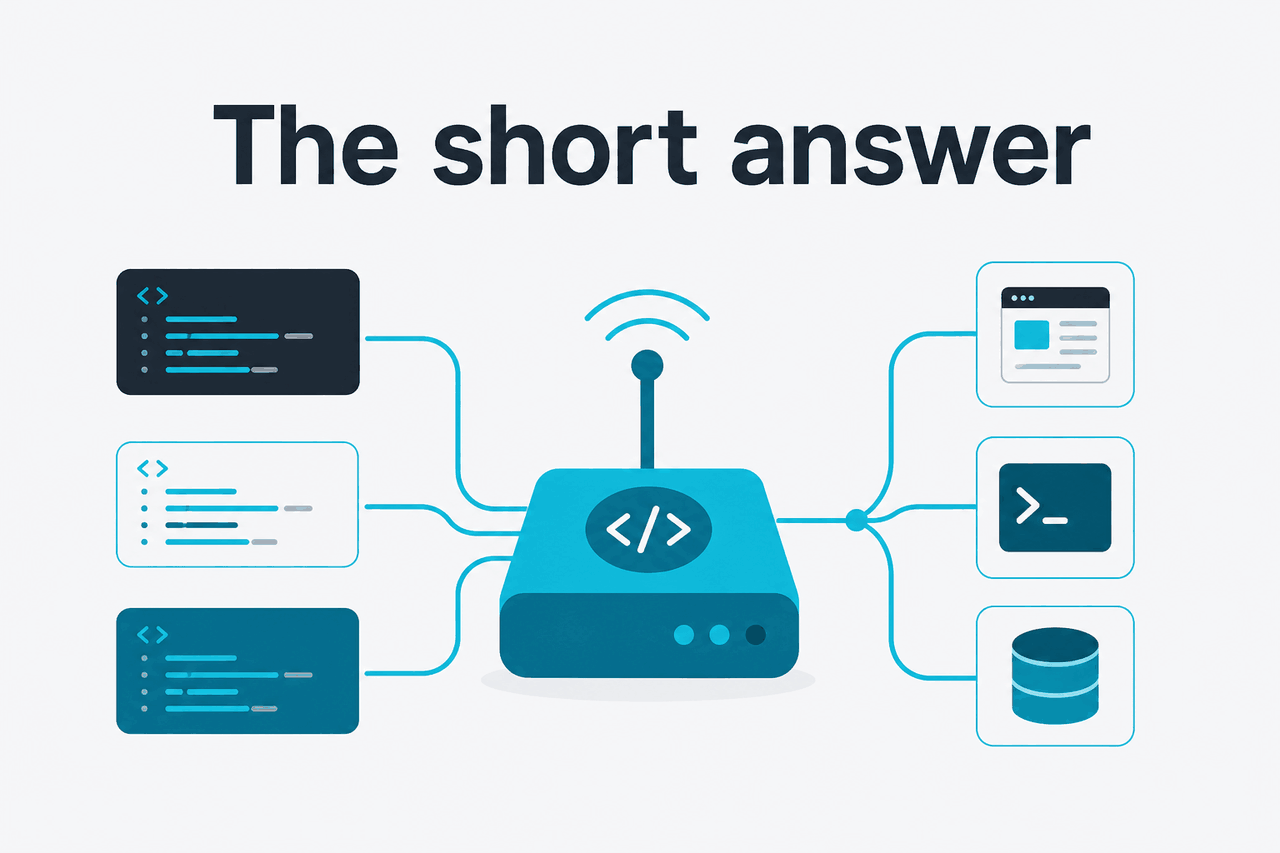
A Claude Code router is for developers who want explicit control over which model handles each coding request. The usual pattern is simple: keep Claude Code as the terminal coding interface, route routine tasks to a faster or lower-cost model, and reserve stronger models for difficult debugging, architecture, or refactoring work.
- What it does: routes coding prompts by task, command, model, or rule.
- Where it runs: usually on your machine, in a dev container, or in team-managed development infrastructure.
- What it costs: router software may be free, but model usage is billed separately.
- Who it is for: developers who already use terminal-based AI coding tools and need more control.
The key distinction is this: Claude Code is Anthropic’s coding agent experience. A router is an extra layer around model selection. Anthropic documents Claude models, API usage, and pricing through its official developer resources at docs.claude.com and platform.claude.com. A third-party router is not an official Claude feature unless Anthropic explicitly ships and documents it.
Most developers do not need routing at the start. Use standard Claude Code first. Add routing only when you have a clear reason: high API spend, slow routine edits, strict data separation, or a workflow where different jobs need different models.
How it works

A router sits between the coding client and the model API. Claude Code collects your prompt, repository context, command output, and edit history. The router receives the request, applies rules, and forwards it to the selected model endpoint. The response returns to the coding client, where you review the explanation, command, or file edit.
The rules can be simple. A default route might send ordinary coding work to Claude Sonnet 4.6 because it balances capability and cost at $3 per million input tokens and $15 per million output tokens. A stricter setup might reserve Claude Opus 4.7 for hard debugging or architectural decisions at $5 per million input tokens and $25 per million output tokens. For quick file edits, tests, and summaries, some teams route to Claude Haiku 4.5 at $1 per million input tokens and $5 per million output tokens.
Haiku 4.5 route
Use for: small edits, fixtures, summaries, and low-risk test updates.
Price: $1/M input and $5/M output.
Sonnet 4.6 route
Use for: normal implementation, code review, and everyday debugging.
Price: $3/M input and $15/M output. Supports 1M context and 128K max output.
Opus 4.7 route
Use for: difficult debugging, architecture, migrations, and high-value refactors.
Price: $5/M input and $25/M output. Supports 1M context.
Routing does not automatically lower cost. It changes where requests go. Your total bill still depends on token volume, model choice, retries, tool output, and API features such as prompt caching or the Batch API. Anthropic states that prompt caching gives a 90% discount on cached input, and the Batch API gives a 50% discount in both directions. For a plain-English breakdown, see our Claude pricing guide.
Choose the default model
Pick the model for ordinary coding requests. For many teams, that means Sonnet 4.6.
Define routing rules
Create rules for task types. For example: send architecture prompts to Opus 4.7, quick test updates to Haiku 4.5, and normal implementation work to Sonnet 4.6.
Connect credentials carefully
Store API keys in environment variables or a secret manager. Do not commit config files that contain keys, account IDs, or internal endpoint URLs.
Run one low-risk task
Start with a small repository change, such as updating a failing unit test. Confirm that the request reaches the expected model.
Measure before expanding
Track latency, token use, accepted edits, failed tool calls, and review time. Keep the router only if it improves the workflow.
The main engineering decision is where to draw the line between “simple” and “hard.” File formatting, fixture edits, changelog drafts, and small refactors rarely need the strongest model. Multi-file debugging, security-sensitive changes, migration planning, and ambiguous product logic often benefit from a stronger route.
Security matters. A router can see prompts, file excerpts, command output, and sometimes full patches. Treat it like development infrastructure. Review its source, configuration, logging behavior, dependency chain, and update process. If you work in a regulated environment, compare the setup with your company’s AI policy and Anthropic’s trust resources at trust.anthropic.com.
What you can use it for
The router pattern helps when you can name specific coding jobs and assign them to the model that fits the job. These examples use generic commands. Adapt them to the router and shell environment you actually use.
Send routine test fixes to a cheaper model
Imagine a pull request where three tests fail after a dependency upgrade. You do not need an architecture review. You need a quick inspection of the failure output, a small patch, and a rerun.
claude-code "Inspect the failing tests and propose the smallest safe fix. Do not change production behavior unless the test proves it is wrong."A router rule could send prompts containing “failing tests,” “fixture,” or “snapshot” to Haiku 4.5. That keeps high-volume maintenance work away from your most expensive route. You still review the diff before applying it.
Worked example
Routing a small test repair
This is the kind of task where routing can reduce waste without changing how you work in the terminal.
Escalate hard debugging to a stronger model
Some bugs are not small. A production race condition, intermittent queue failure, or broken migration can require broad context across logs, tests, code paths, and deployment assumptions. Route those tasks to Opus 4.7 or another high-capability model your team has approved.
claude-code "/debug The worker sometimes processes the same job twice. Review the locking logic, retry behavior, and database transaction boundaries. Ask for missing context before editing."The router can match /debug or a similar prefix and send the request to a stronger model. This does not guarantee correctness. It gives the model more capability for a task where subtle reasoning matters.
Keep architecture reviews on one route
Architecture prompts often have long context and high consequences. They may include diagrams, database schemas, service boundaries, and trade-off analysis. You may want all of that to go through one approved model and one logging policy.
claude-code "/architect We are splitting billing from the monolith. Review this proposed service boundary and identify migration risks, data ownership issues, and rollback requirements."A clear router config makes this predictable. Everyone on the team knows that /architect means a specific model, endpoint, and review expectation. The value is not only cost control. It is consistency.
Separate local experiments from company work
Developers often use AI tools for both personal projects and company repositories. A router can help keep those environments separate. A personal route might use one account. Work routes might use a company-approved API key and endpoint policy.
# Example naming pattern only
export CLAUDE_CODE_ROUTE=work-approved
claude-code "Review this pull request for security and data-handling risks."
This is useful only if the separation is real. Environment variable names alone do not create compliance. You still need access controls, secret handling, audit expectations, and a clear rule for what code can be sent to which model provider.
Route long-context tasks deliberately
Some Claude models support very large context windows. Opus 4.7 and Sonnet 4.6 support 1M context. Long context helps when you need to reason across a large codebase, but it can also increase cost if you send too much irrelevant text. See our Claude models guide for model-by-model differences.
claude-code "/large-context Map the authentication flow across these packages. Return a file-by-file summary first, then wait before proposing edits."A router rule can reserve long-context routes for explicit commands such as /large-context. That prevents accidental large prompts during routine work. It also makes cost reviews easier because long-context tasks have a visible label.
Claude Code router vs alternatives
A Claude Code router is not the same category as Cursor, GitHub Copilot, or Sourcegraph Cody. Those tools are full coding assistants or IDE experiences. A router is infrastructure around model selection. That makes it more flexible, but also more manual.
| Option | Where it works | Main advantage | Main trade-off | Best fit |
|---|---|---|---|---|
| Claude Code without a router | Terminal and supported Claude Code workflows | Simpler setup; fewer moving parts | Less control over per-task routing | Most individual developers starting with AI coding |
| Claude Code with a router | Terminal plus local or team routing config | Fine-grained model choice by task | More configuration, security review, and debugging | Teams with measurable cost, latency, or policy needs |
| Cursor | IDE | Editor-native AI workflow with codebase context | Less terminal-first; model routing depends on product settings | Developers who want the AI assistant inside the editor |
| GitHub Copilot | IDE, GitHub, and related developer surfaces | Widely integrated autocomplete and chat | Less control over custom routing patterns | Teams already standardized on GitHub developer tooling |
| Sourcegraph Cody | IDE and code intelligence workflows | Strong code search and repository-context orientation | Another platform to administer and compare | Teams that value codebase search and enterprise code context |
| Direct Claude API integration | Your own app, scripts, CI, or internal tools | Maximum control over prompts, models, logs, and workflow | You build and maintain the interface yourself | Engineering teams building custom automation |
The clean comparison is this: IDE assistants optimize for convenience; routers optimize for control. If you want autocomplete, inline chat, and a polished editor flow, use an IDE assistant. If you want terminal-first model selection with explicit rules, a router may fit better.
Claude Code sits in the middle. It gives developers an agentic coding workflow without requiring them to build a custom API app. A router changes the model-selection layer, not your responsibility. You still need to inspect changes, run tests, and reject risky suggestions. For API concepts, see our Claude API docs guide.
Pick a router when
- You already use Claude Code regularly.
- You have repeated task categories with different cost or quality needs.
- Your team can maintain shared config and secrets safely.
- You want explicit routing for architecture, debugging, reviews, and routine edits.
Skip a router when
- You are still learning Claude Code basics.
- Your repository is small and model spend is minor.
- You cannot review third-party router code or logs.
- Your company policy requires only approved official tools.
If pricing is the main reason you are considering routing, first check whether simpler changes solve the problem. Reduce irrelevant context. Ask for plans before edits. Use prompt caching where it applies. Use the Batch API for suitable asynchronous jobs. Those changes may be easier than adding a routing layer.
FAQ
Is Claude Code router official?
Not usually. The phrase commonly refers to a third-party or self-managed routing setup around Claude Code. For official information, use Anthropic’s Claude Code documentation, the developer docs, and the official product at claude.ai.
Does a router make Claude Code cheaper?
It can, but only if the rules reduce expensive token use. Sending routine tasks to Haiku 4.5 or Sonnet 4.6 may lower cost compared with using Opus 4.7 for everything. Bad routing can do the opposite if it creates retries, longer prompts, or unnecessary context.
Can I use a Claude Code router without the API?
A router normally needs a model endpoint to send requests to. API usage is the usual path for controlled routing. Claude subscription plans are different from API billing. Free is $0. Pro is $20/month, or $17/month annually. Max starts at $100/month. Team Standard is $25/seat, or $20/seat annually. Team Premium is $125/seat, or $100/seat annually. Enterprise uses a $20/seat base plus API rates.
Which Claude model should I route coding tasks to?
Use Sonnet 4.6 as the default when you want a balance of capability and cost. Use Opus 4.7 for difficult debugging, architecture, and high-value refactors. Use Haiku 4.5 for narrow, fast, low-risk tasks where you will review the output anyway.
Is routing safe for private repositories?
It depends on the router, model endpoint, logging settings, and your organization’s policy. A router can expose source code, terminal output, file paths, and secrets if configured badly. Review logs, scrub secrets, and use approved accounts before sending proprietary code.
What is the simplest safe way to start?
Start with one default route and one special route. For example, use Sonnet 4.6 for normal work and Opus 4.7 only for prompts with an explicit /architect or /debug prefix. Test on a small repository first.
Where should I check official Claude answers?
Use Anthropic’s official docs and support resources for product behavior, billing, and API details. For common independent explanations, see our Claude FAQ.
One practical test: if you cannot explain where a prompt goes after you press Enter, do not use the router for sensitive work. The same rule applies to any AI coding assistant. Know the endpoint, account, retention setting, and review process.
The practical verdict
A Claude Code router is useful for developers who have outgrown a single-model coding workflow. It gives you explicit control over which model handles routine edits, hard debugging, architecture reviews, and long-context work. That control can reduce cost and improve consistency. It also adds another component you must secure, update, and troubleshoot.
If you are new to Claude Code, start without a router. Learn the prompts, review habits, and failure modes first. Add routing when you have repeated tasks, measurable spend, and a clear policy reason for model separation. For many individual users, plain Claude Code plus careful prompting is enough.
Independent guide. Not affiliated with Anthropic. For the official Claude product, visit claude.ai.
Last updated: 2026-05-12
This article is part of the Claude Code hub on c-ai.chat.