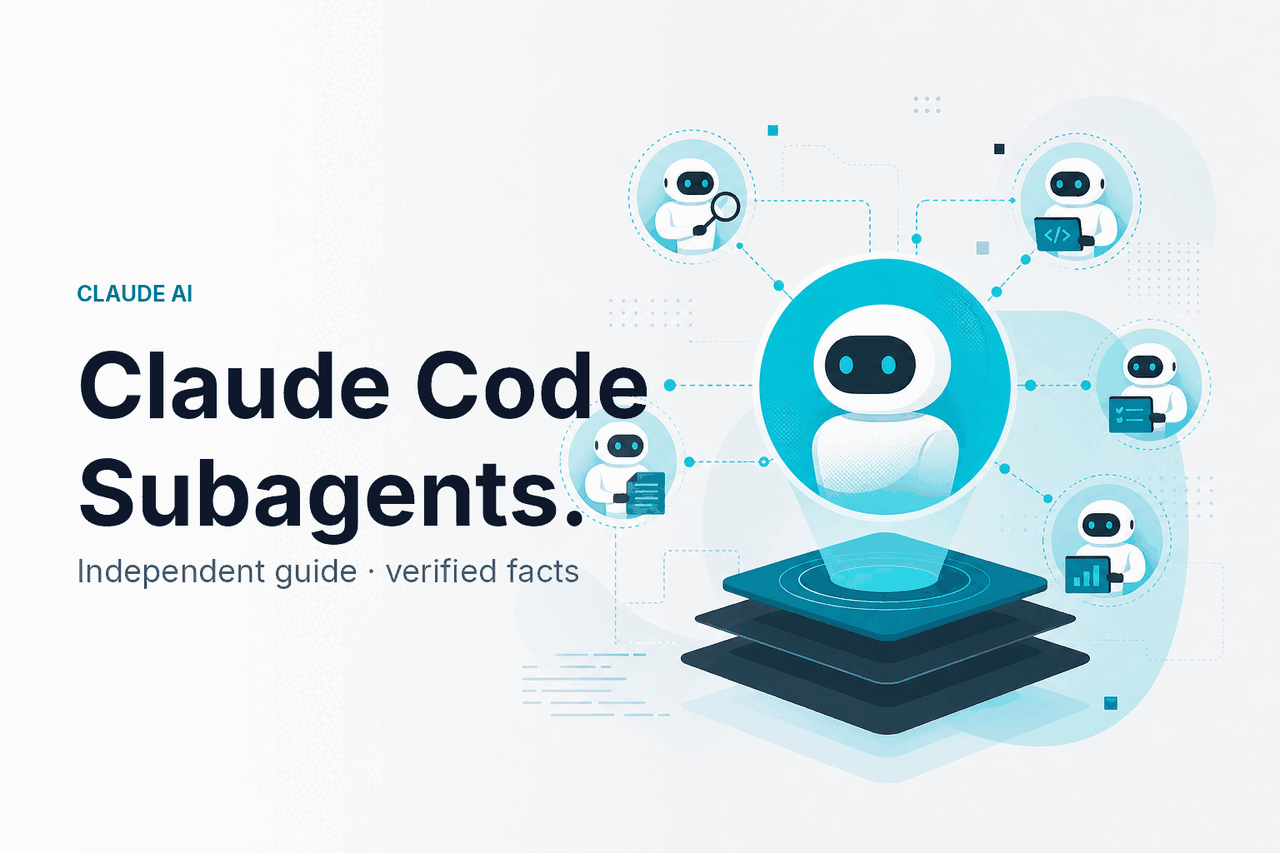
Claude Code subagents are named, reusable helpers inside Claude Code that you define with their own instructions, tool access, and context for tasks such as code review, testing, migration work, and documentation. For broader Claude capabilities, see our independent Claude features guide. c-ai.chat is not Anthropic and does not operate claude.ai.
- The short answer
- How it works
- What you would use subagents for
- Subagents vs. alternatives
- FAQ
- The honest take
- Sources
The short answer
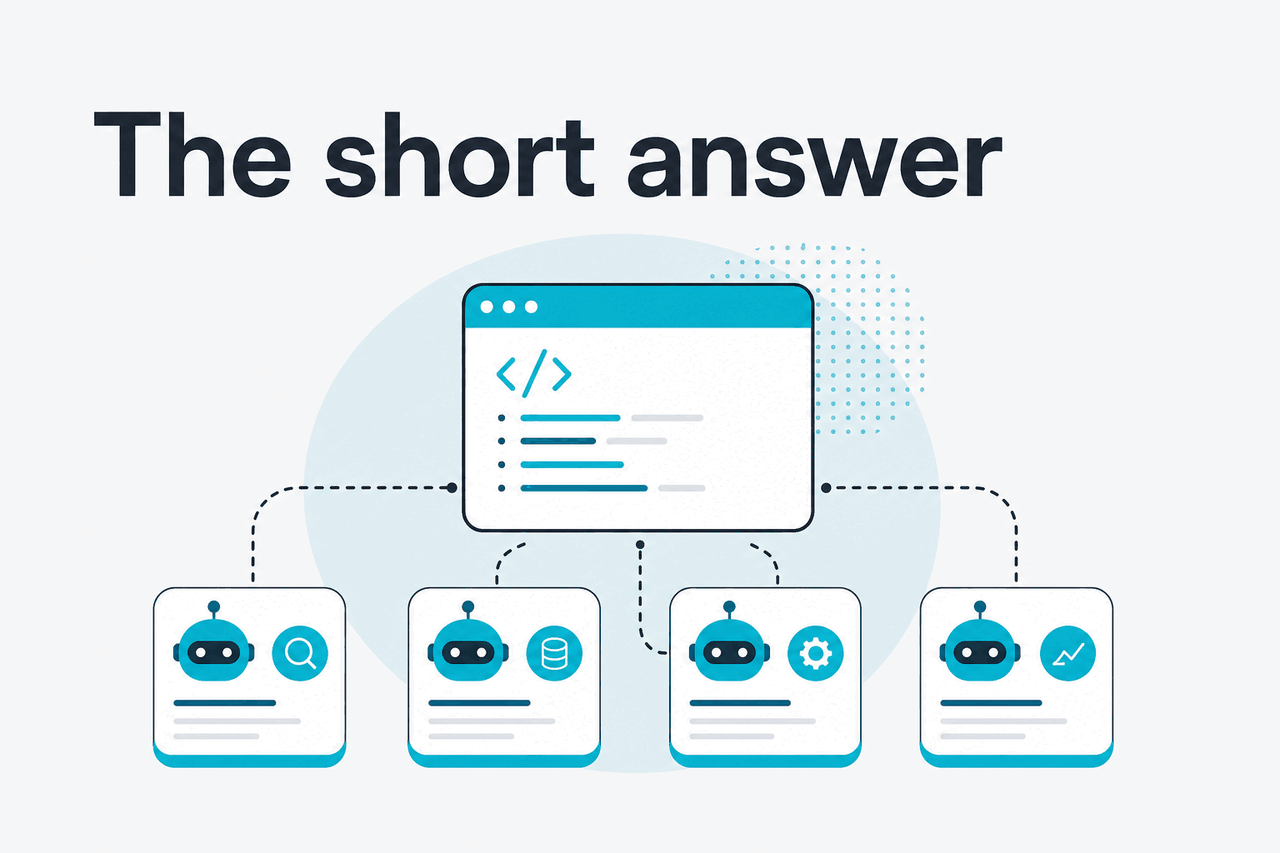
Claude Code subagents help engineers make recurring coding tasks more consistent. Instead of repeating the same prompt for every review, test pass, security check, or migration, you create a small agent definition file. Claude Code can then call that helper when the task matches its description, or you can invoke it by name.
- What it does: delegates coding work to specialized agents with defined instructions and tool rules.
- Where it runs: inside Claude Code, Anthropic’s command-line coding tool.
- What it costs: there is no separate subagent fee; usage counts against your Claude plan or API usage.
- Who it is for: developers who repeat review, testing, refactor, migration, and documentation tasks.
The official reference is Anthropic’s Claude Code subagents documentation. This guide focuses on practical use: when subagents help, when they add overhead, and how they compare with editor-native AI tools.
A subagent is not a separate Claude product. It is a Claude Code configuration pattern. You define a Markdown file with metadata and instructions. Claude Code uses that file to start a task-specific helper with its own working context. That separation keeps the main conversation cleaner while the subagent focuses on one job.
How it works
Claude Code subagents work from reusable agent definitions. Each definition tells Claude Code when to use the agent and how the agent should behave. A project might have one file for code review, one for test generation, one for database migrations, and one for documentation updates.
A subagent usually has three parts: a name, a description, and instructions. It can also define tool access. Tool access matters. A documentation helper may need only read and edit permissions. A test fixer may need shell access to run a safe test command. A migration helper may need to inspect schema files but should not edit production configuration without approval.
The key mechanic is context separation. When Claude Code delegates work to a subagent, that helper works in its own context and reports back. This can reduce clutter in the main thread. It does not make the model reliable by default. You still need tests, version control, code review, and careful permissions.
Create or open your agents directory
Use a project-level agent when the instructions belong to one repository, such as
.claude/agents/code-reviewer.md. Use a user-level agent when you want the helper across projects.Define the agent’s job
Give it a narrow name and a clear description. Claude Code uses the description to decide when delegation fits.
Set tool access deliberately
Give each helper the smallest permission set that still lets it do the task.
Call it from Claude Code
Ask naturally, such as
Use the code-reviewer subagent to review this diff for risky changes.Review the result
Treat the output as a recommendation, not approval to merge. Run tests and inspect changes before committing.
A minimal subagent definition looks like this. Check Anthropic’s subagents documentation for supported fields and tool names.
---
name: code-reviewer
description: Use this agent to review diffs for correctness, maintainability, and test coverage.
tools: Read, Grep, Glob, Bash
---

You are a senior code reviewer.

Focus on:
- Bugs and regressions
- Security-sensitive changes
- Missing or weak tests
- Overly complex logic
- Public API changes

Return:
1. Blocking issues
2. Non-blocking suggestions
3. Test recommendations
4. A short risk rating
The file is intentionally plain. Subagents work best when the instruction is repeatable, scoped, and easy to audit in version control.
Use a subagent when the task has a stable checklist
Good candidates have a clear input, a clear output, and repeatable rules. Poor candidates are vague requests such as “improve this codebase” or “make this app better.” Start narrow. Expand only after the agent produces useful, reviewable output.
What you would use subagents for
Subagents are useful when the same engineering judgment appears repeatedly. They are less useful for one-off exploration. The best subagents have a defined input, a defined output, and a narrow success condition.
Example 1: Pull request review
A pull request review subagent can inspect a diff, flag risky changes, and recommend tests. It should not replace human review. It can catch common omissions before another engineer spends time on the PR.
Use the code-reviewer subagent to review the current branch against main.

Focus on:
- Runtime errors
- Breaking API changes
- Missing tests
- Security-sensitive paths
- Migration risks

Return blocking issues first.
Worked example
Reviewing a payment-flow change
code-reviewerThis is a good subagent task because the review checklist stays stable across PRs.
Example 2: Test generation for changed files
A test-focused subagent can read changed files, infer likely edge cases, and propose unit or integration tests. This works better than a generic prompt when the agent enforces your team’s testing style: naming conventions, fixtures, mocking rules, and preferred test boundaries.
Use the test-engineer subagent.

Find files changed in this branch.
Add or update tests for the new behavior.
Do not rewrite unrelated tests.
Run the relevant test command and report failures.
For this use case, tool access matters. The agent may need to read source files, edit test files, and run a test command. If your repository has slow or expensive test suites, tell the subagent which commands are safe to run locally.
Example 3: Framework migration assistant
Migration work often has repetitive rules: rename imports, replace deprecated APIs, update configuration, then check build errors. A migration subagent can carry those rules across a long task without forcing you to paste the same instructions into every prompt.
Use the framework-migration subagent to update this package to the new routing API.

Constraints:
- Change only files under apps/web
- Keep public URLs stable
- Do not modify authentication logic
- List any files that need manual review
This is where subagents can help with large repositories, but risk also rises. Ask for small batches. Review each patch. Keep changes in separate commits. If the migration touches billing, authentication, permissions, or data deletion, require manual approval.
Example 4: Security-sensitive review
A security review subagent can look for common issues: unsafe deserialization, missing authorization checks, secrets in code, weak validation, or unguarded admin paths. Frame it as a screening tool. It cannot certify that a system is secure.
Use the security-reviewer subagent.

Review the changed files for:
- Authentication or authorization bypasses
- Secret exposure
- SQL or command injection
- Unsafe file handling
- Missing audit logs for admin actions

Return only concrete findings with file paths.
For security work, prefer narrow outputs. “Find all security problems” is too broad. “Review changed admin routes for missing authorization checks” is better.
Example 5: Documentation from code changes
A documentation subagent can update README files, changelogs, migration notes, or internal runbooks after code changes. This helper usually needs fewer permissions than a coding agent. It may only need file read and edit access.
Use the docs-writer subagent.

Compare this branch to main.
Update the developer setup docs for any changed commands or environment variables.
Do not change product marketing copy.
List assumptions at the end.
This works well when documentation is part of the same change set. If docs live in a separate system, the subagent can still draft updates, but a human must move them into the publishing workflow.
Subagents vs. alternatives
Claude Code subagents are one way to get specialized AI coding help. They are a workflow feature inside Claude Code, not a replacement for every editor assistant. The right choice depends on where you work, how much control you need, and whether your team prefers terminal-based or IDE-based development.
| Option | Best fit | Strengths | Trade-offs |
|---|---|---|---|
| Claude Code subagents | Terminal-first developers who want reusable task specialists | Scoped instructions, separate context, project-specific files, version control | Requires Claude Code setup; still needs review and permission control |
| Claude Code without subagents | One-off coding tasks and exploratory repository work | Lower setup cost; simple prompts are enough for many tasks | Repeated workflows can become inconsistent; main context can get crowded |
| Cursor | IDE-centered coding with AI chat and code edits close to the editor | Strong editor integration; good for developers who live in the IDE | Agent behavior is tied to the editor workflow; reusable specialist roles may be less transparent than repo files |
| GitHub Copilot | Inline completion, chat, and common developer assistance across supported editors | Convenient autocomplete and broad editor availability | Less suited to explicit multi-agent task design inside a terminal workflow |
| Sourcegraph Cody | Codebase-aware help in Sourcegraph-centered environments | Useful where code search and repository context are central | Fit depends on existing Sourcegraph adoption and team workflow |
| Custom Claude API agent | Teams building their own coding automation | More control over orchestration, tools, logging, and product integration | More engineering work; you own the framework, permissions, and monitoring |
The main difference is the control surface. Cursor and Copilot meet you inside the editor. Claude Code subagents meet you inside Claude Code and make specialist behavior explicit through agent files. A custom implementation using the Claude API can go further, but your team must build the orchestration, safety checks, and developer experience.
Use Claude Code subagents when
- You repeat the same engineering tasks across many branches.
- You want specialist prompts stored with the repository.
- You prefer terminal workflows over editor-only assistance.
- You need different tool permissions for different helper roles.
Skip them when
- You only need occasional one-off coding help.
- Your team does not use Claude Code.
- Your workflow depends on IDE autocomplete.
- You cannot review generated code before it is merged.
Pricing also matters. Product plans and API usage are different buying paths. Check our Claude pricing guide, our Claude models guide, and Anthropic’s official API pricing documentation before you standardize a team workflow.
Claude plans
Free is $0. Pro is $20/mo or $17/mo billed annually. Max starts at $100/mo.
Team plans
Team Standard is $25/seat or $20/seat billed annually. Team Premium is $125/seat or $100/seat billed annually.
Enterprise
Enterprise has a $20/seat base plus API rates.
API automation
Prompt caching gives 90% off cached input. Batch API gives 50% off both directions.
| Model | Input price | Output price | Context and output |
|---|---|---|---|
| Opus 4.7 | $5 per million tokens | $25 per million tokens | 1M context |
| Sonnet 4.6 | $3 per million tokens | $15 per million tokens | 1M context; 128K max output |
| Haiku 4.5 | $1 per million tokens | $5 per million tokens | Fastest and lowest-cost option in the listed lineup |
FAQ
For broader Claude questions, use our Claude FAQ. For practical guides and references, see our Claude resources.
The honest take
Claude Code subagents are worth using when you already use Claude Code and have repeatable engineering tasks that benefit from a fixed checklist. Code review, test writing, migration work, security screening, and documentation updates are good candidates. The benefit is consistency, context separation, and clearer permission boundaries.
If you only ask Claude for occasional help, start with plain Claude Code prompts. Add subagents after you notice the same instructions appearing repeatedly. Keep each subagent narrow, store project-specific agents with the repository, and review every meaningful change before it reaches production.
Independent guide. Not affiliated with Anthropic. For the official Claude product, visit claude.ai.
Last updated: 2026-05-12
This article is part of the Claude Code hub on c-ai.chat.