Claude Code vs Cline comes down to control versus convenience: Claude Code is Anthropic’s own coding workflow around Claude, while Cline is a community-built coding agent experience inside your editor, so the better choice depends on whether you want an official Claude path, tighter product alignment, or broader IDE-driven agent flexibility. As an independent guide, c-ai.chat is not Anthropic; if you need the broader Claude overview first, start at our Claude AI guide.
- The short answer
- How it works
- What you’d actually do with it
- Vs. the alternatives
- Other questions readers ask
- The honest take
The short answer
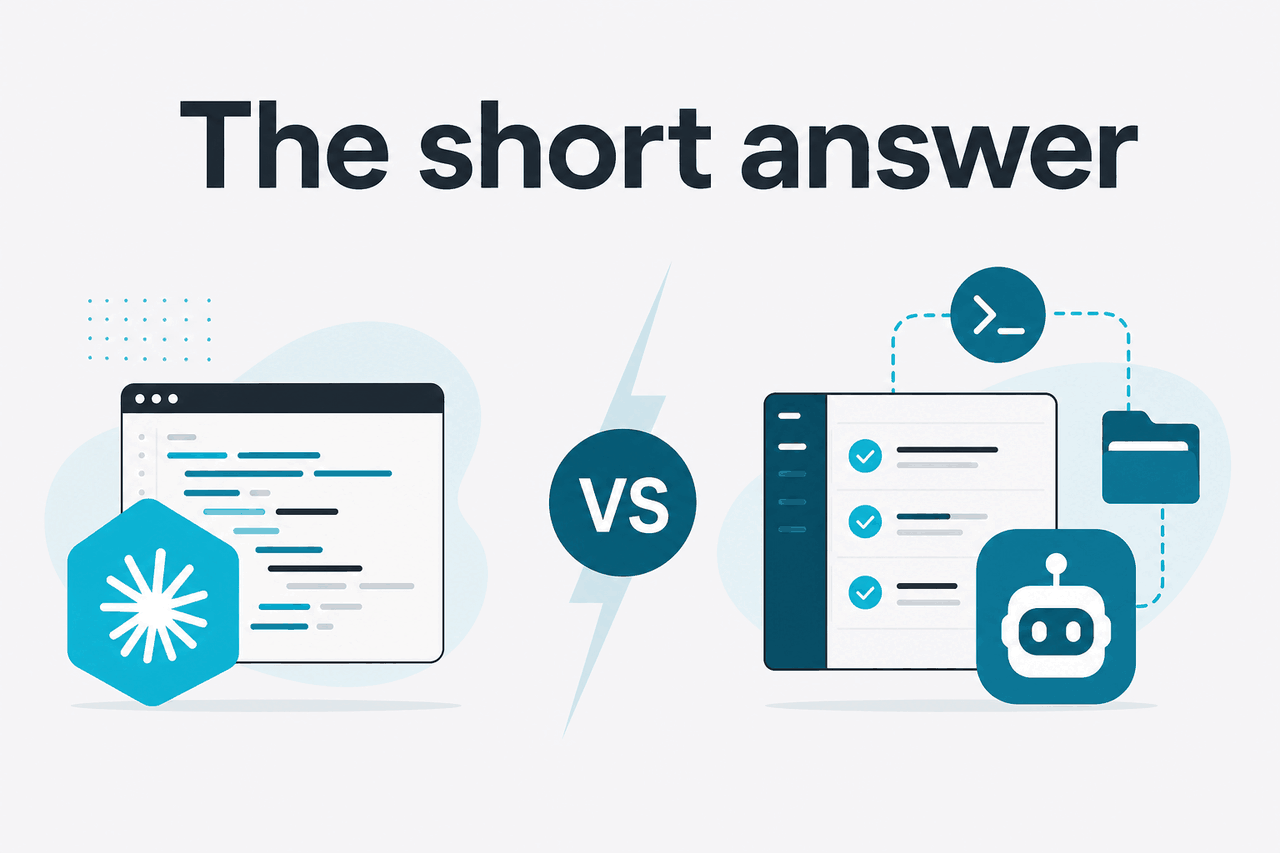
If you are choosing between Claude Code and Cline, pick Claude Code when you want the most direct official Claude experience and pick Cline when you want an editor-centric agent that can fit into a wider toolchain and workflow style. Both aim to help with coding tasks, but they are not the same product, and they differ in setup, governance, and how much of the experience is defined by Anthropic versus the surrounding editor ecosystem.
This page is for developers, technical founders, and AI-curious professionals trying to decide which tool fits everyday software work. If pricing is part of your decision, see our Claude pricing guide; if you are comparing product capabilities more broadly, our Claude features overview is the better next step.
- What it does: both help you write, edit, explain, and refactor code with Claude
- Where it runs: Claude Code is Anthropic’s official coding workflow; Cline runs inside supported editors
- What it costs: Claude plans start at $0/month; API pricing starts at $1/M input tokens on Haiku 4.5
- Who it’s for: Claude Code suits users wanting the official path; Cline suits users wanting IDE-native agent control
| Question | Claude Code | Cline |
|---|---|---|
| Who makes it? | Anthropic | Independent third-party project |
| Main appeal | Official Claude coding workflow | Editor-based agent workflow with broad flexibility |
| Best for | Users who want product alignment and a simpler official route | Users who care most about in-editor iteration and configuration freedom |
| Trade-off | Usually less editor-agnostic than community tooling | More moving parts and less official support from Anthropic |
How it works

At a high level, both tools wrap Claude around software development tasks. You give the model context from your files, ask it to inspect or change code, review the result, and then iterate. The practical difference is where that loop lives. Claude Code is positioned around Anthropic’s own Claude ecosystem, while Cline is designed around the editor as the center of work.
That distinction matters because coding tools are not just model wrappers. They define how files are selected, how commands are proposed, how changes are previewed, and how much autonomy the agent gets. If your team already works heavily inside an editor with extensions and custom local workflows, Cline may feel more natural. If you want the fewest questions about compatibility, ownership, and official support boundaries, Claude Code has the cleaner story.
Under the hood, the model economics are still Claude economics. Anthropic’s current API lineup includes Claude Opus 4.7 at $5/M input tokens and $25/M output tokens, Claude Sonnet 4.6 at $3/M and $15/M, and Claude Haiku 4.5 at $1/M and $5/M. If you build around the API directly, our Claude API guide explains where those costs show up and how they differ from app subscriptions.
-
Connect your Claude workflow
Start with the official Claude environment or your chosen editor setup. Decide whether you are using a Claude subscription, API access, or both, based on how much control and automation you need.
-
Give the tool a bounded task
Ask for one concrete action such as
explain this function,add tests for this module, orrefactor this file to TypeScript. Short, scoped tasks produce better results than vague requests. -
Review the proposed changes
Check what files were read, what edits were suggested, and whether the reasoning matches your codebase constraints. This is where editor-native workflows often feel faster.
-
Run, test, and iterate
Compile, lint, or run tests. Then ask the agent to fix errors, simplify the patch, or document the result. The speed of this loop usually decides which tool you keep.
90% off
cached input tokens with prompt caching
For heavier coding sessions, cost controls can matter as much as model quality. Anthropic documents prompt caching with 90% off cached input tokens, and the Batch API with 50% off both input and output directions. That is more relevant to API-driven or automated coding workflows than to casual one-off use in the consumer app, but it can materially change the cost of repetitive codebase tasks.
What you’d actually do with it
The best way to compare Claude Code and Cline is to look at normal development work, not abstract feature lists. Most people are using these tools for code explanation, code edits across multiple files, tests, debugging, and project-level reasoning.
Here are realistic tasks where the choice becomes clearer.
1. Understand an unfamiliar codebase
Suppose you just joined a project and need to understand how authentication works. In either tool, you might start with a prompt like: Trace the login flow from the frontend form to token validation and list the files involved. This is a good fit for Claude because the task is mostly synthesis and explanation.
Claude Code is appealing here if you want the official Claude workflow and less ambiguity about the model path. Cline is appealing if your editor is already where you inspect files, jump to symbols, and approve changes. The output quality may be similar if the underlying Claude model is similar; the difference is how smoothly the context and navigation fit your daily setup.
2. Refactor a module without breaking behavior
A realistic prompt is: Refactor this API client into smaller functions, preserve the public interface, and add tests for the retry logic. This is where tool workflow matters more than marketing claims. You want file awareness, patch review, and an easy way to rerun tests after each change.
If you like a tighter official Claude route, Claude Code is the safer pick. If you prefer an IDE-native agent that stays close to your source tree and editing habits, Cline may feel faster. In both cases, you should keep the scope bounded and verify diffs manually.
3. Generate tests from existing code
This is one of the most useful everyday cases. A practical instruction looks like this:
Read src/billing/invoice.ts and create unit tests for:
- prorated invoices
- coupon application
- tax rounding
- failed payment edge cases

Use the existing Jest setup and do not modify production code unless required.
Both tools can help, but the better one is the one that makes it easy to inspect the generated test file, run the suite, and revise the prompt after failures. That usually means your decision should be based less on raw model branding and more on whether you value official support or editor-native convenience.
4. Estimate API cost for a coding assistant workflow
When teams move beyond casual usage, they often want to estimate the token cost of repeated coding tasks. Anthropic’s API pricing gives a clear starting point, especially if you are building tooling around Claude rather than only using the app. Sonnet 4.6 is often the practical default for this balance.
Worked example
Code review assistant using Sonnet 4.6
For repeated reviews over the same context, prompt caching can reduce the effective input cost significantly.
That matters if you are choosing between a productized coding workflow and a more configurable agent setup. A polished tool may save time, but raw API economics still show up somewhere in the stack. If you need a broader pricing breakdown, see our full Claude pricing page.
5. Debug an error across several files
Example prompt: The app throws a null reference when saving invoices. Inspect the stack trace, identify the likely cause, propose the smallest safe fix, and add a regression test. This is a strong benchmark because it tests file traversal, reasoning, patch quality, and restraint.
Tools often look similar in demos but differ on this kind of task. The best setup is the one that helps you keep the agent honest: narrow context, visible diffs, explicit test steps, and easy rollback when the proposed fix is too broad.
Pick when
- You want Claude-centered coding help with clear official ownership
- You value simpler support boundaries and product alignment
- You prefer fewer questions about which tool owns the experience
Skip when
- Your editor workflow matters more than using Anthropic’s own route
- You want maximum extension-style flexibility inside the IDE
- You are comfortable managing a less official workflow surface
Vs. the alternatives
Most people searching for “claude code vs cline” are really deciding among several coding-assistant patterns: official model-maker tooling, IDE-native agents, and broader coding copilots. The right comparison is not “which one wins,” but “which workflow costs less time and causes fewer surprises.”
| Tool | Strength | Weakness | Best fit |
|---|---|---|---|
| Claude Code | Official Anthropic path for coding with Claude | May offer less workflow freedom than editor-led tooling | Users who want the cleanest Claude-aligned route |
| Cline | Editor-centric agent experience with strong workflow flexibility | Less official support alignment with Anthropic | Developers who live in their IDE and want control |
| Cursor | Integrated AI-first editor workflow | Requires buying into the editor experience itself | Users open to changing editors for AI help |
| GitHub Copilot | Widely adopted, familiar autocomplete and assistance | Not Claude-specific and often less centered on agent-style codebase reasoning | Teams already standardized on GitHub tooling |
| Cody | Strong source-aware assistance in some workflows | Product fit varies by team stack and setup | Users evaluating source-connected code help beyond one model vendor |
The trade-off with Claude-specific coding tools is usually model quality and official alignment versus ecosystem breadth. If Claude is already your preferred model family, compare the tool on workflow details: context handling, review UX, command execution guardrails, and how easy it is to recover from bad edits. Our Claude Code guide covers the official side in more detail.
If your decision also involves team rollout, Claude’s broader plan structure matters. The app side includes Free at $0/month, Pro at $20/month or $17/month annual, Max from $100/month, Team Standard at $25/seat/month or $20/seat/month annual, Team Premium at $125/seat/month or $100/seat/month annual, and Enterprise at $20/seat base plus usage at API rates. Those plan details do not directly settle Claude Code vs Cline, but they affect how easily a team can standardize access.
Other questions readers ask
The honest take
For most people, Claude Code vs Cline is not a pure model comparison. It is a workflow choice. If you want the official Claude route, cleaner ownership, and a straightforward answer to “who supports this,” Claude Code is the better fit. If you want your coding agent to live inside the editor and you care more about flexibility than official product alignment, Cline can be the stronger option.
If you are unsure, start with the simpler path and judge it on one week of real work: code explanation, one refactor, one debugging task, and one test-generation task. Keep the prompts tight, inspect every diff, and compare time saved rather than demo polish. That will tell you more than any feature checklist.
Independent guide. Not affiliated with Anthropic. For the official Claude product, visit claude.ai.
Last updated: 2026-05-12