You can talk to Claude by opening the official app at claude.ai and giving it a clear prompt, then refining the conversation turn by turn; this guide from c-ai.chat is independent, not Anthropic, and shows what to ask, how to structure follow-up messages, and how to avoid weak results.

- What you’ll learn
- Step by step
- Common mistakes to avoid
- Where to go next
- Other questions readers ask
- The honest take
If you are new to Claude, start with our Claude tutorials hub, then compare core Claude features and the developer-side Claude API if you plan to use Claude beyond simple chat.
What you’ll learn
By the end, you will know how to start a useful conversation with Claude and steer it toward a better answer.
- Write a first prompt that gives Claude enough context to respond well.
- Use follow-up turns to clarify, narrow, and improve the answer.
- Ask Claude for rewrites, summaries, plans, comparisons, and structured output.
- Spot when the model needs more detail, examples, or constraints from you.
- Choose when simple chat is enough and when you should move to tools like Claude Code or the API.
- Free tier · no card
- API priced per million tokens
Most people searching for “talk to Claude” want the quickest path to a good chat experience. The short answer is simple: give Claude a role, a goal, relevant context, and a clear output format. If the first answer is close but not right, do not start over immediately. Ask for a revision, point to the weak part, and state what “better” looks like.
That pattern works in the web app, desktop app, and mobile apps. It also maps well to Claude’s broader product lineup from Anthropic. The official pricing page at claude.com/pricing shows a Free plan at $0/month, Pro at $20/month or $17/month annual, Max from $100/month, Team Standard at $25/seat/month or $20/seat/month annual, Team Premium at $125/seat/month or $100/seat/month annual, and Enterprise with $20/seat base plus usage at API rates.
Step by step
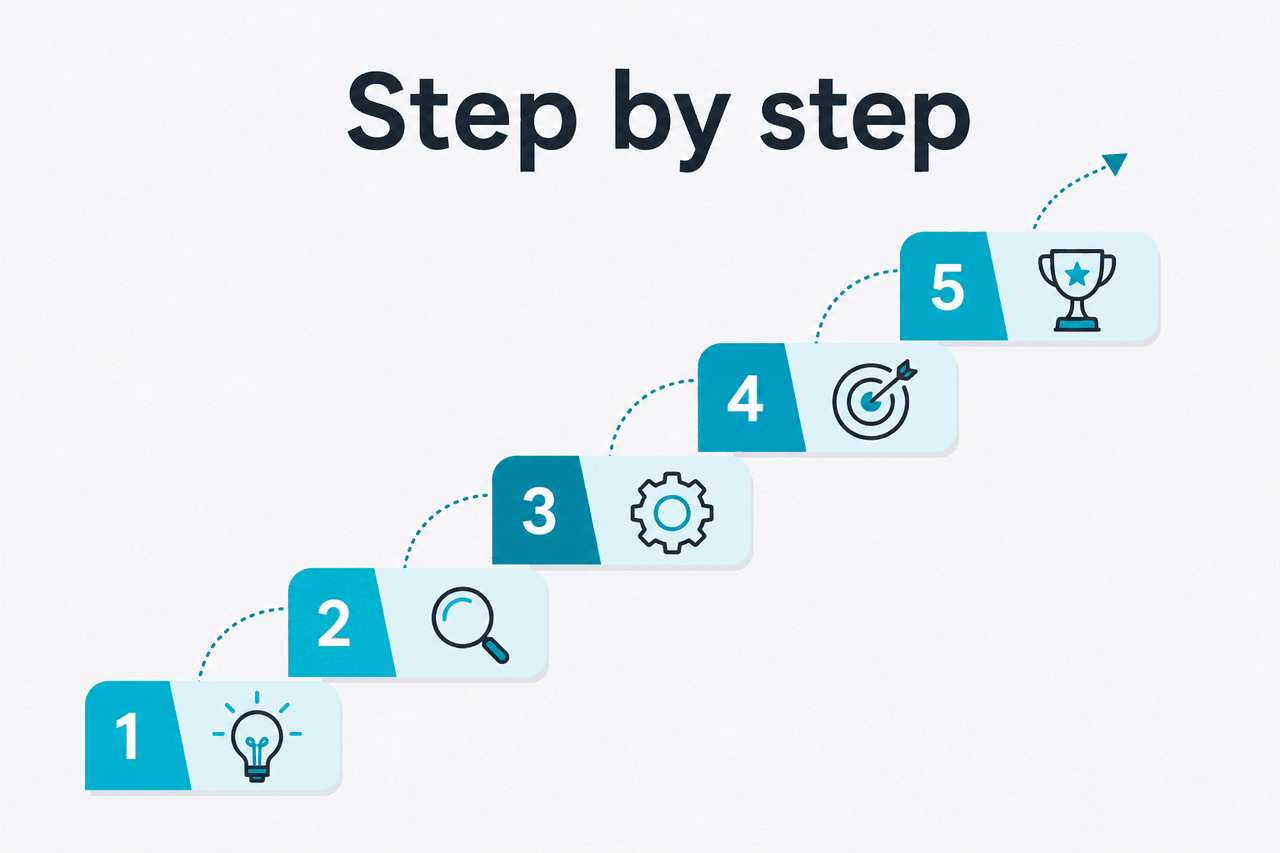
Here is a practical walkthrough for talking to Claude in a way that gets useful answers faster.
-
Open the official Claude app and pick a simple first task
Go to claude.ai and start with one narrow request. Good first tasks include summarising a document, drafting an email, explaining a concept, or outlining a plan. Avoid asking for five different things in your first message.
-
Give Claude the job, context, and goal in one message
Your opening message should answer three questions: What is Claude helping with? What background matters? What output do you want? This cuts down on vague replies and saves back-and-forth.
-
Ask for a specific format
If you want bullets, a table, a checklist, or a short answer, say so. Claude usually follows formatting instructions well when they are explicit. This is especially useful for work tasks where you need something you can paste into email, docs, or slides.
-
Use follow-up turns to improve weak spots
If the answer is too broad, too long, too generic, or misses your audience, point to the issue directly. Say “make it shorter,” “use plain English,” “compare these options,” or “rewrite this for a CFO.” Small corrections often work better than replacing the whole prompt.
-
Attach or paste source material when accuracy matters
Claude works better when it can ground the response in the text you provide. If you want a summary, analysis, or rewrite, include the document, excerpt, notes, or data you want it to use. Do not assume it knows your internal context.
-
Ask Claude to show options instead of one final answer
When tone or structure matters, request 2 or 3 versions. For example, ask for a formal draft, a friendly draft, and a concise draft. Comparing options is often faster than trying to describe the perfect wording up front.
-
Use constraints to keep the answer useful
Set limits such as word count, reading level, audience, or banned points. Constraints reduce rambling. They also help if you are using Claude for drafting public-facing copy, internal memos, or learning materials.
-
Move to specialised tools when chat alone is not enough
If you need repeatable workflows, coding help in your environment, or programmatic access, basic chat may not be the right endpoint. That is when Claude Code or the Anthropic API becomes more useful than a manual conversation.
Worked example
A weak prompt vs a strong prompt
The second prompt tells Claude what success looks like.
That same pattern applies to personal productivity, study help, writing, and analysis. If you are using Claude to learn, ask it to explain the answer at two levels: first in plain terms, then with more technical detail. If you are using it for work, state the intended reader and your decision goal. Claude can be strong at both, but only if the task is framed clearly.
Pick when
- You need brainstorming, drafting, summarising, or explanation.
- You can provide context or source material.
- You are willing to refine the conversation in 1 to 3 follow-up turns.
Skip when
- You need a guaranteed factual answer without checking sources.
- Your request depends on hidden internal context you have not shared.
- You need a production workflow better served by the API or Claude Code.
For many users, the Free plan is enough to learn the basics and handle light daily use. If you need more usage, Pro costs $20/month or $17/month annual and adds Claude Code, Claude Cowork, unlimited Projects, Research access, additional models, and Office integrations for Excel, PowerPoint, and Word in beta. Max starts from $100/month and is aimed at power users who need 5x or 20x Pro usage, higher output limits, early feature access, and priority traffic.
Free
$0/month
For first-time and light users
- Web, iOS, Android, and desktop access
- Daily usage limits
Pro
$20/month
For individuals who use Claude often
- $17/month annual option
- Claude Code and Claude Cowork
- Unlimited Projects and Research access
- Additional models and Office integrations beta
Max
$100/month from
For power users
- 5x or 20x Pro usage
- Higher output limits
- Early feature access and priority traffic
If you are a developer, pricing works differently in the API. Anthropic’s current model lineup includes Claude Opus 4.7 at $5/M input tokens and $25/M output tokens with a 1,000,000-token context window, Claude Sonnet 4.6 at $3/M input and $15/M output, and Claude Haiku 4.5 at $1/M input and $5/M output. You do not need the API to chat with Claude, but it matters if you want to build Claude into your own app or workflow.
| Model | Best for | Input price | Output price |
|---|---|---|---|
| Claude Opus 4.7 | Highest capability, long-context work | $5/M tokens | $25/M tokens |
| Claude Sonnet 4.6 | Default balance of quality and cost | $3/M tokens | $15/M tokens |
| Claude Haiku 4.5 | Fast, cheaper tasks | $1/M tokens | $5/M tokens |
90% off
cached input tokens with prompt caching
For API users, Anthropic also offers Batch API pricing at 50% off both input and output, which can matter for large offline jobs. Long context up to 1M tokens is available on Opus 4.7, Opus 4.6, and Sonnet 4.6 at standard rates. Those details come from Anthropic’s official pricing and model pages on platform.claude.com and the models overview.
Worked example
A follow-up message that improves a mediocre answer
Most weak answers improve once you specify audience, length, and tone.
Common mistakes to avoid
These are the most common traps when people try to talk to Claude for the first time.
- Starting too broad. Fix: ask for one task at a time, such as “summarise this report” or “draft a reply to this email.”
- Leaving out context. Fix: include the audience, the goal, and any source text Claude should use.
- Expecting perfect output in one turn. Fix: use follow-up prompts to refine tone, structure, and level of detail.
- Not specifying the format. Fix: say whether you want bullets, a table, a checklist, JSON, or a short paragraph.
- Treating unsupported guesses as facts. Fix: ask Claude to separate known facts from assumptions, and verify important claims against official sources.
- Using chat for repeatable technical workflows. Fix: switch to Claude Code or the API when you need automation or deeper tool integration.
Where to go next

Once you can hold a productive conversation with Claude, these follow-on guides are the logical next step.
- Browse Claude tutorials if you want more hands-on workflows for writing, study, and work tasks.
- Compare Claude features if you want to understand Projects, model access, integrations, and plan differences.
- Learn Claude Code if your next step is coding help, agentic workflows, or terminal-based use.
If you are evaluating Claude for an app or internal product, the next stop is the Claude API guide. That is where pricing, model selection, and implementation details matter more than chat habits.
Other questions readers ask
These are closely related questions that often come up alongside “talk to Claude.”
The honest take
If your goal is simply to talk to Claude, the barrier is low: open the official app, ask one clear thing, and refine the response with direct follow-up instructions. Claude is usually most useful when you treat it like a strong assistant that needs context, not like a mind reader that already knows your audience, files, and constraints.
For casual use, the Free plan is enough to get started. For heavier individual use, Pro at $20/month makes sense. If your needs move from conversation into automation, coding, or product integration, stop forcing everything through chat and move toward Claude Code or the API. That is the cleanest path from “talk to Claude” to getting reliable value from Claude.
Independent guide. Not affiliated with Anthropic. For the official Claude product, visit claude.ai.
Last updated: 2026-05-12