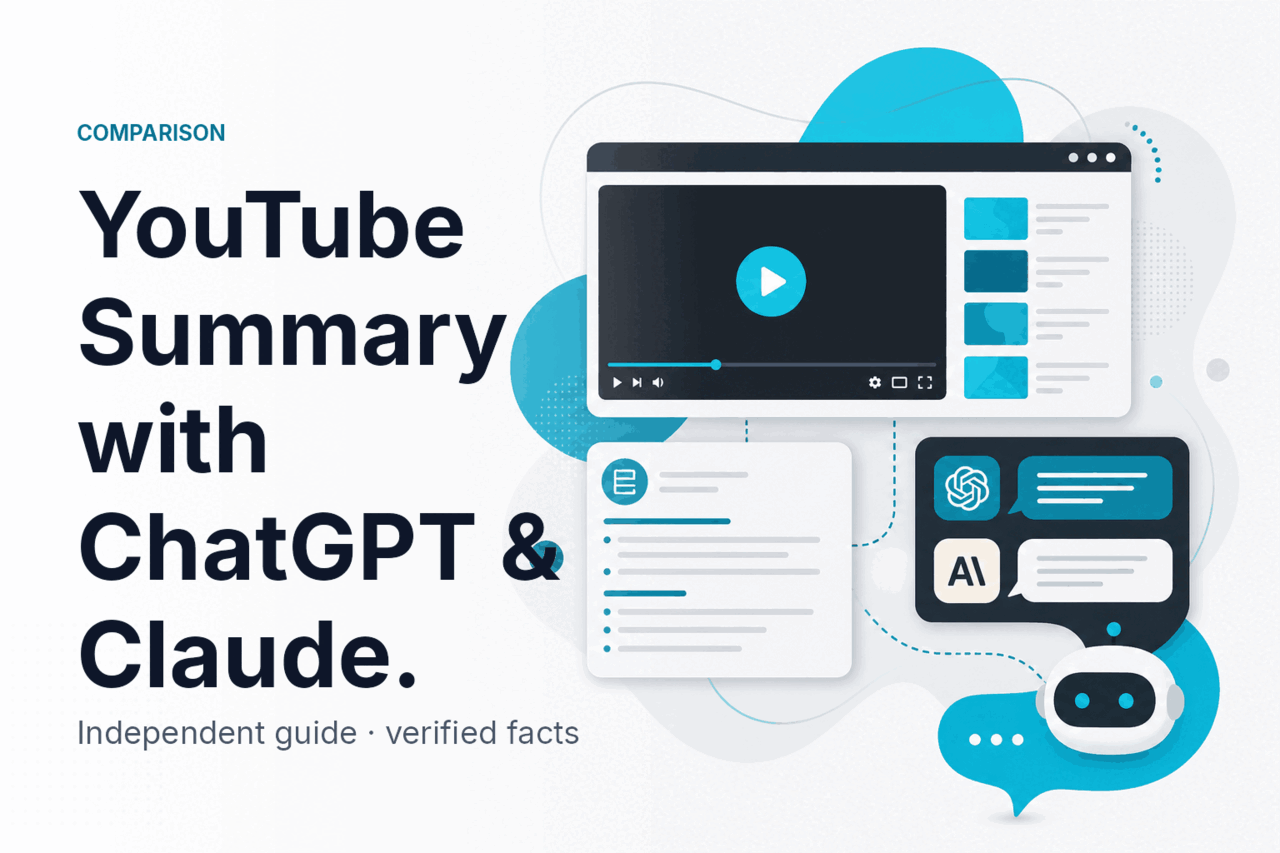
A youtube summary with chatgpt & claude is usually fastest when you paste a transcript or notes into the model, and Claude is often the stronger choice for long, messy video transcripts while ChatGPT is often better if you want a broader app ecosystem; this independent guide from c-ai.chat breaks down when each one fits best.
- The bottom line
- Head to head
- Where Claude is the better pick
- Where the other tool is better
- How to choose
- Other questions readers ask
The bottom line

Claude wins on long transcript handling, structured writing, and keeping the summary faithful to the source. ChatGPT wins on surrounding ecosystem, add-ons, and the number of ways people already plug it into existing workflows. Pick Claude if you need to summarise long YouTube transcripts, compare multiple videos at once, or turn raw spoken content into clean briefs without losing nuance.
- Claude is stronger for long transcript analysis
- ChatGPT is stronger for wider third-party workflow options
- Claude Sonnet 4.6 is the safest default model for most summaries
- Claude Opus 4.7 supports up to 1,000,000-token context
If your goal is simple, both tools can produce a usable YouTube summary. The real difference shows up when the transcript is long, repetitive, low-quality, or needs to be transformed into something specific such as study notes, a meeting brief, a blog outline, or action items. That is where model context, writing control, and refusal behaviour matter more than the initial one-paragraph summary.
For readers comparing Claude more broadly, our Claude comparisons hub, model guide, and pricing breakdown cover the bigger picture around plans, API costs, and model fit.
Head to head
For YouTube summary work, the main questions are not just “Which is smarter?” but “Which one handles long inputs well, stays close to the source, and gives me the format I want without extra cleanup?” Claude does especially well on those practical points. The table below focuses on the dimensions that matter most.
| Dimension | Claude | ChatGPT |
|---|---|---|
| Pricing | Free plan available. Pro is $20/month or $17/month annual. Max starts at $100/month. API pricing starts with Haiku 4.5 at $1/M input and $5/M output; Sonnet 4.6 at $3/M input and $15/M output; Opus 4.7 at $5/M input and $25/M output. Official pricing: claude.com/pricing and platform docs. | Varies by OpenAI plan and API usage. For this page, we do not publish unsupported pricing figures because this site covers Claude, not OpenAI. |
| Models for summarisation | Haiku 4.5 for speed and cost, Sonnet 4.6 as the recommended default, Opus 4.7 for highest-end reasoning and long-context work. Official model overview: platform.claude.com. | Strong consumer familiarity and broad usage, but model choice depends on the OpenAI tier you use. |
| Context window | Up to 1,000,000 tokens on Opus 4.7, Opus 4.6, and Sonnet 4.6, which is useful for full transcripts, notes, timestamps, comments, and related documents in one prompt. | Can handle large inputs in practice, but Claude’s official long-context documentation is clearer for this use case. |
| Coding ability | Strong if you want scripts that pull transcripts, clean text, deduplicate filler, or format summaries. Pro includes Claude Code. See Claude features for the workflow angle. | Often preferred when users want coding help inside a wider plugin or automation ecosystem. |
| Writing ability | Usually better at tidy, faithful summaries, especially when you ask for bullet points, executive briefs, lesson notes, or quote extraction. | Good for conversational drafting and remixing, especially if you already use it for brainstorming. |
| Safety and refusals | Generally careful and consistent. May refuse or limit outputs involving copyrighted full-text reproduction or unsafe instructions. Support and trust resources: support and trust center. | Also applies guardrails, but exact behaviour depends on the product surface and model. |
| Ecosystem | Strong official web app at claude.ai, API at platform.claude.com, team plans, and office integrations in Pro. | Broader mindshare and many third-party tutorials, extensions, and “how to” workflows already built around it. |
90% off
cached input tokens with prompt caching
If you want to build a repeatable summarisation pipeline for many videos, Claude’s API economics are also relevant. Anthropic documents 90% off cached input tokens with prompt caching and 50% off both input and output with the Batch API, which can materially reduce cost for recurring prompt templates and bulk transcript jobs.
Worked example
Using Claude Sonnet 4.6 to summarise a long transcript
For many transcript-heavy workflows, the API cost is low enough that quality and formatting control matter more than raw token price.
The catch is that model quality does not replace source quality. If you feed either system a weak auto-generated transcript with missing punctuation, speaker errors, and repeated captions, you still need a prompt that asks for ambiguity flags, confidence notes, and clear separation between direct claims from the video and the model’s interpretation.
Where Claude is the better pick

Claude is the better pick when the work is transcript-first and accuracy matters more than flashy output. These are the cases where it tends to save the most time.
- Long-document analysis with 1M token context. If you want to paste a full transcript, related notes, timestamps, sponsor segments to ignore, and a style guide in one shot, Claude’s long-context support is a real advantage.
- Faithful summaries for study or research. Claude is often better at separating the speaker’s claims from its own framing. That matters when you are using the summary for class notes, market research, or decision support.
- Turning spoken content into polished writing. YouTube speech is messy. Claude is good at cleaning filler, fixing structure, and rewriting the content into executive summaries, article outlines, newsletter takeaways, or meeting-style minutes.
- Comparing several videos at once. Claude works well when you ask for overlap, disagreement, missing evidence, and a final synthesis across multiple transcripts.
- API-based workflows for recurring summaries. If you want to build a repeatable pipeline, Claude’s model lineup and documented pricing make it easy to choose between cheap speed, balanced quality, and premium reasoning.
Get the transcript
Export the YouTube transcript or your own notes. Clean obvious speaker and timestamp noise first.
Set the output format
Ask for exactly what you need: a 5-bullet summary, chapter notes, action items, key quotes, or a fact-check list.
Add constraints
Tell Claude to flag uncertain passages, avoid inventing missing context, and separate summary from commentary.
Request a second pass
Ask for a shorter executive version or a more detailed study version from the same transcript.
A practical prompt structure looks like this: first state the goal, then paste the transcript, then define the output sections, and finally add quality rules. Example rules include “do not infer claims not stated in the transcript,” “quote exact wording only when confidence is high,” and “list unclear sections separately.” That prompt discipline matters as much as model selection.
Claude also tends to do well when you need a specific voice. If the output must become a board brief, a student study sheet, a creator content recap, or a structured comparison against another source, the model usually follows formatting instructions closely. That is one reason many users land on Sonnet 4.6 as the default in our Claude model guide.
Where the other tool is better
An honest comparison needs the downside section. Claude is not automatically the right answer for every YouTube summary workflow, and ChatGPT can be the better tool in several common situations.
- You already live inside a ChatGPT-based workflow. If your browser extensions, team habits, saved prompts, or automation tools already depend on ChatGPT, switching may cost more time than it saves.
- You want the broadest ecosystem of tutorials and integrations. Many users find more off-the-shelf guides, templates, and third-party tools built around ChatGPT.
- You prefer a familiar conversational assistant for fast ideation after the summary. For some users, the value is not the summary itself but the follow-up brainstorming, and they are already comfortable doing that in ChatGPT.
- You rely on external tools that explicitly support ChatGPT first. Some creator or productivity tools launch with OpenAI support before they add Claude.
- You want one tool for many unrelated consumer tasks. If YouTube summaries are only a small part of your usage and everything else is already centered elsewhere, the “better” model on paper may not be the better practical choice.
There is also a subtle usability point. Claude is strong when the user gives clear instructions. If you are the kind of user who drops in rough text and expects the product ecosystem around the model to smooth everything out, ChatGPT may feel easier because more surrounding tools are built for that casual style.
The best tool for YouTube summaries is often the one that fits your existing workflow, not the one that wins every benchmark.
That said, if your pain point is specifically “this transcript is huge and messy, and I need a reliable brief,” Claude still has the edge more often than not.
How to choose
The simplest decision tree is this: choose based on transcript length, output quality needs, and whether you are buying a model or buying into a workflow.
Pick Claude when
- You summarise long or multiple transcripts
- You need structured, faithful writing
- You want clear model choices: Haiku 4.5, Sonnet 4.6, Opus 4.7
- You may later automate via API
- You value long context and prompt control
Skip Claude when
- Your current tools already depend on ChatGPT
- You want the widest third-party ecosystem first
- Your use case is mostly casual brainstorming after a short transcript
- You do not need long-context handling
- Switching tools would disrupt existing team habits
If you are an individual user summarising videos for learning, content research, or work notes, start with Claude Free and test a few real transcripts. If usage limits get in the way, move to Pro at $20/month or $17/month annual. If you generate heavy volumes, need more capacity, or want early feature access and priority traffic, Max starts at $100/month.
For teams, the decision is usually less about a single summary and more about workspace controls. Team Standard is $25/seat/month or $20/seat/month annual, while Team Premium is $125/seat/month or $100/seat/month annual. Enterprise starts at a $20/seat base plus usage at API rates, with features such as SCIM, audit logs, spend controls, role-based access, and regional data residency.
If you want the bigger feature picture, see our Claude features guide. If budget is the main question, go to Claude pricing. If you are still deciding between variants, our Claude models overview explains when to use Haiku, Sonnet, or Opus.
Other questions readers ask
These related questions show up often when people search for a youtube summary with chatgpt & claude.
Independent guide. Not affiliated with Anthropic. For the official Claude product, visit claude.ai.
Last updated: 2026-05-12