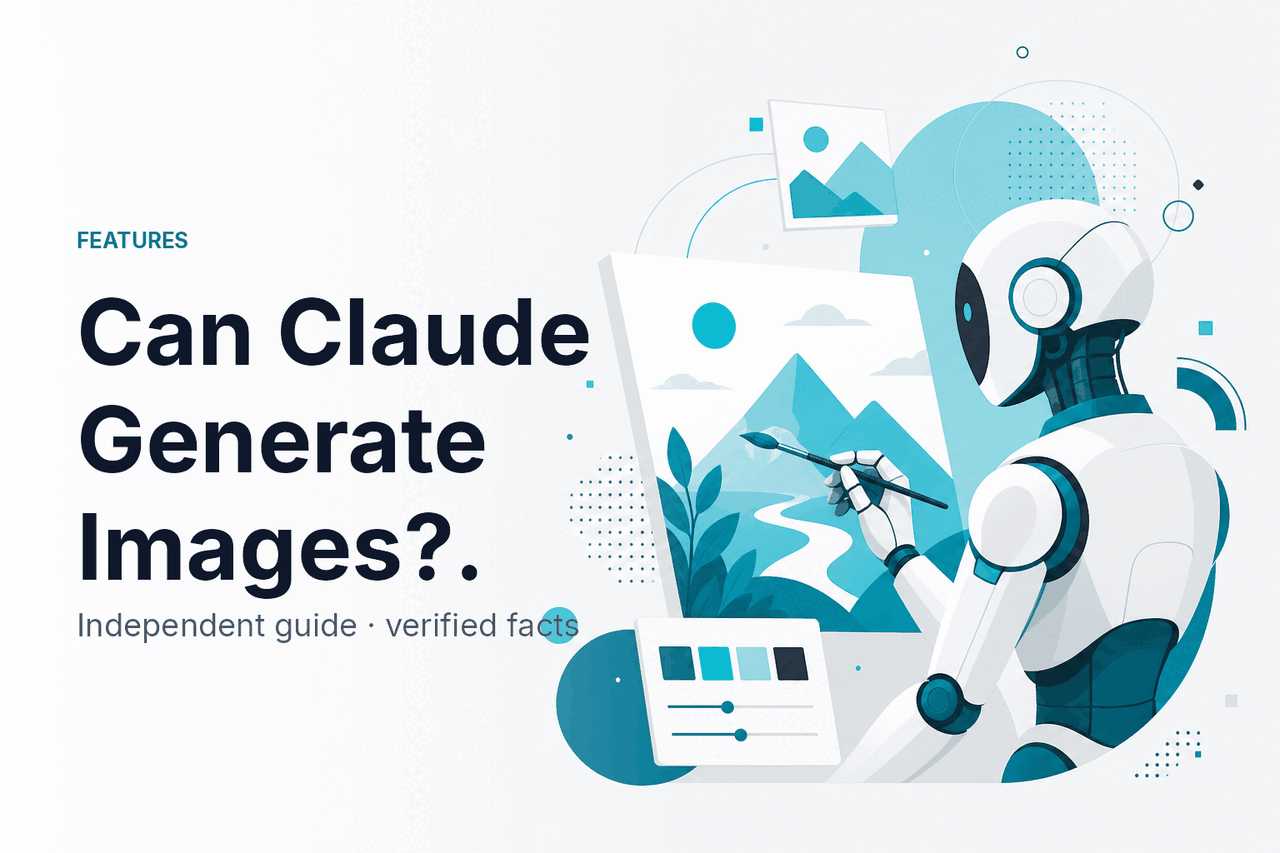
Claude can analyze images you upload and can write prompts, SVG, HTML, Mermaid diagrams, and other code-based visuals, but it does not natively generate finished PNG or JPG images like a dedicated image model; c-ai.chat is an independent guide to Claude AI, not Anthropic, and our broader Claude guide explains where this fits in the product.
- What Claude can do with images
- How it works
- When Claude helps with image work
- What Claude can’t do
- FAQ: image generation, editing, and analysis
- The practical verdict
- Sources
What Claude can do with images
If you mean “can Claude create a finished photorealistic image file from a prompt?”, the answer is no. If you mean “can Claude work with images?”, the answer is yes.
Key facts
- No native PNG or JPG generation: Claude does not act like a built-in text-to-image model.
- Yes to image analysis: Claude can answer questions about uploaded images in supported contexts.
- Yes to image prompts: Claude can write structured prompts for external image generators.
- Yes to code-based visuals: Claude can produce SVG, HTML, CSS, Mermaid, and chart code.
The distinction matters. Claude is strong at reasoning about visual inputs and producing structured text. It is not a built-in raster image generator. For a realistic product photo, concept art image, or social graphic file, use a dedicated image model or design tool. For a stronger prompt, visual critique, alt text draft, UI review, or editable SVG, Claude can help.
Anthropic describes Claude as a family of AI models with text and vision capabilities in its official documentation. You can check the official product at claude.ai, Anthropic’s company site at anthropic.com, and developer guidance in the Claude documentation.
| Task | Can Claude do it? | What you get |
|---|---|---|
| Analyze an uploaded image | Yes | Text description, reasoning, extraction, critique, or classification |
| Create a photorealistic image file from a prompt | No, not natively | Use a separate image generator |
| Write a prompt for an image generator | Yes | A structured prompt with subject, style, lighting, camera, and constraints |
| Produce simple vector art | Often, yes | SVG, HTML, CSS, Mermaid, or chart code you can edit |
| Edit pixels inside an existing image | No, not directly | Claude can suggest edits or write instructions for another tool |
For a wider map of capabilities, see our guide to Claude features. For model differences, see Claude models. For developer workflows, see our Claude API guide.
How it works
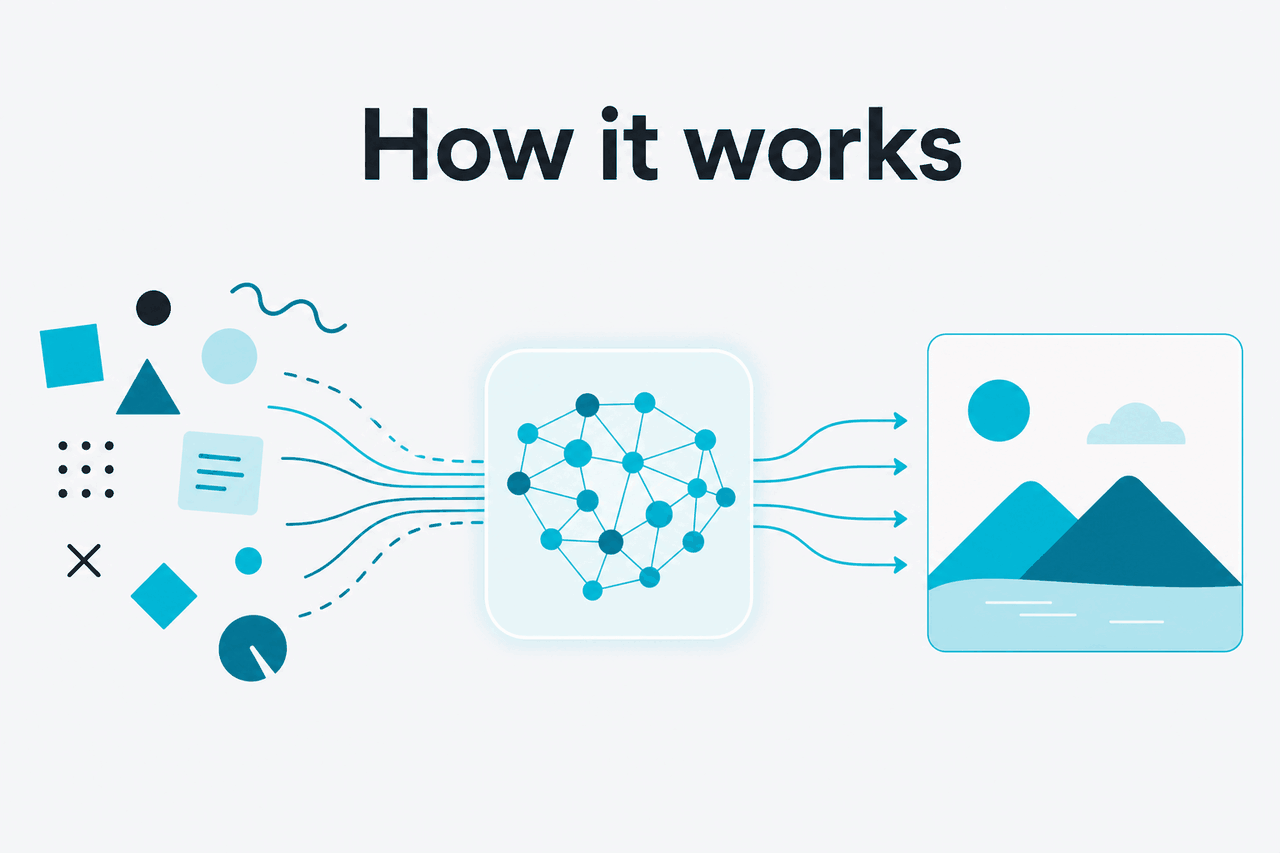
Claude treats images as input, not as native image output. When you upload an image, Claude can inspect visible content and answer questions about it. It can describe a chart, read visible text, compare design options, explain a screenshot, or flag likely usability issues in a UI.
When Claude “creates an image,” it usually creates a text representation of one. That might be an SVG file, a Mermaid diagram, an HTML mockup, CSS, or a prompt for another system. The output is still text. A browser, documentation tool, design app, or image generator turns that text into something visual.
Worked example
Using Claude in an image-generation workflow
This workflow works because Claude can clarify the intent before another tool renders the final pixels.
The same pattern applies to simple graphics. You can ask Claude to write SVG for an icon, generate a Mermaid flowchart, or create a lightweight HTML layout. Claude is not sampling pixels. It is writing structured code that other software can display. That makes the result easier to inspect, edit, and version than a flat image file.
Developers can combine Claude with other services through the Claude API. For example, an app might send screenshots to Claude for analysis, ask Claude for structured feedback, then pass a refined prompt to a separate image service. Anthropic’s official API materials are available at platform.claude.com.
When Claude helps with image work

Claude is useful when the visual task depends on interpretation, planning, structure, or language rather than final pixel generation.
1. Writing stronger prompts for image generators. Claude can turn a vague request into a structured prompt. “Make a nice header image for a finance app” can become a prompt with subject, composition, color palette, lighting, aspect ratio, brand constraints, and exclusions.
2. Reviewing images, screenshots, and designs. You can upload a landing page screenshot, app screen, chart, or product image and ask what is unclear. Claude can explain visual hierarchy, identify missing context, draft alt text, or suggest copy changes.
3. Creating diagrams and code-based visuals. Claude can write Mermaid diagrams, SVG icons, table layouts, and HTML mockups. These outputs work well for architecture diagrams, process maps, simple illustrations, and documentation.
4. Extracting information from visual material. Claude can help interpret charts, screenshots, interface captures, and visible tables. You might ask it to turn a diagram into a checklist or describe a dashboard trend. Verify important details, especially numbers and legal, medical, or financial information.
5. Producing image briefs for humans. Claude can write a brief for a designer or photographer. It can describe the audience, mood, composition, deliverables, usage questions, accessibility concerns, and review criteria.
Use Claude when
- You need image analysis, alt text, critique, or explanation.
- You want better prompts for a separate image generator.
- You need editable SVG, diagram, HTML, or chart code.
- You want a visual brief before handing work to a designer.
Use another tool when
- You need a finished photorealistic image file.
- You need pixel-level editing of an existing image.
- You need guaranteed reading of every small detail in an image.
- You need a design workflow with asset management and approvals.
What Claude can’t do
The main limit is simple: Claude is not a native image generator. It can understand many images and produce text-based visual outputs, but it does not replace software built to render raster images, edit pixels, or manage production design.
- No direct text-to-image output: Claude does not normally return a newly generated PNG, JPG, or WebP file from a prompt inside chat.
- No true inpainting or outpainting: Claude can describe how to edit an image, but it does not directly repaint parts of it.
- No guaranteed OCR accuracy: Claude can read visible text in many images, but small, distorted, handwritten, or low-contrast text can be wrong.
- No perfect spatial reasoning: Claude may misread object positions, counts, labels, or relationships in complex images.
- No replacement for design review: Claude can critique a layout, but a human designer should still review brand fit, accessibility, and production quality.
- No proof of real-world facts from an image alone: An image can be staged, edited, cropped, or misleading. Treat visual conclusions as clues, not final evidence.
There is also a product boundary. The official Claude app at claude.ai and Anthropic’s developer platform can change. If your workflow depends on a specific file type, upload limit, or model capability, check Anthropic’s current documentation and support pages before you rely on it.
FAQ: image generation, editing, and analysis
These questions usually come from the same search intent: people want to know whether Claude can create, edit, understand, or help produce images.
The practical verdict
Decision rule
Use Claude around image work, not as the final image renderer. It is helpful before image generation, during review, and after image capture. Use a dedicated image tool when you need finished pixels.
Claude is not the right tool if your main goal is to type a prompt and receive a finished image file. Use a dedicated image generator for that. Claude is the right tool when you need to analyze an existing image, write a better prompt, prepare a design brief, generate editable vector code, or turn visual information into structured text.
The safest framing is this: Claude can work with images, but it does not replace image-generation software. It is a visual reasoning and writing assistant for image workflows. That makes it useful before and after image generation, even when another tool renders the final image.
Independent guide. Not affiliated with Anthropic. For the official Claude product, visit claude.ai.
Last updated: 2026-05-12