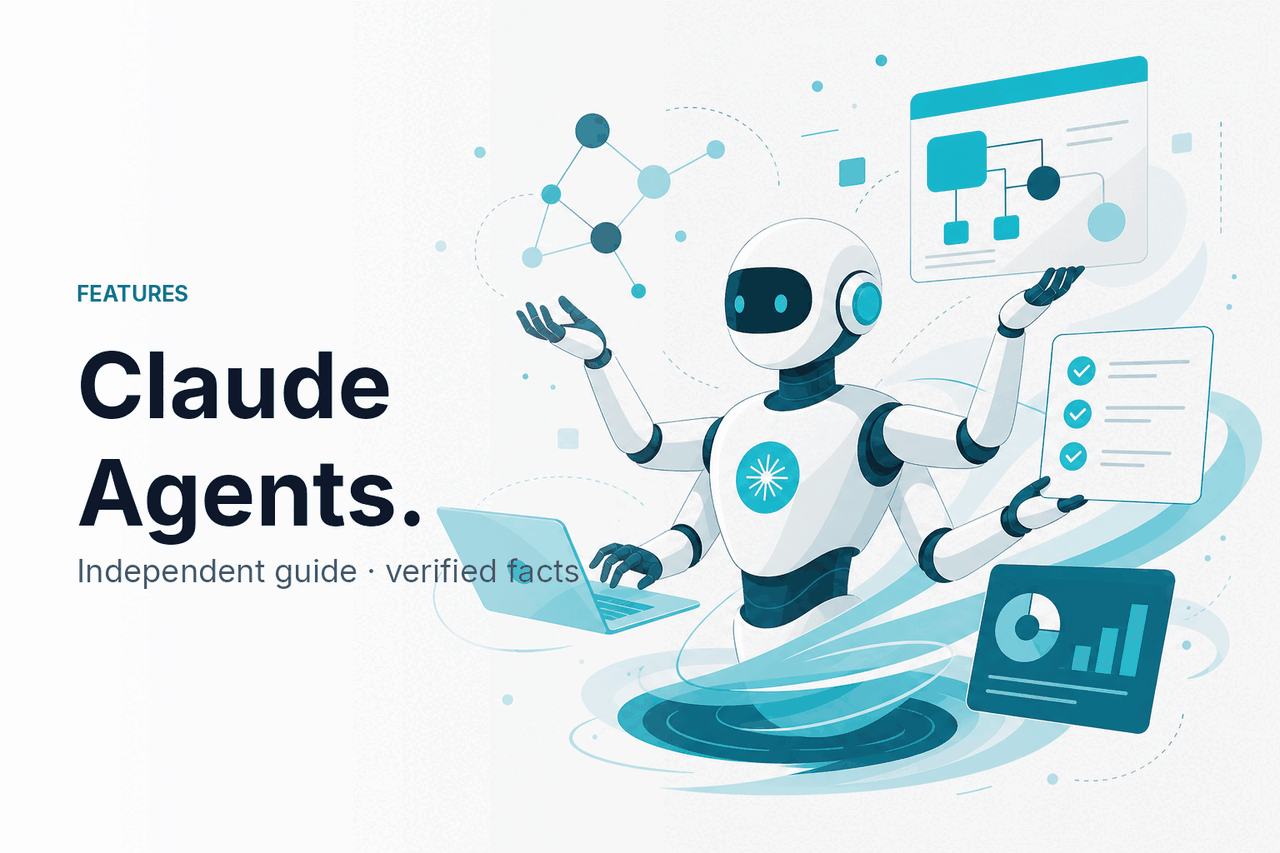
Claude agents are AI workflows where Claude plans steps, uses tools, checks results, and continues toward a goal within limits set by a developer or product; c-ai.chat is an independent guide, not Anthropic, and this page sits under our Claude features guide for readers comparing what Claude can actually do.
- What it does at a glance
- How it works
- When this feature actually helps
- What it can’t do
- FAQ: other questions readers ask
- The honest take
- Sources
What it does at a glance
Claude agents are not a single magic mode inside Claude. They are a way to use Claude as the reasoning layer in a workflow. You give Claude a goal, connect tools through the Claude API or a product workflow, let it choose actions, and keep human approval where the work carries risk. Anthropic explains the building blocks in its documentation for tool use, agents and tools, and model behavior.
- Goal-directed: the workflow works toward an outcome, not just one reply.
- Tool-using: Claude can call approved APIs, files, search, databases, or code tools.
- Multi-step: it can plan, act, inspect results, and continue.
- Bounded: the application decides what Claude can see and do.
- Reviewed: humans should approve actions that affect users, money, data, or production systems.
In practice, “Claude agents” can mean a custom automation built on the Claude API, a coding workflow, a task assistant inside a company app, or a structured prompt chain that lets Claude decide the next step. The common point is autonomy within boundaries. Claude does not become an employee or own your systems. It follows instructions, calls available tools, and returns work that should be checked before it affects real outcomes.
| Term | What it usually means | Where Claude fits |
|---|---|---|
| Chatbot | A conversation where the user asks and the model replies. | Claude answers, drafts, explains, or reasons in chat. |
| Workflow | A fixed sequence of steps, often written by a developer. | Claude may classify, extract, draft, or review one step. |
| Agent | A loop that can plan, use tools, observe results, and continue. | Claude decides the next action inside guardrails set by the builder. |
| Agentic coding workflow | A software workflow that works across files, commands, tests, and code changes. | Claude can inspect code, propose edits, run allowed commands, and explain changes. |
How it works
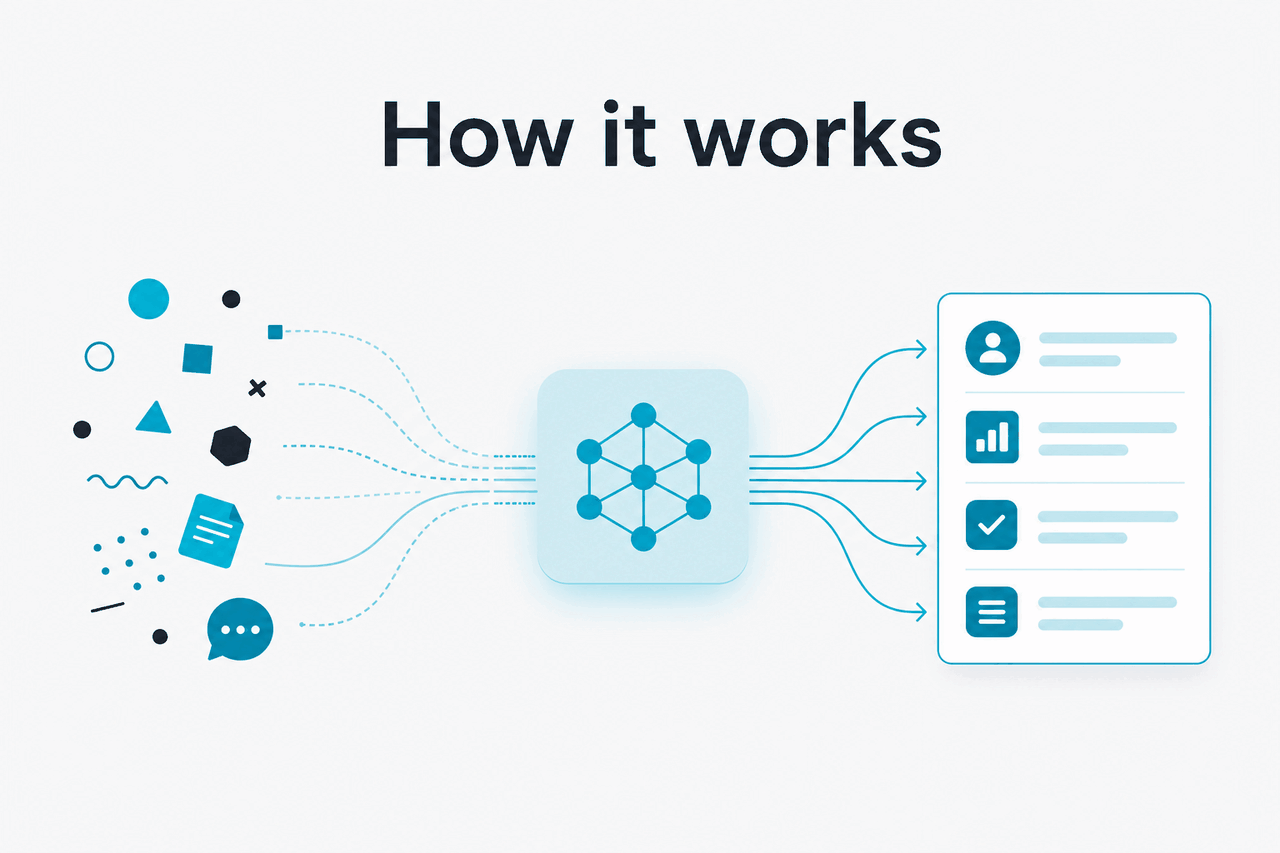
A Claude agent usually runs as a loop. The application gives Claude a goal, context, rules, and a list of tools it may use. Claude returns either a normal answer or a structured request to use a tool. The application runs that tool, sends the result back to Claude, and asks what should happen next. The loop ends when the task is complete, a limit is reached, or a person must approve the next step.
The model is not secretly browsing your systems by itself. The developer decides which tools exist, what inputs they accept, what data Claude can see, and what actions require confirmation. Safe designs separate low-risk actions, such as reading a document, from high-risk actions, such as sending a customer email, deleting a file, charging a card, or changing production code. The same principle applies whether you build with the Claude API, use the official Claude product at claude.ai, or compare options in our Claude models guide.
Worked example
Support triage agent
Claude connects context across systems. The application still controls what gets sent to the customer.
Good Claude agents are usually narrow. “Handle all customer operations” is too broad. “Classify refund requests, gather policy and order details, draft a response, and escalate exceptions” is more testable. The narrower task gives Claude a clear success condition and gives the builder clearer failure cases.
Model choice affects reliability, latency, and cost. Stronger models are better for ambiguous planning, code review, and long context. Faster models can be enough for routing, extraction, and classification. Anthropic lists model details in the official Claude model documentation, and our Claude pricing guide explains the main plan and API differences.
| Model | Typical agent fit | Context | API price per million tokens |
|---|---|---|---|
| Opus 4.7 | Hard planning, complex code, high-value review | 1M | $5 input / $25 output |
| Sonnet 4.6 | Balanced agent workflows, long outputs, production drafting | 1M, with 128K max output | $3 input / $15 output |
| Haiku 4.5 | Fast routing, extraction, triage, simple tool calls | Check official limits before deploying | $1 input / $5 output |
Consumer and team plans
Free is $0. Pro is $20/mo or $17/mo annual. Max starts at $100/mo. Team Standard is $25/seat or $20/seat annual. Team Premium is $125/seat or $100/seat annual.
Enterprise
Enterprise uses a $20/seat base plus API rates. Confirm contract terms with Anthropic before budgeting a production agent.
API cost controls
Prompt caching gives 90% off cached input. Batch API gives 50% off both input and output. Both can matter for repeated agent runs.
When this feature actually helps
Claude agents help when a task needs judgment across several steps, but the goal and allowed actions are clear. They are less useful for one-shot writing tasks, deterministic data transforms, or anything a conventional script can solve more cheaply and reliably.
1. Software maintenance. Claude can inspect a codebase, identify likely files to change, propose edits, and explain trade-offs. This is one of the clearest agent use cases because the tools are concrete: file reading, search, tests, linting, and version control.
2. Research and synthesis. An agent can break a research task into sub-questions, gather material from approved sources, compare claims, and produce a cited draft. This works best when the source set is controlled. It works poorly when the agent can roam across unreliable or private material without review.
3. Internal operations. Claude can help with repetitive operational work such as triaging tickets, preparing CRM notes, extracting contract terms, routing requests, or drafting status updates. The strongest use cases keep final authority with a human or deterministic business rule.
4. Data and document workflows. Claude can read long documents, identify relevant passages, compare versions, and create structured outputs. An agent adds value when it can choose which document to inspect next, ask for missing information, or call a validation tool before returning the answer.
5. Controlled business automation. A Claude agent can draft quotes, prepare onboarding checklists, generate meeting briefs, or assemble a project plan. The key word is controlled. The agent should have scoped permissions, logs, spending limits, and approval gates for external actions. For examples and background material, see our Claude resources hub.
Pick this pattern when
- The task needs several reasoning steps.
- Claude can use tools that return reliable data.
- The goal, inputs, and stopping point are clear.
- You can review risky actions before they run.
- You can measure quality with examples or tests.
Skip this pattern when
- A normal script solves the problem reliably.
- The agent would need broad access to sensitive systems.
- There is no clear way to judge success.
- Errors would affect money, safety, legal rights, or production systems without review.
- The task is mostly a one-time writing prompt.
The best early projects are often internal. They let a team learn how Claude behaves, where the model needs clearer instructions, and which tool calls create risk. Once the workflow is stable, you can decide whether it should stay as a human-in-the-loop assistant or move closer to automation.
What it can’t do
Claude agents can make useful progress through a task, but they do not guarantee correctness, judgment, or safe execution. The model can misunderstand a goal, over-trust tool output, miss an edge case, or produce a confident answer that still needs checking. Treat an agent as a capable assistant inside a controlled system, not as an independent operator with unlimited authority.
- It can take the wrong path. A plausible plan is not always the right plan. Agents need limits, tests, and review points.
- It can call a tool with bad inputs. Tool schemas help, but your application still needs validation.
- It can be affected by prompt injection. Untrusted web pages, emails, documents, or tickets may contain instructions that conflict with your rules.
- It can spend more than expected. Multi-step workflows use more tokens than a single prompt. API usage needs budgets and monitoring.
- It can expose data if designed badly. The application should pass only the data needed for the task and enforce access controls outside the model.
- It can stall or loop. Agents need maximum step counts, timeouts, and fallback behavior.
- It cannot replace domain responsibility. Legal, medical, financial, hiring, security, and safety decisions need qualified human oversight.
Security is a design issue, not a prompt-only issue. A strong system prompt can help, but it should not be the only defense. Use permission checks, allowlists, output validation, logging, approval workflows, and separate credentials for agent tools. If the agent can change state, the application should record who requested the action, what Claude saw, which tool was called, and what result came back.
FAQ: other questions readers ask
These questions come up because “agent” is used loosely across AI products, developer docs, and coding tools. Claude can support agentic workflows, but the exact capability depends on the product, model, tools, permissions, and integration.
For buyers and builders, the practical question is not “agent versus no agent.” It is “how much autonomy should this task have?” A lower-autonomy assistant may draft, classify, and recommend. A higher-autonomy agent may decide which tool to use next and continue across several steps. The right point depends on risk, value, and how well you can test the workflow. For broader beginner questions, see our Claude FAQ.
| Approach | Autonomy | Good fit | Main risk |
|---|---|---|---|
| Single Claude prompt | Low | Drafting, explaining, summarising, brainstorming | User may over-trust one answer |
| Prompt chain | Medium | Repeatable document or data workflows | Errors can carry forward between steps |
| Tool-using Claude workflow | Medium to high | Research, support triage, coding, internal operations | Tool calls need validation and permissions |
| Production agent | High | Well-tested tasks with logs, limits, and review gates | Bad design can affect real users or systems |
The honest take
Claude agents are useful when you need Claude to do more than answer a prompt. They can plan, use tools, inspect results, and continue through a task. That makes them valuable for coding, research, document work, support operations, and internal automation. It also makes them easier to misuse if you give them vague goals or broad permissions.
Practical rule: start narrow. Choose a task with clear inputs and outputs, give Claude only the tools it needs, log every step, set cost and time limits, and require human approval for actions that matter. If the workflow improves speed or quality under testing, expand it gradually. If a normal script can do the job, use the script.
Independent guide. Not affiliated with Anthropic. For the official Claude product, visit claude.ai.
Last updated: 2026-05-12