Claude artifacts are a Claude chat feature that moves longer outputs, code, documents, diagrams, and live previews into a separate workspace beside the conversation; this independent c-ai.chat guide is part of our Claude features guide.
- What artifacts do at a glance
- How artifacts work
- When artifacts help
- What artifacts cannot do
- The practical verdict
- FAQ
- Sources
What artifacts do at a glance
Claude artifacts turn selected Claude responses into standalone items you can view, edit, and revise without losing the chat thread. Claude can place a draft document, code file, SVG, Mermaid diagram, small web app, or visual preview in a side panel while the conversation stays open for instructions. Anthropic makes Claude and runs the official product at claude.ai; c-ai.chat is an independent guide.
- Separate workspace: useful for outputs that are too long for normal chat.
- Live preview: available for supported visual and web artifacts.
- Iterative editing: revise the same item through normal prompts.
- Best fit: drafts, prototypes, diagrams, structured examples, and small code files.
The main benefit is separation. A long proposal, HTML page, or code example can become hard to manage inside a chat transcript. An artifact gives that output its own surface. You can ask Claude to “make the chart simpler,” “turn this into a landing page,” or “rewrite the second section for a technical buyer,” and Claude can update the artifact instead of burying a new version in the chat.
Artifacts are not a separate Claude model. They are a product feature inside Claude’s chat experience. Output quality still depends on the model available to your account, your prompt, and the task. For the current model lineup, see our Claude models guide.
How artifacts work
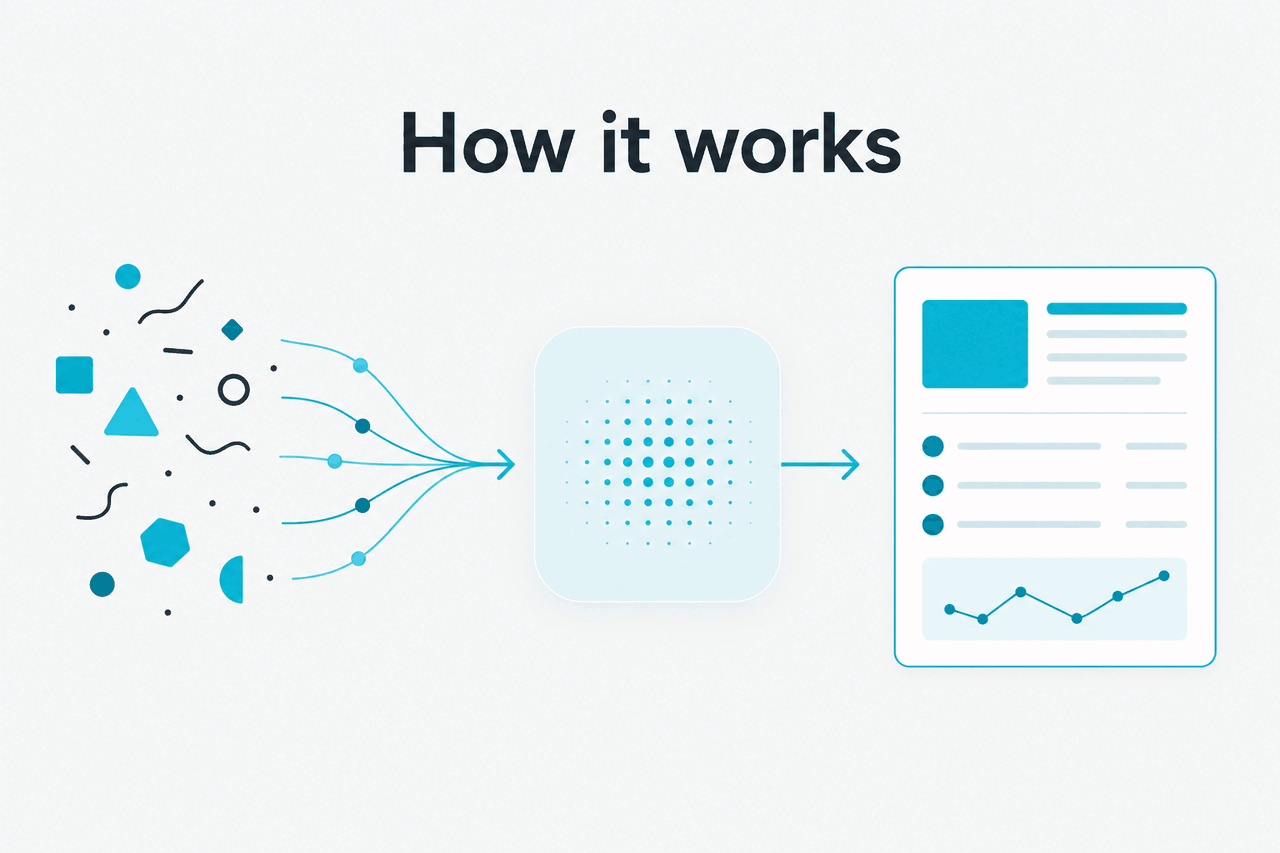
Artifacts work by moving certain Claude outputs into a structured workspace instead of leaving them only as chat text. When Claude detects that a response can stand on its own, it may create an artifact. You can then ask for edits in the conversation, and Claude can revise the artifact while keeping the broader context of the task.
The live preview is a rendering layer for supported artifact types. Claude may generate HTML, CSS, JavaScript, SVG, Mermaid, or a small interactive component and show a preview beside the output. That does not mean Claude is hosting a production app, connecting a database, or deploying a site. It means the Claude interface can preview the artifact where the format allows it. For official product behavior, check Anthropic Support and the Claude product itself.
Worked example
Turning a rough prompt into a live page mockup
Use this for shaping an idea before you move the final work into your editor, CMS, design tool, or repository.
The workflow is simple: ask Claude for something substantial, review the artifact, then request targeted changes. Be clear about what should stay fixed. “Keep the same structure, but rewrite the copy for a finance audience” usually works better than “improve it.” If the artifact contains code, ask Claude to explain its assumptions before you reuse it.
Artifacts also help when an output needs several revision rounds. A contract summary, classroom worksheet, JSON schema, internal memo, or launch brief can stay in one visible working version instead of being scattered across multiple chat replies.
When artifacts help
Claude artifacts help most when the output is long, visual, structured, or likely to be revised. They are less useful for quick factual answers, short rewrites, or one-line prompts. Use them when the work has enough shape to deserve its own workspace.
- Writing and editing long drafts. Use artifacts for briefs, reports, proposals, policy drafts, lesson plans, and structured documentation.
- Prototyping small interfaces. Ask Claude to create a form, dashboard mockup, landing page, calculator, or interactive component.
- Creating diagrams and visual explanations. Use artifacts for SVGs, Mermaid diagrams, flowcharts, simple architecture diagrams, and teaching aids.
- Working with structured data examples. Claude can draft JSON, CSV-style samples, schemas, configuration files, or API request examples in a cleaner workspace. For production API work, use our Claude API guide.
- Iterating on small code examples. Artifacts can hold a script, page, or component while you ask Claude to refactor, comment, simplify, or add tests.
Use artifacts when
- You need a working draft with several revision rounds.
- The answer is too long or structured for normal chat output.
- You want to preview a small interface, SVG, or visual layout.
- You need a cleaner way to track the current version.
Skip artifacts when
- You only need a short answer or quick rewrite.
- The task needs production hosting, authentication, or a database.
- You need guaranteed accuracy without human review.
- You are building a multi-file application that belongs in a real development environment.
| Task | Better Claude surface | Why |
|---|---|---|
| Draft a long proposal | Artifacts | Keeps the current version separate from the chat and easier to revise. |
| Ask a quick question | Normal Claude chat | A short answer does not need a separate workspace. |
| Prototype a small web page | Artifacts | The preview helps you inspect layout and basic behavior. |
| Generate API request examples | Claude API guide | The API path is better when you are building Claude into your own product. |
| Compare product access and limits | Claude pricing guide | Plan availability and limits can affect how much you can use Claude features. |
Decision rule
Use an artifact when the output will become a working object. If the answer is only information, normal chat is enough. If the output needs editing, previewing, copying, or version control, an artifact is usually cleaner.
A practical pattern is to start in Claude chat, move substantial work into an artifact, then copy the result into the tool where it belongs. A writer may move final copy into WordPress. A developer may move code into an IDE. A product manager may move a diagram into a planning document. The artifact is the drafting surface, not the final system of record.
What artifacts cannot do
Claude artifacts are useful, but they are not a replacement for testing, review, deployment, or expert judgment. Treat every artifact as a draft generated by a language model. It can contain broken code, inaccurate claims, inaccessible design choices, weak security assumptions, or subtle formatting problems. A preview can make an output look finished before it has been checked.
- Artifacts cannot guarantee correctness. Claude may produce confident but wrong explanations, calculations, citations, or code logic.
- Artifacts cannot fully test production software. A preview can show basic behavior, but it is not a browser, device, security, performance, or integration test suite.
- Artifacts cannot replace your design system. Claude may create usable layouts, but brand rules, accessibility standards, and component constraints still need review.
- Artifacts cannot access everything by default. Claude works only with the context, files, and integrations available in your session and account settings.
- Artifacts cannot deploy or maintain your app. You still need hosting, source control, environment variables, monitoring, and ownership outside Claude.
- Artifacts may lose intent across broad revisions. Large “change everything” prompts can cause Claude to remove details you wanted to keep.
There is also a scope limit. Artifacts work best when the task fits into one coherent item: one document, one diagram, one small component, one mockup, or one example file. Once a task becomes a full application with dependencies, state, permissions, and deployment needs, move into a dedicated development workflow. If Claude service availability matters for your work, use Claude’s official status page.
The practical verdict
Claude artifacts reduce friction between a chat answer and a working draft. They are strongest for documents, prototypes, diagrams, small code examples, and other outputs that need revision. They do not remove the need for checking, testing, or moving finished work into the right tool.
If you already use Claude, artifacts are worth learning because they make the product feel less like a stream of messages and more like a workspace. Start with low-risk tasks: a memo, page mockup, diagram, or reusable template. Once you understand the limits, artifacts can save time without pretending to be a full editor, IDE, or deployment platform.
FAQ
Are Claude artifacts free? Artifacts are part of the Claude product experience, but availability and usage limits can depend on your account, plan, region, and Anthropic’s current settings. Claude plans include Free at $0, Pro at $20 per month or $17 per month annually, Max from $100 per month, Team Standard at $25 per seat or $20 per seat annually, Team Premium at $125 per seat or $100 per seat annually, and Enterprise with a $20 per seat base plus API rates. Check the official Claude pricing page before making a purchase decision.
Can Claude artifacts run code? Artifacts can preview supported front-end and visual outputs in the Claude interface, such as simple web pages or interactive components. That is not the same as running a full backend application. If the code matters, copy it into your own development environment and test it properly.
Are artifacts available through the Claude API? Artifacts are primarily a Claude product interface feature. They are not the same as sending messages to a model through the API. Through the API, you can ask Claude to generate structured text, code, JSON, HTML, or other outputs, but your application must provide its own preview, storage, and editing interface. Anthropic’s developer documentation is available at docs.claude.com.
What is the difference between Claude artifacts and Projects? Artifacts are individual outputs or workspaces inside a conversation. Projects are a broader Claude workspace feature for organizing chats, context, and materials around a topic or goal. You might use a Project for a product launch and artifacts inside that Project for the launch brief, landing page draft, and FAQ.
Can I share a Claude artifact? Sharing behavior depends on Claude’s current product controls and your account settings. Do not assume an artifact is public unless Claude shows an official sharing or publishing option. For sensitive work, treat artifacts like any other AI workspace and avoid adding private information unless your organization allows it.
How are Claude artifacts different from a normal chat answer? A normal answer stays in the chat flow. An artifact creates a separate working item that you can revise, preview, and keep visible while the conversation continues.
Where should I learn related Claude features? Start with our Claude features guide, then use the Claude models guide, Claude API guide, and Claude FAQ for related questions.
Independent guide. Not affiliated with Anthropic. For the official Claude product, visit claude.ai.
Last updated: 2026-05-12