Claude agent teams are multi-agent workflows that assign Claude several specialised roles through Claude Code, the Claude API, or a custom orchestration layer; c-ai.chat is an independent guide to Claude, not Anthropic, and this page explains what the pattern does, when it helps, and where it fails.
- What it does at a glance
- How it works
- When this feature actually helps
- What it can’t do
- Other questions readers ask
- The honest take
- Sources
What it does at a glance
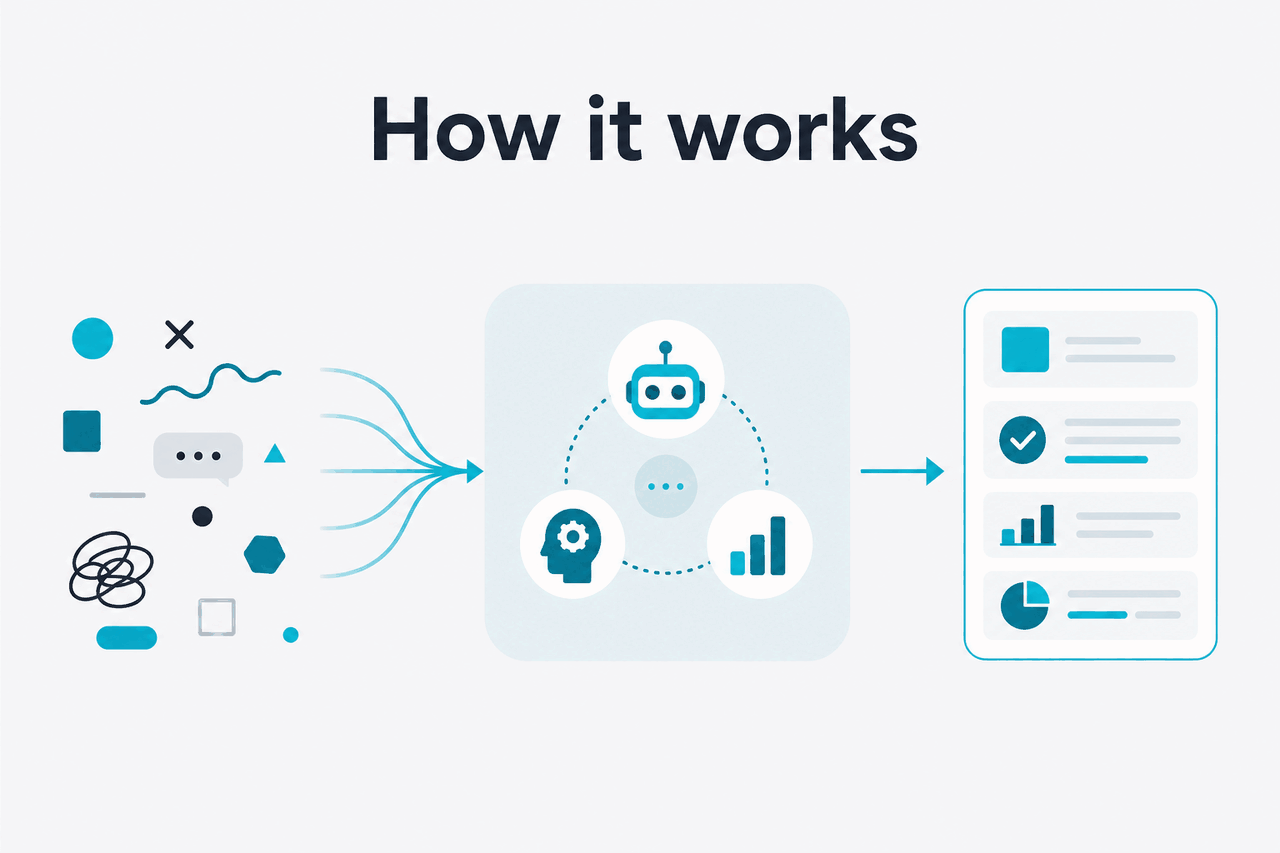
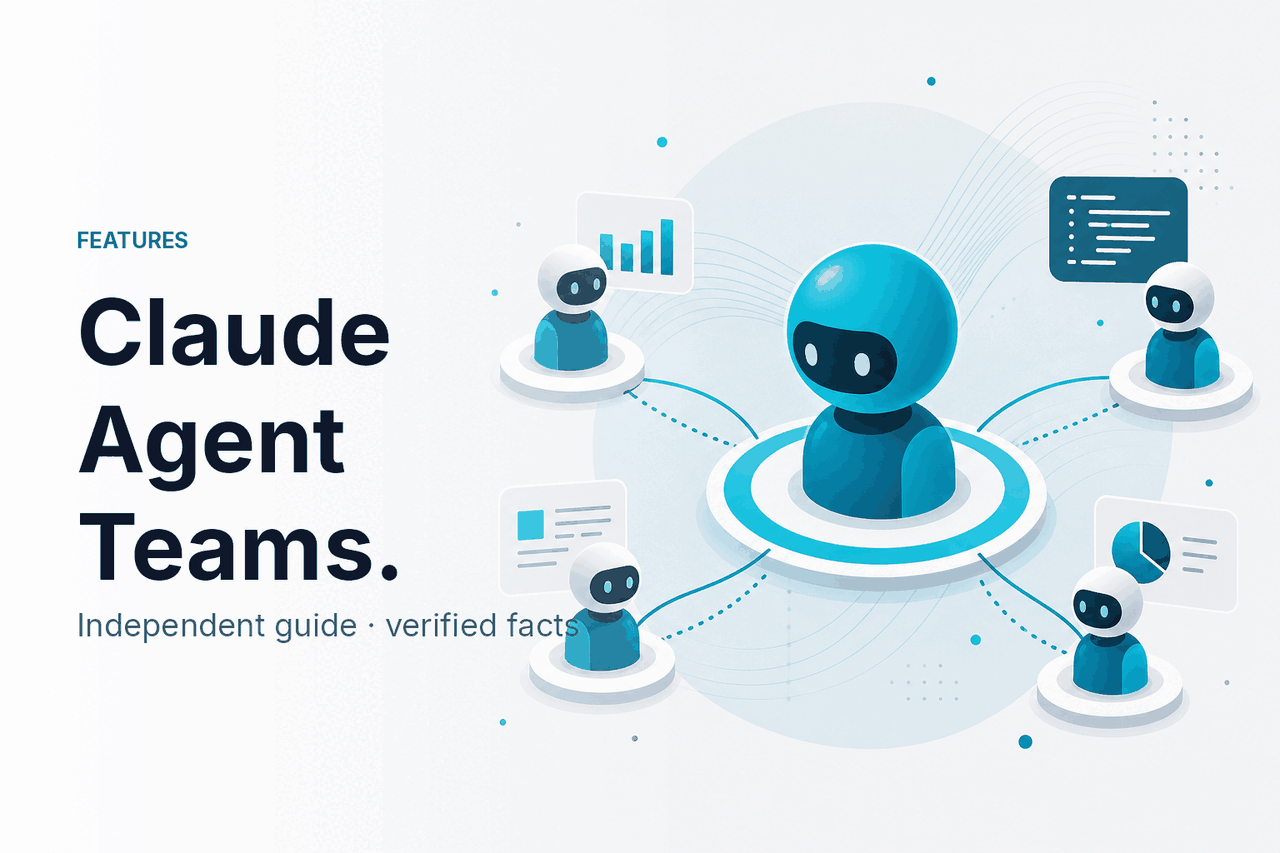
Claude agent teams split a complex task across multiple Claude-powered agents, each with a defined role, instructions, tools, and output format, then combine their work into a final result. Anthropic does not present “Claude Agent Teams” as one universal button in claude.ai. People usually use the phrase for workflows built with Claude’s agentic capabilities, especially through the Claude API, Claude Code-style software workflows, and tool-enabled applications.
- Role split: planner, researcher, coder, reviewer, evaluator.
- Tool use: files, code, APIs, search, and internal systems when permitted.
- Coordination: one controller routes work between agents.
- Best use: complex tasks with clear checkpoints.
The idea is simple: one Claude conversation is not always the best shape for a large task. A team-style workflow can ask one agent to plan, another to gather context, another to write, and another to critique the result. That can improve coverage. It also adds cost, latency, and more failure points.
The key distinction is Claude as a chat assistant versus Claude as part of a coordinated system. Chat is enough for direct drafting, analysis, and coding help. Agent teams matter when you need repeated steps, separate responsibilities, audit points, or tool access across a larger workflow.
How it works
A Claude agent team usually starts with a controller. The controller may be a script, an application, a Claude Code setup, or a workflow engine. It receives the user’s goal, breaks it into subtasks, sends each subtask to a specialised Claude instance or prompt, then collects the outputs. Each agent can have its own system instructions, tools, memory scope, and definition of done.
The system is still making model calls, passing messages, and managing context. If you build with the Claude model platform, you choose a model, send input, receive output, and decide what happens next. The “team” comes from orchestration: role prompts, routing rules, tool permissions, review loops, and handoffs.
| Pattern | How it works | Good fit | Main trade-off |
|---|---|---|---|
| Single Claude chat | One conversation handles the full task. | Simple drafting, explanation, planning, and light analysis. | Limited separation of roles. |
| Sequential agents | One agent passes work to the next. | Research → outline → draft → review workflows. | Errors can carry forward. |
| Parallel agents | Several agents work on separate branches at the same time. | Comparing options, testing ideas, and reviewing code paths. | More calls and more reconciliation. |
| Manager-reviewer setup | A lead agent delegates, then another agent checks the result. | Higher-stakes writing, code review, and data checks. | Needs clear acceptance criteria. |
| Tool-using agent system | Agents call tools such as files, code runners, or APIs. | Software tasks, internal knowledge tasks, and automation. | Tool permissions and safety need careful design. |
Claude Code-style workflows are where many users first meet this pattern. Claude can inspect files, propose changes, run commands when permitted, and help move a coding task forward. A team-style setup can separate planning, implementation, testing, and review instead of asking one prompt to do everything.
Through the API, the same idea is more flexible. Developers can create named agents in their own application, store state, pass structured outputs between steps, and decide which model handles which part. For example, a system might use Haiku 4.5 for quick classification, Sonnet 4.6 for drafting and reasoning, and Opus 4.7 for the hardest final review. See our Claude models guide for the practical differences between model choices.
Worked example
A release-note workflow with four agents
This works better than a single prompt when each step has different evidence, tone, and acceptance criteria.
Cost matters. API usage is priced per million tokens. Opus 4.7 costs $5 per million input tokens and $25 per million output tokens, with a 1M context window. Sonnet 4.6 costs $3 per million input tokens and $15 per million output tokens, with a 1M context window and 128K max output. Haiku 4.5 costs $1 per million input tokens and $5 per million output tokens. Multi-agent systems multiply calls, so an elegant design can become expensive if every agent receives the full context every time.
Two optimisation features are especially relevant. Prompt caching gives 90% off cached input tokens. Batch API gives 50% off both input and output tokens for suitable asynchronous workloads. These savings help when agents reuse the same long policy, codebase summary, documentation bundle, or evaluation rubric.
Claude app
Free is $0. Pro is $20/month or $17/month billed annually. Max starts at $100/month.
Team plans
Team Standard is $25/seat or $20/seat billed annually. Team Premium is $125/seat or $100/seat billed annually.
Enterprise and API
Enterprise has a $20/seat base plus API rates. Custom agent teams usually need API usage, app-layer orchestration, or both.
For a broader cost breakdown, see our Claude pricing guide.
When this feature actually helps
Claude agent teams help when a task is too broad for one uninterrupted exchange and each subtask benefits from a different role. They are less useful for quick answers. The strongest use cases have clear inputs, defined checkpoints, and a way to verify the final output.
Software development workflows. A planner agent can inspect the issue, a coding agent can propose changes, a test agent can suggest or run checks, and a reviewer agent can look for regressions. This works best when the repository has enough structure for Claude to inspect relevant files.
Research and synthesis. One agent can gather source material, another can extract claims, another can build an outline, and another can check whether the answer overstates the evidence. This can help with market scans, policy briefings, competitive analysis, and internal knowledge work. It still needs human review when facts matter.
Document-heavy business processes. Agent teams can split work across contracts, support logs, product requirements, or meeting notes. One agent might classify documents, another might extract obligations, and another might produce a plain-English summary. Long-context models help here, but long context does not replace precise instructions.
Quality control and critique. A separate reviewer agent can find unsupported claims, unclear assumptions, missing test cases, security concerns, or tone mismatches. This is often stronger than asking the same agent that produced the work to approve its own output without a checklist.
Internal automation. Developers can connect Claude to tools and business systems through an application layer. For example, an agent team might triage support tickets, draft responses, identify billing issues, and escalate edge cases. This requires careful permissions, logging, and fallback paths.
Pick when
- The task has separable stages such as plan, write, test, and review.
- You can define success criteria for each agent.
- You need tool access, file inspection, or structured outputs.
- The cost of a wrong answer justifies review loops.
- You can measure whether the workflow improves quality or speed.
Skip when
- A single Claude chat can answer the question directly.
- The task is small, low-risk, or mostly creative brainstorming.
- You cannot verify the output against sources, tests, or business rules.
- Latency matters more than depth.
- You are adding agents because the architecture feels neat, not because the task needs them.
A useful rule: add an agent only when it performs a distinct job that would be hard to combine with another role. “Researcher” and “citation checker” can be distinct. “Smart agent one” and “smart agent two” usually are not.
For broader capability context, see our overview of Claude features. Agent-style workflows sit alongside long context, file analysis, coding support, projects, artifacts, and API tool use. The right design depends on the job, not on the label.
What it can’t do
Claude agent teams do not remove model limitations. They can make a workflow more organised, but they can also amplify mistakes if the system passes weak assumptions from one agent to the next. A multi-agent setup is not automatically more accurate than a single well-designed prompt.
- They can still hallucinate. A researcher agent may invent or misread facts. A reviewer agent may miss the problem if its checklist is weak.
- They increase token use. More agents usually mean more prompts, more output, and more context passing.
- They add latency. Sequential workflows can be slow because each step waits for the previous one.
- They need orchestration. Someone must define routing, memory, retries, tool permissions, and failure handling.
- They can hide accountability. If several agents contributed to an output, tracing the source of a mistake can be harder without logs.
- They do not guarantee security. Tool-using agents need permission boundaries, sensitive-data controls, and human approval for risky actions.
- They can overfit to prompts. Agents may satisfy the role instruction while missing the real user need.
- They still require product limits. Official plan limits, API rate limits, model availability, and service status apply. Check Claude status if something looks unavailable.
The main design risk is false confidence. A final answer that passed through several agents can look more rigorous than it is. The fix is not more agents by default. The fix is better evidence, narrower tasks, testable outputs, and human review where the stakes require it.
Other questions readers ask
Most searches around Claude agent teams overlap with Claude agents, Claude Code-style workflows, API orchestration, pricing, and whether agent teams are available in the Claude app. These short answers cover the related questions.
The honest take
Claude agent teams are useful when they turn a vague large task into a controlled workflow with roles, tools, checks, and measurable outputs. They are not a shortcut around good prompting, source verification, testing, or human judgment. If the task is simple, use Claude directly. If the task is complex, repeatable, and has clear stages, a team-style workflow can be worth the extra design work.
Start small: one planner, one worker, one reviewer. Measure whether the extra steps improve the result. If they do, expand carefully. If they do not, simplify the workflow before adding more agents.
Independent guide. Not affiliated with Anthropic. For the official Claude product, visit claude.ai.
Last updated: 2026-05-12