Claude Code MCP connects Claude Code to approved tools and data sources through Model Context Protocol servers, so Claude can retrieve context or call actions without you pasting everything into chat.
This independent c-ai.chat guide explains when MCP helps, how the setup works, and where it can fail. For broader context, start with our Claude features guide. Anthropic makes Claude. c-ai.chat is not Anthropic or claude.ai.
What it does at a glance
Claude Code MCP lets Claude Code use external context and tools in a structured way. The usual setup is simple: choose an MCP server, install its dependencies, add it to Claude Code, and approve what it can access.
MCP is not a separate Claude model. It is a protocol for giving Claude-compatible clients a consistent way to discover and call tools. In Claude Code, that often means adding a server for actions such as “search this repository,” “read this schema,” “look up this issue,” or “query this internal API.” For model differences, see our Claude models guide.
The official starting points are Anthropic’s Claude Code MCP documentation and Anthropic’s introduction to the Model Context Protocol. Use the official docs for command syntax because server options, transports, and client support can change.
Choose the MCP server
Pick a server for the system Claude Code needs to reach, such as a filesystem, repository, database, ticketing tool, browser, or internal service. Prefer maintained servers with clear permissions.
Install dependencies
Some servers run through Node, Python, Docker, or a vendor CLI. Install only what the server needs. Keep credentials out of prompts.
Add the server to Claude Code
Register the server using the current documented method. Give it a clear name so you know which tool Claude is calling.
Test a narrow request
Start with a small read-only task, such as listing available resources or searching one directory. Confirm the result before allowing write actions or external API calls.
A safe first setup is read-only. Connect Claude Code to a local project directory, then ask it to explain where an authentication check happens. Once you trust the workflow, decide whether to allow actions that change files, call a service, or write data.
How it works
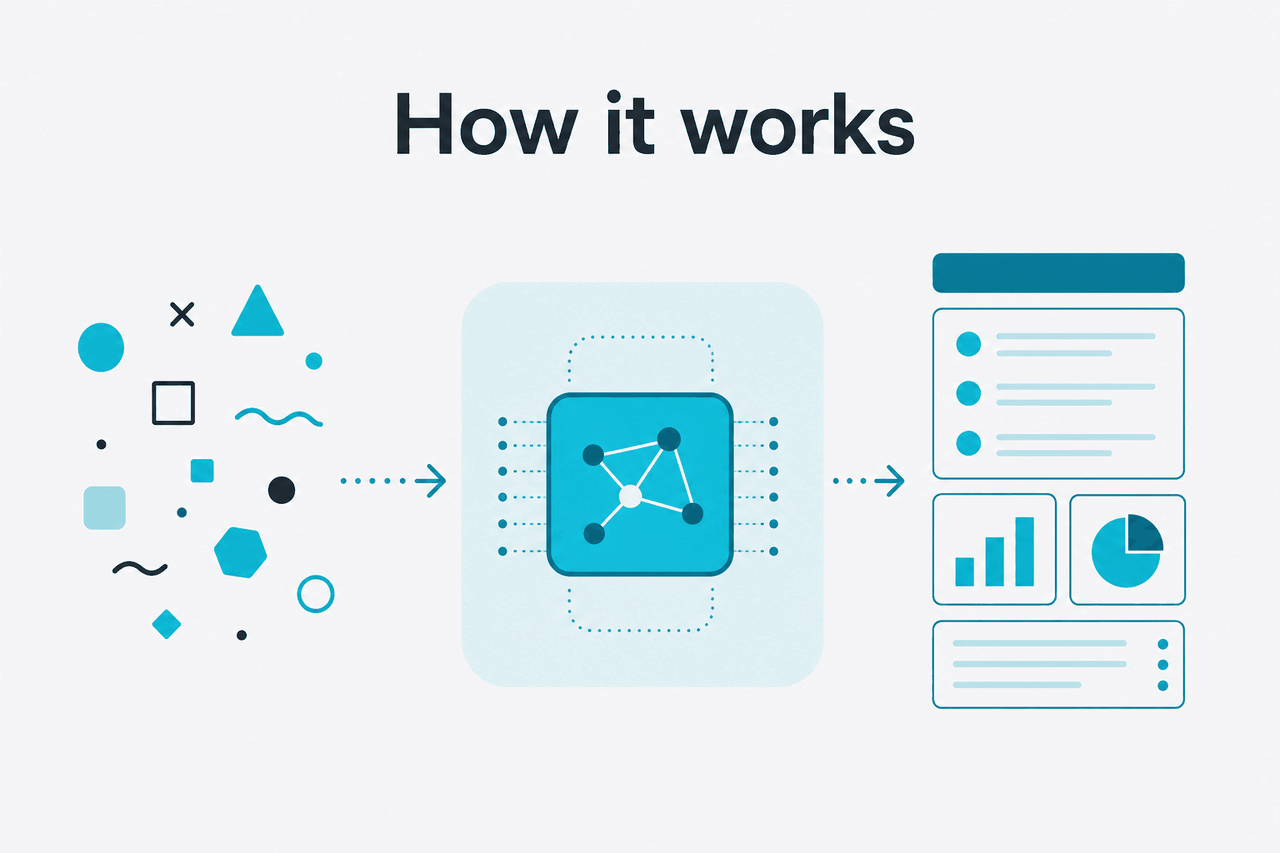
MCP uses a client-server pattern. Claude Code acts as the client. The MCP server exposes tools, resources, and sometimes prompt templates. Claude Code can discover those capabilities, decide when one is relevant, and request permission to use it under your configuration.
The model is not directly “inside” your database, repository, or private service. It receives context through a controlled tool call. If an MCP server exposes file search, Claude Code can ask that server to search files and return matching snippets. If a server exposes a database query tool, Claude Code may request a query and receive rows. The server handles authentication, network access, and execution.
Worked example
Using MCP to inspect a bug without pasting the whole repository
This works best when the MCP server returns precise context and the task has clear boundaries.
Claude Code MCP setup has two parts: technical registration and trust design. Technical registration tells Claude Code how to start or contact the server. Trust design decides what the server may read, whether it can write, which credentials it gets, and whether those permissions apply to one project or your wider user environment.
Some MCP servers run locally through standard input and output. Others run as remote services. Local servers are common for filesystem and repository work. Remote servers can make sense for hosted tools, but they add authentication, network, and availability concerns. Check the official Claude documentation for the current options supported by the Claude product you use.
MCP does not remove Claude’s normal reasoning and context limits. The server can retrieve relevant data, but Claude still has to interpret it. Clear server descriptions, narrow tools, and small returned results usually work better than one broad tool that sends noisy output.
When MCP helps
Claude Code MCP helps when Claude needs fresh, private, or tool-specific context that you do not want to paste manually. It is most useful for repeated workflows where the model needs to look up information, inspect local state, or call a known service before answering.
- Repository-aware coding. Claude Code can inspect files, search symbols, compare patterns, and propose changes that fit the existing project.
- Database and schema questions. A controlled MCP server can expose schema metadata or limited read queries, helping Claude explain joins, migrations, analytics issues, or validation problems.
- Internal documentation search. Teams can connect Claude to approved knowledge sources so answers reference current runbooks, product specs, or engineering notes.
- Ticket and incident workflows. An MCP server can retrieve issue details, logs, or status information. Claude can then draft a fix plan, pull request summary, or customer update.
- API-backed operations. MCP can provide a safer interface than asking Claude to invent API calls. For API fundamentals, see our Claude API documentation guide.
Use MCP when
- Claude needs private project context.
- You repeat the same lookup or inspection task often.
- The tool can be scoped to read-only or low-risk actions.
- You can review tool calls before accepting changes.
- The server has clear documentation and active maintenance.
Skip MCP when
- A pasted file or short prompt is enough.
- The server needs broad production credentials.
- The task involves irreversible writes without human review.
- The data source returns large irrelevant results.
- You cannot explain what the server is allowed to do.
For solo developers, the best first use is a local project workflow: connect a repository, ask Claude to locate a bug, then have it propose a patch. For teams, the stronger pattern is shared project configuration with limited permissions and documented server behavior. That makes results more consistent.
What MCP cannot do
MCP does not make Claude automatically safe, correct, or fully aware of your systems. It gives Claude Code access to tools through configured servers. The quality and safety of the result depend on server design, permissions, returned context, model behavior, and your review process.
- It cannot bypass permissions. If the server lacks access to a repository, database, or API, Claude Code cannot use it through MCP.
- It cannot guarantee correct tool use. Claude may choose an unhelpful tool, ask for the wrong data, or misread the returned result.
- It cannot make unsafe write actions safe. A tool that can delete files, update production records, or send external messages needs strict controls and human review.
- It cannot fix poor server design. Vague tool names, broad inputs, and noisy responses make Claude less reliable.
- It cannot protect secrets by itself. Keep credentials in environment variables or secret managers, not prompts. Scope tokens to the minimum access needed.
- It cannot remove prompt-injection risk. Tool outputs can contain malicious or misleading instructions. Treat retrieved content as data, not trusted commands.
- It cannot solve service outages. If a remote MCP server or Claude service is unavailable, the workflow may fail. Check the official Claude status page.
The biggest practical mistake is adding a powerful server before defining the workflow. Start with a narrow read-only tool. Test it on non-sensitive data. Expand only when you understand the failure modes. If you work in a regulated or security-sensitive environment, review Anthropic’s trust and security materials and your internal policies before connecting private systems.
FAQ
Is MCP the same as Claude API tool use?
No. MCP is a protocol that lets clients connect to external tool servers in a consistent way. Claude API tool use is an application pattern where your code defines tools and handles calls through the API. Both can expose actions to Claude, but they are configured and operated differently.
Does Claude Desktop use MCP too?
Claude Desktop has supported MCP-style integrations for connecting local tools and data sources. Claude Code focuses on terminal and coding workflows, so setup details and best use cases differ. Use the official Claude product and docs for current client-specific instructions.
Can I use remote MCP servers?
Yes, when the client and server support the required transport and authentication. Remote servers are useful for hosted services and shared team tools. They also need tighter controls because credentials and network access are involved.
Is it safe to connect a production database?
Only if the server is tightly scoped and the organization has approved that access. A safer pattern is read-only access to a replica, schema-only metadata, or a limited query interface. Avoid broad write permissions unless there is a strong approval process and audit trail.
Do I need a paid Claude plan for Claude Code MCP?
Claude Code availability depends on the current Claude product plan and Anthropic’s terms. Check the official Claude pricing page before buying. For a plain-English comparison, see our Claude pricing guide.
Free
$0
Pro
$20/month or $17/month annual
Max
From $100/month
Team Standard
$25/seat or $20/seat annual
Team Premium
$125/seat or $100/seat annual
Enterprise
$20/seat base plus API rates
What should I use instead of MCP for a small task?
If MCP feels too heavy, paste a small approved file, upload context in Claude, use a project workspace, or build a direct API integration. Our Claude resources page covers related guides.
Can MCP make Claude modify files automatically?
It can expose tools that write files if you configure them that way. Treat that as a higher-risk setup. Start with read-only access, review proposed changes, and avoid giving Claude tools that can make irreversible changes without approval.
The honest take
Claude Code MCP is worth setting up when Claude Code needs repeatable access to real project context or trusted tools. It is especially useful for code search, repository inspection, internal docs, ticket context, and controlled API-backed workflows. It is less useful when a one-off prompt gives Claude enough information, or when the only available server requires credentials you cannot safely scope.
The right setup is boring by design: narrow permissions, clear tool names, small returned results, and human review for risky actions. Start with read-only context. Verify the output. Expand only after you understand what the server can do.
Last updated: 2026-05-12