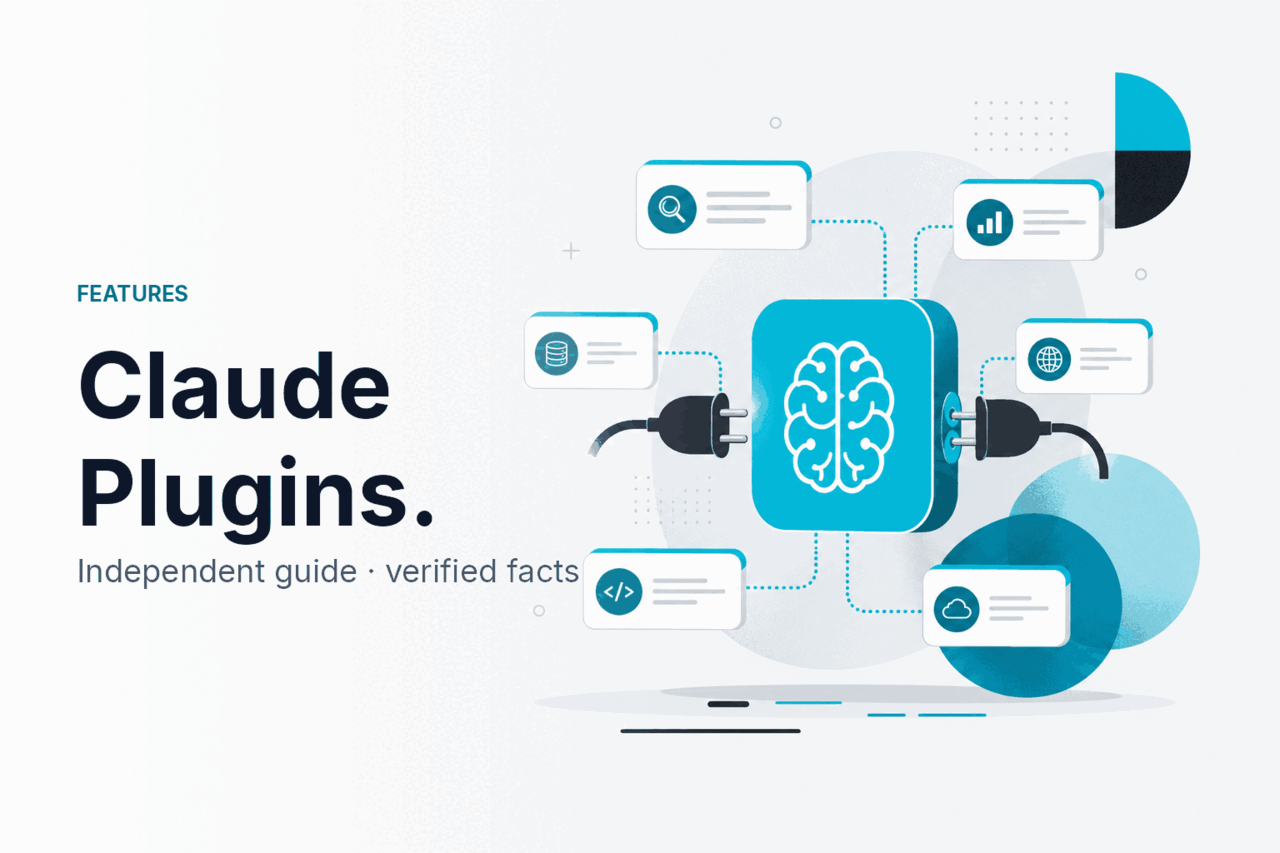
Claude plugins are connected tools, integrations, and API patterns that let Claude use approved external context or actions; c-ai.chat is an independent guide, not Anthropic, and this page belongs to our Claude features guide.
- What it does at a glance
- How it works
- When this feature helps
- What it can’t do
- Other questions readers ask
- The honest take
- Sources
What it does at a glance
Claude does not have one universal plugin store. Extension depends on where you use it: Claude.ai product features, Claude Code, API tool use, Model Context Protocol connections, or workspace integrations managed by an admin.
The key point is control. Claude does not automatically gain access to your apps. A tool, connector, or integration must be configured first. Claude then works inside that approved boundary. For developer workflows, see our Claude API guide. For model choice, use our Claude models guide.
Anthropic’s official product is claude.ai. Anthropic publishes developer documentation at docs.claude.com and API platform resources at platform.claude.com. Check those sources for account-specific availability and implementation details.
| Extension type | What it means | Best for | Who sets it up |
|---|---|---|---|
| Claude.ai integrations | Product-level connections inside Claude’s official web or app experience | Documents, workspace context, knowledge work | User or workspace admin |
| API tool use | Your app gives Claude callable tools with schemas | Custom workflows, agents, internal software | Developer |
| Model Context Protocol | A structured way to expose tools and data sources to compatible clients | Local tools, enterprise systems, developer environments | Developer or IT team |
| Claude Code | A coding-focused Claude workflow for software projects | Debugging, repository work, code changes | Developer |
| Projects and files | Persistent context and uploaded material inside Claude | Research, writing, repeated workflows | User |
How it works
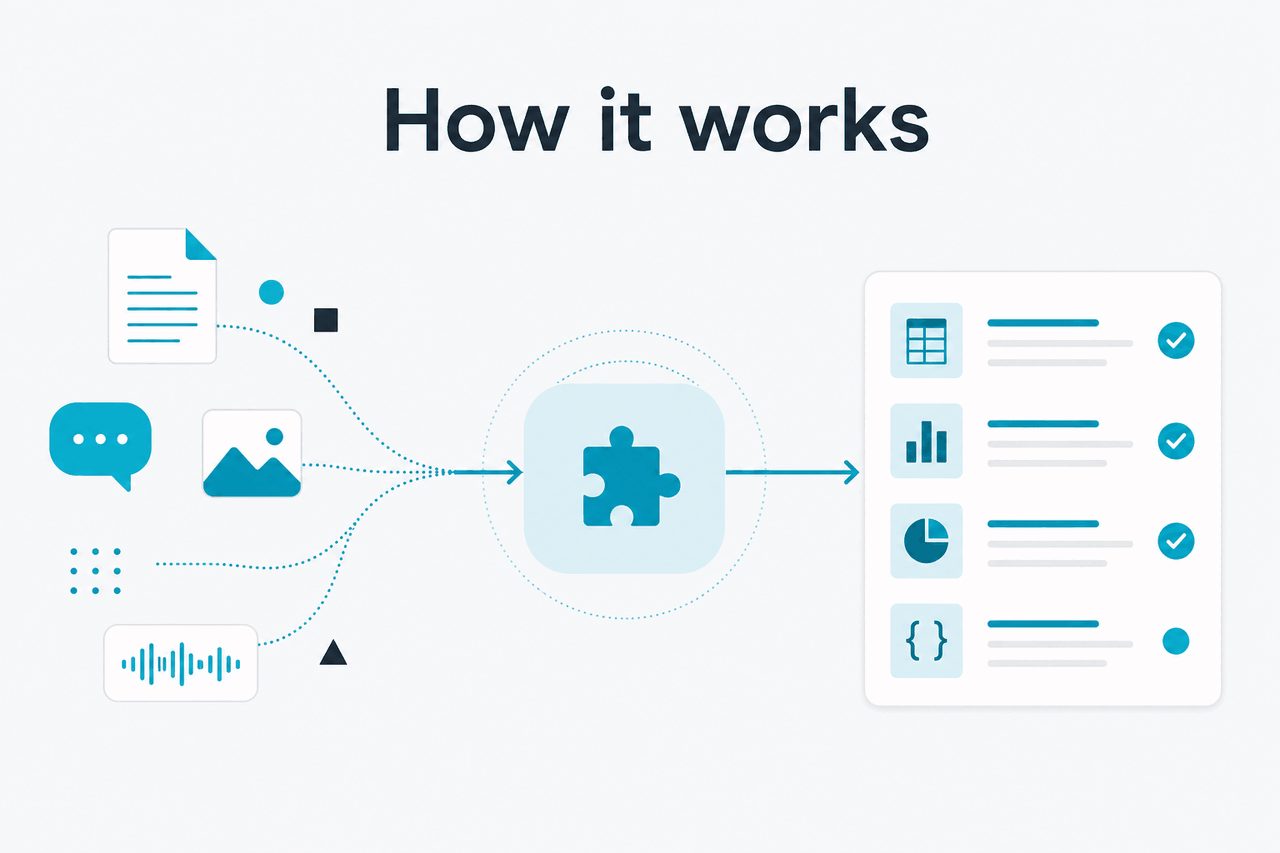
Most Claude plugins are not installed into the model. The model receives a prompt, context, and a description of available tools. When Claude decides a tool would help, it requests that tool in a structured format. The host app decides whether the call is allowed, runs the tool, and sends the result back to Claude.
This design matters. Claude is not secretly browsing every connected service. In a well-built setup, Claude sees only the files, context, or tool outputs the system provides. Anthropic documents this pattern as tool use in the Claude API. The same principle applies to many product integrations: Claude becomes more useful when it has relevant context, but the host product controls access.
Worked example
A support bot using Claude API tools
lookup_invoice(customer_id)Claude does not need direct access to the whole billing system. It only needs the tool result your app provides.
For non-developers, the experience often feels like connecting a work app or adding files to a project. You give Claude a source of context, then ask it to reason over that context. It may draft a report, compare files, answer questions, or help plan next steps.
For developers, tool calling is explicit. Your app sends Claude a list of tools it may request. Each tool has a schema, so Claude knows which arguments are valid. Your code still owns execution. Claude proposes the call; your software decides what happens.
When this feature helps
Claude plugins help when the answer depends on information outside the chat window or when the next step requires an action in another system. They are less useful for one-off writing, brainstorming, or general questions where Claude already has enough context.
- Internal knowledge search: Connect approved documents, project files, or workspace sources so Claude can answer from company material.
- Software development: Use Claude Code or API-based tools so Claude can inspect files, explain errors, propose edits, and help prepare pull requests.
- Customer operations: Expose safe lookup tools for order status, account details, ticket history, or policy retrieval.
- Data and reporting: Give Claude structured results from databases or spreadsheets, then ask it to explain changes or draft summaries.
- Repeatable workflows: Let Claude draft an email, check a policy, fill a template, or route a request after human approval.
Use this approach when
- Your task needs current, private, or system-specific data.
- You can define safe tool boundaries and permissions.
- The workflow repeats often enough to justify setup.
- You need Claude inside a coding or business process.
Skip it when
- A normal Claude chat with pasted context is enough.
- You cannot control what data the tool exposes.
- The action is high risk and has no approval step.
- You need a third-party plugin Claude does not support.
A good setup starts with a narrow job. “Let Claude use every internal system” is too broad. “Let Claude retrieve the approved refund policy and draft a reply for review” is safer. It has a defined data source, a clear output, and a human decision point.
The same rule applies to software teams. Claude works better when it can see the relevant files, error messages, test output, and constraints. It works worse when asked to modify a large codebase from a vague instruction. A focused tool chain makes the model’s work easier to inspect.
Teams should review governance before connecting tools. Admin controls, workspace permissions, and audit needs matter when Claude can access private data. Anthropic publishes trust and security information at trust.anthropic.com, and service status is available at status.claude.com.
What it can’t do
Claude plugins do not remove the need for verification, permissions, or good product design. Claude can misunderstand tool results, choose the wrong tool, produce an incomplete answer, or ask for an action your system should reject. Treat plugin-style access as a controlled interface, not a pass for autonomous work.
- No universal plugin marketplace: Extension depends on Claude.ai features, API integrations, Claude Code, or compatible tool protocols.
- Tool access is not automatic: Claude can only use tools that a product, developer, or admin has made available.
- Permissions still apply: A connector should not expose documents, tickets, databases, or code the user is not allowed to access.
- Actions can be risky: Sending emails, changing records, merging code, or issuing refunds should usually require confirmation and logging.
- Bad tool design causes bad results: If a tool returns vague, stale, or excessive data, Claude’s answer may be poor.
- Availability varies: Features can differ by plan, region, workspace policy, client, and rollout status.
- Claude can still make mistakes: Review important outputs, especially in legal, medical, financial, security, or production engineering contexts.
The most common failure mode is overbroad access. A team connects too much data, writes a vague instruction, and expects Claude to infer the right action. Better designs use small tools with narrow names, clear parameters, and predictable outputs.
Other questions readers ask
These are the related questions people usually mean when they search for “Claude plugins.” The exact answer depends on whether you use Claude in the official app, a developer product, or a company workspace.
Does Claude have plugins like ChatGPT?
Not as one simple public plugin store that every user browses and installs from. Claude extension is split across product integrations, file and project context, Claude Code, API tool use, and tool protocols. For many users, the practical replacement for “plugins” is connecting the right data source or building a small tool around the API.
Can Claude browse the web?
Claude can use web or research features when they are available in the product and enabled for the user. Do not assume every Claude session has live browsing. If current information is critical, check the official product interface at claude.ai and verify important facts against primary sources.
Can I build my own Claude plugin?
Yes, if by plugin you mean an application-defined tool or connector. With the Claude API, your app can define tools that Claude may request. Your server then executes those tools and returns results. Start with a narrow function, clear permissions, and logging before adding more actions.
What is the difference between Claude plugins and Claude Projects?
Projects keep related context, files, and instructions together inside Claude. Plugins or tools connect Claude to external data or actions. A Project can help Claude stay consistent. A tool can fetch or do something outside the chat.
Are Claude plugins safe for business data?
They can be safe when permissions, logging, data retention, and admin controls are designed properly. They are not automatically safe just because Claude is involved. Business teams should review Anthropic’s official trust materials, workspace controls, and internal data policies before connecting sensitive systems.
Do plugins cost extra?
It depends on the surface. Some product features may depend on your Claude plan or workspace settings. API tool use is billed through API usage, not through a separate “plugin” fee by default. Check Claude pricing and Anthropic’s official pricing pages before planning a production workflow.
If your main goal is to compare built-in capabilities rather than integrations, start with the broader Claude features overview. If you want to choose a model for a tool-heavy workflow, the model comparison is more relevant.
The honest take
Claude plugins are useful, but the term is imprecise. The better question is what you want Claude to access or do. If you want Claude to reason over your documents, use the product features that provide context. If you want Claude to act inside your software, use API tools or a structured connector. If you want Claude to help with code, use a coding-focused workflow.
The best setups are narrow, permissioned, and easy to review. Claude should get the right context at the right moment, not blanket access to everything. That gives you most of the benefit while reducing avoidable risk.
Independent guide. Not affiliated with Anthropic. For the official Claude product, visit claude.ai.
Last updated: 2026-05-12