A practical claude projects tutorial starts with one idea: Claude Projects lets you keep files, instructions, and ongoing chats together in one workspace so Claude answers with better continuity; this guide from c-ai.chat, an independent reference site, shows what Projects does, how it works, where it helps, and where it falls short. For a broader overview first, see our Claude AI guide.

- What it does at a glance
- How it works
- When this feature actually helps
- What it can’t do
- Other questions readers ask
- The honest take
What it does at a glance
Claude Projects is a workspace feature inside Claude that groups your chats, reference files, and project-specific instructions so the assistant can respond with more context and less repetition across related work.
- Keeps context together across related chats
- Stores files for repeated reference
- Uses project instructions to shape responses
- Best for ongoing work, not one-off prompts
If you only use Claude for isolated questions, Projects may feel unnecessary. But if you are iterating on the same client brief, codebase notes, class materials, research pack, or writing system over days or weeks, Projects can save time because you stop re-uploading the same material and re-explaining the same rules. For related Claude features, see our guides to Claude features, Claude Code, and Claude models.
How it works
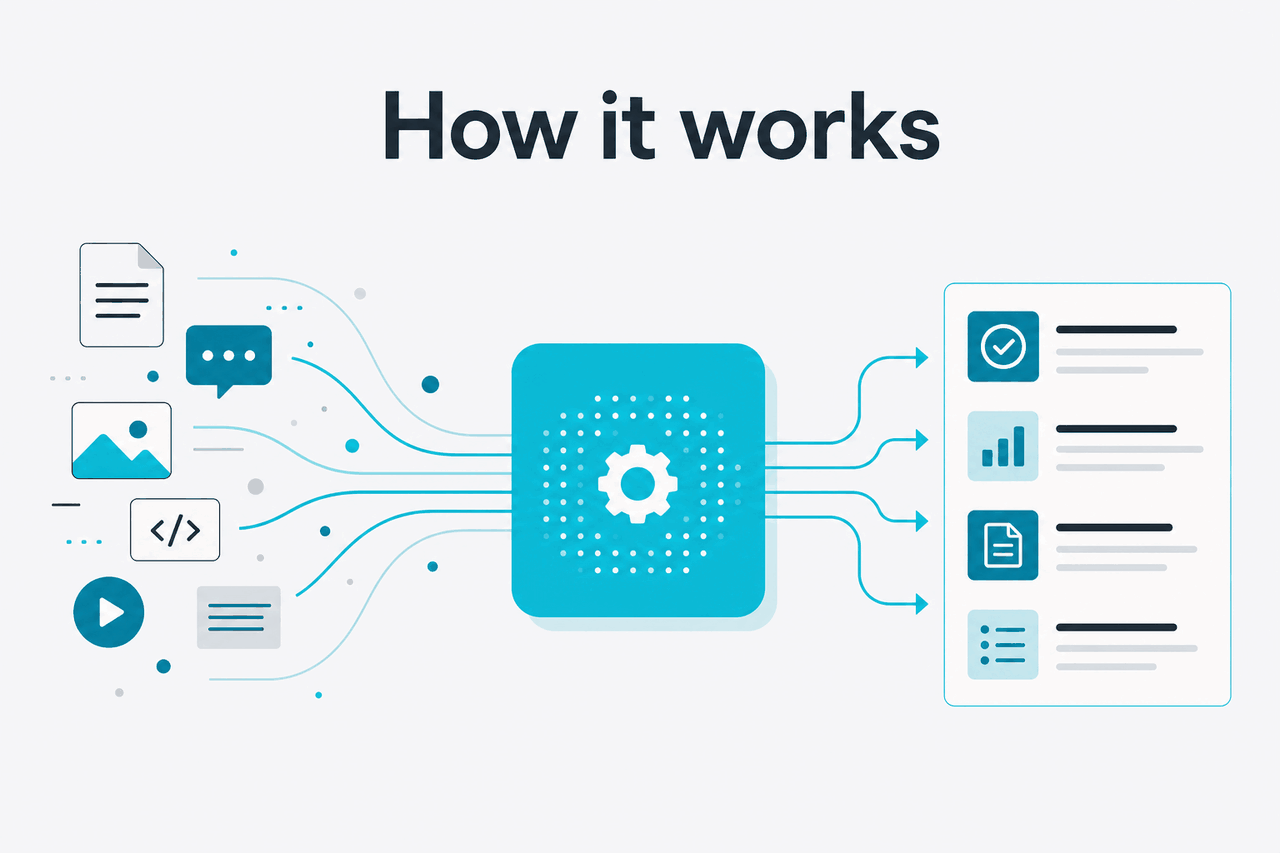
Under the hood, a Project acts like a container for context. You create a project, add files or notes, set instructions that apply to that workspace, and then start chats inside it. When you ask a question in that project, Claude can use the project-level material alongside your current prompt. That means your chat is not starting from zero every time, even though the model still responds turn by turn to what you ask in the moment.
This does not mean Claude has unlimited memory or perfect recall. It means the workspace gives Claude a stable set of materials and rules to refer back to, which usually improves consistency. In practice, Projects is most useful when your work has a fixed context: brand guidelines, product docs, interview transcripts, a course reading list, or recurring coding conventions. If you need structured developer workflows beyond the chat product, compare that with the Claude API, where context management is handled in your application.
Worked example
Using a Project for a weekly content workflow
The gain is not magic quality. It is fewer setup steps and steadier answers across related sessions.
Projects also work best when you keep them narrow. A focused workspace called “Q3 product launch” or “Biology exam revision” gives Claude cleaner context than a catch-all project stuffed with unrelated files. If a project becomes messy, Claude can still answer, but the chance of vague or mixed responses goes up because the relevant context is less obvious.
When this feature actually helps
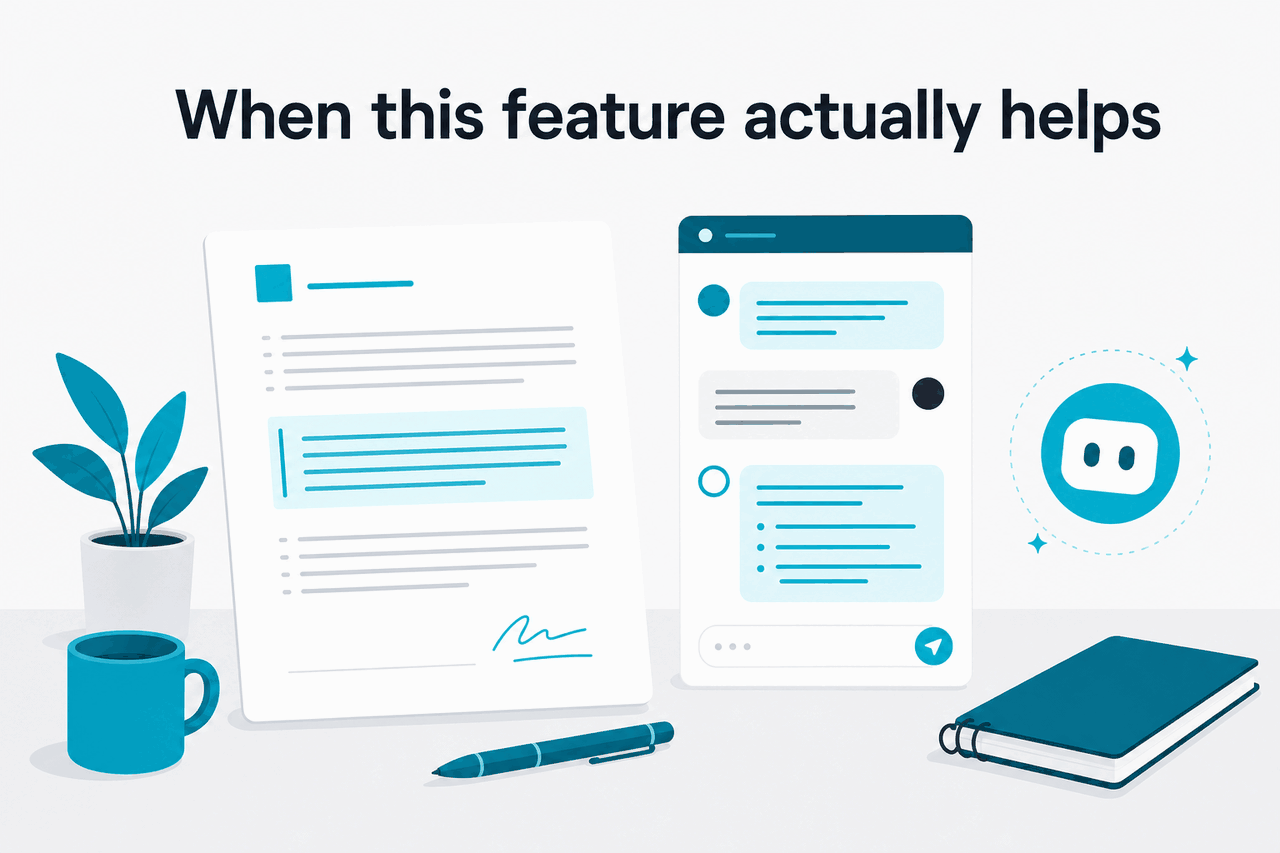
Projects helps most when the same background information needs to show up again and again. It is less about raw intelligence and more about workflow efficiency.
- Long-running writing work: keep style rules, briefs, source notes, and draft history in one place for articles, newsletters, reports, or proposals.
- Research synthesis: upload papers, notes, or internal documents and ask Claude to compare claims, pull themes, and build summaries over time.
- Study support: store reading materials and course instructions, then use separate chats for quizzes, explanations, and revision plans.
- Product or operations documentation: maintain SOPs, FAQs, and internal terminology so outputs stay aligned with your team’s language.
- Code-adjacent planning: keep specs, architecture notes, and task breakdowns together before moving into more hands-on workflows with Claude Code.
Pick when
- You repeat the same background context across many chats
- You want project-wide instructions instead of retyping rules
- You work from a stable set of files or source documents
- You need continuity for multi-step tasks over days or weeks
Skip when
- Your question is one-off and simple
- You do not have reusable documents or guidance to attach
- You need strict system integration rather than chat-based workflows
- Your project topic is so broad that the context becomes noisy
A good rule is this: use a Project when context matters more than prompt creativity. If you are doing recurring work with the same reference set, Projects can improve speed and consistency. If you are just asking “Explain this concept” or “Draft a quick email,” a normal chat is usually enough.
What it can’t do
Claude Projects improves organisation, but it does not remove the normal limits of AI systems. Claude can still misunderstand your files, overgeneralise from incomplete material, miss the most relevant detail in a crowded workspace, or produce confident wording that needs verification. Projects gives the model more usable context; it does not guarantee perfect memory, factual accuracy, or source discipline.
- It will not automatically know your priorities unless you state them clearly in project instructions.
- It can mix signals if you upload too many unrelated documents into one workspace.
- It does not replace review for legal, financial, medical, or other high-stakes work.
- It is not a full document management system with version control, approvals, or enterprise workflow logic.
- It may still forget or underuse relevant context in long, complex conversations.
- It cannot fix weak source material; vague instructions and messy files usually lead to vague answers.
Other questions readers ask
These are the closely related questions people usually mean when they search for a Claude Projects tutorial.
The honest take
Claude Projects is worth using if your work repeats the same context over time. That is the real benefit. It reduces setup friction, keeps instructions stable, and makes multi-step work feel more organised. For research, writing, studying, planning, and document-heavy tasks, that can be genuinely useful.
It is less useful if you only ask isolated questions or expect perfect memory. Think of Projects as a better workspace, not a different kind of model. If that matches how you work, try it in the official product and keep your first project narrow and well-structured. For the broader product landscape, you can also compare our guides to Claude’s main features and the Claude API.
Independent guide. Not affiliated with Anthropic. For the official Claude product, visit claude.ai.
Last updated: 2026-05-12