For most people searching for claude ai for coding, Claude Sonnet 4.6 is the best starting model because it balances coding quality, speed, output length, and cost. This independent guide is from c-ai.chat, not Anthropic; for the broader lineup, start with our Claude models guide.

- Which model is this?
- What it’s best at
- Where it falls short
- When to pick this model
- Other questions readers ask
- The honest take
- Sources
Which model is this?
The coding model to try first is Claude Sonnet 4.6, Anthropic’s Sonnet-family model for users who want strong software help without paying Opus prices on every request. It sits between the higher-cost Opus line and the lower-cost Haiku line. Anthropic lists the model in its official model overview.
- Family: Sonnet
- Version: Claude Sonnet 4.6
- Input price: $3/M tokens
- Output price: $15/M tokens
- Context window: 1,000,000 tokens
- Max output: 128K tokens
Quick decision
Use Sonnet 4.6 as your default coding model. Escalate to Opus 4.7 for the hardest reasoning-heavy engineering tasks. Use Haiku 4.5 for simple, low-risk automation where cost matters most.
Opus 4.7
$5/M input · $25/M output
Use for difficult architecture, subtle bugs, and high-stakes review.
Sonnet 4.6
$3/M input · $15/M output
Use as the default for most coding, refactoring, testing, and review work.
Haiku 4.5
$1/M input · $5/M output
Use for small edits, simple scripts, routing, and cheap background tasks.
Sonnet 4.6 is a practical fit for code generation, refactoring, test writing, debugging, repository analysis, and agentic coding workflows. Opus 4.7 is stronger for the hardest engineering prompts, but it costs more. Haiku 4.5 is faster and cheaper, but it is not the first choice for complex code changes.
You can use Sonnet 4.6 through Claude’s official product at claude.ai, through Claude Code if your account has access, or through the API. For implementation details, see our Claude API guide and Anthropic’s official API pricing documentation.
What it’s best at

Claude Sonnet 4.6 is best at coding tasks where you need strong reasoning without flagship-model pricing. It is the right default for daily development: explaining unfamiliar code, drafting functions, editing files, writing tests, comparing implementation options, and clearing medium-complexity backlog work.
Compared with Opus 4.7, Sonnet 4.6 is less expensive and still strong enough for most production coding assistance. Compared with Haiku 4.5, it is better suited to multi-file edits, ambiguous instructions, and longer answers. That matters because coding assistants often produce many output tokens: a patch, a test file, a migration plan, or a review note can be much longer than a chat answer.
- Repository understanding: Ask it to explain how modules connect, identify likely entry points, or outline a feature path before editing.
- Refactoring: Give it a target style, constraints, and tests. Sonnet 4.6 is well suited to controlled rewrites.
- Debugging: Paste the error, relevant code, logs, and expected behaviour. It can reason through likely causes and fixes.
- Test generation: Use it to draft unit tests, edge cases, fixtures, and regression tests before changing code.
- Code review: Ask for correctness risks, security issues, performance problems, and maintainability notes.
| Model | Best coding use | Input price | Output price | Trade-off |
|---|---|---|---|---|
| Claude Opus 4.7 | Hard architecture, difficult debugging, high-stakes code review | $5/M tokens | $25/M tokens | Strongest option, but more expensive |
| Claude Sonnet 4.6 | Default coding assistant for most developers | $3/M tokens | $15/M tokens | Best balance of quality, speed, and cost |
| Claude Haiku 4.5 | Small edits, simple scripts, fast classification, cheap routing | $1/M tokens | $5/M tokens | Lower cost, but less suitable for complex engineering work |
For product access, Claude plans are listed on Claude’s official pricing page. For an independent explanation of user plans versus API billing, see our Claude pricing guide.
Where it falls short

Sonnet 4.6 is not a substitute for a compiler, test suite, security audit, or experienced reviewer. It can write plausible code that fails against your project’s real constraints. It can also miss hidden dependencies, outdated package behaviour, framework-specific conventions, and edge cases that appear only with production data.
- Very hard reasoning: Use Opus 4.7 for difficult architecture decisions, subtle concurrency bugs, or high-risk code review.
- Very cheap automation: Use Haiku 4.5 for simple code labelling, small formatting tasks, routing, or quick transformations where mistakes are easy to catch.
- Large codebases: A long context window helps, but you still need to provide the right files and clear instructions. More context does not automatically mean better answers.
- Security-sensitive work: Treat output as a draft. Review authentication, authorization, cryptography, dependency handling, and input validation yourself.
- Exact framework behaviour: Ask Claude to state assumptions, then verify them against your installed package versions and official docs.
When to pick this model
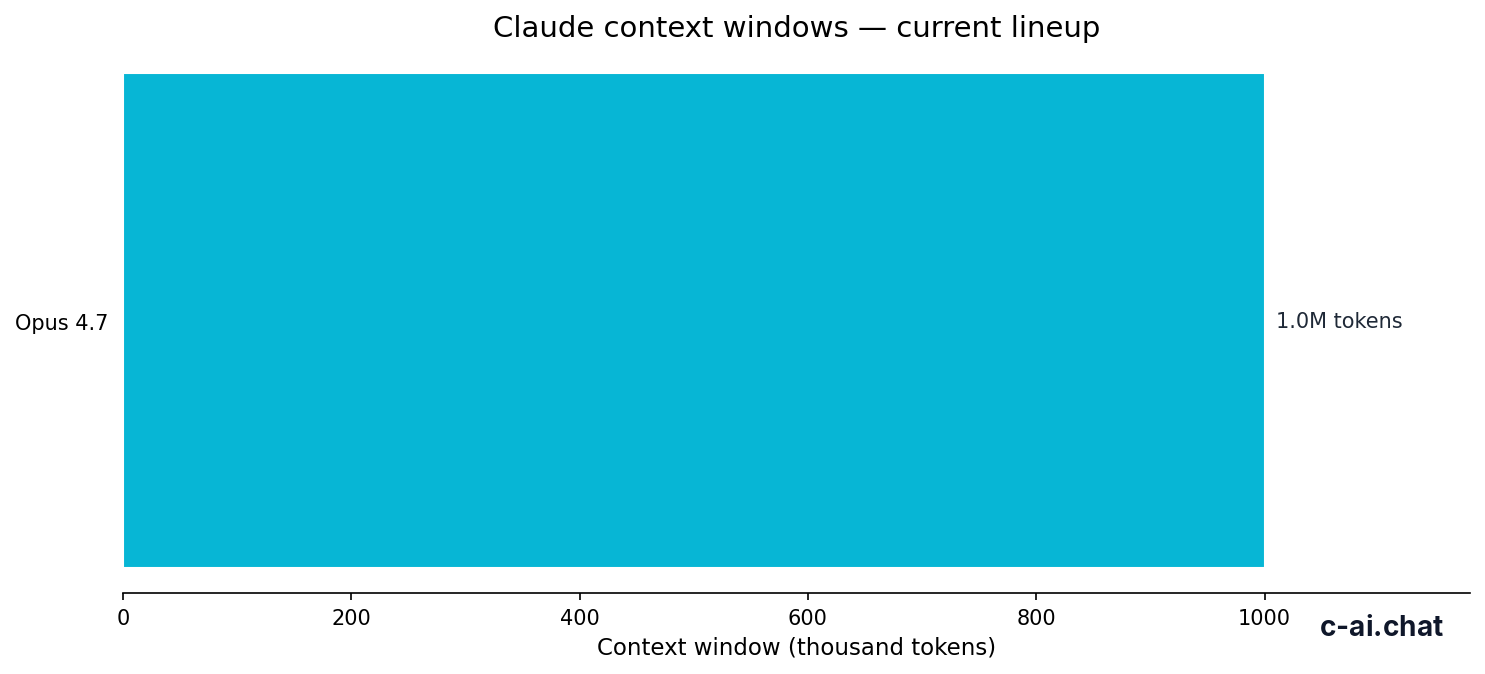
Pick Claude Sonnet 4.6 when you want one coding model that is strong enough for serious development and still cost-conscious. The trade-off is clear: it costs more than Haiku 4.5, but far less than using Opus 4.7 for every coding request.
Pick when
- You want a daily coding assistant for refactors, tests, reviews, and debugging.
- Your prompts include multiple files, logs, or longer instructions.
- You need longer answers, such as full test files or implementation plans.
- You are building API workflows where Opus 4.7 would be too expensive for routine calls.
- You want a default model before selectively escalating hard tasks to Opus 4.7.
Skip when
- The task is trivial and cheap speed matters more than reasoning quality.
- You need the strongest available model for a difficult architecture or debugging problem.
- You cannot verify the result with tests, type checks, or review.
- Your use case is mostly short classification or routing, where Haiku 4.5 may be enough.
- Your team has compliance, data, or procurement requirements that need an Enterprise review.
A good setup is simple: use Sonnet 4.6 as the default, Haiku 4.5 for cheap background tasks, and Opus 4.7 only when the problem justifies the higher output cost. If you are working in the Claude product rather than the API, check which models and coding tools your plan includes. Our Claude features guide covers product-side tools in more detail.
Worked example
A sensible coding workflow
This keeps routine coding work on the balanced model while reserving the flagship model for tasks where extra reasoning is worth the cost.
Other questions readers ask
These are the related questions people usually ask when choosing Claude AI for coding.
The honest take
The best default Claude AI for coding is Claude Sonnet 4.6. It is strong enough for serious development work, cheaper than Opus 4.7, and more capable than Haiku 4.5 for complex coding tasks. If you only want one model to start with, start there.
Use Opus 4.7 when the engineering problem is difficult enough to justify the higher price. Use Haiku 4.5 when the task is simple and cost matters most. Keep tests, review, and source control in the loop either way.
Independent guide. Not affiliated with Anthropic. For the official Claude product, visit claude.ai.
Last updated: 2026-05-12