Claude project knowledge is the feature that lets you add reference files to a Claude Project so Claude can use them as context across chats, which is useful for recurring work but not the same as permanent memory or guaranteed factual retrieval. This is an independent guide from c-ai.chat; if you want the broader product context first, see our Claude features guide, then use the sections below to understand how Project Knowledge works, where it helps, and where it falls short.
- What it does at a glance
- How it works
- When this feature actually helps
- What it can’t do
- Other questions readers ask
- The honest take
What it does at a glance
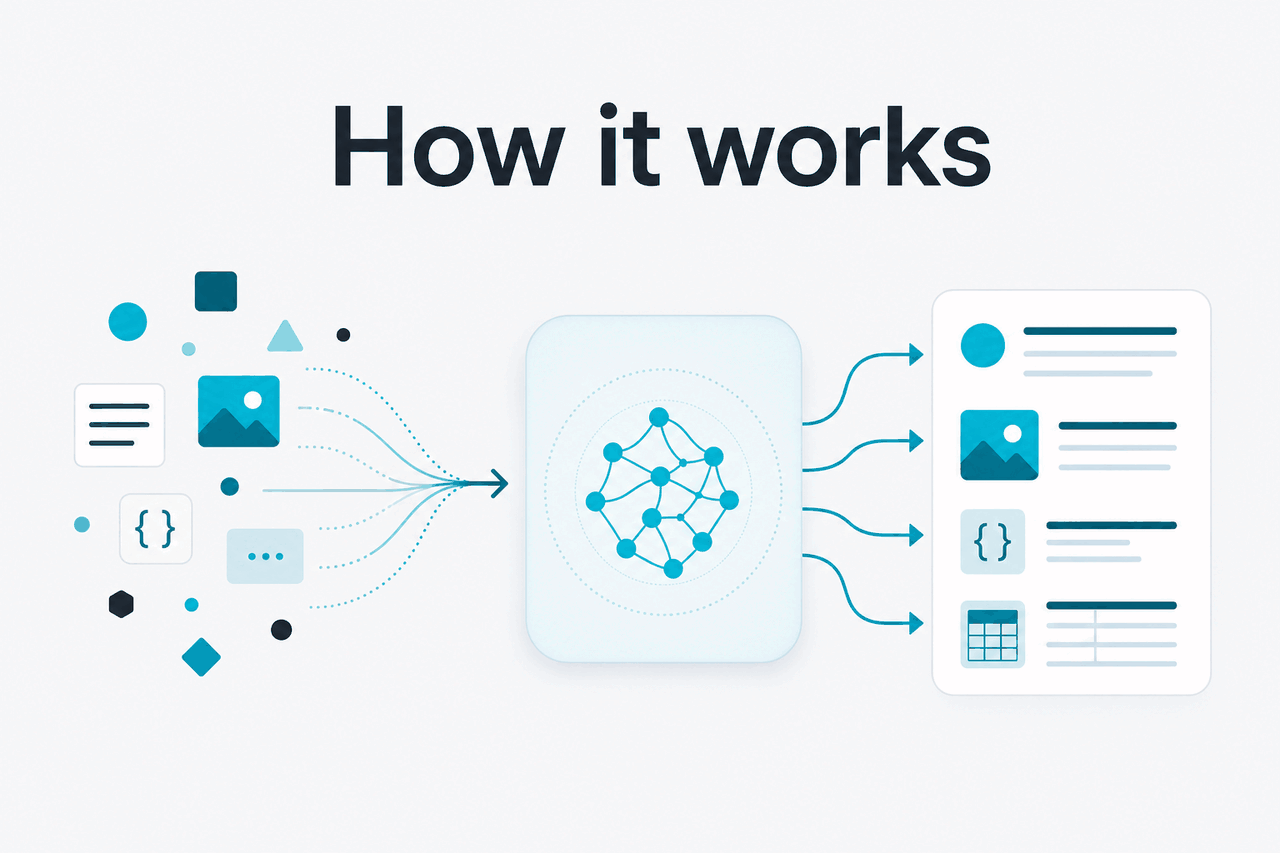
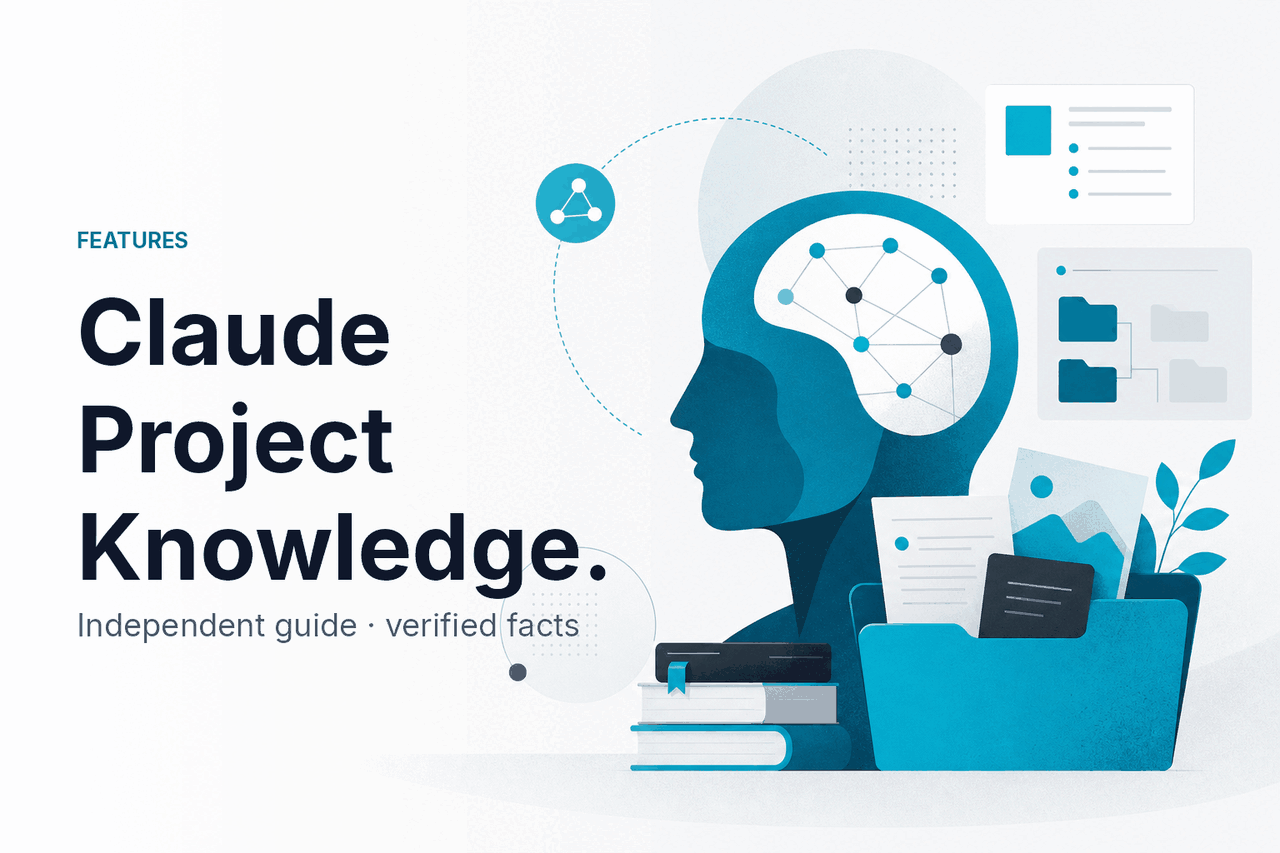
Claude project knowledge means uploading or attaching files inside a Project so Claude can refer to that material while answering questions in that Project, helping it stay grounded in your documents, notes, or internal reference text without you pasting the same context into every prompt.
- Project-level context shared across chats in that Project
- Reference files can reduce repeated prompt setup
- Works best for stable docs, specs, and source material
- Not permanent memory and not a substitute for checking sources
In practice, this sits between a one-off file upload and a full retrieval system. It is easiest to understand as a reusable context layer: you create a Project, add files that matter for ongoing work, and Claude uses those materials when you ask questions in that workspace. If you are comparing this to coding workflows, our guides to Claude Code and the Claude API explain where Project Knowledge stops and developer tooling begins.
For many users, the value is not raw model capability but consistency. Instead of re-explaining your brand voice, product specs, research notes, or policy documents each time, you put them in the Project once and ask Claude to work from them. The official product lives at claude.ai, while Anthropic publishes platform details and model information at platform.claude.com.
How it works
At a plain-English level, Project Knowledge gives Claude extra material to read before or alongside your request. When you ask a question inside that Project, Claude can use the attached files as background context rather than relying only on the current chat and its general model training. That is why it tends to answer with more project-specific language, constraints, and references than a blank chat would.
What is actually happening is not magic memory. Claude is still a language model operating on context. The Project acts as a scoped workspace that packages your instructions, chat history, and added files together. Claude may use relevant parts of those files to answer, summarise, draft, compare, or extract information, but it can still miss details, overgeneralise, or cite the wrong section if your files are messy, contradictory, outdated, or too broad. For model-specific capability and context-window differences, see our Claude models guide.
Worked example
Using Project Knowledge for a product launch workspace
The quality gain usually comes from better grounding, not from Claude “knowing” your business in a durable human sense.
This also explains why file hygiene matters. A small set of current, well-named documents often works better than dumping a large archive into one Project. If the source material is contradictory, Claude can reflect that confusion back to you. If the source material is clear, structured, and focused on one workflow, Project Knowledge is more reliable.
Anthropic’s product and platform documentation describe Claude’s broader model, context, and pricing behaviour, including large context windows for current models and API-side options such as prompt caching and the Batch API. Those platform features are related but separate from Project Knowledge in the claude.ai app. You can review official pricing at claude.com/pricing and model details at platform.claude.com.
When this feature actually helps
Project Knowledge helps most when the same body of reference material needs to inform many prompts over time. It is less about one brilliant answer and more about reducing setup, keeping responses aligned to your documents, and making repeated tasks less manual.
- Policy and operations questions: Add internal procedures, support playbooks, or handbook sections, then ask Claude to explain steps, draft summaries, or rewrite policies for a different audience.
- Content production: Store brand voice rules, product notes, approved claims, and message frameworks so Claude drafts copy that is closer to your working standard.
- Research synthesis: Add white papers, transcripts, or interview notes, then ask Claude to compare themes, extract evidence, or build structured outlines.
- Product and go-to-market work: Keep specs, feature lists, pricing references, and customer FAQs in one Project so Claude can help draft launch materials or support answers.
- Study and coursework: Put class notes, reading packets, and assignment briefs into a Project and ask for summaries, quiz questions, or concept explanations tied to your material.
Pick when
- You reuse the same documents across many chats
- You want Claude grounded in your own reference files
- Your source material is fairly stable and well organised
- You need faster drafting without pasting long context each time
Skip when
- Your files change constantly and go stale quickly
- You need strict citations or guaranteed retrieval accuracy
- You are handling a one-off question better suited to a single upload
- You really need API workflows, automation, or a custom retrieval stack
A good rule is this: use Project Knowledge when the workspace itself should “know” the same packet of documents each time you return. If your use case is more about app integration, programmatic control, or cost optimisation across high-volume tasks, the API guide is the better next step. If you just want a broader orientation to Claude inside the app, our Claude guide covers the main product pieces.
What it can’t do
Project Knowledge improves grounding, but it does not turn Claude into a perfect document database, a guaranteed compliance engine, or a permanent factual memory system. Claude can still misread, omit, or blend details, especially when files are long, overlapping, outdated, or internally inconsistent. Treat its output as assisted interpretation of your files, not final truth.
- It can miss relevant details. Even if a fact exists in your files, Claude may not surface it in the answer you expected.
- It can overconfidently infer. When documents are incomplete, Claude may fill gaps with plausible wording that sounds grounded but is not directly supported.
- It does not guarantee exact citations. If you need auditable references, ask for quoted passages and verify them manually.
- It can get confused by conflicting versions. Old policy docs and new policy docs in one Project often produce mixed answers.
- It is only as good as the workspace design. Poorly named files, broad mixed-purpose Projects, and unclear instructions reduce reliability.
- It is not the same as app-wide memory. Knowledge added to one Project does not mean Claude now “remembers” it everywhere.
- It is not a replacement for permissions strategy. Sensitive files still need the right access controls and organisational handling.
This is also where model choice matters. A stronger model can often reason more effectively across messy documents, but no model removes the need for clean source material. Anthropic’s current lineup includes Opus 4.7 as the flagship, Sonnet 4.6 as the default balance option, and Haiku 4.5 as the faster lower-cost option on the API side, with official model information at platform.claude.com.
Other questions readers ask
These are the nearby questions people usually mean when they search for Claude project knowledge, project files, or reference documents in Claude.
The honest take
Claude project knowledge is genuinely useful when you have repeat work built around a defined set of documents. It saves prompt setup, improves consistency, and makes Claude feel more aware of your working materials inside a Project. That said, it is still a context feature, not an accuracy guarantee. If the files are messy, stale, or contradictory, the answers will reflect that.
For most users, the best approach is simple: create narrowly scoped Projects, add only the files that matter, give clear instructions, and verify important claims against the originals. If you want the official app experience, go to claude.ai. If you are deciding whether this belongs in a broader Claude workflow, our guides to features, models, and the API are the next useful stops.
Independent guide. Not affiliated with Anthropic. For the official Claude product, visit claude.ai.
Last updated: 2026-05-12