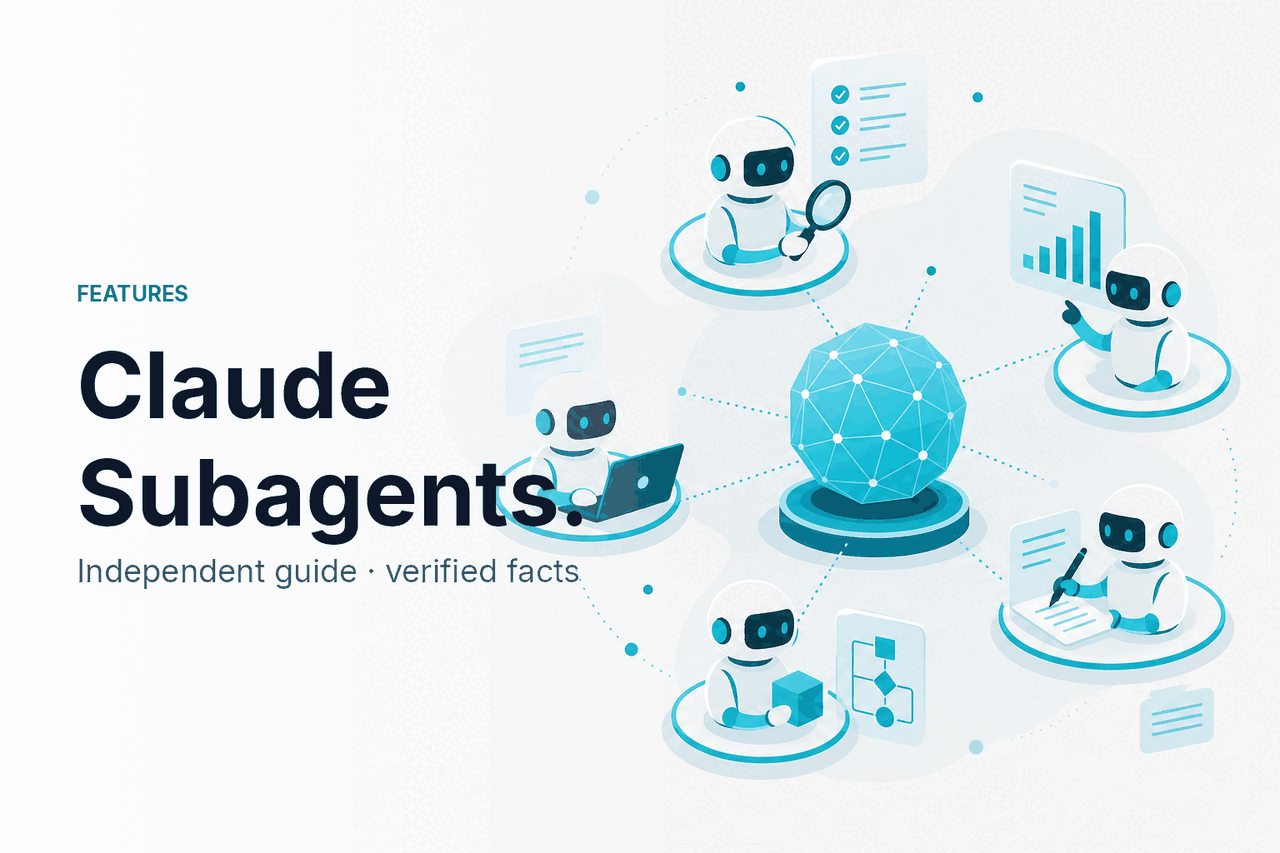
Claude subagents are specialized helpers in Claude Code that let Claude hand a task to a focused AI agent with its own instructions, tool permissions, and area of responsibility; this independent c-ai.chat features guide explains what they do, when they help, and where they can fail.
- What it does at a glance
- How it works
- When this feature helps
- What it cannot do
- FAQ
- The honest take
- Sources
What it does at a glance
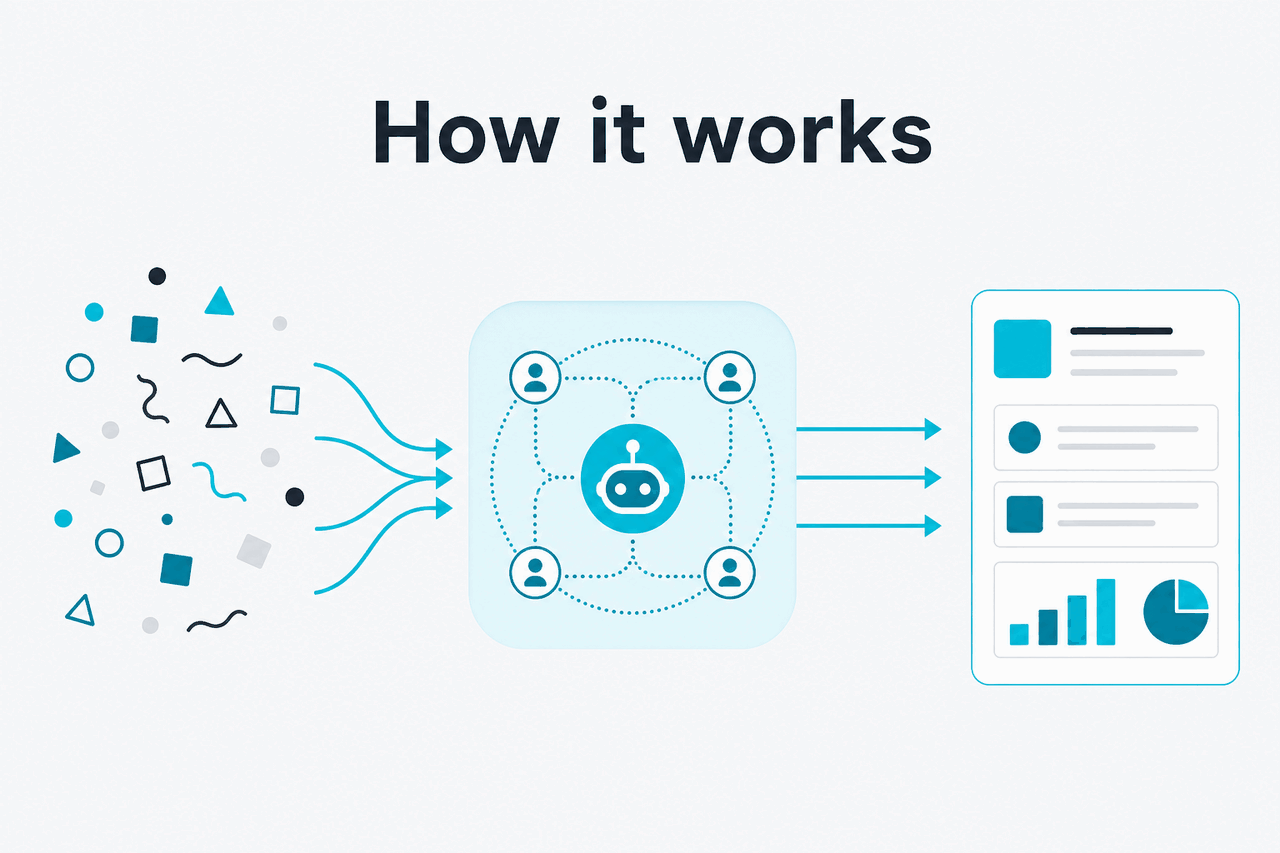
Claude subagents give Claude Code a way to split complex coding work into smaller expert-style roles, such as test writer, code reviewer, debugger, documentation editor, or security checker.
- Specialized roles: Each subagent has its own system prompt and job description.
- Separate context: A subagent works in a narrower context than the main Claude Code thread.
- Tool controls: Each subagent can be limited to approved tools.
- Automatic or manual use: Claude Code can call a subagent based on the task, or you can ask for one by name.
In practical terms, subagents help when a software task needs repeated specialist judgment. Instead of asking one long Claude Code session to remember every instruction, you define a named agent for a recurring job. Claude Code can then delegate the right part of the task to that agent. Anthropic documents subagents as part of Claude Code, not as a separate consumer feature inside the regular claude.ai chat interface.
A subagent is not a new model. It is a configured assistant profile used by Claude Code. The underlying Claude model still does the reasoning. The subagent changes the instructions, context, and allowed tools for a specific slice of work. If you are comparing the models behind Claude Code, see our guide to Claude models.
How it works
A Claude subagent works through a reusable role definition. That definition usually includes a name, a plain-language description of when the agent should be used, optional tool access, and a system prompt that tells the agent how to behave.
When Claude Code sees a task that matches the description, it can delegate to that subagent. You can also ask Claude Code to use a specific subagent by name.
The useful part is context separation. The main Claude Code session may be planning a feature, reading files, and coordinating edits. A subagent can receive a narrower task, inspect the relevant code, return findings, and avoid carrying the whole conversation history. This can reduce instruction drift on longer coding jobs.
Worked example
Using a test-writer subagent in Claude Code
The main Claude Code session can coordinate the feature while the subagent handles the narrower test-design job.
Subagents are typically stored as Markdown configuration files. In those files, you describe the agent’s purpose and instructions. Anthropic’s documentation explains the structure and the difference between project-level and user-level subagents. Project-level subagents can be shared with a repository. User-level subagents can follow you across projects.
Tool permissions matter. A subagent that reviews code may not need write access. A migration agent may need to read schema files but should not touch unrelated frontend files. Claude Code can still make mistakes, so tool scoping is a control surface, not a guarantee. Treat it like giving a junior teammate a clear brief and limited access.
---
name: test-writer
description: Use this agent when a code change needs unit or integration tests.
tools: Read, Grep, Glob
---

You write focused tests that match the existing project style.
Inspect nearby tests before proposing new ones.
Prefer small, explicit assertions over broad snapshot tests.
Return the test plan before suggesting file edits.
This example is illustrative. Check the current Anthropic subagents documentation before relying on exact syntax in production.
When this feature helps
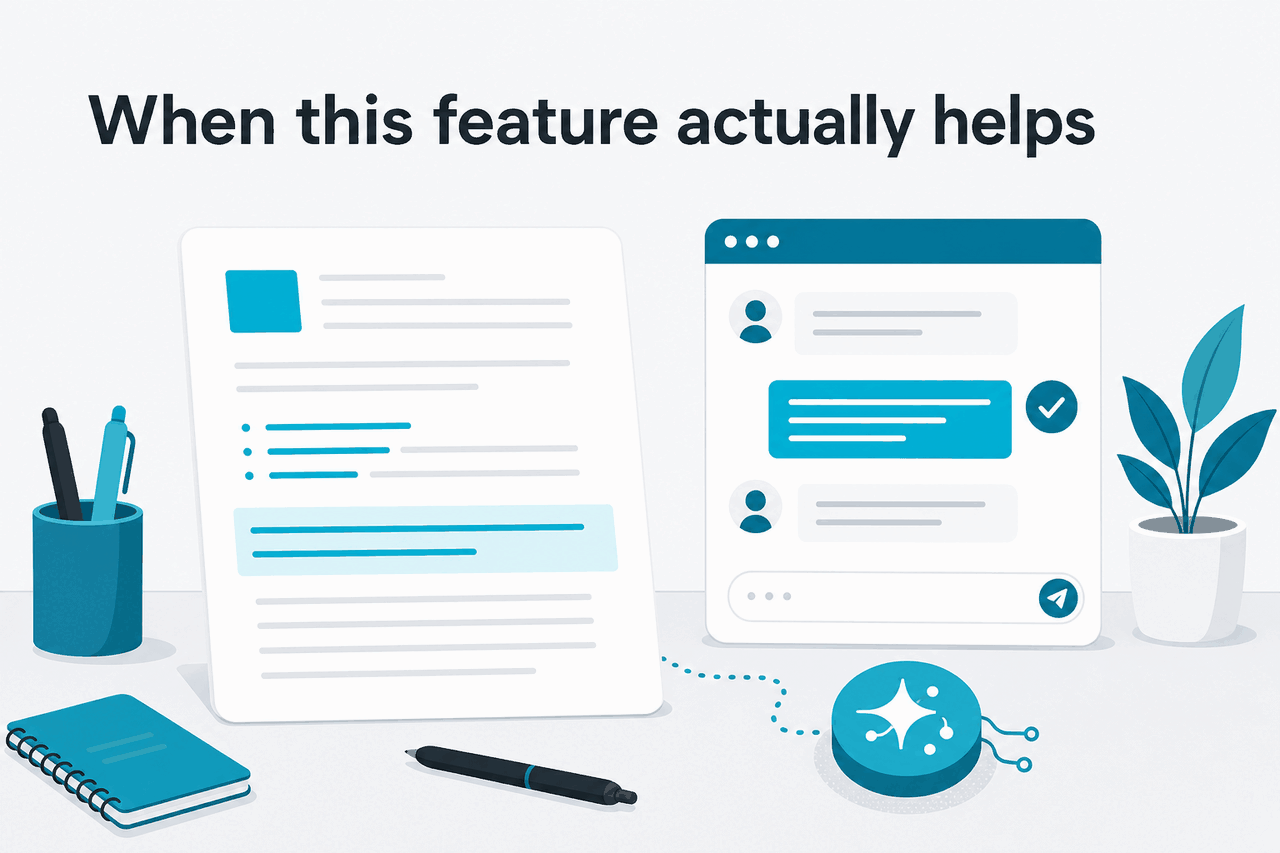
Claude subagents help most when your Claude Code work repeats across a codebase and needs consistent judgment. They are less useful for one-off prompts that normal chat can handle.
Good use cases include:
- Code review: Check for risky patterns, missing tests, unclear error handling, or changes that conflict with team conventions.
- Test generation: Study nearby tests first, then propose coverage for new or changed behavior.
- Debugging: Gather logs, trace a failure path, and report likely causes before suggesting code changes.
- Documentation upkeep: Update README files, API notes, or migration guides after code changes.
- Security checks: Review common issues such as secret exposure, unsafe input handling, and missing permission checks.
Pick when
- You repeat the same Claude Code workflow often.
- The task needs a focused role, such as testing or review.
- You want project-specific standards encoded once.
- You need tighter tool access for a narrow task.
Skip when
- The task is simple enough for one prompt.
- You have not defined coding standards yet.
- The agent would need broad write access without review.
- You expect it to replace human approval for risky changes.
Here is the practical comparison:
| Approach | Best for | Main trade-off |
|---|---|---|
| Normal Claude Code prompt | Small coding requests, quick questions, one-off edits | Instructions can become long or inconsistent in bigger tasks |
| Claude subagent | Repeatable specialist work inside Claude Code | Requires setup and clear instructions |
| Separate Claude chat | Explaining concepts, drafting text, reviewing snippets manually | Less connected to the local project workflow |
| Claude API workflow | Custom automation, CI checks, internal tools | Requires engineering effort and API cost management |
Subagents are tied to Claude Code. If your team wants repeatable automation outside the terminal, the Claude API documentation is the better place to start. The API gives developers direct control over prompts, models, tool use, batching, and cost controls, but you have to build the orchestration yourself.
A good subagent has a narrow job. “Senior engineer” is too broad. “Review database migrations for unsafe locks, destructive changes, and missing rollback notes” is useful. Specificity helps Claude Code decide when to use the agent and helps the agent return a focused answer.
What it cannot do
Claude subagents do not make Claude infallible, autonomous, or aware of your whole organisation by default. They are structured prompts with scoped context and tools. They can improve repeatability, but they still depend on the quality of the instructions, the available files, the selected model, and human review.
- They can still produce wrong code. A subagent can misunderstand a dependency, miss an edge case, or suggest an edit that passes a narrow test but breaks another flow.
- They do not replace security review. A security subagent can catch common issues, but it should not be the final control for authentication, payments, privacy, or compliance work.
- They need maintenance. If your coding standards change, the subagent instructions should change too.
- They can over-trigger or under-trigger. A vague description may cause Claude Code to call an agent at the wrong time, or fail to call it when it should.
- They do not guarantee lower cost. Subagents can reduce wasted context in some workflows, but extra agent calls may also use more tokens.
- They are not a replacement for architecture decisions. They can inspect and propose, but humans still own trade-offs, risk, and release approval.
If you use subagents in a professional codebase, keep review gates. Let Claude Code propose diffs, tests, and explanations. Then run the test suite, inspect the changes, and use your normal pull request process.
FAQ
These are the related questions people usually have after learning what Claude subagents are.
Are Claude subagents available in the normal Claude chat app?
Subagents are documented as a Claude Code feature. The normal Claude chat experience at claude.ai is built for conversation, file analysis, writing, planning, and similar tasks. You can imitate part of the pattern with a careful prompt, but that is not the same as reusable Claude Code subagents with configuration and tool scoping.
Do Claude subagents use different models?
A subagent is not a separate model. It is a role and instruction layer used by Claude Code. The quality still depends on the Claude model selected for the work, the task context, and the instructions you give the subagent.
Can I create multiple Claude subagents for one project?
Yes. A project might have a test-writer agent, a code-review agent, a docs agent, and a debugging agent. Keep each one narrow so Claude Code can choose between them reliably.
Are subagents the same as agents in the Claude API?
No. Claude Code subagents are a product feature inside Claude Code. API-based agent systems are custom workflows that developers build using Claude models, tools, prompts, and application logic. The underlying idea is similar, but the implementation and control surface are different. For broader setup guidance, see our Claude resources.
How should I write a good Claude subagent prompt?
Start with the job, the trigger, and the output format. Include project-specific rules only when they matter. Avoid broad identity prompts. A useful subagent prompt says what to inspect, what to ignore, what tools to use, and how to report results.
The honest take
Claude subagents are useful if you already use Claude Code for serious development work and want repeatable specialist behavior. They are less useful if you only ask Claude occasional coding questions or use the web app for general research and writing.
The best way to think about them is simple: subagents are reusable task briefs for Claude Code. They help you separate jobs, preserve focus, and encode project standards. They do not remove the need for tests, code review, or clear human ownership.
Independent guide. Not affiliated with Anthropic. For the official Claude product, visit claude.ai.
Last updated: 2026-05-12