Claude shared chats let you create a shareable link to a Claude conversation so other people can view it in their browser; this guide explains what that means, where it helps, and where the limits are, from the perspective of c-ai.chat, the independent guide to Claude by Anthropic.
- What it does at a glance
- How it works
- When this feature actually helps
- What it can’t do
- Other questions readers ask
- The honest take
What it does at a glance
Claude shared chats are public links to individual conversations or conversation snapshots, designed for easy viewing and discussion rather than full collaboration. They are useful when you want to show someone an answer, prompt flow, or working example without copying the whole exchange into email, docs, or chat.
- Shareable link to a Claude conversation
- Read-only for viewers in normal use
- Good for examples, reviews, and handoffs
- Not a secure workspace for sensitive data
If you are comparing sharing options across the product, our Claude features guide gives the broader context, while Claude Code and the Claude API are better fits for structured team workflows and application-level sharing.
How it works
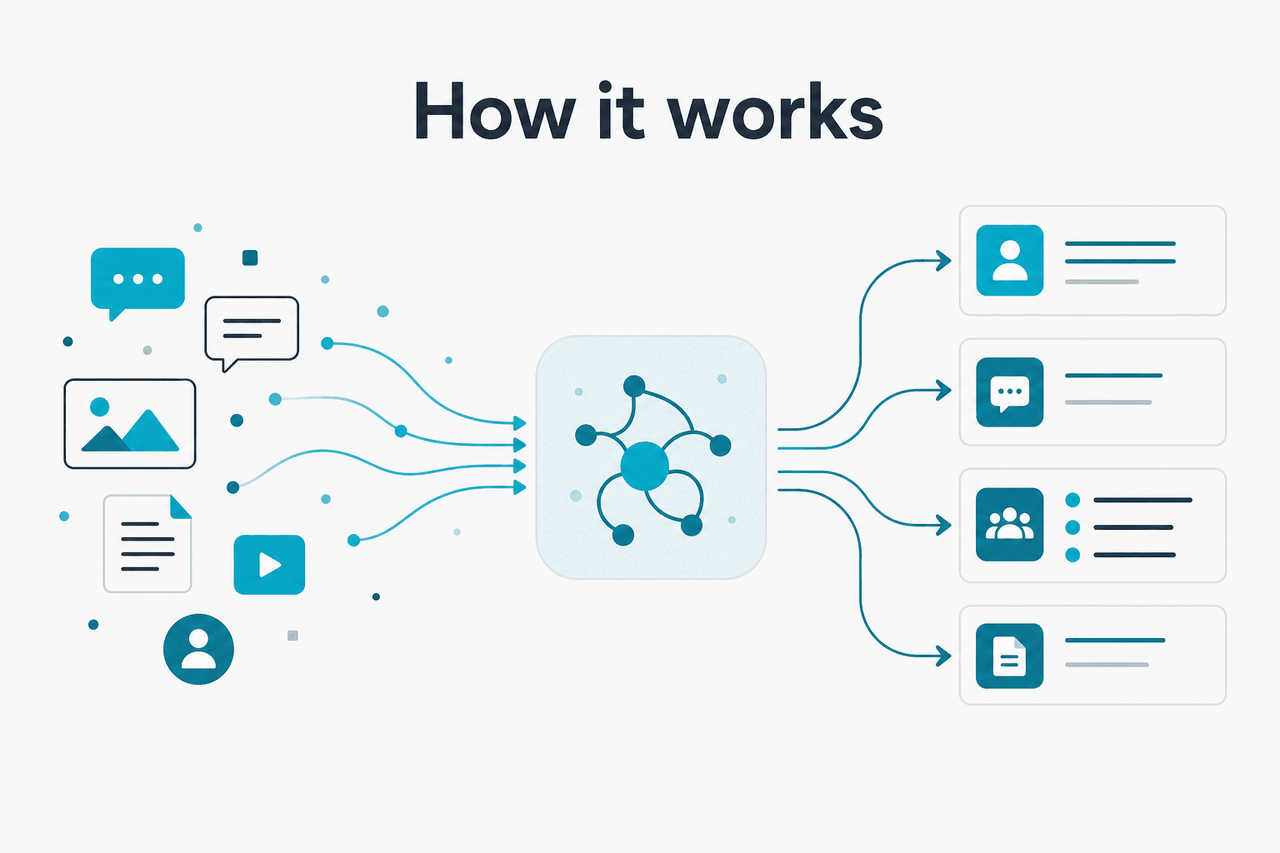
At a basic level, a shared chat is a URL that points to a Claude conversation someone has chosen to expose for viewing. Instead of sending screenshots or pasting a long transcript into Slack, you send one link. The recipient opens it in a browser and sees the conversation content as it was shared, which makes the exchange easier to read in order and easier to reference later.
That does not make it a full multi-user document. A shared chat is usually best understood as a published view of a conversation, not a live team workspace with granular permissions, version control, or formal approval flow. If your goal is private team operations, account-level controls, or application features built around Claude, Anthropic’s official Claude plans, Claude models, and model overview are the right references.
Worked example
Reviewing a draft with a client or colleague
The value is context. The other person sees the prompt, the response, and the reasoning trail in one place.
For technical users, that distinction matters. Shared chats help with visibility, but they are not the same thing as API-driven conversation management, role-based access, or team governance. If you need those, start with the Claude API guide and Anthropic’s official API pricing documentation.
When this feature actually helps
Claude shared chats are most useful when the conversation itself is the artifact you want to pass along. That makes them practical for lightweight review, support, teaching, and internal handoff use cases where seeing the exact prompt-and-response sequence matters more than editing the content together.
- Sharing a polished answer with a teammate. Instead of forwarding copied text, you can send the full exchange so they understand the question, follow-up prompts, and final output.
- Getting feedback on prompts. If you are testing prompt wording, a shared chat lets another person inspect what you asked and what Claude returned.
- Customer or stakeholder review. Useful when you want to show generated drafts, summaries, outlines, or analysis without granting broader workspace access.
- Training and onboarding. Shared chats can act as examples of good prompting for new team members, students, or less technical colleagues.
- Bug or behavior reporting. When discussing model output quality, a shared transcript is clearer than a paraphrased complaint.
Pick when
- You want someone to see the exact conversation flow
- You need a fast, low-friction way to share an answer
- Context matters more than collaboration features
- You are teaching prompting or reviewing outputs
Skip when
- The chat contains sensitive, regulated, or confidential data
- You need permissions, audit logs, or admin controls
- You expect viewers to edit in the same workspace
- You need app-level workflows rather than link sharing
This is also where plan choice matters. Casual sharing may fit inside the Free plan, while heavier usage often points to Pro at $20/month or Max from $100/month. Teams that need admin controls, SSO, or shared workspace features should look at Team Standard at $25/seat/month, Team Premium at $125/seat/month, or Enterprise with $20/seat base plus usage at API rates.
What it can’t do
Claude shared chats are convenient, but they are not a substitute for secure document systems, collaboration suites, or application infrastructure. The main limitation is simple: a share link is great for visibility, but weak for control. If the conversation includes data you would not want exposed more broadly, a shared chat is the wrong tool.
- Not ideal for sensitive information. Do not treat a shared chat like a private vault for legal, medical, HR, financial, or customer-confidential content.
- Limited collaboration model. Viewers generally consume the conversation rather than work inside a full shared editing environment.
- No substitute for enterprise controls. If you need SCIM, audit logs, role-based access, regional data residency, or spend controls, those sit in Enterprise-level account management, not in a simple public link.
- May become stale. A shared conversation reflects what was shared, not a permanent source of truth that updates like a living document.
- Not an API feature by itself. Developers who need programmable sharing, logging, and downstream automation should look at the API and platform docs instead.
For teams evaluating risk and governance, Anthropic’s official references are the Trust Center, support site, and pricing documentation for Team and Enterprise plans. Those are the pages to check before making shared chats part of a client-facing or regulated workflow.
Other questions readers ask
90% off
cached input tokens with prompt caching
That last point matters because sharing and building are different jobs. Shared chats are a presentation layer for people. The API is the tool for systems. Anthropic documents prompt caching at 90% off cached input tokens and Batch API pricing at 50% off both input and output, which is where real cost planning starts for product teams.
The honest take
Claude shared chats are useful because they solve a narrow problem well: showing another person the exact conversation without forcing them to reconstruct it from pasted text. If that is your goal, they are simple and effective. If your real need is privacy, governance, or collaborative operations, they run out of road quickly.
So the plain answer is this: use shared chats for low-friction review and explanation, not as a secure knowledge system or a team process layer. For broader product context, compare Claude models, review Claude Code for developer workflows, and check Anthropic’s official plan details before building a process around public conversation links.
Independent guide. Not affiliated with Anthropic. For the official Claude product, visit claude.ai.
Last updated: 2026-05-12