The Claude AI interface usually means the official Claude app and web workspace from Anthropic: the chat screen, model picker, Projects, file upload tools, research and coding views, and account controls. c-ai.chat is an independent guide, not Anthropic, and this page gives you a fast tour of what people mean by the term, how the interface is organised, and what to do next if you want the product itself or a broader Claude guide.

- The short answer
- The context behind the question
- What to do next
- Other questions readers ask
- The honest take
The short answer
The Claude AI interface is Anthropic’s user-facing workspace on claude.ai, available on web and apps, where you start chats, choose a model, upload files, organise work into Projects, and use plan-specific tools such as research, coding, and integrations.
- Official home · claude.ai
- Free tier · daily usage limits
- Plans · Pro $20/month, Max from $100/month
- Models · Opus 4.7, Sonnet 4.6, Haiku 4.5
If you are comparing the app with developer access, the interface is the product layer, while the API is a separate path on the Claude API section and platform.claude.com. If you want features rather than layout, see our Claude features guide. If you want costs, go to Claude pricing.
The context behind the question
People search for “claude ai interface” for a few different reasons. Some want to know what the screen looks like before signing up. Some are trying to tell the difference between Claude the chat app and Claude the API. Others are checking whether Claude has a browser-style workspace with files, projects, and saved conversations, or whether it is only a plain text chatbot.
The term can also cause confusion because “Claude” refers to the AI assistant, while “claude.ai” is the official product domain and Anthropic is the company behind it. c-ai.chat is neither the company nor the product. We are an independent reference site that explains the Claude ecosystem, including the user app, pricing tiers, supported models, and common setup questions from searchers who land here first.
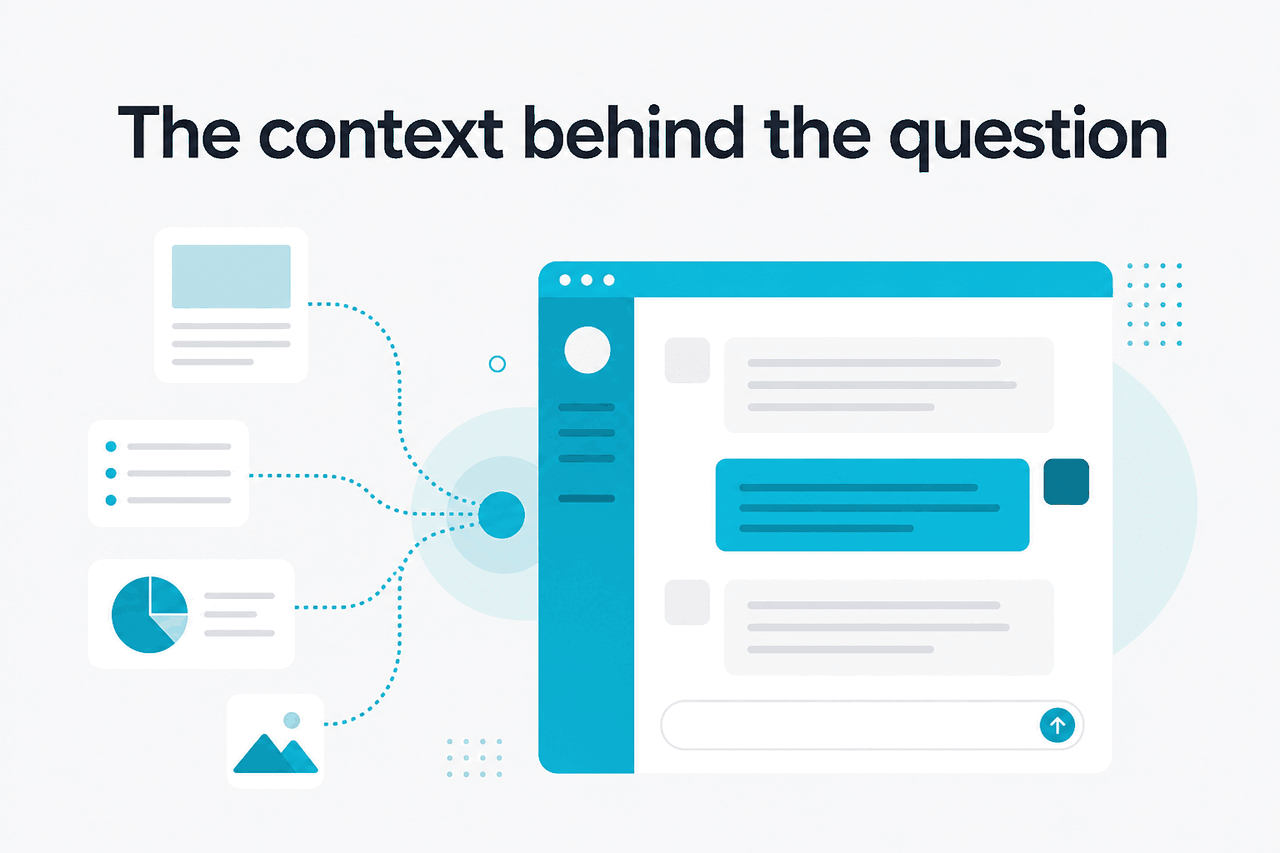
At a practical level, the interface most people mean includes a left sidebar for chats or workspace navigation, a main conversation area, a message box for prompts and uploads, a model selector, and plan-dependent tools. Free users can access Claude with daily limits. Paid plans expand usage and unlock more advanced workspace features. Team and Enterprise add admin controls, identity features, and shared environments. Anthropic lists those plan differences on claude.com/pricing.
| Question | What it usually means | Where to go |
|---|---|---|
| “Claude AI interface” | The chat app and workspace UI | claude.ai |
| “Claude models” | Opus 4.7, Sonnet 4.6, Haiku 4.5 and their capabilities | Features or model overview |
| “Claude API” | Developer access, token pricing, integrations | API guide |
| “Claude pricing” | User plans and API rates | Pricing guide |
| “Claude down?” | Service availability and outages | status.claude.com |
What people usually want to confirm
- There is a real chat-style workspace, not only an API
- You can upload files and organise work
- Different models are available inside the interface
- There is a free plan before paying
What this term does not mean
- It does not mean c-ai.chat is the official app
- It does not mean the API playground is the same as claude.ai
- It does not guarantee every feature exists on every plan
- It does not identify one fixed screen layout forever
That last point matters. Anthropic updates the product over time, so exact button placement can change. The safer way to think about the Claude AI interface is by function: chat, model selection, file handling, workspace organisation, collaboration, and account management. That framing is more durable than any single screenshot.
What to do next
If your goal is to use the Claude AI interface, the next step is simple: open the official app, sign in, and start with the free plan unless you already know you need heavier usage, team controls, or developer tooling.
-
Open the official Claude app
Go to claude.ai. That is the product interface most searchers are looking for.
-
Start on the Free plan if you are evaluating
The Free plan costs
$0/monthand gives web, iOS, Android, and desktop access with daily usage limits. -
Choose the right path after first use
If you need more usage and advanced app features, compare Claude plans. If you want programmatic access, move to the API path instead.
-
Check feature fit before paying
Pro adds Claude Code, Claude Cowork, unlimited Projects, Research access, additional models, and Office integrations in beta. Team and Enterprise add admin and governance features.
Free
$0/month
For first-time users and light usage
- Web, iOS, Android, and desktop access
- Daily usage limits
Pro
$20/month
For individuals who use Claude heavily
- Claude Code and Claude Cowork
- Unlimited Projects and Research access
- Additional models and Office integrations beta
Max
$100/month
For power users who hit Pro limits
- From 5x Pro usage
- Higher output limits and priority traffic
If your question is really about teams, Anthropic also offers Team Standard at $25/seat/month or $20/seat/month annual, Team Premium at $125/seat/month or $100/seat/month annual, and Enterprise with a $20/seat base plus usage at API rates. Those tiers matter if the “interface” question includes SSO, admin controls, shared workspace, auditability, or regional data requirements.

Other questions readers ask
These are the nearby questions that usually sit in the same search cluster as “claude ai interface.”
For context on the model side, Anthropic lists Opus 4.7 at $5/M input and $25/M output, Sonnet 4.6 at $3/M input and $15/M output, and Haiku 4.5 at $1/M input and $5/M output in the API. Those are developer prices rather than chat subscription fees, but they help explain why some users ask whether the app and API are the same thing.
90% off
cached input tokens with prompt caching
That cost optimisation is one reason teams sometimes move from the interface to the API. Anthropic also offers the Batch API at 50% off both input and output token pricing. If your use case is interactive human work, the interface is usually the starting point. If your use case is automated workflows at scale, the API often becomes the better fit.
| If you are trying to… | Use this | Why |
|---|---|---|
| Chat, upload files, and organise personal work | Claude interface | Fastest way to start and evaluate |
| Compare plans for individuals or teams | Pricing guide | Shows Free, Pro, Max, Team, and Enterprise paths |
| Build product features with Claude | API guide | Separate tooling, billing, and technical concepts |
| Understand what Claude can do | Features | Capability-first explanation |
| Check account, trust, or uptime details | Support, Trust, Status | Official operational information |
The honest take
If you searched for “claude ai interface,” the plain answer is that you are probably looking for Anthropic’s official Claude app on claude.ai. It is a real workspace, not just a model endpoint. You can chat, upload content, organise tasks, and access more features as you move from Free to Pro, Max, Team, or Enterprise. But the exact tools you see depend on your plan and whether you are in the consumer app or the developer platform.
The main mistake to avoid is mixing up three separate things: Anthropic the company, Claude the assistant, and the API platform for developers. If your goal is hands-on use, go to the official product. If your goal is understanding the ecosystem first, use our Claude FAQ or compare app and API options before you commit.
Independent guide. Not affiliated with Anthropic. For the official Claude product, visit claude.ai.
Last updated: 2026-05-12