If you searched for anthropic status, the direct answer is simple: check status.claude.com for the live Claude service status, then use this independent guide from c-ai.chat to tell the difference between a real outage, a local problem, and a temporary limit.

Anthropic makes Claude, but we do not run Claude and we are not Anthropic. This page explains how to verify live status, spot the most common false alarms, understand recent incident patterns, and decide what to do if Claude is unavailable in the app or API. If you want the broader status hub for this site, see our Claude status guide.
- Is Claude down right now?
- Common failure modes (not actually outages)
- Recent incident history
- What to do during an outage
- Other questions readers ask
- The honest take
- Official status lives at status.claude.com
- c-ai.chat is an independent guide, not the service operator
Is Claude down right now?
The fastest way to check live Claude availability is direct: check status.claude.com. That page is the canonical source for active incidents, degraded performance, maintenance notices, and resolution updates across Claude services.
If the status page shows everything as operational but Claude still feels broken, the problem is often local: your session expired, your browser is blocking requests, your account hit a plan limit, or a specific feature is degraded even when the core chat service is up. That is why checking the official page is only step one.
You can also separate product areas. If the web app at claude.ai is slow, the API on platform.claude.com may still work. If you use Claude heavily for development workflows, our Claude API guide helps you decide when switching from the consumer app to API access makes sense.
| What you see | What it usually means | What to check next |
|---|---|---|
| Status page shows incident | Real Anthropic-side outage or degradation | Wait for updates at status.claude.com |
| Status page is green, only your account fails | Account, browser, region, or quota issue | Re-authenticate, test another browser, check limits |
| Web app fails, API works | Frontend or login path issue | Use platform.claude.com temporarily |
| Large prompts fail, small prompts work | Context, timeout, or output-limit issue | Shorten input or switch models |
Common failure modes (not actually outages)
Many users search for anthropic status when Claude is not responding, but several common problems are not service-wide outages at all. These are the ones that cause the most confusion.
- Rate-limit hits: If requests suddenly stop working after heavy use, you may have hit a usage cap, message cap, or API rate limit rather than a platform outage. Fix: wait for the limit window to reset, reduce request volume, shorten prompts, or move to a plan with higher capacity if your usage pattern is consistent.
- Region issues: A network path, ISP route, VPN exit node, or country-specific restriction can make Claude appear unavailable even when the service is generally up. Fix: turn off the VPN, try another network, test mobile data, or retry from a different region if your organisation supports that.
- Browser issues: Broken cookies, aggressive content blockers, stale cached assets, or extensions that interfere with scripts can stop the Claude web app from loading correctly. Fix: open Claude in a private window, disable extensions, clear site data for claude.ai, or switch browsers.
- Expired sessions: If you stay signed in for a long time, background auth can fail and actions may hang or throw vague errors. Fix: sign out, sign back in, and refresh any open Claude tabs before retrying the conversation.
Looks like a real outage when
- Status page reports an active incident
- Multiple services fail at once
- Retries fail across devices and networks
Probably a local issue when
- Only one browser or one account is affected
- API still works but web chat does not
- A private window fixes the problem
Another frequent false alarm is model-specific behaviour. A very large prompt, a long-running research task, or a request for a huge answer can fail even while normal chats work. Claude’s current lineup also behaves differently by latency and cost: Claude features and model differences matters here because a lightweight task may succeed on Haiku 4.5 or Sonnet 5 even if a heavier workflow is struggling on a more demanding path.
If you are troubleshooting for a team, distinguish between the consumer plans on claude.com and the API platform. User-facing access plans include Free at $0/month, Pro at $20/month or $17/month annual, Max from $100/month, Team Standard at $25/seat/month or $20/seat/month annual, Team Premium at $125/seat/month or $100/seat/month annual, and Enterprise at $20/seat base plus usage at API rates. Those plan limits can affect what feels like “downtime” to one user even when Anthropic’s systems are healthy overall.
Free
$0/month
For casual users
- Web, iOS, Android, desktop access
- Usage limits
Pro
$20/month
For individuals who use Claude regularly
- Claude Code and Claude Cowork
- Unlimited Projects and Research access
Max
$100/month from
For power users
- 5x or 20x Pro usage
- Priority traffic and early features
Recent incident history
In recent weeks and recent quarters, the pattern has usually been partial degradation rather than total failure: slower responses, elevated error rates, login trouble, delayed message generation, or temporary issues in one surface such as the web app, Claude Code, or the API. The official incident log at status.claude.com is the only canonical place to track this over time, and it is more reliable than social posts or isolated screenshots because it shows the operator’s own component-level updates and resolution notes.
That pattern matters because “Claude is down” often overstates the problem. A degraded app can still process short prompts. The API can remain available while the chat UI has trouble. Or a subset of users can hit elevated latency while others see normal performance. If you need official operational context beyond the status page itself, Anthropic also maintains support and trust resources at support.claude.com and trust.anthropic.com.
What to do during an outage
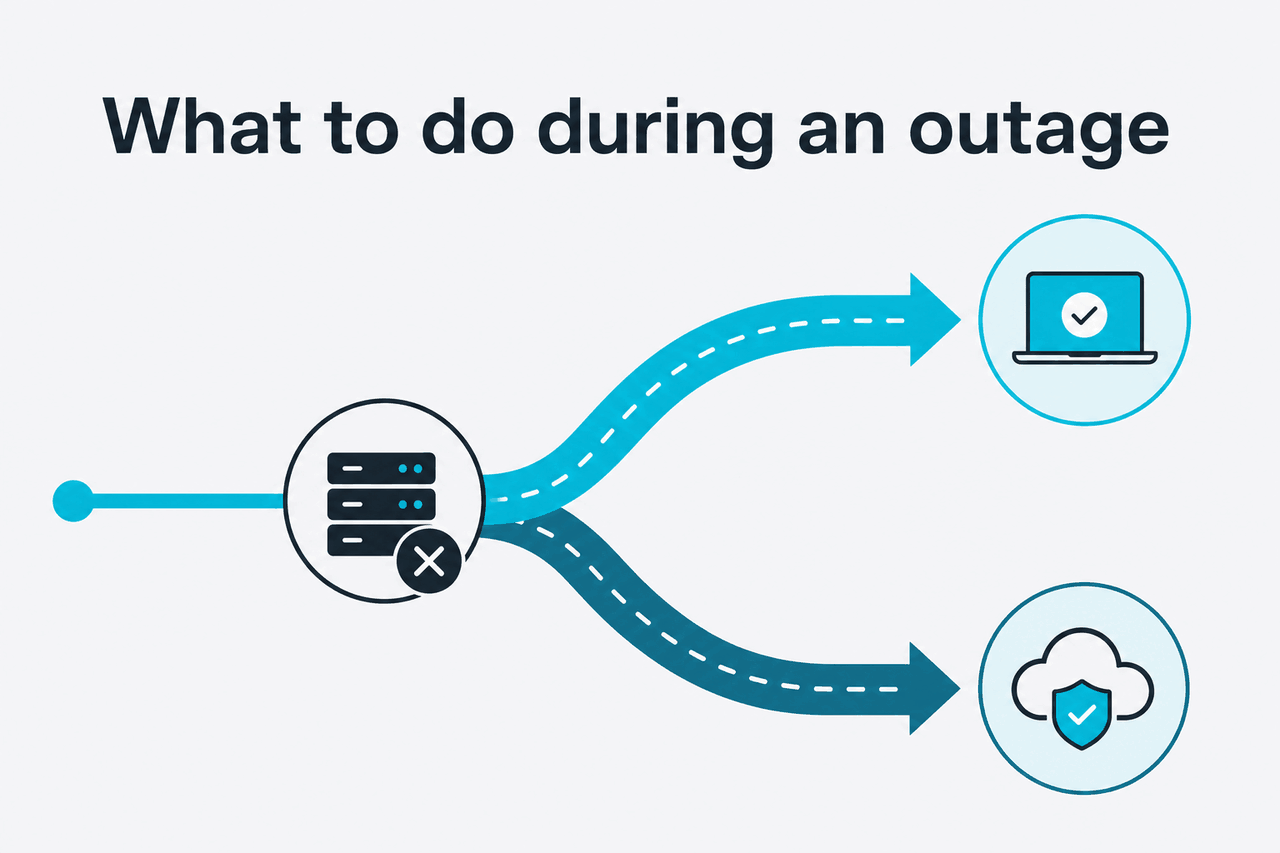
If Claude is actually having service problems, the goal is not to keep retrying the same broken path. Switch to a fallback that reduces risk and saves time.
- Try the API instead of the web app: If claude.ai is failing but the platform is healthy, move the task to platform.claude.com or your existing API workflow.
- Use a smaller model: Heavy tasks can be more sensitive to capacity and latency spikes. If your workflow allows it, move from a larger setup to Claude Sonnet 5 or Claude Haiku 4.5 for faster recovery.
- Batch the job later: If the task is not urgent, queue it for later rather than burning time on repeated failures. Batch API can also reduce costs when processing can wait.
- Shorten prompts and outputs: Smaller context windows and tighter instructions often succeed when long jobs time out or stall during degraded service.
- Switch tools for the moment: If you have a hard deadline, use ChatGPT or Gemini temporarily, then move back to Claude once status is restored.
90% off
cached input tokens with prompt caching
For API users, fallbacks also have a cost angle. Anthropic’s API is billed per million tokens at rates that vary by model (see the official API pricing). Prompt caching cuts cached input cost by 90%, and Batch API reduces both input and output by 50%. If you are planning around reliability as well as cost, that makes it easier to defer non-urgent jobs instead of forcing them through a degraded path.
Worked example
When the web app is unstable but your task can wait
If the job is not urgent, delaying it is often the smarter move.
If you need a quick overview of what Claude can still do when only some features are affected, our feature guide and Claude FAQ cover common plan, model, and access questions without relying on official marketing copy.
Other questions readers ask
These are the related questions people usually mean when they search for anthropic status.
The honest take
If you want the most accurate answer to anthropic status, go straight to status.claude.com. That is the official source, and anything else should be treated as secondary. Most of the time, Claude is not fully down; users are dealing with partial degradation, plan limits, browser problems, or account-specific issues that only look like outages from the outside.
The practical rule is simple: check the status page first, test another browser or network second, and switch surfaces if needed. If the web app fails, try the API. If one model struggles, try a smaller one. And if you are on a deadline, use another tool for the moment rather than waiting on repeated retries. That is the least dramatic and most useful way to handle Claude downtime.
Independent guide. Not affiliated with Anthropic. For the official Claude product, visit claude.ai.
Last updated: July 16, 2026