A claude rate limit message usually means Claude is available but your request volume, account tier, session, or route has hit a temporary cap rather than a full outage; this independent guide explains how to check live status, separate outages from user-side issues, and decide what to try next.

If you want the broader Claude overview first, start with our independent Claude AI guide. For service health, product limits, and troubleshooting, the fastest path is to check the official status page, then work through the failure modes below.
- Is Claude down right now?
- Common failure modes (not actually outages)
- Recent incident history
- What to do during an outage
- Other questions readers ask
- The honest take
- Rate limit usually means temporary capacity or usage caps, not a permanent block
- Official health check: status.claude.com
Is Claude down right now?
Direct answer: check status.claude.com. If the status page shows degraded performance or an active incident, your Claude rate limit error may be part of a wider service problem. If the status page looks normal, the issue is more likely tied to your account usage, browser session, region, or the specific product surface you are using.
Claude has several surfaces that can behave differently: the consumer app at claude.ai, the API on platform.claude.com, and team or enterprise environments with their own controls. A rate-limit message in one place does not always mean every Claude service is down.
If you need product context while troubleshooting, our guides on Claude features, the Claude API, and common Claude questions cover the main differences between chat access and developer access.
Common failure modes (not actually outages)
Many “Claude is down” reports turn out to be local limits or session issues. These are the most common cases that look like outages but are not.
- Rate-limit hits: You sent too many messages or too much token volume in a short window for your current plan or route. Fix: wait a few minutes, reduce message frequency, shorten prompts, start a fresh chat with less attached context, or move to a lower-cost model through the API if you have one available.
- Region issues: Access can vary by geography, network path, or local filtering. Fix: test on a different network, confirm that Claude is available in your location, and compare the web app with the API if you have developer access.
- Browser issues: Corrupted cookies, stale local storage, blocked scripts, or aggressive extensions can trigger failed requests that look like server errors. Fix: hard refresh, sign out and back in, try a private window, disable extensions, or switch browsers.
- Expired sessions: Authentication tokens can expire silently, especially after long idle periods or account changes. Fix: log out, log back in, and retry the same action before assuming the whole service is failing.
Likely a rate-limit issue
- Error appears after heavy use
- Status page shows normal operations
- Retry works after a short wait
- Smaller prompts succeed
Likely a broader outage
- Many actions fail at once
- Status page shows degraded performance
- Both web app and API fail
- Error rate stays high across devices
| Symptom | Most likely cause | What to try first |
|---|---|---|
| “Rate limit reached” after many prompts | Usage cap or throughput cap | Wait, shorten prompts, reduce context, retry later |
| Only one browser fails | Cookies, cache, extension conflict | Private window, sign-in reset, different browser |
| Web app fails but API works | Consumer app issue or session issue | Check status page, re-authenticate, use API temporarily |
| Everything fails across products | Platform incident | Monitor status.claude.com and pause non-urgent work |
| Large chats fail more often than short ones | Context size or output pressure | Start a new chat, split the task, ask for shorter output |
Recent incident history
In recent weeks and recent quarters, Claude users have mainly seen the usual cloud-service pattern: brief periods of elevated errors, degraded message delivery, slower responses during demand spikes, and occasional issues affecting specific surfaces rather than the entire platform. The official record is the source of truth, so if you want to see whether today’s claude rate limit message matches a broader pattern, use status.claude.com rather than relying on social posts or screenshots shared out of context.
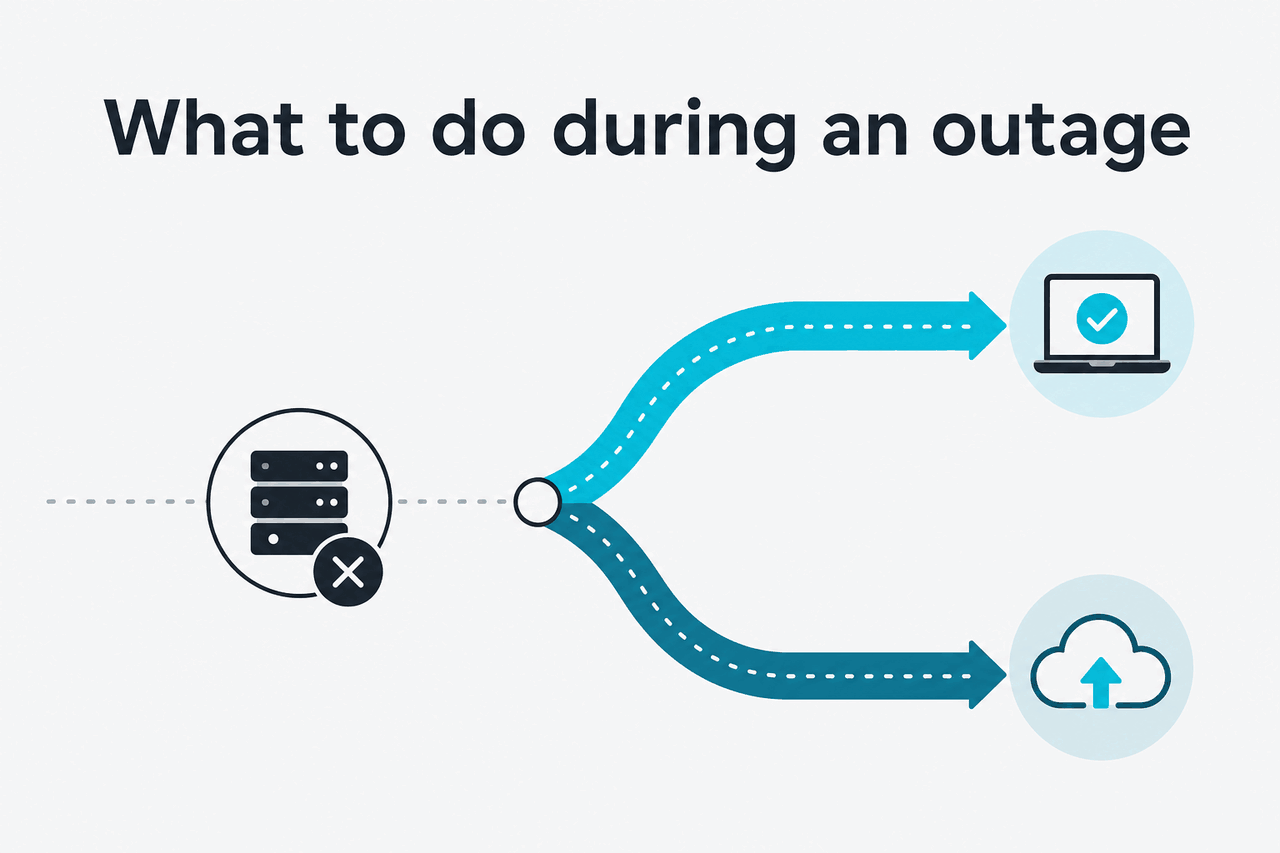
What to do during an outage
If Claude is having a real service issue, the practical goal is not perfect diagnosis. It is keeping your work moving with the least wasted time.
- Try the API instead of the web app: If claude.ai is unstable but the platform is partially healthy, the API may still work for simple requests. Our Claude API guide explains the route differences.
- Use a smaller model: If you have model choice through the API, move from a heavier model to a lighter one. Anthropic lists current options such as Claude Opus 4.8, Claude Sonnet 5, and Claude Haiku 4.5 on its model overview pages.
- Batch non-urgent jobs later: If the service is degraded, postpone background workloads. Anthropic documents a Batch API route with lower pricing, which can be a better fit once the incident passes.
- Reduce prompt size and output demand: Ask for a shorter answer, remove long attachments, and split one large task into several smaller requests. This often gets around transient pressure faster than repeated full retries.
- Save prompts outside Claude: Keep your working prompt in a local note so you can retry elsewhere without reconstructing it.
- Use another assistant for the moment: If the task is urgent and Claude is clearly unstable, switch temporarily to another tool such as ChatGPT or Gemini, then return to Claude when service recovers.
-
Check the official status page
Open status.claude.com. If there is an incident, stop troubleshooting your browser first.
-
Retry with a lighter request
Cut extra context, ask for fewer output tokens, and avoid uploading large files during the retry.
-
Switch route
Try the API if the web app fails, or the web app if your API setup is the only thing erroring.
-
Decide whether the work can wait
If the task is batchable, hold it for later rather than hammering retries into a known incident window.
Other questions readers ask
These are closely related questions that usually appear alongside searches for claude rate limit errors.
| Plan | What it changes for rate limits |
|---|---|
| Free | Lowest access and usage limits |
| Pro | More capacity for individuals, but still not unlimited |
| Max | 5x or 20x Pro usage, higher output limits, priority traffic |
| Team Standard | Shared workspace plus admin controls; limits depend on team usage profile |
| Team Premium | Higher-capacity team tier with more usage per seat |
| Enterprise | Custom controls and enterprise features, but not infinite throughput |
90% off
cached input tokens with prompt caching on supported API workflows
For API users, rate-limit planning is also a cost-planning problem. Anthropic’s published pricing lists Claude Opus 4.8 at $5/M input tokens and $25/M output tokens, Claude Sonnet 5 at $2/M input and $10/M output (introductory through 31 August 2026; $3/$15 from 1 September 2026), and Claude Haiku 4.5 at $1/M input and $5/M output. Prompt caching can cut cached input costs by 90%, and the Batch API is documented at 50% off both input and output pricing for deferred jobs.
Worked example
Why smaller retries can clear a rate-limit wall faster
The exact thresholds are not publicly identical across every surface, but lower-demand retries are often the fastest practical fix.
The honest take
Most claude rate limit errors are not dramatic. They usually mean Claude is reachable, but your current request pattern, plan allowance, conversation size, or route has hit a temporary ceiling. The right first move is simple: check our status guide or go straight to status.claude.com, then retry with less load before assuming a major outage.
If the status page is clean and your retries still fail, the problem is often local: browser state, expired auth, or one oversized conversation. If the status page shows trouble, stop spending energy on local fixes and switch tools or defer the work. That is the practical answer, even if it is less satisfying than a single universal fix.
Independent guide. Not affiliated with Anthropic. For the official Claude product, visit claude.ai.
Last updated: July 16, 2026