If you see the claude conversation too long error, the chat has usually hit Claude’s context or message-size limits, and the fastest fix is to start a new chat, shorten the prompt, or move long material into smaller chunks; this is c-ai.chat, an independent guide to Claude, and if you want the broader product overview first, see our Claude guide.

- Claude Free has usage limits
- Some long-chat failures are context-limit problems, not outages
This page explains what the error means, how to tell it apart from a real outage, what usually causes it, and what to try next in the web app or API. Where the official product matters, we link to claude.ai, claude.com/pricing, and Anthropic’s model docs.
- Is Claude down right now?
- Common failure modes (not actually outages)
- Recent incident history
- What to do during an outage
- Other questions readers ask
- The honest take
One useful distinction up front: a “conversation too long” message is often local to one chat thread, while a platform outage affects many users at once. If you are also comparing product limits, tools, or plans, our pages on Claude features, the Claude API, and the broader Claude FAQ cover the rest of the ecosystem.
Is Claude down right now?
Check status.claude.com first. That is the live status page for Claude availability, incidents, degraded performance, and ongoing mitigation updates across the official service.
If the status page shows all systems operational, the problem is more likely to be a single-thread limit, a browser issue, a temporary session problem, or an account-specific restriction. If the status page shows degraded performance, retries may fail even when your prompt is short. You can also check our Claude status guide for a plain-language explanation of what the official status categories usually mean.
Common failure modes (not actually outages)
Several user-side issues can look like Claude is down when the platform is actually up. These are the most common ones and the practical fix for each.
- Rate-limit hits: You may have sent too many messages too quickly or reached plan-level usage caps. Fix: wait a few minutes, reduce retry spam, start a fresh thread, or use a smaller request. On the web app, Free has usage limits, while paid plans have higher allowances. On the API side, usage is billed per million tokens and can also be affected by account limits; the official pricing and docs are at claude.com/pricing and platform.claude.com.
- Region issues: Access can fail because of local network routing, VPN endpoints, workplace filtering, or regional service variance. Fix: turn off the VPN, switch networks, test mobile data, or try another browser on the same connection. If one network works and another does not, the issue is probably not a global outage.
- Browser issues: Stale cookies, extension conflicts, aggressive content blockers, or broken local storage can stop chats from loading or sending correctly. Fix: hard refresh, try an incognito window, disable extensions, clear site data for Claude, or test the desktop or mobile app instead of the current browser session.
- Expired sessions: If your login token has expired, requests can fail with vague errors that look unrelated to authentication. Fix: sign out and back in, then reopen the chat. If the old thread still fails but a new one works, the problem may be the conversation state rather than your account.
The specific claude conversation too long error usually falls into a fifth category: the thread itself has become too large or too complex to continue reliably. That can happen because the running context includes your prompts, Claude’s earlier replies, attached documents, tool outputs, and system instructions. Even when models support large context windows, long chats can still fail in practice if a single turn pushes the total working context too far.
| What you see | Most likely cause | Best next step |
|---|---|---|
| “Conversation too long” in one chat | Thread context too large | Start a new chat and paste a short summary |
| Errors across many chats | Service degradation | Check status.claude.com |
| Message sends fail after heavy use | Rate limit or usage cap | Wait, then retry with smaller prompts |
| Claude works on mobile but not desktop | Browser or extension problem | Use incognito, clear site data, disable extensions |
| Only one network fails | VPN, DNS, or regional routing issue | Switch network or turn off VPN |
If you use Claude through the API, model choice also matters. Anthropic documents current models such as Claude Fable 5, Claude Opus 4.8, Claude Sonnet 5, and Claude Haiku 4.5, with long context support on major models and token-based pricing. Our API guide explains when to switch models or split requests instead of forcing one oversized call.
90% off
cached input tokens with prompt caching
That matters because reducing repeat prompt overhead can make long workflows cheaper and cleaner, even if it does not remove hard context limits. Anthropic also offers Batch API pricing at 50% off both input and output, which is useful for large offline jobs that do not need immediate interactive replies.
Recent incident history
In recent weeks and recent quarters, the pattern has usually been a mix of short-lived degraded performance, elevated error rates, login issues, and slower response times rather than long full-platform downtime. Canonical incident details belong on status.claude.com, which is the right place to check whether your error lines up with a broader event or whether you are dealing with a chat-specific limit instead.
What to do during an outage
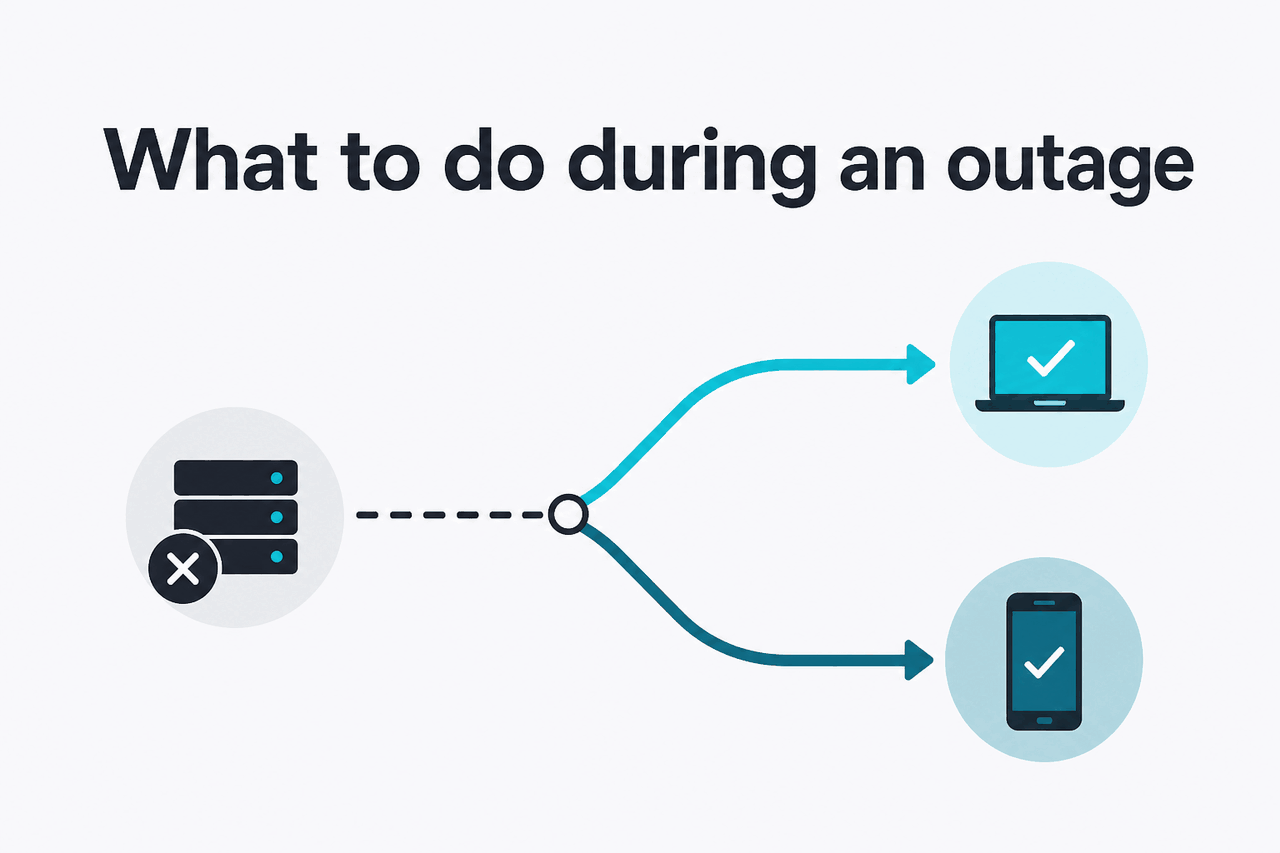
If Claude really is having an outage or partial degradation, focus on workarounds that preserve your progress instead of repeatedly retrying the same failed thread.
- Try the API instead of the web app: Sometimes the consumer app is flaky while API access is still usable for structured requests. If your workflow can move to the API, test there with a short prompt and a known-good model.
- Switch to a smaller model: If your default workflow uses the largest or slowest model, try a lighter option. Anthropic lists Claude Haiku 4.5 at $1/M input and $5/M output, Claude Sonnet 5 at $2/M input and $10/M output under its launch pricing (standard $3/$15 from 1 September 2026), and Claude Opus 4.8 at $5/M input and $25/M output.
- Batch the work later: If the task is not urgent, queue it for later rather than burning time on interactive failures. Anthropic’s Batch API offers 50% off both input and output, which can be a sensible fallback for non-urgent jobs.
- Reduce prompt size: Strip out repeated instructions, giant pasted logs, and old chat history. For long documents, send one section at a time and ask Claude for a compact running summary after each section.
- Switch tools for the moment: If the deadline matters more than tool loyalty, use ChatGPT or Gemini temporarily for basic drafting, summarisation, or brainstorming, then return to Claude when service recovers.
- Save the essential context offline: Copy your current prompt, relevant outputs, and a short summary into your notes app. That makes it much easier to restart cleanly once the service is stable again.
Check the official status page
Open status.claude.com. If there is an active incident, stop hammering refresh.
Save your working context
Copy your latest prompt, Claude’s last useful reply, and a short summary of the thread into local notes.
Start smaller
Create a new chat with only the minimum context needed. Ask Claude to continue from the summary rather than the whole history.
Use another route if needed
Try the API, another device, or another network. If the task can wait, use batch processing later.
Pick when
- You need to keep moving during a partial outage
- Your current chat is clearly overloaded
- You can restate the task in a short summary
Skip when
- You have not checked the official status page yet
- The issue is actually an account login problem
- You are about to paste the same oversized thread again
For teams, plan level can affect how painful an outage feels. Claude Free is $0/month with usage limits. Pro is $20/month or $17/month annual. Max starts from $100/month. Team Standard is $25/seat/month or $20/seat/month annual, Team Premium is $125/seat/month or $100/seat/month annual, and Enterprise starts with a $20/seat base plus usage at API rates. Those tiers do not prevent all failures, but higher-capacity tiers can reduce queueing and give better traffic priority.
Other questions readers ask
These are the closely related questions people usually ask when they search for the same problem.
If your question is slightly different from the thread-length problem itself, our Claude FAQ and features guide cover account access, apps, projects, integrations, and model behavior in more detail.
The honest take
The plain answer is that claude conversation too long usually does not mean Claude is fully down. It usually means one chat thread has become too large, too messy, or too expensive in context terms to continue reliably. The best fix is simple: preserve the essentials, start a new chat, and continue from a short summary instead of the full transcript.
If multiple chats fail, or Claude stops responding across devices, then treat it as a potential service issue and verify it on the official status page. If you only have a problem with one thread, assume a context-limit problem first. That assumption is right surprisingly often, and it saves time.
Independent guide. Not affiliated with Anthropic. For the official Claude product, visit claude.ai.
Last updated: July 16, 2026