Claude errors usually mean one of four things: Claude is having an outage, your session or browser is broken, you hit a usage limit, or a specific feature is failing while the core service still works. This is c-ai.chat, an independent guide to Claude by Anthropic, and this page shows how to check live status, separate real outages from local issues, and decide what to try next. For the broader product overview, start with our Claude AI guide.

- Is Claude down right now?
- Common failure modes (not actually outages)
- Recent incident history
- What to do during an outage
- Other questions readers ask
- The honest take
- First check · official live status page
- Most Claude errors · not a full platform outage
Is Claude down right now?
The direct answer is simple: check status.claude.com. That is Anthropic’s official status page for Claude services, and it is the fastest way to confirm whether the web app, API, login flow, or a specific subsystem is degraded.
If the status page shows a live incident, that is your best signal that the problem is platform-side rather than local. If it shows all systems operational, the next step is to test whether your issue is account-specific, browser-specific, or tied to a single feature. If you use the API, our Claude API guide helps you separate app issues from model or endpoint issues.
A quick way to narrow the problem:
Check status
Open status.claude.com and see whether Anthropic has posted an active incident.
Try another surface
If the web app fails, try another browser, device, or the official product at claude.ai again after a minute.
Test a simple prompt
Use a short prompt like
Say hello in one sentence. If small prompts work but long jobs fail, the issue may be limits or context size rather than downtime.Check whether one feature is broken
Projects, file upload, login, research, and coding tools can fail independently while normal chat still works.
Common failure modes (not actually outages)
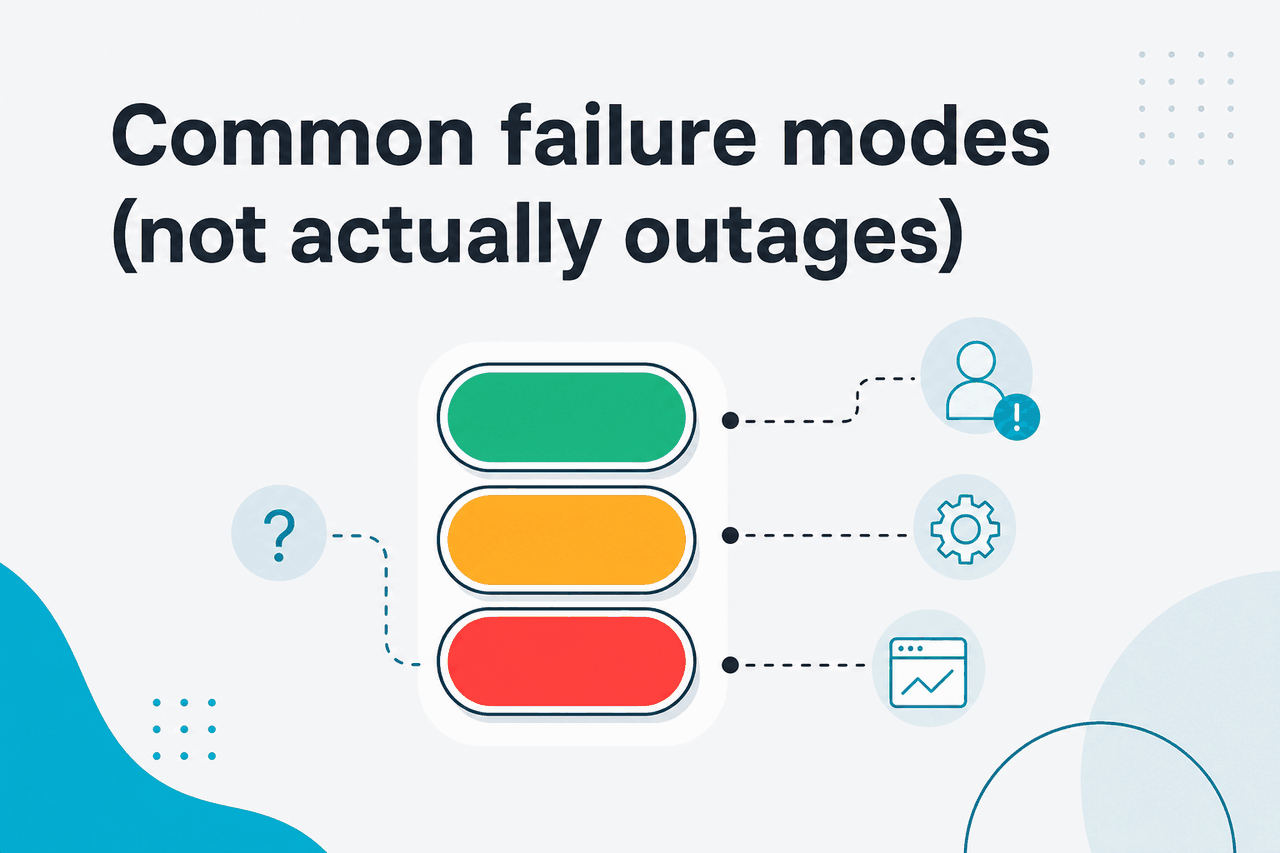
Many Claude errors look like outages when they are really local or account-level issues. These are the most common patterns and the fix that usually works.
- Rate-limit hits: You send too many requests in a short window, or your plan’s usage allowance has been reached. Fix: wait a few minutes, reduce request frequency, shorten prompts, or use a smaller model if you have that option. For API usage, review your request pattern and rate limits in Anthropic’s platform docs.
- Region issues: Claude may be unavailable in your current location, or a network path between you and Claude is unstable. Fix: confirm region availability through Anthropic’s official properties, disable flaky VPN routing, switch networks, or retry from a supported location if your account permits it.
- Browser issues: Old cookies, blocked scripts, privacy extensions, or aggressive content filters can break login, message sending, uploads, or streaming responses. Fix: open Claude in a private window, disable extensions, clear site data for Claude, or switch browsers.
- Expired sessions: You appear logged in, but your auth session is stale. Fix: sign out, sign back in, refresh the page fully, and retry the same prompt. This is common after long idle periods or account changes.
Other errors are workload-specific. A giant file upload can fail while normal text chat works. A long response can stop partway through while short answers return normally. A feature in beta can be degraded while the main model is healthy. That is why “Claude is down” is often too broad a diagnosis.
| Symptom | Likely cause | What to try |
|---|---|---|
| “Something went wrong” on every chat | Possible outage or broken session | Check status page, then sign out and back in |
| Short prompts work, long prompts fail | Usage or context pressure | Trim prompt, split task, retry later |
| Login loop or blank screen | Browser cache, cookies, extensions | Private window, clear site data, change browser |
| API errors but web app works | API-specific limits or config issue | Review API settings and endpoint docs |
| One feature fails, chat still works | Partial service degradation | Use a simpler workflow until fixed |
Pick when
- You want the fastest way to rule out a local problem
- You can reproduce the error in one browser only
- The issue affects login, uploads, or one feature
Skip when
- Status page already shows a live incident
- Multiple users in different places report the same failure
- Both web and API are returning platform-side errors
If you are new to Claude and want to understand which parts are core product features versus optional surfaces, see our Claude features guide. That context helps when one capability breaks but the rest of the product is fine.
Recent incident history
In recent weeks and recent quarters, the issues users most often report have been partial degradations rather than full blackouts: elevated error rates, slow responses, login friction, and feature-specific failures such as uploads or workspace tools. That matches the pattern on modern AI services generally: the platform is often reachable, but one part of the experience is under strain. For the canonical record of active and resolved incidents, use status.claude.com rather than social posts or screenshots.
If you are deciding whether a problem is “normal transient AI flakiness” or something larger, the official Claude status guide on this site gives the quickest path to that call without guessing.
What to do during an outage
If Claude really is down, the goal is not to force the same failing workflow. The goal is to finish your work with the least wasted time.
50% off
both input and output with Anthropic Batch API for delayed jobs
90% off
cached input tokens with prompt caching
For people who hit errors while coding, there is also a practical split between product outage and workload mismatch. If a long agent-style task fails repeatedly, try a smaller scoped request first, then rebuild from that result. If you need background on Claude’s surfaces and limits, our Claude FAQ covers common setup and usage questions.
Worked example
When a large job keeps failing during an incident
The fix is often operational, not technical: shorter prompts, lighter model, later retry.
Other questions readers ask
These are the related questions that usually sit next to “claude errors” in search results.
Plan level can also affect how often you feel friction. Anthropic’s official pricing page lists Free, Pro, Max, Team Standard, Team Premium, and Enterprise options. If your issue is really capacity rather than instability, the plan details matter more than browser troubleshooting.
Free
$0/month
For casual users
- Web, iOS, Android, desktop access
- Usage limits
Pro
$20/month
For individuals who use Claude often
- Claude Code and Claude Cowork
- Unlimited Projects, Research access, added integrations
Max
$100/month
For power users
- 5x or 20x Pro usage
- Higher output limits and priority traffic
If you want the official plan details and current terms, use claude.com/pricing. We are an independent guide, not Anthropic, so we point readers back to the official page for live commercial details.
The honest take
Most claude errors are not full outages. They are usually temporary capacity issues, session problems, browser conflicts, or feature-level failures that look bigger than they are. The cleanest first move is still the same every time: check status.claude.com, then test a short prompt in a clean browser session.
When Claude really is down, there is not much value in forcing retries. Switch surfaces, reduce the job size, use a smaller model, or move to another tool until service stabilises. If you want the official product, go to claude.ai; if you want independent context on how Claude works, pricing, plans, and common issues, keep this site bookmarked.
Independent guide. Not affiliated with Anthropic. For the official Claude product, visit claude.ai.
Last updated: July 16, 2026