Claude SEO is the practice of using Claude to research, brief, draft, optimise, and QA search content while keeping humans responsible for keyword data, editorial judgment, and publishing decisions.

c-ai.chat is an independent guide to Claude AI. We are not Anthropic, and we do not operate claude.ai. This guide shows a practical workflow for using Claude in SEO without treating it as a replacement for Search Console, analytics, crawlers, or human review.
- Best use · briefs, outlines, drafts, rewrites, schema, and QA
- Do not use alone · rankings, traffic forecasts, or source-of-truth keyword volume
- Default model · Claude Sonnet 4.6 for most SEO work
- Automation path · Claude API for repeatable workflows
What you’ll learn
By the end, you will have a repeatable Claude SEO workflow for a new article, a content refresh, or a small publishing pipeline.
- Turn raw keyword and SERP notes into a useful content brief.
- Ask Claude for search-intent analysis without outsourcing your judgment.
- Create outlines, drafts, metadata, internal-link suggestions, and schema safely.
- Use Claude to compare a draft against an SEO checklist before publishing.
- Decide when to use claude.ai, Projects, Claude Code, or the Claude API.
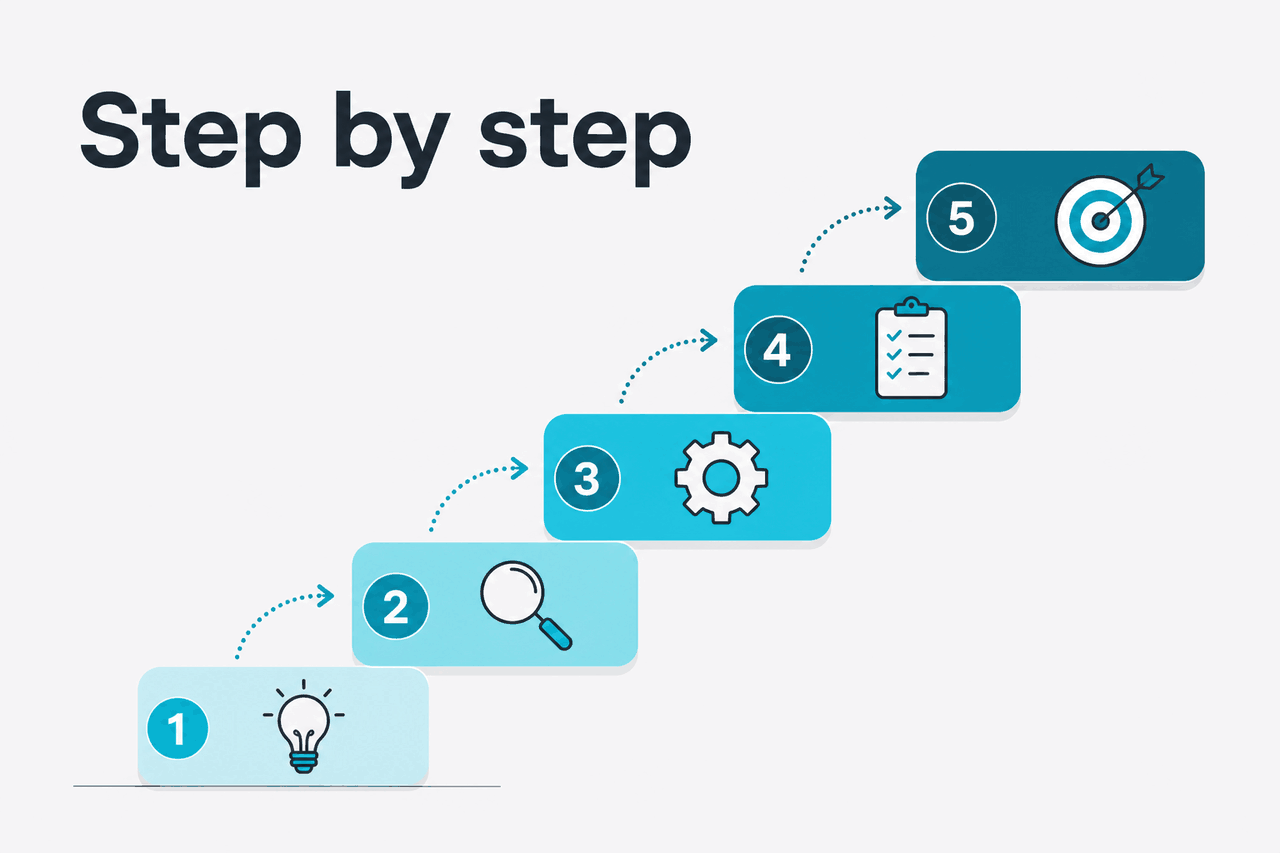
Step by step
This workflow starts with data you trust. Claude then helps with synthesis, drafting, and review. It works in the Claude web app at claude.ai. For repeatable jobs, move the same prompts into the API after you validate the process manually.
| SEO task | Good Claude fit? | Suggested model or product | Why |
|---|---|---|---|
| Content brief from keyword notes | Yes | Claude Sonnet 4.6 | Strong balance for reasoning, structure, and cost. It supports a 1M-token context window and up to 128K output tokens. |
| Large site analysis from exported files | Yes, with clean inputs | Claude Opus 4.7 | Best fit when you need the flagship model and a 1M-token context window for complex review. |
| Meta descriptions at scale | Yes | Claude Haiku 4.5 or API batch job | Good for short, repeatable generation where cost and speed matter. |
| Technical SEO code review | Sometimes | Claude Code | Useful for repository work, templates, validation scripts, and structured code review. A developer still needs to verify changes. |
| Live keyword volume or rankings | No | Your SEO tools | Claude should interpret trusted data, not invent it. |
Use claude.ai
Best for manual briefs, outlines, content refreshes, and editorial QA.
Use Projects
Best when a team needs the same brand rules, content templates, and source files across related SEO tasks.
Use the API
Best for repeatable generation, classification, enrichment, and QA across many URLs.
-
Start with a narrow SEO job
Do not ask Claude to “do SEO” for an entire site. Give it one outcome: a brief, a draft, a title rewrite, a refresh plan, a schema block, or a technical QA list. Narrow tasks are easier to check.
-
Collect source material before prompting
Prepare your target keyword, related queries, current URL, search-intent notes, competitor observations, brand rules, product facts, audience, and conversion goal. If you use exports from Search Console, analytics, or a crawler, clean the columns first. Remove anything Claude does not need.
-
Give Claude a role and a hard constraint
Use a role that describes the task, not a vague persona. Then state what Claude must not do. For SEO, the key rule is simple: do not invent facts, search volume, rankings, or product claims.
Prompt example
Search-intent analysis from your own notes
Prompt: You are helping prepare an SEO brief. Use only the notes below. Do not invent keyword volume, rankings, or product features. Classify the likely search intent for the primary keyword, list the main subtopics searchers expect, and flag anything missing from our notes.
This keeps Claude focused on interpretation instead of pretending to be a live SEO database.
-
Ask for a content brief before a draft
A brief is easier to review than a full article. Ask for search intent, reader jobs, required sections, internal-link opportunities, source requirements, questions to answer, and exclusions. Approve the brief before drafting starts.
-
Build the outline around reader questions
Have Claude turn the brief into an outline with H2s and H3s. Reject generic headings. Good SEO headings answer specific searcher questions: what it does, how to use it, where it fails, what it costs, and what to do next.
-
Draft in sections
Ask Claude to draft one section at a time. Give it the approved outline, the facts for that section, and your voice rules. Section-by-section drafting reduces drift and makes unsupported claims easier to catch.
Prompt example
Section draft with factual boundaries
Prompt: Draft the section “How to use Claude for SEO briefs.” Use the approved outline and facts below. Keep sentences short. Do not mention features unless they appear in the facts. Add one practical example. End with a limitation the reader should know.
The wording matters less than the boundary: Claude may draft from supplied facts, but it must not create new facts.
-
Use Claude for metadata and snippets
Once the draft is stable, ask for title tags, meta descriptions, Open Graph text, and short excerpts. Give Claude the real primary keyword and the actual page angle. Ask for options, then choose manually.
-
Generate structured data carefully
Claude can draft JSON-LD for FAQ, Article, BreadcrumbList, or HowTo markup. Validate the output. Make sure the visible page content matches the schema. Do not mark up claims, reviews, ratings, or FAQs that are not on the page.
{
  "@context": "https://schema.org",
  "@type": "FAQPage",
  "mainEntity": [
    {
      "@type": "Question",
      "name": "Can Claude help with SEO?",
      "acceptedAnswer": {
        "@type": "Answer",
        "text": "Claude can help draft briefs, outlines, metadata, schema, and QA checklists, but it should not be treated as a source for live rankings or keyword volume."
      }
    }
  ]
}-
Run an SEO QA pass
Give Claude your draft and a checklist. Ask it to identify missing search intent, unsupported claims, weak headings, duplicated sections, vague examples, missing internal links, and unclear next steps. Ask for issues before rewrites.
-
Move repeatable workflows into the API
If you repeat the same job across many pages, consider the Claude API. Anthropic lists model details in the model overview and API pricing in the pricing documentation. Claude Opus 4.7 costs $5/M input tokens and $25/M output tokens. Claude Sonnet 4.6 costs $3/M input tokens and $15/M output tokens. Claude Haiku 4.5 costs $1/M input tokens and $5/M output tokens.
90% off
cached input tokens with prompt caching
Prompt caching helps when the same long instruction set, brand guide, or template appears across many API calls. Batch API gives 50% off both input and output tokens for jobs that do not need an immediate response. Check the live Anthropic pricing docs before setting a budget.
Common mistakes to avoid
Most Claude SEO problems come from unclear inputs, weak review, or asking the model to supply facts it does not have.
- Using Claude as a keyword-volume tool. Bring your own data from trusted SEO tools, Search Console, or analytics exports.
- Asking for a full article before approving the brief. Review search intent, outline, sources, and exclusions first.
- Letting Claude invent examples. Supply product screenshots, customer language, documentation, sales notes, or approved examples.
- Publishing schema without validation. Test JSON-LD and check that every marked-up claim appears visibly on the page.
- Optimising for keywords but not usefulness. Ask what the reader can do after the page that they could not do before.
- Automating too early. Run the workflow manually until the prompts, inputs, and review criteria are stable.
Pick when
- You already have reliable keyword and content data.
- You need faster briefs, outlines, rewrites, or QA passes.
- Your team has an editor who checks facts and search intent.
- You can define repeatable templates before automation.
Skip when
- You expect Claude to know live rankings or traffic numbers.
- You cannot verify product, legal, medical, or financial claims.
- You want to mass-publish unreviewed AI content.
- Your brief is only a keyword and a word count.
Be stricter with technical SEO. Claude can inspect code, suggest fixes, and explain likely issues, but production changes still need tests, deployment review, and human ownership. If your SEO work touches templates, redirects, rendering, logs, or structured data generation, treat Claude as a code review assistant rather than an authority.
Where to go next
These related guides help you turn the workflow into something repeatable.
- Claude models guide — compare Opus, Sonnet, and Haiku before choosing a model for SEO work.
- Claude API guide — use this when your SEO process needs repeatable generation, enrichment, classification, or QA across many URLs.
- Claude pricing guide — estimate costs before moving content workflows into the API.
- Claude features guide — check what Claude can do before building a process around it.
- Claude resources — find practical references for prompts, workflow design, and editorial review.

The honest take
Claude is useful for SEO when you treat it as a structured thinking and drafting assistant. It can speed up briefs, outlines, content refreshes, metadata, schema drafts, internal-link reviews, and editorial QA. It is not a source of live keyword data, rankings, search volume, or business truth.
The safest workflow is simple: bring trusted data, ask for one output at a time, review the result, then automate only the stable parts. If your process has no brief, no source material, and no human editor, Claude will make bad SEO faster. If your process is disciplined, it can remove hours of repetitive work.
FAQ
Short answers to common Claude SEO questions.
Can Claude write SEO articles?
Yes. Claude can draft SEO articles from a clear brief and verified source material. Do not treat the first draft as final. Use an editor to check search intent, facts, examples, links, and originality.
Is Claude better than ChatGPT for SEO?
The better choice depends on the task, model, inputs, and workflow. Claude is often strong for long-form synthesis, structured briefs, careful rewrites, and large-context review. Test both tools on the same real SEO task before standardising.
Can Claude analyse a website for SEO?
Claude can analyse exported crawl data, pasted page content, logs, templates, and notes. It should not replace a crawler, Search Console, analytics platform, or manual technical audit. Give it the data and ask for patterns, risks, and prioritised checks.
Can Claude generate SEO titles and meta descriptions?
Yes. Give Claude the page content, target keyword, search intent, brand rules, and length guidance. Ask for multiple options and reject anything that overpromises or misstates the page.
Does using Claude hurt SEO?
Using Claude does not automatically hurt SEO. Low-quality, inaccurate, duplicated, or unhelpful content can hurt performance regardless of the tool used to create it. The safer approach is to use Claude for assistance and keep human review in the publishing workflow.
Can Claude replace an SEO tool?
No. Claude can interpret exports and help explain patterns, but it is not a live crawler, rank tracker, analytics tool, or keyword database. Use SEO tools for measurement and Claude for structured analysis and drafting.
Which Claude model should I use for SEO?
Use Claude Sonnet 4.6 for most SEO briefs, outlines, rewrites, and QA. Use Claude Opus 4.7 for harder large-context analysis. Use Claude Haiku 4.5 for short, repeatable tasks such as metadata variants or classification.
Independent guide. Not affiliated with Anthropic. For the official Claude product, visit claude.ai.
Last updated: 2026-05-12
This article is part of the Claude tutorials hub on c-ai.chat.