Can Claude access internet? Usually no: Claude does not freely browse the open web by default in every chat, but Anthropic does offer web search in supported Claude experiences, so the real answer depends on which Claude product, plan, and feature set you are using. This independent guide from c-ai.chat explains the short answer, the product details, and what it means if you want current information from Claude.

- The short answer
- The full story
- What this means in practice
- Other questions readers ask
- The honest take
The short answer
Yes, Claude can access internet in some supported situations, but not as an always-on, unrestricted browser in every chat. If web search is available in your Claude app or workflow, Claude can pull in live information; if it is not enabled, Claude answers from its training and whatever files or text you provide.
- Web search is feature-dependent
- Not every chat has live internet access
- Claude.ai plans affect available tools
- API behavior depends on the tools you configure
If you are still getting oriented, start with what Claude AI is, then come back to internet access and tool use. The key distinction is simple: Claude the model is not the same thing as every interface wrapped around it.
The full story
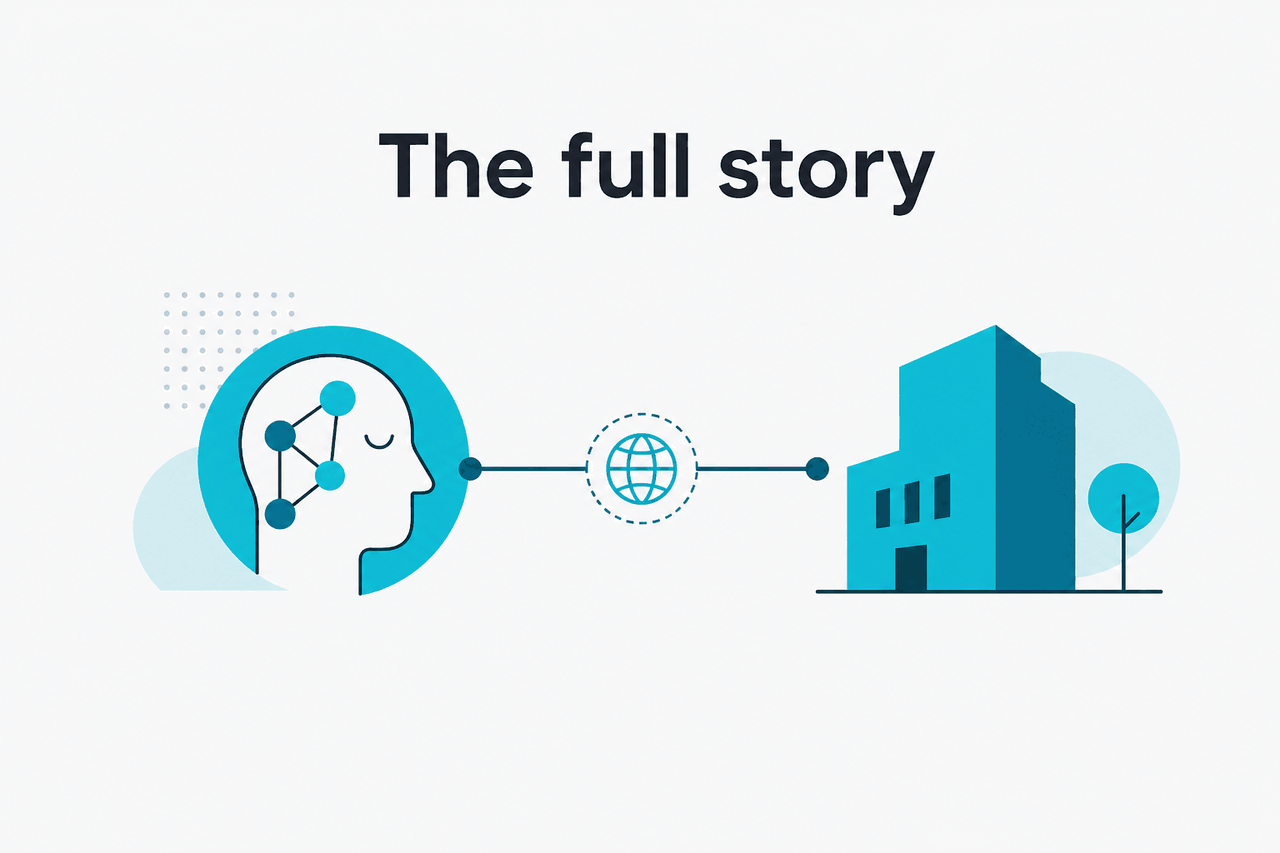
Anthropic offers Claude across several products and surfaces, including the consumer app at claude.ai, team and enterprise plans at claude.com/pricing, and developer access through platform.claude.com. That matters because “can Claude access the internet” is really a product question, not just a model question. A model can only use live web data if the product around it exposes a web search or browser-style tool.
In the Claude app, Anthropic has introduced feature sets such as Research and other tools on paid tiers, according to the official pricing page. Those features can change what Claude is able to retrieve during a session. In the API, Claude does not magically browse the internet on its own; developers must use supported tools and system design choices to let Claude fetch external information. Anthropic’s developer documentation at docs.claude.com and the model overview describe the models and platform capabilities, while the pricing pages explain plan-level access.
Another source of confusion is that Claude can sound current even when it is not browsing live pages. If you paste a URL, Claude may discuss the text you provide or infer likely content, but that is not the same as independently opening that site in real time. For live facts, recent news, or changing prices, you should look for an explicit web-enabled feature in Claude or provide the current material yourself.
| Where you use Claude | Can it access live internet data? | What determines that? |
|---|---|---|
| Claude app on claude.ai | Sometimes | Whether your plan and workspace have relevant web-enabled features |
| Claude API | Not by default | Whether the developer connects tools or retrieval workflows |
| Files you upload | Yes, to your provided content | Claude can read the material you attach to the conversation |
| Plain standalone chat | Not necessarily | No guaranteed live browsing unless a web feature is explicitly active |
If you want broader product context, see our guides to Claude features and Anthropic. Those explain the difference between the company, the app, and the model lineup, which is where most internet-access questions start.
What this means in practice
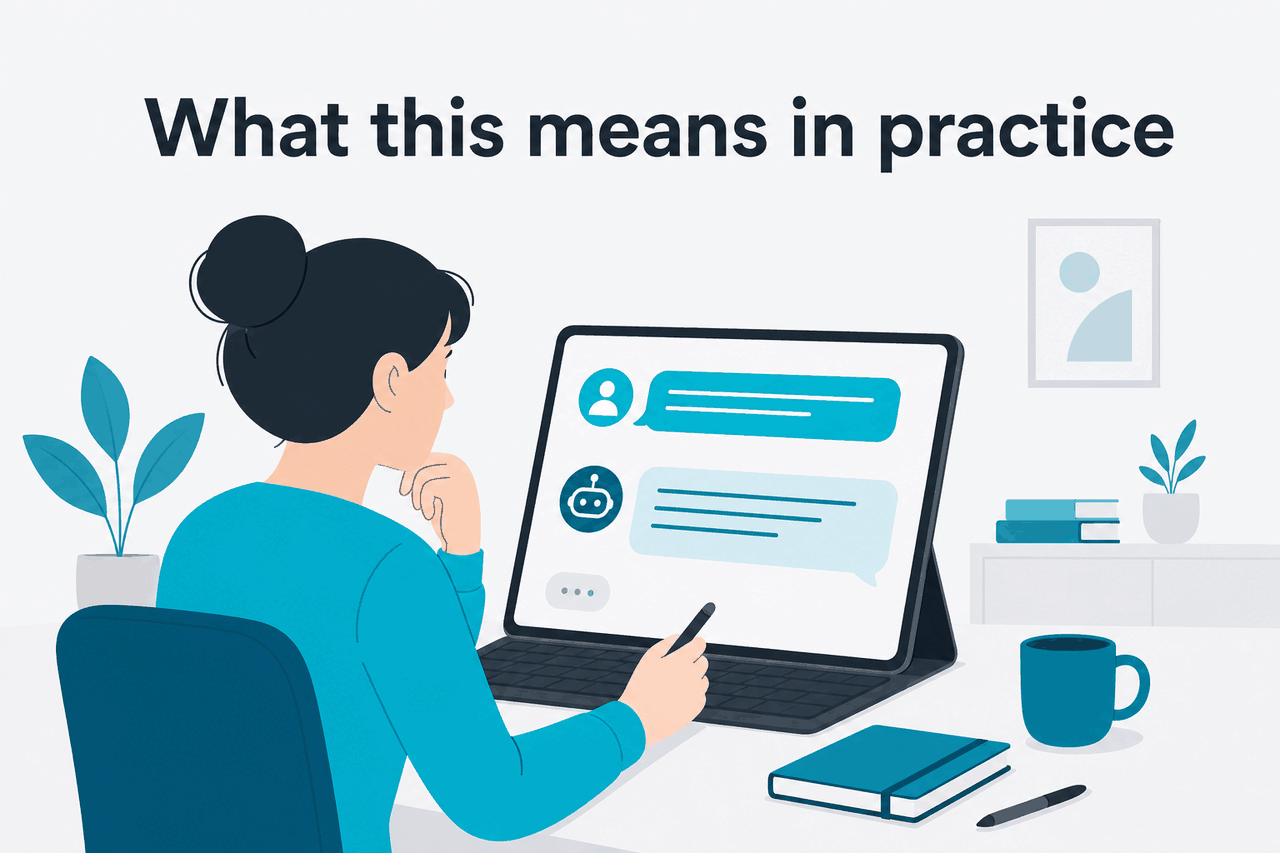
For most people, the practical answer is this: Claude is reliable for reasoning, writing, summarising, coding help, and document analysis even without live browsing, but you should not assume every answer reflects the current web. If your task depends on up-to-the-minute information, you need either a Claude experience with web search or your own supplied sources.
That trade-off is not always a negative. Limited or controlled internet access often means fewer hidden retrieval steps and clearer boundaries around what Claude actually used. On the other hand, if you want market news, fresh citations, product availability, status updates, or today’s documentation changes, a non-web-enabled chat will be the wrong tool unless you paste in the current material yourself.
Pick when
- You want analysis of text, PDFs, notes, or code you already have
- You care more about reasoning quality than live web retrieval
- You are happy to provide source material directly in the chat
- You want a controlled workflow instead of open-ended browsing
Skip when
- You need guaranteed real-time internet access in every conversation
- Your task depends on current prices, news, or rapidly changing docs
- You expect Claude to verify every claim against the live web automatically
- You are using an API setup with no retrieval or web tool configured
Plan choice also matters. Anthropic’s pricing page lists Free, Pro, Max, Team, and Enterprise tiers, and the paid plans add more tools and workspace capabilities. That does not mean every plan turns Claude into a full browser, but it does mean access to features that can affect how Claude retrieves and works with information. If you are comparing the plans themselves, this is one of the first details to check on the official Claude pricing page.
Other questions readers ask
For more common Claude questions, see our Claude FAQ. It covers plan confusion, model differences, and the gap between what the app can do and what the API does by default.
The honest take
So, can Claude access internet? Yes, but only in the right setup. Claude is not a permanently web-connected assistant in every chat, and treating it that way will lead to avoidable mistakes. If you need current information, make sure you are using a Claude experience with explicit web retrieval or provide the source material yourself.
If your goal is writing, analysis, coding help, or working through documents, Claude is still useful without open-web access. If your goal is live research, current events, or checking changing pages, verify the feature first. That is the clearest way to use Claude well without overestimating what it can see.
Independent guide. Not affiliated with Anthropic. For the official Claude product, visit claude.ai.
Last updated: 2026-05-12