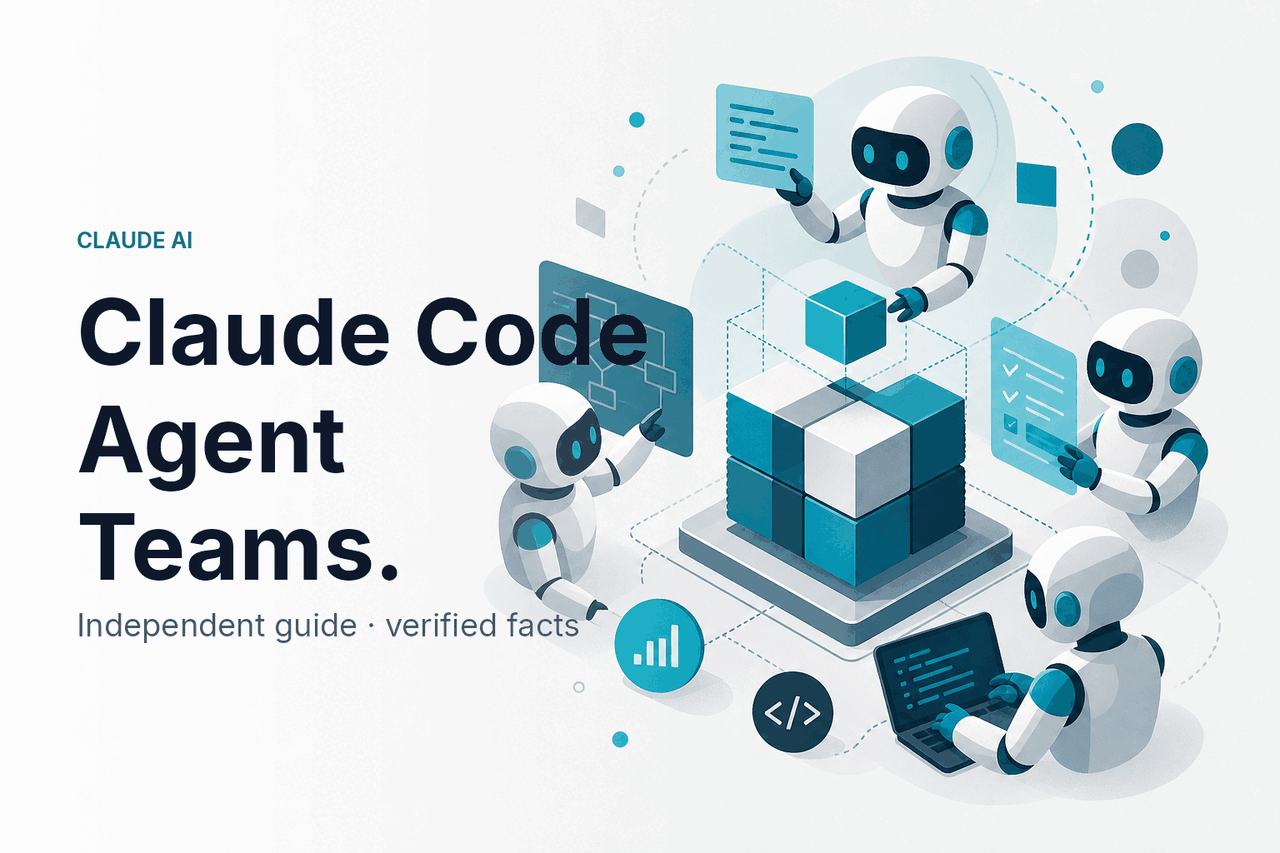
Claude Code agent teams are a workflow for splitting software work across focused Claude Code agents or subagents, with each agent handling a narrow task such as investigation, tests, implementation, documentation, or review; for broader product context, see our Claude features guide.
- The short answer
- How it works
- What you would use it for
- How it compares
- Other questions readers ask
- The practical verdict
- Sources
The short answer
Claude Code agent teams are not a separate Anthropic product called “Agent Teams.” The official product is Claude Code. “Agent teams” describes a repo workflow that uses multiple Claude Code sessions, subagents, branches, or worktrees with clear responsibilities.
- What it does: splits coding work across focused agents.
- Where it runs: mainly in your terminal and repository through Claude Code.
- What it needs: clean task briefs, source control, tests, and human review.
- Who it suits: developers managing multi-step code changes.
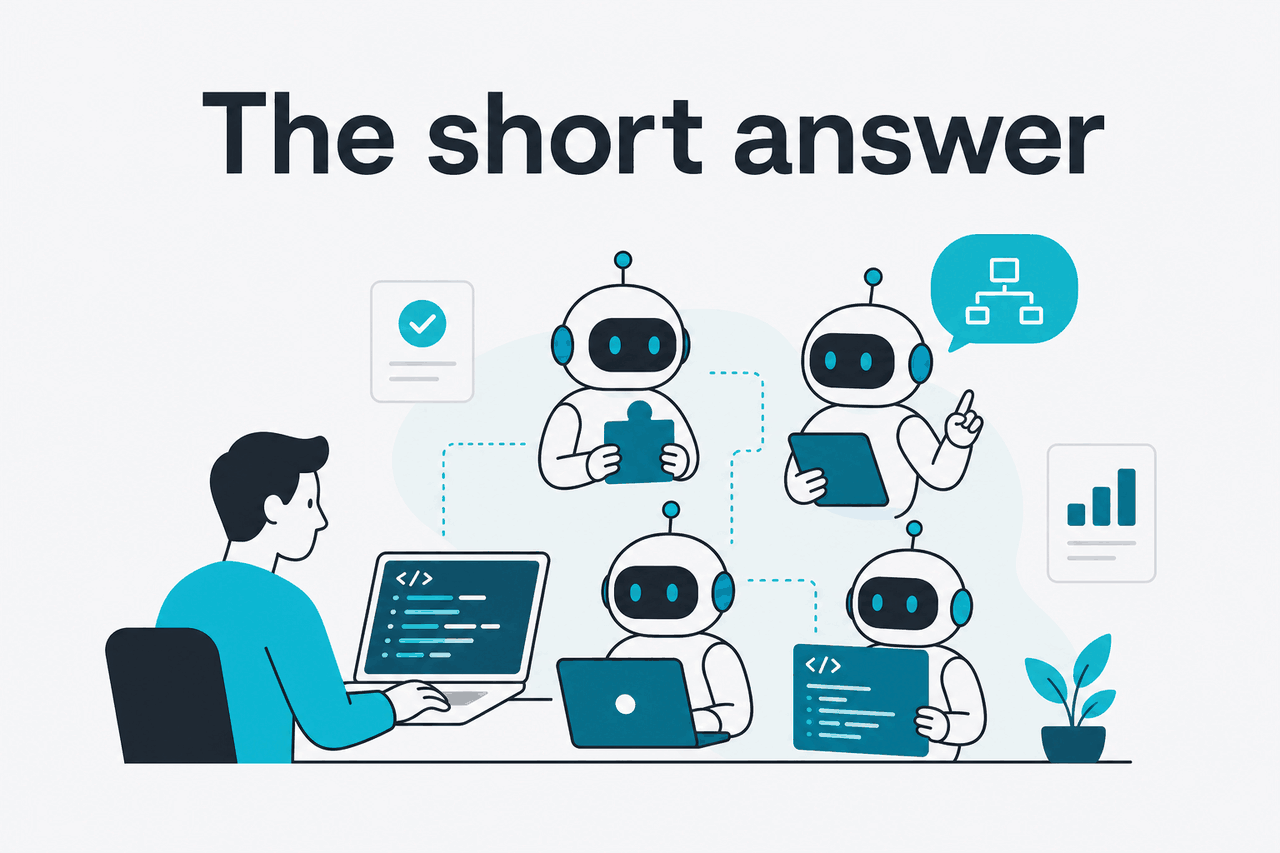
The core idea is simple: do not ask one assistant to “fix the app.” Instead, assign small roles. One agent investigates a bug. Another writes tests. Another edits the smallest relevant file set. Another reviews the diff. You remain responsible for the branch, the merge, and the release decision.
This works because Claude can read code, propose changes, and follow written constraints. It still needs guardrails. Agent teams work best when each task has a clear definition of done and a verification step. They work poorly when several agents edit the same files without coordination.
If you are new to Claude, start with the official product at claude.ai. If you plan to build your own orchestration layer instead of using Claude Code directly, see our Claude API docs guide.
How it works
A Claude Code agent team usually starts with one repository, one problem, and several small workstreams. Claude Code runs with the development context you provide. It can inspect files, reason about the codebase, suggest edits, and help run commands you allow. You decide how much autonomy to grant and which changes to accept.
The “team” comes from role separation. You can use separate Claude Code sessions, separate Git worktrees, or Claude Code subagents where they fit. The important rule is isolation. If two agents edit the same controller, migration, or test suite at the same time, you increase the risk of merge conflicts and inconsistent reasoning.
A useful pattern is planner, implementer, tester, reviewer. The planner reads the code and proposes a sequence. The implementer changes one bounded area. The tester writes or updates verification. The reviewer checks the diff against the original request. For larger tasks, you can add documentation, security, performance, accessibility, or migration agents.
Define the goal
Write a short task statement. Example:
Fix the failed password reset flow for expired tokens without changing the public API.Split the work
Create separate briefs for investigation, implementation, tests, and review. Keep each brief small enough to verify in one pull request.
Start from a clean branch
Use Git branches or worktrees so each agent can work without overwriting another agent’s changes.
Run Claude Code with context
Give the agent the relevant files, constraints, commands, and acceptance criteria. Avoid vague prompts such as
make this better.Verify before merging
Run tests, inspect diffs, check logs, and ask a separate reviewer agent to critique the change. Human review still matters.
The practical limit is not how many agents you can name. It is how many concurrent changes you can review safely. Two or three focused agents are often more useful than ten agents producing overlapping diffs. For production code, keep the merge path simple: one branch, one change set, one review, one deploy path.
What you would use it for
Claude Code agent teams make sense when the task has natural seams. Bug investigation, test writing, targeted implementation, review, and documentation can run separately. A fragile rewrite across shared core files should usually stay serial.
Worked example
Fixing a checkout bug with three agents
This works because each agent has a distinct output and the final decision stays with the developer.
Example prompt for the investigator:
Inspect the checkout and discount-code flow.

Goal:
Find why expired discount codes sometimes apply successfully.

Rules:
- Do not edit files.
- Identify the relevant files and functions.
- List the shortest test cases that would reproduce the bug.
- Point out any ambiguous product behavior.
Example prompt for the tester:
Add tests for the discount-code expiry behavior.

Use the existing test style.
Cover:
- expired code
- valid code
- reused single-use code
- timezone boundary case if the codebase already has date helpers

Do not change production code unless a test cannot run without a small fixture update.
Example prompt for the implementer:
Fix the expired discount-code bug.

Constraints:
- Make the smallest production change that passes the new tests.
- Do not change the API response shape.
- Do not rewrite the checkout flow.
- After editing, explain the diff and any risk.
A second strong use case is a dependency upgrade. One agent can scan likely breaking changes. Another can update the package and fix compile errors. A third can run tests and identify failures that look related to the upgrade. This is safer than asking one agent to update a dependency, fix every warning, and refactor nearby code in the same pass.
Review the framework upgrade from the current version to the target version.

Return:
- likely breaking changes in this repo
- files most likely to need edits
- tests to run first
- changes we should avoid combining with the upgrade
A third use case is codebase onboarding. Ask one agent to map the architecture, another to document the request path for a feature, and another to list risky areas for a new change. This gives a developer a starting map without blocking on a teammate.
Create an onboarding note for the billing subsystem.

Include:
- main entry points
- data models
- external services
- test commands
- risky areas for new contributors

Do not propose changes. This is documentation only.
A fourth use case is pre-PR review. After one agent implements a change, start a separate review agent with the original task and the diff. Ask it to look for missed tests, unsafe assumptions, deleted behavior, and security issues.
Review this diff against the original task.

Focus on:
- behavior changes not requested
- missing tests
- edge cases
- security or privacy concerns
- migration and rollback risk

Return only actionable findings, grouped by severity.
A fifth use case is documentation after implementation. Let the coding agent finish first. Then ask a documentation agent to update README sections, API examples, changelog notes, or internal runbooks based only on the accepted diff.
How it compares
Claude Code agent teams compete less with one specific editor and more with several coding-assistant workflows: IDE autocomplete, chat-based coding, background agents, and human pair programming. The right choice depends on context needs, autonomy, and review discipline.
| Option | Best fit | Strengths | Trade-offs |
|---|---|---|---|
| Claude Code agent teams | Multi-step repo tasks with separable workstreams | Good for investigation, edits, tests, reviews, and terminal-based workflows | Needs task discipline, Git hygiene, and careful review |
| IDE agents | Developers who want AI inside the editor | Fast local editing loop and visible diffs | Can be less structured for role separation unless you design the workflow |
| Autocomplete assistants | Inline suggestions and common coding tasks | Low friction during everyday coding | Usually less suited to separate agents across a larger task |
| Codebase chat tools | Understanding large repositories and asking code questions | Useful for code search, explanation, and context gathering | May not fit terminal command execution and agentic edits as closely |
| Human pair programming | Ambiguous design work, risky changes, and product judgment | Strong at intent, trade-offs, and accountability | Uses human time and does not parallelize routine investigation as cheaply |
The main advantage of Claude Code is that it fits naturally into a repository workflow. It can inspect files, reason about local context, and help with allowed commands. The main weakness is the same one every coding agent has: it can sound confident while missing a business rule, edge case, or architecture constraint.
Plan cost also matters. Claude Code access and usage limits depend on the plan you use. For a fuller breakdown, see our Claude pricing guide and Anthropic’s official pricing page.
Free
$0
Basic access with usage limits.
Pro
$20/mo or $17/mo annual
Individual paid plan.
Max
From $100/mo
Higher-usage individual plan.
Team Standard
$25/seat or $20/seat annual
Team workspace plan.
Team Premium
$125/seat or $100/seat annual
Higher-usage team plan.
Enterprise
$20/seat base + API rates
Enterprise controls and usage-based API billing.
If you orchestrate coding agents through the API, model costs change the math. Opus 4.7 is $5 input and $25 output per million tokens with a 1M context window. Sonnet 4.6 is $3 input and $15 output per million tokens with a 1M context window and 128K max output. Haiku 4.5 is $1 input and $5 output per million tokens. Prompt caching gives 90% off cached input. The Batch API gives 50% off both directions. See our Claude models guide for model selection.
Use it when
- You can split the task into separate briefs.
- Your repo has reliable tests or build commands.
- You want investigation, implementation, and review handled separately.
- Your team already uses branches, pull requests, and code review.
Skip it when
- The codebase has no tests and unclear ownership.
- The change is mainly product strategy or UX judgment.
- Several agents would need to edit the same files at once.
- You cannot review generated diffs before shipping.
For official service health during incidents or slowdowns, use status.claude.com.
Other questions readers ask
The recurring pattern is control. Claude Code can do useful work when the task is narrow and verifiable. It becomes risky when the agent is asked to infer too much intent or operate without tests, permissions, and review boundaries. For more general questions, see our Claude FAQ and Claude resources.
The practical verdict
Claude Code agent teams are worth trying if your development workflow already has clean branches, tests, and pull requests. They are most useful for parallel investigation, targeted implementation, test generation, documentation, and second-pass review.
Start small. Use two agents before you use five. Give each agent a written brief. Keep file ownership clear. Make every output pass through tests and review. If that works, expand the pattern to recurring maintenance tasks, migrations, and larger feature work.
Last updated: 2026-05-12
This article is part of the Claude Code hub on c-ai.chat.