OpenCode vs Claude Code: choose OpenCode if you want an open-source terminal coding agent you can connect to different model providers; choose Claude Code if you want Anthropic’s official coding agent with direct Claude integration. For the wider product context, see our independent Claude AI guide. c-ai.chat is independent and is not Anthropic or claude.ai.
- The short answer
- How it works
- What you would actually do with it
- Vs. the alternatives
- Other questions readers ask
- The honest take
- Sources
The short answer
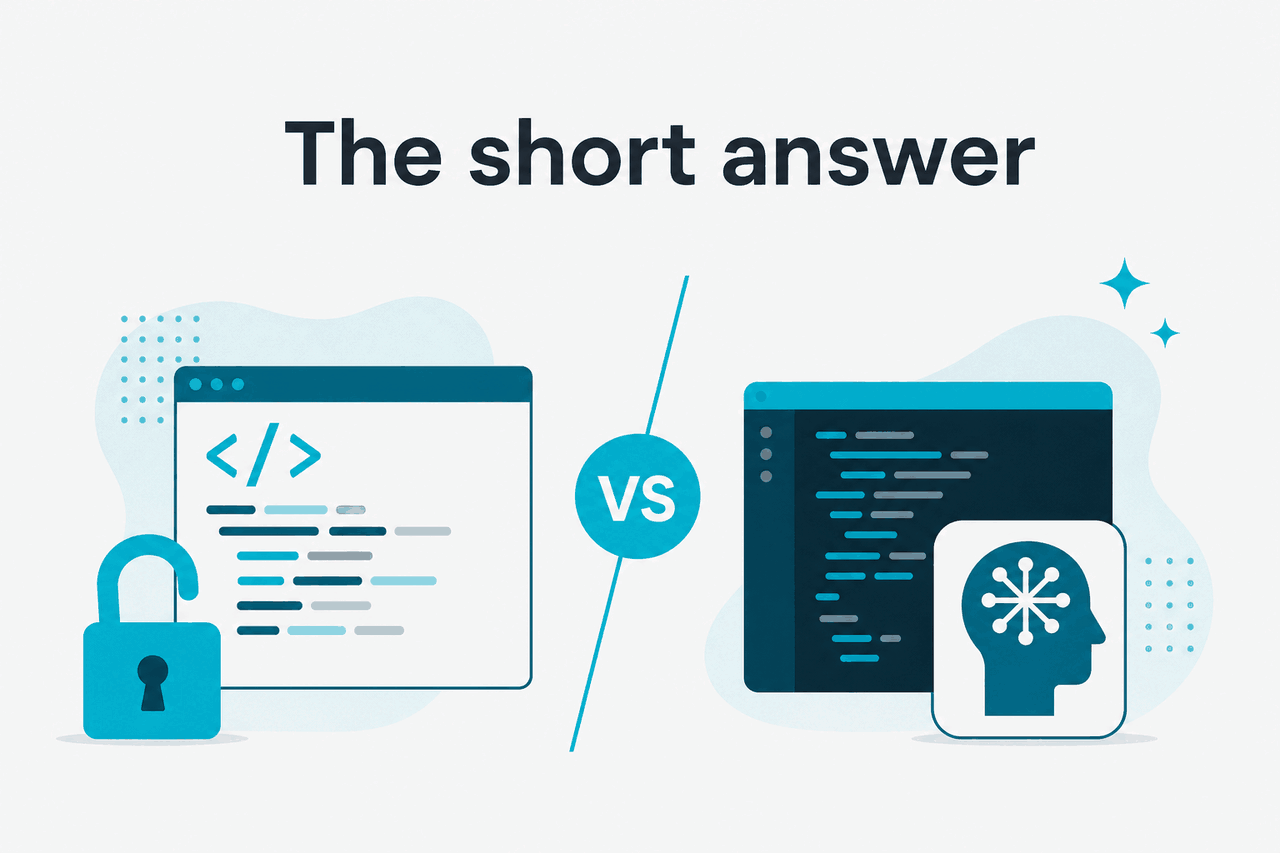
OpenCode and Claude Code are both AI coding agents, but they optimise for different kinds of control. OpenCode is the more portable choice if you want an open-source workflow and the option to bring your own model access. Claude Code is the better default if your team already uses Claude and wants the supported route through Anthropic’s tooling, plans, and model lineup.
- What it does · Both help inspect, edit, and reason about code from a terminal-style workflow.
- Where it runs · OpenCode is open-source and self-managed; Claude Code is Anthropic’s official coding agent.
- What it costs · OpenCode itself may be free, but model usage still costs money. Claude Code availability and limits depend on your Claude plan.
- Who it is for · OpenCode suits provider-flexible teams. Claude Code suits Claude users who want the official path.
The practical question is not “which one is smarter?” The model behind the agent matters more than the shell around it. If both tools use a strong Claude model, the bigger differences are setup, permissions, account management, update cadence, and vendor control.
Anthropic publishes Claude product and plan information at claude.com/pricing, model details in the Claude model documentation, and API pricing in the Claude API pricing docs. OpenCode is usually judged on openness, configurability, and independence from one product bundle.
How it works
Both tools sit between your codebase and a language model. You ask for a change, explanation, test, refactor, or debugging pass. The agent reads relevant files, proposes edits, and may run commands if you allow it.
You stay responsible for review. Check every patch. Read test output. Approve commands only when you understand what they will do.
Claude Code uses Anthropic’s official Claude product path. That can matter for account access, model availability, usage limits, and support. Current Claude plans include Free at $0, Pro at $20/month or $17/month annual, Max from $100/month, Team Standard at $25/seat/month or $20/seat/month annual, Team Premium at $125/seat/month or $100/seat/month annual, and Enterprise at $20/seat base plus API rates. See our Claude pricing guide for how those tiers fit together.
Free
$0
Basic Claude access with usage limits.
Pro
$20/month or $17/month annual
Paid individual access. Check official pricing for current Claude Code limits.
Max
From $100/month
Higher individual usage for heavier Claude workflows.
Team Standard
$25/seat/month or $20/seat/month annual
Team workspace features and administration.
Team Premium
$125/seat/month or $100/seat/month annual
Expanded team controls for larger deployments.
Enterprise
$20/seat base + API rates
Enterprise governance and usage-based API billing.
OpenCode works more like an independent agent layer. You configure it, connect it to a model provider, and run it inside your development environment. That gives you more choice, but it also puts more work on you. You need to manage credentials, provider billing, team conventions, and repository permissions.
-
Install and authenticate
For Claude Code, sign in through the official Claude path. For OpenCode, install the tool and configure the provider credentials you want to use.
-
Open a real repository
Run the agent inside a branch, not directly on production code. Use version control so every AI-generated edit is visible.
-
Ask for a narrow change
Start with a scoped request such as
Find why the login test fails and suggest the smallest fix. -
Review files before running commands
Check proposed edits first. Allow tests, linters, or build commands only when you understand what will run.
-
Commit only after verification
Treat the agent like a fast junior contributor. Keep useful patches. Reject vague changes, hidden side effects, and edits without tests.
Model choice also changes the result. Claude Opus 4.7 is the flagship model with a 1M context window and API pricing of $5/M input tokens and $25/M output tokens. Claude Sonnet 4.6 has a 1M context window, a 128K max output, and pricing of $3/M input tokens and $15/M output tokens. Claude Haiku 4.5 is the fastest low-cost option at $1/M input tokens and $5/M output tokens. For API-heavy coding agents, token use can become the real cost driver. See our Claude models guide for model-level context.
What you would actually do with it
The best way to compare OpenCode vs Claude Code is to look at everyday engineering tasks. These are not benchmark tasks. They are the small jobs that determine whether an agent earns a place in your workflow.
Worked example
Fix a failing test without rewriting the feature
Find the cause of the failing checkout test. Make the smallest safe fix and explain it.This is a good first task because it has a clear pass/fail signal. The agent should not redesign the checkout flow unless you ask for that.
1. Explain an unfamiliar codebase. A realistic prompt is: Map the request flow for a user changing their email address. List the main files, database writes, validation points, and tests. Claude Code can be useful when you already use Claude for research or long-context code reading. OpenCode can be useful when you want the same pattern inside a toolchain you control.
2. Refactor a small module. Try: Refactor this payment provider adapter to remove duplication. Keep the public interface unchanged and update tests only where needed. The key instruction is “keep the public interface unchanged.” Without that constraint, an agent may improve local code while breaking callers.
3. Generate a migration plan. Try: We need to move this endpoint from Express middleware to the new router. Do not edit files yet. Produce a step-by-step migration plan and identify risks. This is a good use for both tools because planning is lower risk than direct edits. It also shows whether the agent has understood the repository.
4. Add tests around a bug. Try: Create a failing test for this bug report before changing implementation code. Show me the test name and expected failure. This prompt forces the agent to work like a disciplined engineer. It helps prevent a “fix” that only handles the sample case.
5. Review a pull request locally. Try: Review the diff on this branch for risky changes, missing tests, and backwards compatibility issues. Do not modify files. This is one of the safest daily uses. You get a second pass before asking a human reviewer to spend time on the branch.
# Example prompts you can adapt

"Trace the source of this TypeScript error and propose the smallest fix."

"Find dead code related to the old billing gateway. Do not delete anything yet."

"Add unit tests for the edge cases in this parser. Keep production code unchanged."

"Explain what changed between main and this branch in plain English for a reviewer."
If you plan to use Claude through the API instead of a Claude subscription workflow, read our Claude API guide. API usage is billed by tokens, so repeated repository scans, long logs, and large context windows can be expensive if you do not control scope.
90% off
cached input tokens with prompt caching
Prompt caching can reduce repeated input costs when the same context is reused. Batch API can reduce both input and output token costs by 50%. These optimisations matter more for automated agent loops than for occasional manual prompts.
Vs. the alternatives
OpenCode and Claude Code are not the only options. Cursor, GitHub Copilot, Sourcegraph Cody, and other IDE assistants often fit developers who prefer inline autocomplete, chat beside the editor, and pull-request help. Terminal agents fit developers who want the assistant to operate over a repository, run commands, and produce patch-style changes.
| Tool type | Best use | Main trade-off | When to choose it |
|---|---|---|---|
| OpenCode | Open-source agent workflow with provider choice | You manage setup, credentials, and governance. | You want control over the agent layer and do not want to depend on one product bundle. |
| Claude Code | Official Claude coding agent experience | Less independent from Anthropic’s product direction. | You already use Claude and want the supported route with direct Claude integration. |
| Cursor-style AI editor | Chat and edits inside a code editor | Can be editor-dependent and less portable across teams. | You want AI assistance while staying inside the IDE. |
| GitHub Copilot-style assistant | Autocomplete, chat, and repository help inside common developer workflows | May be less suited to autonomous terminal-style tasks. | You want low-friction suggestions and broad IDE support. |
| Sourcegraph Cody-style assistant | Code search and codebase understanding | May require more setup around indexed repositories. | You work in large repos and value search-grounded answers. |
| Direct Claude API build | Custom internal coding tools and automated workflows | You own product design, safety controls, and cost management. | You need a bespoke workflow rather than an off-the-shelf agent. |
Pick OpenCode when
- You want an open-source tool you can inspect and adapt.
- You need freedom to route work through different model providers.
- Your team already has strong local security and credential practices.
- You prefer configuration over a managed product experience.
Pick Claude Code when
- You want Anthropic’s official coding agent.
- You already pay for Claude Pro, Max, Team, or Enterprise.
- You care more about a supported Claude workflow than provider portability.
- You want fewer moving parts for individual developers.
Security and admin controls can also drive the choice. Claude Team and Enterprise features may matter for organisations that need SSO, admin controls, shared workspaces, SCIM, audit logs, HIPAA-ready options, role-based access, spend controls, or regional data residency. Anthropic publishes trust information at trust.anthropic.com and service availability at status.claude.com.
For feature-level context across Claude’s broader product surface, see our Claude features guide. Coding agents are one part of the ecosystem. They do not replace Projects, Research, Office integrations, API workflows, or team administration.
Other questions readers ask
The honest take
For most Claude users, Claude Code is the simpler answer. It is the official route, it fits naturally with Claude subscriptions, and it reduces setup choices. If you want an AI coding agent mainly to fix tests, explain code, refactor modules, and help with pull requests, that convenience matters.
OpenCode is the better pick when control matters more than convenience. It gives you a more independent agent layer and can suit teams that want to choose their own provider path. The trade-off is operational. You must manage credentials, model costs, permissions, and team rules yourself.
Independent guide. Not affiliated with Anthropic. For the official Claude product, visit claude.ai.
Last updated: 2026-05-12
This article is part of the Claude Code hub on c-ai.chat.