If you searched for claude code vs code, the short answer is this: Claude Code is Anthropic’s AI coding tool, while VS Code is Microsoft’s code editor, so you are not choosing like-for-like products as much as deciding whether to use Claude inside or alongside your editor; this guide from c-ai.chat, an independent guide not affiliated with Anthropic, explains where each fits, how the workflow works, and when the combination makes sense.
- The short answer
- How it works
- What you’d actually do with it
- Vs. the alternatives
- Other questions readers ask
- The honest take
The short answer
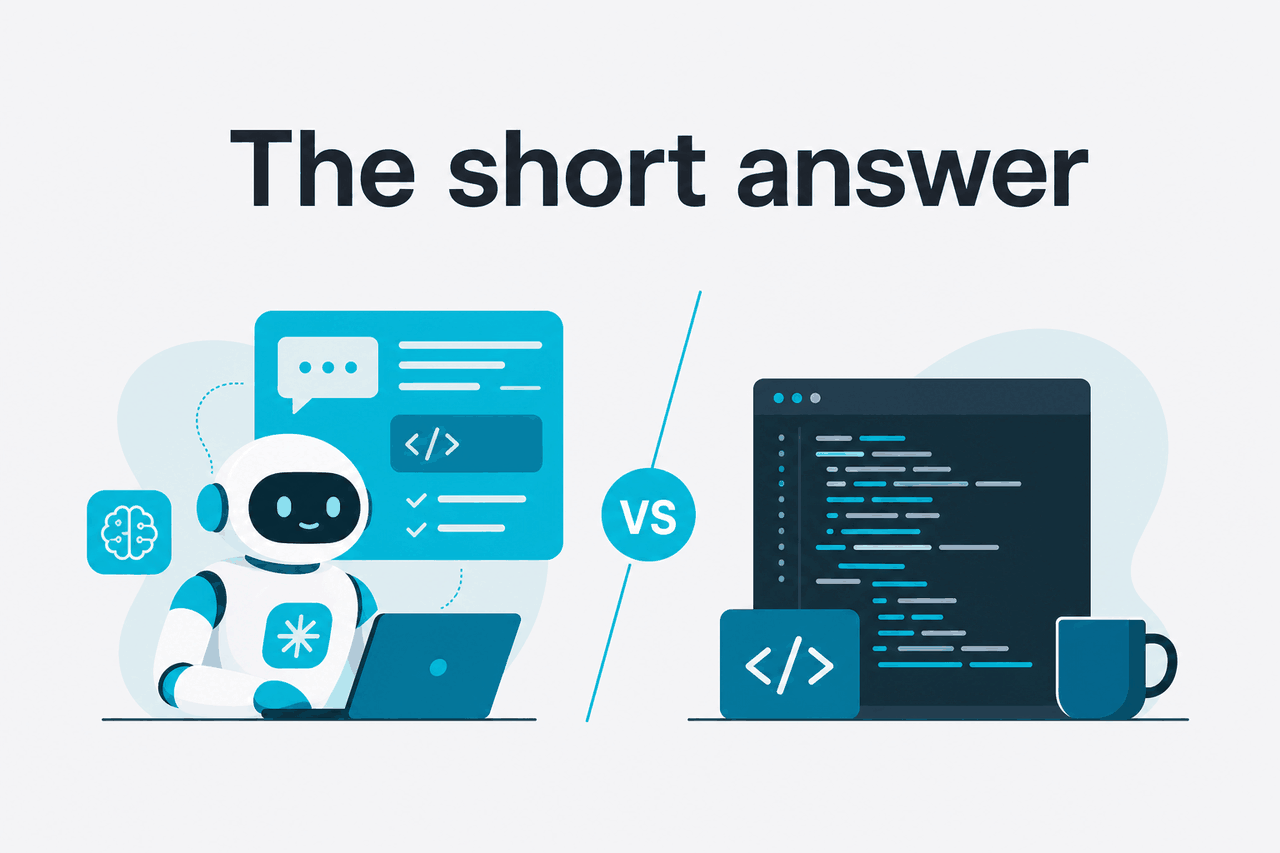
Claude Code is for AI-assisted software work. VS Code is a general-purpose editor and development environment. Many developers use both: VS Code for editing, terminals, extensions, and debugging; Claude Code for planning changes, reading a codebase, generating patches, and handling larger coding tasks with Claude models.
If you already use Claude Code, the practical question is not “which one replaces the other?” but “do I want Claude working through a coding interface, and do I prefer that inside my existing editor workflow?” If you mostly want an editor, install VS Code. If you want Claude to actively help write, explain, refactor, and inspect code, Claude Code is the AI layer you evaluate on top.
- What it does: Claude Code helps with coding tasks; VS Code is the editor itself
- Where it runs: Claude Code works as Anthropic’s coding tool; VS Code runs on desktop
- What it costs: Claude has Free, Pro at $20/month, and Max from $100/month
- Who it’s for: Developers who want AI help without leaving a real coding workflow
| Question | Answer |
|---|---|
| Is Claude Code the same as VS Code? | No. Claude Code is an AI coding product; VS Code is an editor. |
| Can you use them together? | Yes. That is the most common framing for most developers. |
| Does Claude replace your IDE? | Usually no. It helps with code tasks, but you still need an editor, terminal, testing flow, and source control. |
| Who should care? | Engineers comparing AI coding workflows, especially those already comfortable with VS Code. |
How it works

At a workflow level, Claude Code sits on the “reasoning and code generation” side of the stack, while VS Code sits on the “edit, run, debug, search, inspect, commit” side. That distinction matters because developers often search as if both are direct competitors. They overlap in day-to-day coding, but they solve different parts of the job.
In practice, you open your project, give Claude a task, let it inspect relevant files, and use its output to draft or modify code. Then you review, run tests, and keep working in your normal environment. If you are already comparing Claude’s broader capabilities, our Claude features guide gives the higher-level context beyond coding use cases.
What engineers care about most is the handoff. A useful AI coding workflow is not just “write some code for me.” It is: understand the repository, follow instructions, keep context across files, suggest safe edits, explain trade-offs, and help you iterate. Claude’s model access and pricing are documented by Anthropic on platform.claude.com and our Claude pricing guide covers the user-facing plans.
-
Open your repository in your normal editor
Most developers start in VS Code because that is where their files, terminal, extensions, and debugger already live.
-
Give Claude a specific coding task
Use instructions like
find the auth middleware, explain the request flow, and propose the smallest fix for token refreshrather than vague prompts. -
Let Claude inspect context
The useful part is not one-file autocomplete. It is understanding related files, dependencies, and the shape of the codebase.
-
Review the proposed changes
Check diffs, verify assumptions, and run tests. Claude can be very helpful, but you still own the final code.
-
Ship through your usual workflow
Commit, push, open a PR, and keep using your existing tools. Claude helps with the coding work; it does not replace your engineering process.
This is also why the comparison can feel confusing. Searchers often mean one of three things: Claude Code vs the AI tools inside VS Code, Claude Code vs using plain VS Code with no AI, or Claude Code vs other AI coding assistants that integrate with VS Code. Those are different comparisons. The next sections separate them.
What you’d actually do with it
The best way to judge Claude Code against an editor workflow is to look at real tasks. If your work is mostly single-line completions, you may not feel much difference. If your work involves reading unfamiliar code, planning edits across several files, or turning rough specs into working changes, the gap is easier to see.
Here are realistic examples of what developers actually ask Claude to do while keeping VS Code open for inspection, testing, and review.
1. Explain an unfamiliar codebase before you touch anything
Prompt example:
Scan this repository and explain:
1. where authentication starts
2. which services handle token refresh
3. where failed logins are logged
4. the smallest safe place to add rate limiting
This is where Claude is often more useful than plain editor search. VS Code can help you find strings and symbols quickly, but it does not itself assemble an explanation unless you add an AI layer. Claude Code is better suited to turning repository context into a written map you can act on.
2. Draft a narrow refactor without rewriting half the app
Prompt example:
Refactor the billing formatter so currency logic lives in one helper.
Do not change output format.
Update tests only where needed.
Show the diff in small steps.
This kind of instruction works well because it is constrained. You are not asking for a fresh application from scratch. You are asking for a specific improvement with boundaries. VS Code remains the place where you inspect the edits and run the test suite.
3. Generate tests from existing logic
Prompt example:
Read the validation rules in signup.ts and write Jest tests for:
- valid email
- disposable email rejection
- blocked domains
- password length edge cases
- missing consent flag
This is a common “high return, low risk” use case. Claude can save time drafting repetitive tests, but you still verify whether the tests reflect the real business rules rather than the model’s guess about them.
4. Turn a bug report into a debugging plan
Worked example
From bug report to fix plan
The gain is not blind automation. It is shortening the time from “I have a vague failure” to “I know where to inspect first.”
Prompt example:
The CSV export crashes on large accounts.
Read the export pipeline and give me:
- likely failure points
- how to reproduce locally
- the smallest change to reduce memory pressure
- tests I should add before merging
5. Create internal documentation from real code
Prompt example:
Write a short onboarding doc for the notifications service:
- architecture overview
- main entry points
- environment variables
- how to run tests
- common failure modes
This is a practical use case for teams. VS Code is not designed to create documentation from repository understanding on its own. Claude Code can draft it, and then the team edits for accuracy. If you need broader account or workspace context, see the main Claude guide and the product and admin details in Claude features.
Pick when
- You need help understanding multi-file code changes
- You want AI to explain, refactor, and draft tests
- You already like VS Code and want AI on top of your existing workflow
Skip when
- You only want a lightweight editor with no AI layer
- Your work is mostly manual debugging and UI inspection
- You expect AI output to be production-ready without review
Vs. the alternatives
If you are really comparing options, the more useful frame is not Claude Code vs VS Code alone. It is Claude Code vs plain VS Code, and Claude Code vs AI coding assistants you may use inside VS Code. The trade-offs come down to workflow fit, model preference, and how much repository-level reasoning you want.
| Option | What it is | Strength | Trade-off | Best for |
|---|---|---|---|---|
| VS Code alone | Editor and dev environment | Excellent editing, extensions, debugging, terminal, Git support | No built-in Claude-style reasoning by itself | Developers who just need an editor |
| Claude Code + VS Code | AI coding workflow plus familiar editor | Strong for explanation, refactoring, test drafting, multi-file tasks | You still need to review and validate output | Developers who want AI help without changing core editor habits |
| VS Code with another AI assistant | Editor plus extension-based coding AI | Tight editor integration and convenience | Quality depends on the assistant and task type | Users invested in a specific extension ecosystem |
| Claude via API tooling | Build your own integration using Claude models | Maximum control over prompts, context, and automation | More setup, engineering effort, and token cost management | Teams building custom workflows |
Claude’s model lineup matters here because coding quality, speed, and cost can vary depending on which model and interface you use. Anthropic lists current model options and pricing on platform.claude.com. If you are evaluating custom engineering workflows rather than end-user subscriptions, our Claude API guide is the better next read.
- Free plan available for Claude access
- Pro is $20/month or $17/month annual
- Max starts at $100/month for higher usage
- API is priced per million tokens
90% off
cached input tokens with prompt caching
That pricing detail matters mostly for teams building their own coding tools or automations around Claude. Anthropic also offers Batch API pricing at 50% off both input and output for suitable workloads, which can matter if you are generating large-scale code analysis or documentation jobs outside the main interactive editor flow.
Other questions readers ask
The honest take
“Claude Code vs VS Code” is slightly the wrong comparison. VS Code is the workspace. Claude Code is the AI helper for coding work. If you like your current editor setup and want stronger help with code explanation, refactors, tests, and repo-wide tasks, using Claude alongside VS Code is the sensible path.
If you are hoping Claude will replace your editor, debugger, terminal, and Git workflow, it will not. If you want AI that can help you reason through real engineering tasks while you keep your existing setup, it is worth trying. For subscription details, model access, and whether paid plans make sense for your workload, start with Claude pricing or the official product at claude.ai.
Independent guide. Not affiliated with Anthropic. For the official Claude product, visit claude.ai.
Last updated: 2026-05-12