mcp.json, usually committed as .mcp.json, tells Claude Code which Model Context Protocol servers to use for a project. c-ai.chat is an independent guide, not Anthropic; for the broader developer setup, see our Claude API and developer docs guide.
- The short answer
- How it works
- Practical examples
- Costs and plan impact
- How it compares
- When to use it
- FAQ
- Sources
The short answer
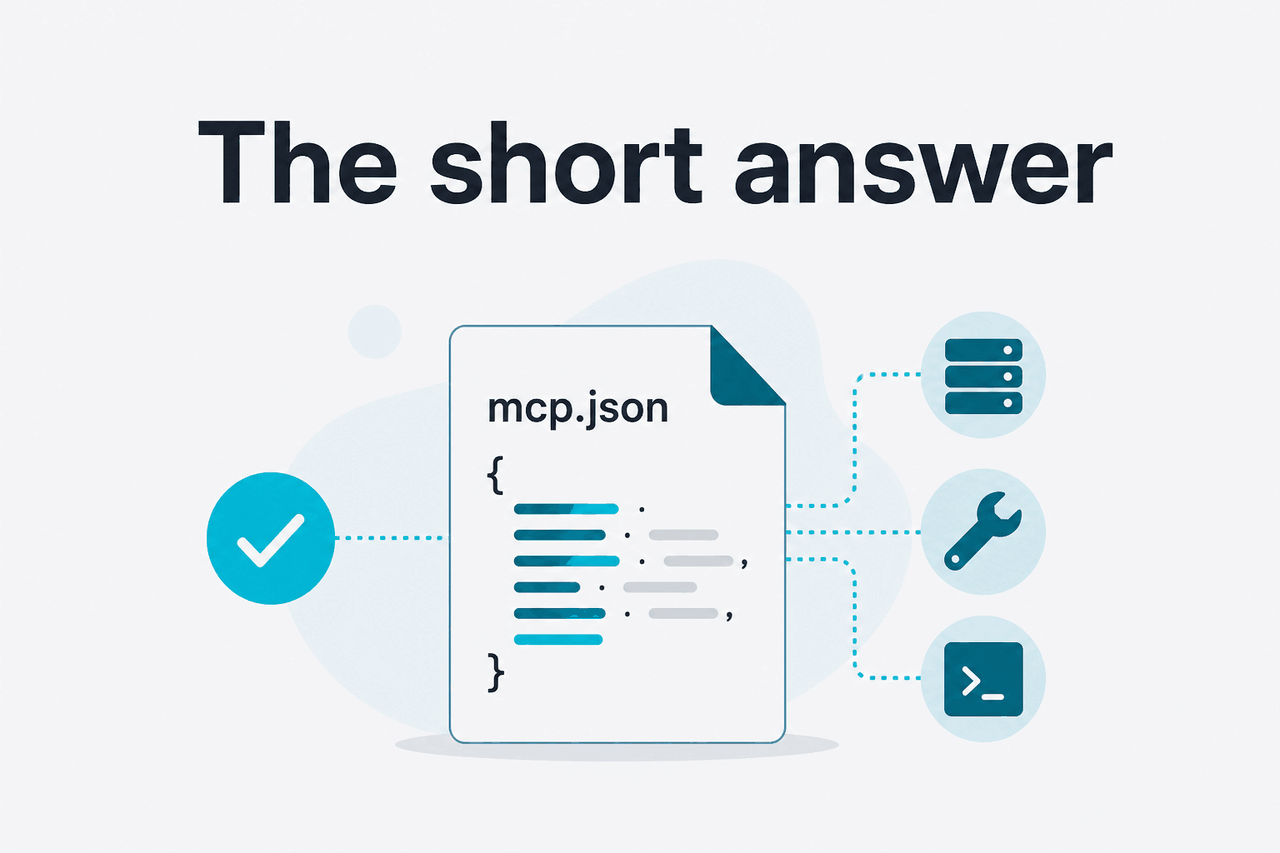
A .mcp.json file defines MCP servers for a Claude Code project, so Claude can connect to approved tools, databases, filesystems, browsers, issue trackers, or internal services through a standard protocol.
- What it does: maps server names to MCP commands or endpoints.
- Where it lives: usually at the repository or workspace root.
- What it costs: MCP has no separate fee; Claude usage still applies.
- Who should use it: developers who want repeatable tool access across a repo.
MCP stands for Model Context Protocol. Anthropic describes it as a common way for AI applications to connect to external tools and data sources. In Claude Code, a project-level .mcp.json file makes those connections repeatable for everyone working in the repository.
The file is not a prompt file. It is not Claude memory. It does not make Claude know your private systems by itself. It only tells the client how to launch or connect to MCP servers. Those servers then expose tools, resources, or prompts that Claude can request during a session, subject to permissions and client limits.
A simple project file can look like this:
{
  "mcpServers": {
    "filesystem": {
      "command": "npx",
      "args": [
        "-y",
        "@modelcontextprotocol/server-filesystem",
        "."
      ]
    }
  }
}
The server package, transport, and options depend on the MCP server and Claude Code version you use. Check Anthropic’s Claude Code MCP documentation and the server’s own documentation before committing a shared file.
How it works

Claude Code reads MCP configuration, starts or connects to the named MCP servers, and makes their exposed capabilities available during a coding session. A server might expose tools such as querying a database, opening a browser page, fetching a ticket, or searching internal documentation.
There are three separate parts:
- The Claude model reasons over your request.
- Claude Code provides the local developer interface.
- The MCP server connects Claude Code to a tool or data source.
The .mcp.json file connects those parts. Claude still decides when to request a tool, and Claude Code may ask you to approve sensitive actions.
Create or install an MCP server
Use a maintained server package, an internal server, or a remote endpoint. Confirm which transport it supports.
Add the server to the project
Create
.mcp.jsonat the repository root, or use the relevant Claude Code MCP command if your workflow manages configuration through the CLI.Start Claude Code in the repo
Run Claude Code from the project directory. Claude Code reads the configuration and prepares the named MCP servers.
Ask Claude to use the tool
Use a normal request, such as
Inspect the schema through the MCP database tool and suggest a migration plan.Review permissions and outputs
Check tool calls before accepting changes. Treat database writes, shell commands, browser automation, and production data access as sensitive.
Project-level configuration is useful because it travels with the codebase. If a repo depends on a local docs server, schema browser, or test-data tool, the team can define it once. New contributors can run Claude Code in the repo and get the same named tools, assuming they have the required dependencies and credentials.
Use local-only or user-level configuration for personal credentials, experimental servers, and private tools that should not affect the whole team. For product-level context, see our Claude features overview.
When reviewing a .mcp.json change in a pull request, treat it like a dependency or build-script change. Ask what executable it runs, where it connects, what data it can read, what actions it can take, and whether the server is pinned safely.
Practical examples
The value of .mcp.json is not the JSON itself. The value is repeatable, bounded access to the same tools your team uses to build and debug software.
Worked example
Give Claude Code safe access to repository files
Use narrow paths when possible. Do not expose a whole home directory for convenience.
Example project configuration:
{
  "mcpServers": {
    "repo-files": {
      "command": "npx",
      "args": [
        "-y",
        "@modelcontextprotocol/server-filesystem",
        "./src",
        "./docs"
      ]
    }
  }
}
Example prompt:
Use the repo-files MCP server to inspect the routing code.
Find where authentication is enforced.
Then propose the smallest patch to add a role check for admin-only routes.
A second common use case is database-aware development. Instead of pasting schema snippets into chat, expose a read-only schema inspection tool. This helps with migration planning, ORM refactors, and query debugging.
{
  "mcpServers": {
    "dev-db": {
      "command": "node",
      "args": [
        "./tools/mcp/dev-db-server.js"
      ],
      "env": {
        "DATABASE_URL": "${DATABASE_URL}"
      }
    }
  }
}
Example prompt:
Inspect the dev database schema through the dev-db MCP server.
Compare it with the Prisma schema in this repo.
List any mismatches before writing code.
Keep production credentials out of shared configuration. Prefer a local development database, a read-only role, or a generated schema server.
A third use case is browser or UI testing. An MCP server can expose controlled browser automation so Claude can reproduce a bug, inspect page state, or verify a local UI flow. Avoid real accounts and sensitive sessions unless your team has reviewed the setup.
Start the app with npm run dev.
Use the browser MCP tool to open the signup page.
Reproduce the validation bug described in issue AUTH-142.
Then suggest a failing test before changing implementation code.
A fourth use case is connecting project work to issues or internal documentation. A team might expose a ticketing server, documentation search service, or internal API catalog. Claude can then connect code changes to the relevant issue, product requirement, or service contract.
Use the docs MCP server to find the current webhook retry policy.
Then update the payment webhook handler to match it.
Show the files you plan to edit before making changes.Costs and plan impact
MCP does not add a separate Anthropic fee. Costs come from the Claude product plan, API usage, or model calls behind the workflow. See our Claude pricing guide for a broader breakdown.
Claude app plans
Free is $0. Pro is $20 per month, or $17 per month annually. Max starts from $100 per month.
Team plans
Team Standard is $25 per seat monthly, or $20 per seat annually. Team Premium is $125 per seat monthly, or $100 per seat annually.
Enterprise
Enterprise uses a $20 per-seat base plus API rates.
For API usage, current reference prices are Opus 4.7 at $5 input and $25 output per million tokens, Sonnet 4.6 at $3 input and $15 output per million tokens, and Haiku 4.5 at $1 input and $5 output per million tokens. Opus 4.7 and Sonnet 4.6 support a 1M context window. Sonnet 4.6 supports up to 128K output tokens.
Prompt caching can reduce cached input cost by 90%. Batch API processing gives 50% off both input and output. These discounts matter if your MCP workflow repeatedly sends the same repository, schema, or documentation context through the API.
How it compares
.mcp.json is not a replacement for an AI code editor, autocomplete tool, or chat sidebar. It is a configuration pattern for connecting Claude Code to external capabilities. The closest comparison is how different coding assistants attach context, tools, repositories, terminals, or integrations.
| Option | Best fit | How tool context works | Trade-off |
|---|---|---|---|
Claude Code with .mcp.json | Terminal-first developers and teams that want shared project tooling | Project-level MCP servers expose tools and resources to Claude Code | Requires configuration and trust review |
| AI-first code editors | Developers who want assistant features inside the editor | The editor indexes files and provides code context through built-in features | Tool wiring depends on the editor’s supported integrations |
| Autocomplete assistants | Inline suggestions, edits, and common coding tasks | Uses IDE context, chat context, and supported repository integrations | Convenient, but not the same as a shared project MCP file |
| Code search platforms | Large codebase search and enterprise code intelligence | Uses indexed code context and search infrastructure | Good for discovery, less focused on local tool orchestration |
| Custom scripts without MCP | Teams with narrow automation needs | Developers run scripts manually and paste results into chat | Simple, but repetitive and harder for Claude to call during a session |
The practical question is where you want the assistant to live. If you want inline completions, an editor-native assistant may be easier. If you want a terminal-based workflow that coordinates repository edits with explicit external tools, Claude Code plus MCP is a better match.
Use it when
- You use Claude Code for regular development work.
- Your repo benefits from shared tool configuration.
- You can review and maintain MCP servers like dependencies.
- You want Claude to inspect approved systems instead of relying on pasted context.
Skip it when
- You only need autocomplete in an IDE.
- Your team cannot review what a server can read or execute.
- The tool would need broad production access.
- A simple README command is enough.
When to use it
Use .mcp.json when Claude Code needs the same tools every time it opens a project. It gives a team one clear place to define MCP servers for a repo. That can reduce copy-paste context and make AI-assisted work more consistent.
The file is small, but the security implications are not. A server can expose real data or actions. Review configuration before sharing it.
If you are experimenting alone, start with local configuration and one low-risk server. If your team adopts MCP, commit only the safe shared pieces and document what each server does. For model selection context, see our Claude models guide. For general Claude questions, see our Claude FAQ.
FAQ
Is the file named mcp.json or .mcp.json?
In Claude Code project workflows, the shared project file is commonly referred to as .mcp.json because it is a dotfile in the repository. Searchers often type mcp.json without the leading dot. Check the current Claude Code docs before changing repo conventions.
Should .mcp.json be committed to Git?
Commit it only when the configuration is safe and useful for the whole project. Do not commit tokens, private URLs that should not be public, personal file paths, or one-off experimental servers. A good shared file uses environment variable placeholders and clear server names.
Can .mcp.json run arbitrary commands?
A local MCP server entry can point to a command, so review it carefully. Treat changes like package scripts, build steps, or CI configuration. If you do not understand what a command starts, do not approve it.
Does MCP work only with Claude?
No. MCP is designed as a protocol for connecting AI applications with tools and data sources. Claude Code is one important client, but the protocol is broader than one product. Use Anthropic’s documentation for Claude-specific behavior.
Why is my MCP server not showing up in Claude Code?
Common causes include invalid JSON, running Claude Code from the wrong directory, missing packages, unsupported server options, failed environment variables, or a server process that exits immediately. Validate the file, run the server command manually, and check Claude service status if the issue looks service-related.
Can I put API keys in .mcp.json?
Do not put API keys directly in a shared .mcp.json file. Use environment variables, local configuration, or a secrets manager. Assume a project-level file may be committed, copied, reviewed, or indexed.
Does .mcp.json make Claude more accurate?
Not by itself. It can improve Claude Code’s access to relevant tools and data, which may improve the workflow. Claude can still misunderstand outputs, call the wrong tool, or propose flawed code. Review its work.
Independent guide. Not affiliated with Anthropic. For the official Claude product, visit claude.ai.
Last updated: 2026-05-12
This article is part of the Claude Code hub on c-ai.chat.