“Coworking” with Claude does not mean sitting in a shared room with it. It means building workflows around Claude’s agentic execution — handing off multi-step tasks, letting them run, and picking up the finished files. This guide covers practical coworking workflows using Claude Cowork, the feature that carries out knowledge work for you. For the basics first, see our Cowork hub.
For a curated set, see our Claude Cowork plugins list.

- What “coworking” with Claude really means
- A delegate-and-review workflow
- Handing off across your own devices
- A recurring reporting workflow
- Where a human still has to lead
- Sources
What “coworking” with Claude really means
The mental model is delegation, not company. You are not co-editing a live document with the AI in real time, and you are not joining a shared team session with it. You are assigning work to an agent that plans, executes, and returns a deliverable — then reviewing and directing the next step. “Coworking,” in this sense, is the rhythm of briefing, running, and reviewing, repeated. It happens to be a solo activity between you and your agent, even though the output can feed a whole team.
- Coworking = delegate → run → review, on repeat
- Tasks run remotely; close your laptop and they continue
- Paid plans only — Pro, Max, Team, Enterprise
A delegate-and-review workflow
The core loop is simple and repeatable: Tasks that need local files, your browser, or computer use still require the Claude Desktop app and that device to stay available.
-
Frame the deliverable
Write a brief with the objective, inputs, format, and what “done” looks like. Attach the real source material rather than describing it.
-
Hand it to Cowork and let it run
Start the task and step away. The agent works through the steps on Anthropic’s servers; you do not need to babysit it.
-
Review the finished file
Open the actual deck, sheet, or document. Check the parts that carry risk — numbers, claims, structure.
-
Direct the next pass
Give targeted feedback for a revision, or split off a follow-up task. Iterate until it is ready to share.
Handing off across your own devices
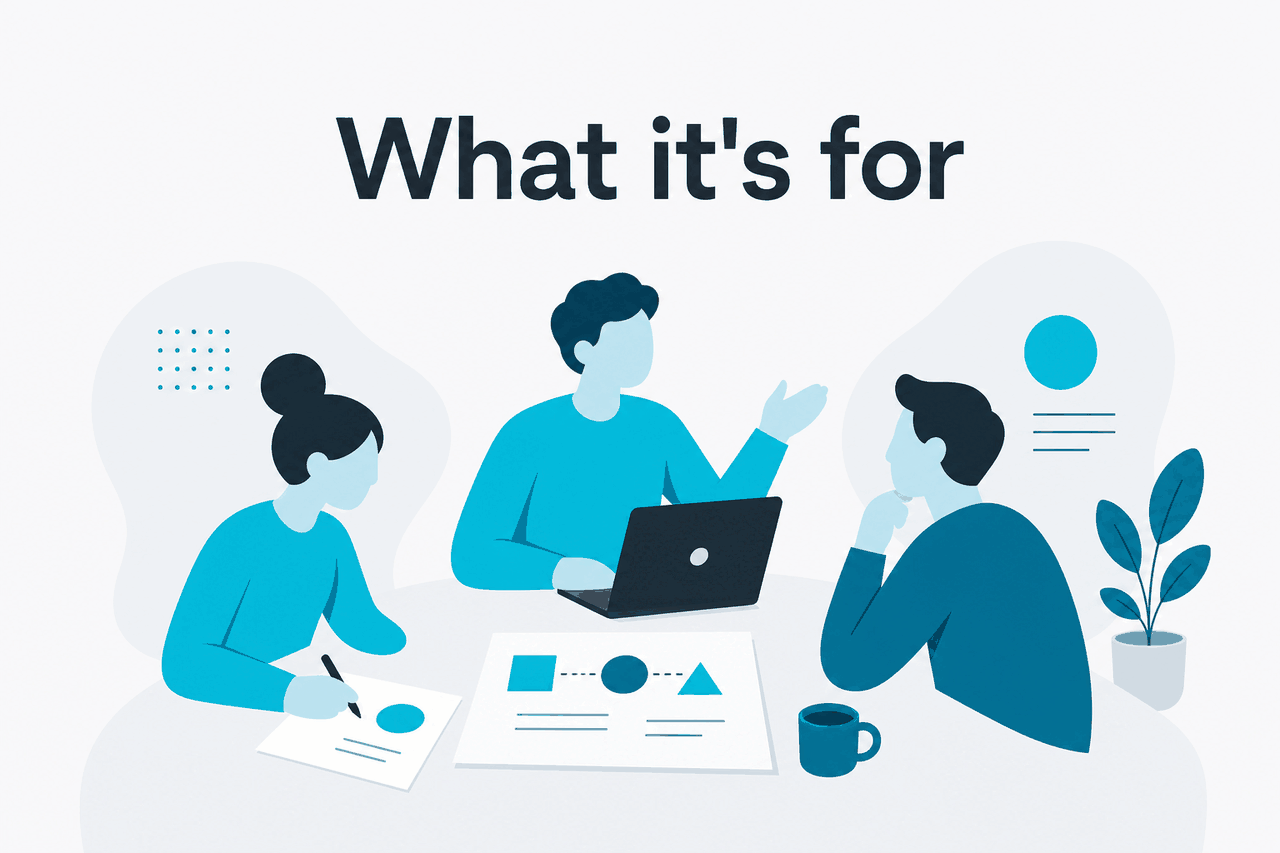
Because Cowork’s work runs server-side, you can move between your own devices without losing the thread. Kick off a task on the desktop app before a meeting, then check progress from the web app afterwards — same account, same task. This same-user, cross-device handoff is genuinely useful for a workday that moves around. It is worth being precise, though: this is you resuming your own session on another device, not a second person joining a live session. Cowork sessions currently cannot be shared with other users; Team and Enterprise users can share supported live artifacts within their organisation.
A recurring reporting workflow
Recurring deliverables are a natural fit. Say you produce a weekly summary from fresh numbers. Each cycle you hand Cowork the latest data with the same brief, let it build the spreadsheet and the write-up, review, and ship. The workflow stays consistent while the inputs change, which is exactly the kind of repeatable knowledge work agentic execution handles well. Keep a saved version of your brief so each run starts from the same clear instructions.
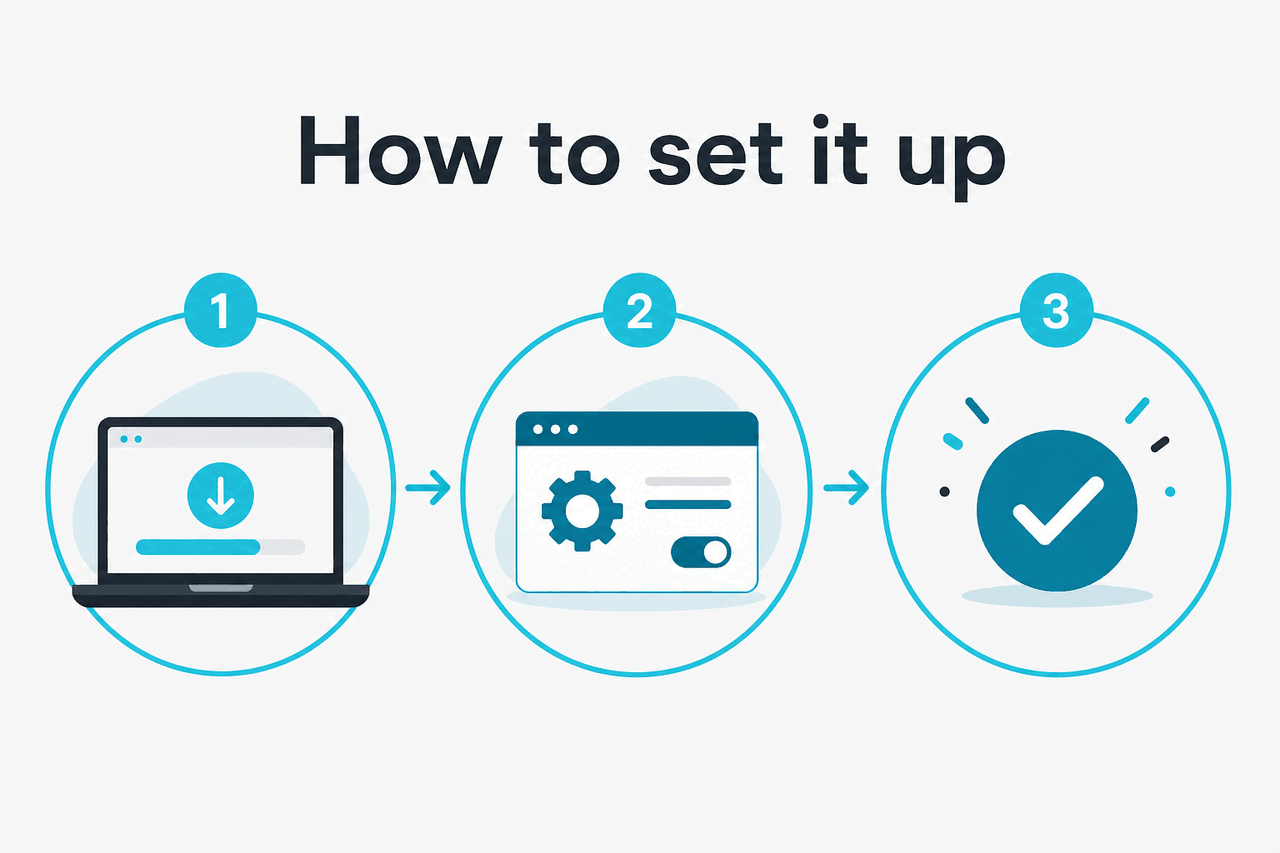
In practice, most people pair Cowork with the collaboration tools they already use rather than replacing them. Cowork produces the artifact — the deck, the model, the write-up — and your existing chat, docs, and project tools are where the team then discusses, edits, and shares it. Keeping that division clear, with the agent for production and your own tools for real-time teamwork, is what makes the workflow sustainable instead of trying to force every part of the job through a single surface.
Where a human still has to lead
Coworking with an agent shifts the labour, not the accountability. You still set direction, make judgement calls, and own the result.
- Framing the goal. The agent executes; deciding what is worth doing is on you.
- Final review. Read the output and verify anything load-bearing before it goes out.
- Real-time teamwork. Live human collaboration still happens in your team’s own tools; Cowork is not a chat room.
- Sensitive inputs. Decide what material is appropriate to share with the agent.
For prompt-craft that makes these workflows smoother, see our Cowork tips, and for task ideas, the use cases guide.
c-ai.chat is an independent guide to Claude and is not affiliated with Anthropic. Claude Cowork is an official Anthropic product; use it inside the Claude apps at claude.ai.
Facts verified: 2026-07-14