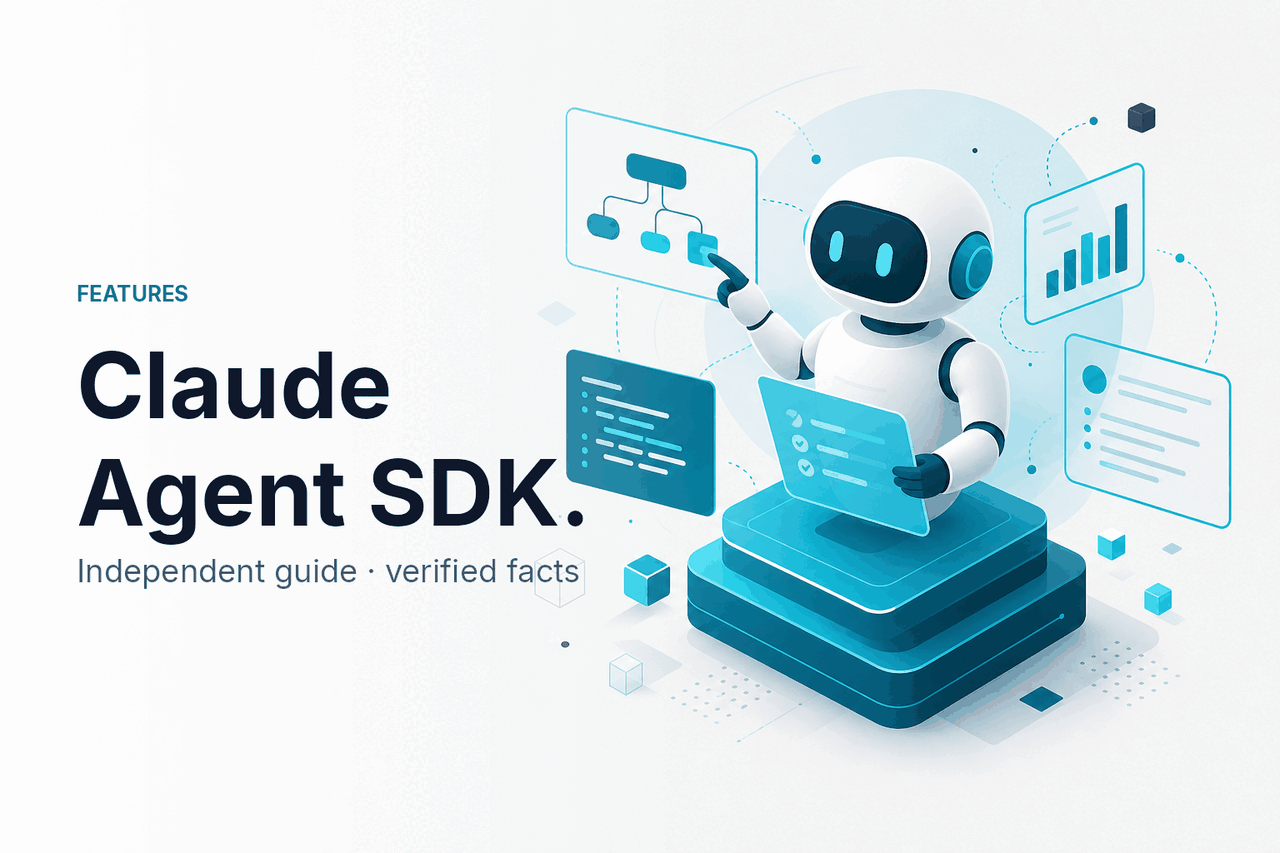
The Claude Agent SDK helps developers build Claude-powered agents that can plan steps, call approved tools, stream progress, and return structured results inside their own applications; this independent guide explains how it fits into the wider Claude AI ecosystem.
- What it does at a glance
- How it works
- When it helps
- What it cannot do
- FAQ: common questions
- The honest take
- Sources
What it does at a glance
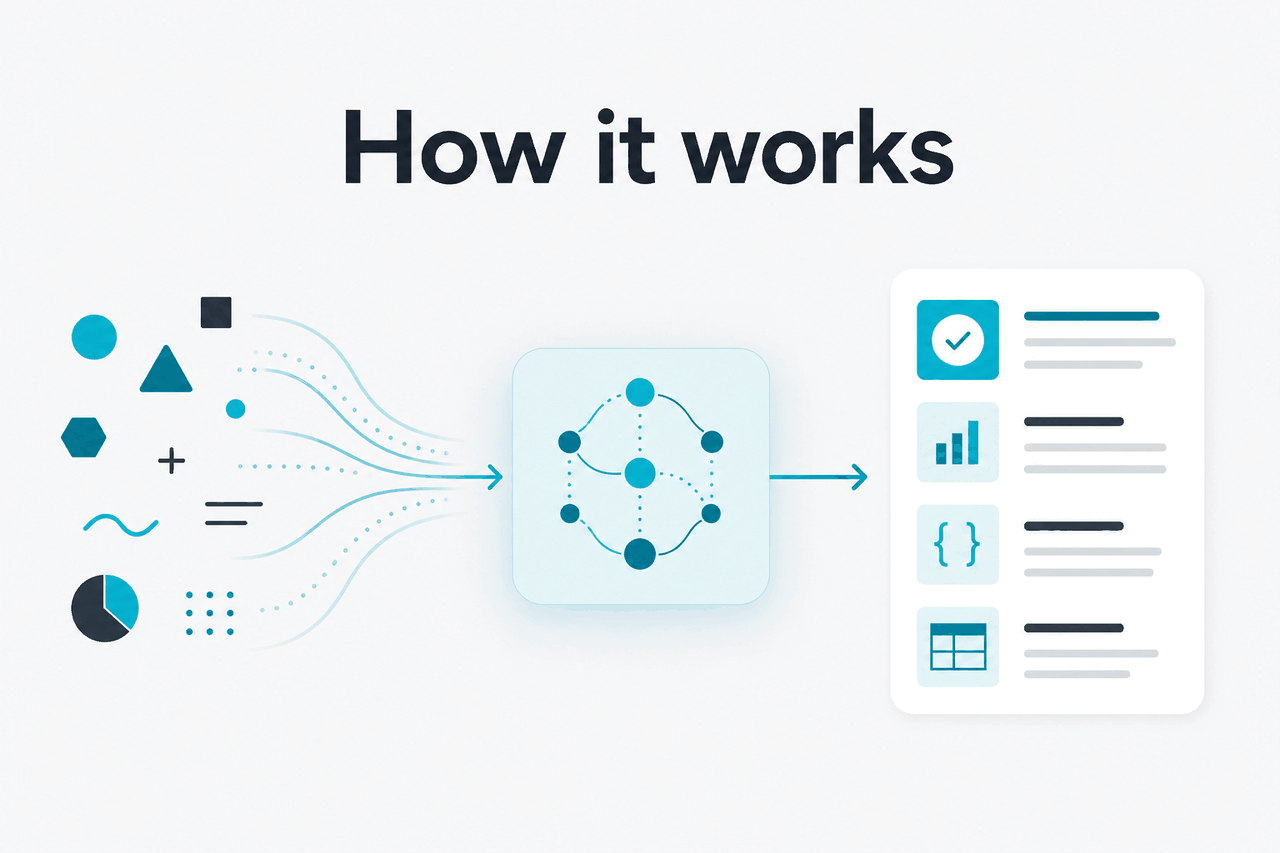
The Claude Agent SDK is for developers who want Claude to handle multi-step work, not just answer a single prompt. Your application gives Claude a goal, exposes approved tools, validates tool calls, and decides when to stop.
This is different from using claude.ai in a browser. Claude.ai is the official product for direct use. The SDK approach is for teams building agents inside products, internal tools, command-line workflows, or controlled business systems. For product-level capabilities, see our guide to Claude features. For developer entry points, see Claude API documentation.
Think of the SDK as orchestration around Claude. The model generates text, tool requests, and structured responses. Your application controls the loop, permissions, logging, retries, limits, and user review.
How it works
An agent is a controlled loop around a Claude model. Your application sends the goal, system instructions, conversation context, and a list of tools Claude may request. Claude replies with either an answer or a tool-use request. Your code decides whether to run that tool, sends the result back, and lets Claude continue.
Control matters. Claude does not automatically get access to your file system, customer database, shell, email account, payment system, or private APIs. You define the tools, accepted arguments, validation rules, permissions, and stop conditions.
Worked example
Customer-support triage agent
This pattern keeps Claude useful without giving it unrestricted access to production systems.
A typical implementation has five parts:
- Model selection: choose the Claude model that fits the task, latency target, and budget.
- Instructions: define the agent’s role, boundaries, escalation rules, and output format.
- Tools: register functions, APIs, retrieval systems, file operations, or other approved actions.
- Runtime: handle tool calls, stream progress, validate inputs, and return tool results to Claude.
- State and governance: store only what you need, with privacy, retention, and audit rules that match your policy.
Claude Opus 4.7
Use for the hardest reasoning-heavy and long-context agent tasks.
$5 per million input tokens · $25 per million output tokens · 1M context
Claude Sonnet 4.6
Start here for most agents that need a balance of capability, speed, and cost.
$3 per million input tokens · $15 per million output tokens · 1M context · 128K max output
Claude Haiku 4.5
Use when cost and latency matter more than depth.
$1 per million input tokens · $5 per million output tokens
For model trade-offs beyond agent use cases, see our Claude models guide. For billing details across subscriptions and API usage, see Claude pricing.
| Layer | What it does | Who controls it |
|---|---|---|
| Claude model | Interprets the task, reasons over context, drafts answers, and requests tools | Anthropic provides the model; you choose which model to call |
| Agent SDK | Helps manage the loop between model messages, tool calls, and results | Your application configures the behaviour |
| Tools | Perform actions such as search, retrieval, file operations, or API calls | Your code defines and validates them |
| Guardrails | Set permissions, limits, logging, human review, and stop conditions | Your engineering and security teams |
| User interface | Shows progress, accepts input, and returns the final result | Your product or internal workflow |
Claude app plans and API usage are separate concerns. Claude.ai plans include Free at $0, Pro at $20 per month or $17 per month annually, Max from $100 per month, Team Standard at $25 per seat or $20 per seat annually, Team Premium at $125 per seat or $100 per seat annually, and Enterprise at a $20 per seat base plus API rates. Agent applications that call Claude through the API are billed by token usage.
Prompt caching can reduce cached input cost by 90%. The Batch API can reduce both input and output cost by 50% for eligible asynchronous jobs.
When it helps
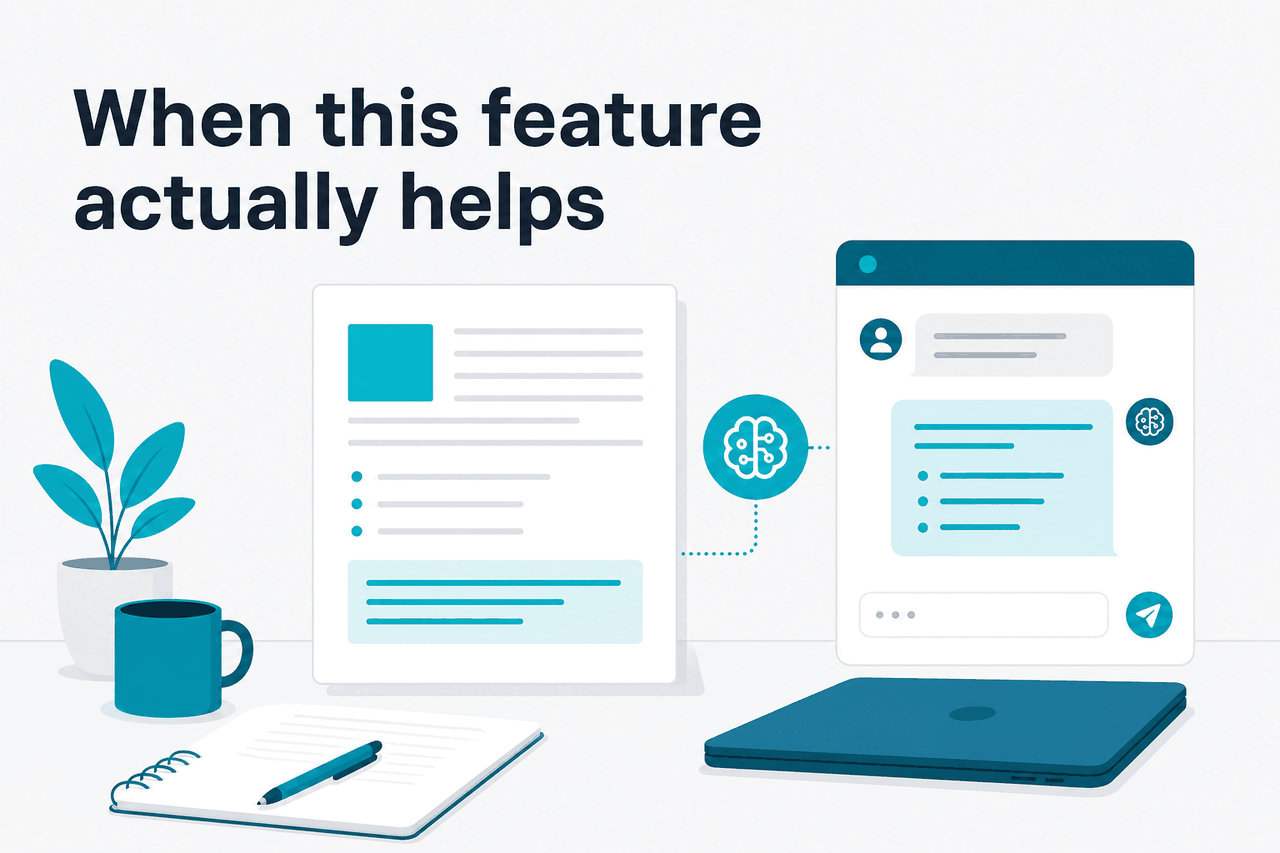
The Claude Agent SDK is most useful when a task needs several decisions, external information, and controlled action. It is less useful for a single prompt that only needs a direct answer.
Internal research assistants are a strong fit. An agent can search approved document stores, read relevant files, compare sources, and produce a cited brief. The value comes from connecting Claude to reliable retrieval tools and requiring citations for claims.
Developer productivity tools can also benefit. An agent can inspect a repository, explain a failure, propose a patch, run tests if permitted, and prepare a pull request summary. If the task is only personal coding help, an official Claude coding workflow may be simpler. If you need a branded or policy-controlled assistant, an SDK approach is more flexible.
Operations workflows work best with read-only access at first. An agent can inspect an alert, gather log context, check a runbook, classify severity, and draft an incident note. Risky actions, such as changing infrastructure or notifying customers, should require approval.
Sales and customer-success workflows can use agents to prepare account summaries, compare CRM notes with recent messages, and draft follow-ups. The safe pattern is to let Claude draft and recommend while your application controls sending, editing, and audit history.
Document-heavy processes are another practical match. Contract review, policy comparison, procurement intake, and compliance checklists often need long context and repeated checks. Claude’s long-context models can help, but retrieval design and validation still matter.
Pick when
- The task has multiple steps and later steps depend on earlier results.
- You need Claude to use tools, not just produce text.
- You can define safe permissions and clear stop conditions.
- You want to embed an agent inside your own product or workflow.
Skip when
- A normal Claude chat prompt answers reliably.
- You cannot safely expose the needed tools or data.
- The workflow needs guaranteed deterministic behaviour.
- You do not have engineering time for monitoring, evaluation, and guardrails.
What it cannot do
The Claude Agent SDK does not make Claude fully autonomous, perfectly accurate, or automatically safe. It gives developers a way to build agent workflows. The quality of those workflows still depends on model choice, tool design, instructions, evaluations, monitoring, and human review.
- It can still make mistakes. Claude may misunderstand a task, choose the wrong tool, miss a relevant document, or produce an answer that needs checking.
- It cannot use tools you have not provided. If the agent needs a database, search index, file store, or API, your application must expose that capability safely.
- It does not remove rate limits or pricing. Agent runs still consume API tokens and remain subject to Anthropic platform limits and account settings.
- It is not deterministic software. You can constrain outputs and use structured formats, but model behaviour can vary. Critical systems need validation and fallback paths.
- It should not receive broad production permissions by default. Destructive actions need scoped access, confirmations, logging, and often human approval.
- It does not replace compliance review. If you handle regulated data, review Anthropic’s trust, privacy, and enterprise controls through official channels such as the Anthropic Trust Center.
Security is not only a model issue. An agent can be exposed to prompt injection through documents, web pages, emails, tickets, or any other untrusted text it reads. Your application should separate instructions from data, validate tool arguments, restrict tool permissions, and prevent retrieved content from overriding system rules.
Production systems should also monitor the official Claude status page and handle upstream service disruption gracefully.
FAQ: common questions
Is the Claude Agent SDK the same as the Claude API?
No. The Claude API is the lower-level way to send messages to Claude models and receive responses. The Agent SDK pattern sits above that by helping manage multi-step behaviour, tool calls, workflow state, and progress updates.
Do I need the SDK to build with Claude?
Not always. If your app only needs a single prompt, structured extraction, classification, or a standard chatbot, the API may be enough. Use the SDK when your product needs repeated steps, tools, approvals, and agent-style control flow.
Can a Claude agent browse the web or access my files?
Only if your application gives it a tool that can do that. Claude does not automatically receive browser, file, database, or system access from the SDK alone.
Which Claude model should I use for an agent?
Start with Claude Sonnet 4.6 for balanced cost and capability. Use Claude Opus 4.7 for the hardest long-context and reasoning-heavy work. Use Claude Haiku 4.5 when speed and cost matter more than depth.
Can I use the Claude Agent SDK for production systems?
Yes, but treat it like application infrastructure. Add scoped permissions, logging, evaluations, monitoring, retry handling, and human approval for risky actions.
Does an agent remember everything by default?
No. Your application decides what context to send, what state to store, and how long to retain it. Do not assume long-term memory unless you build it deliberately.
Where should I start if I am new to Claude development?
Start with the basics in our Claude API guide, then compare model choices in Claude models. If you need broader learning material, see Claude resources.
The honest take
The Claude Agent SDK is worth considering when you are building a real agent, not just adding Claude to a text box. Its value is the control loop: Claude can reason over a goal, ask to use approved tools, process results, and continue until the task is complete or a limit is reached.
Do not treat it as a shortcut around design work. The hard parts remain yours: permissions, data access, cost control, evaluations, user experience, and failure handling. Start narrow. Log important events. Keep humans in the loop for risky actions. Expand only after the agent works well on real examples.
Independent guide. Not affiliated with Anthropic. For the official Claude product, visit claude.ai.
Last updated: 2026-05-12