Claude imagine is not a separate Anthropic product; it is best understood as using Claude to turn a text brief, screenshot, or rough idea into UI concepts, page structure, component copy, and front-end mockup code. c-ai.chat is an independent guide, not Anthropic, and this page explains what Claude can realistically do for mockup generation, where it helps, where it falls short, and what to use alongside it.

If you are comparing Claude features more broadly, start with our Claude guide, then see related coverage on Claude features, Claude models, Claude Code, and the Claude API.
- What it does at a glance
- How it works
- When this feature actually helps
- What it can’t do
- Other questions readers ask
- The honest take
What it does at a glance
Claude imagine usually means asking Claude to generate interface ideas from a prompt: landing pages, dashboards, onboarding flows, email layouts, wireframes in HTML, or annotated component specs. It does this well when you want structure, copy, hierarchy, and implementation-ready markup fast. It is less useful if you expect a polished visual design tool, pixel-perfect Figma replacement, or one-click production app builder.
- Turns prompts into wireframes, page sections, and UI copy
- Accepts screenshots and can analyse existing layouts
- Outputs code such as HTML, CSS, and component ideas
- Works best as a planning and drafting tool, not a final design editor
In practice, most people use Claude imagine for early product design work: “make me a SaaS pricing page,” “turn this messy brief into a dashboard layout,” or “rewrite this mobile checkout to reduce friction.” That makes it closer to a smart UI planning assistant than a pure image generator. If you are working inside development workflows, the overlap with Claude Code matters because Claude can move from mockup ideas into editable front-end code.
How it works
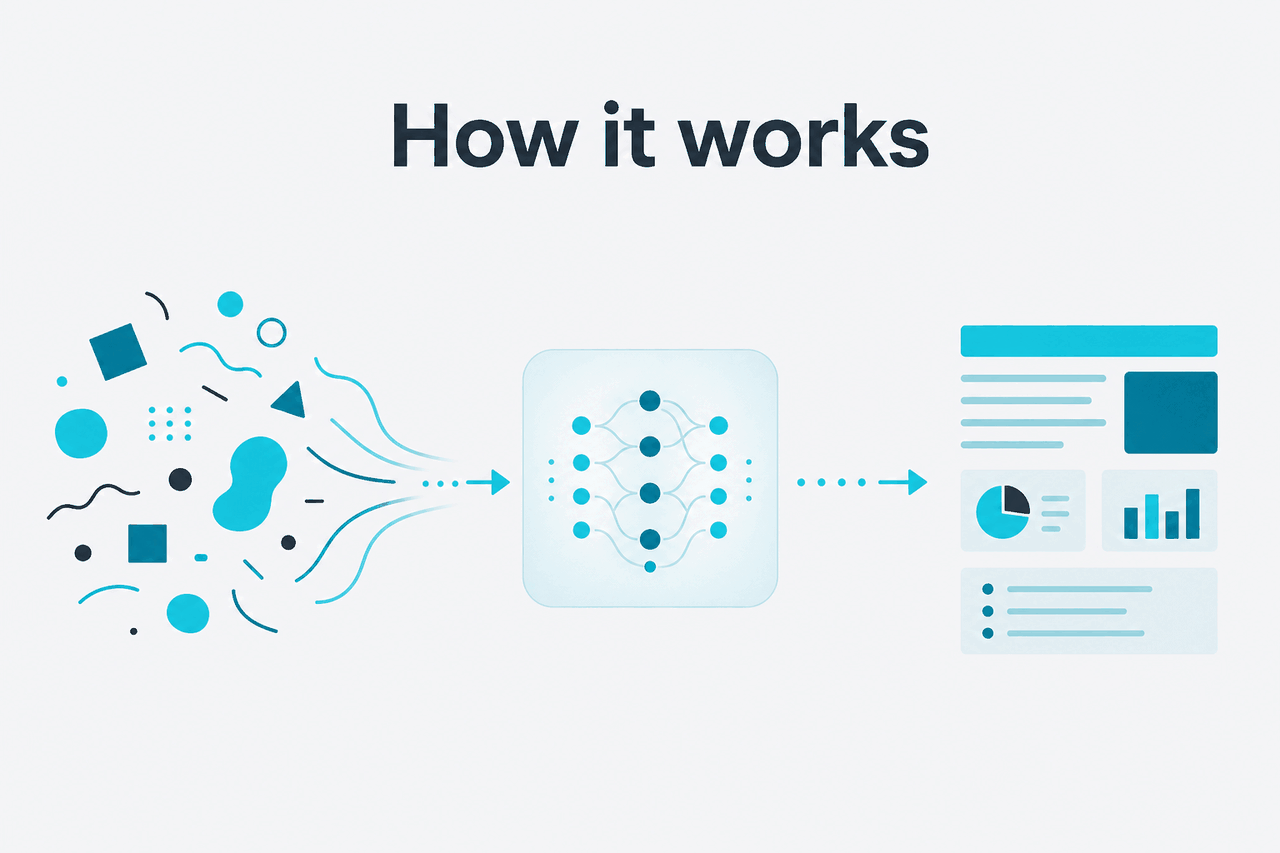
Claude does not “imagine” interfaces by drawing pixels the way a dedicated design canvas tool does. It predicts useful output from your instructions and any context you provide, such as screenshots, existing page copy, component requirements, brand rules, or user goals. From that input, it can propose information hierarchy, screen sections, UX patterns, button labels, placeholder content, and code structures that match the brief.
The quality depends mostly on the prompt and the context window. A vague request like “make a better homepage” tends to produce generic output. A concrete brief works better: target audience, page goal, tone, required sections, device constraints, and examples of what to avoid. In the Claude ecosystem, this can happen in the Claude app at claude.ai or through the developer platform at platform.claude.com if you want programmatic generation using the models and API.
Worked example
Turning a rough brief into a usable landing-page mockup
Claude is strongest when you treat the first draft as a fast starting point, then iterate with constraints.
This is also why model choice matters. For larger product specs, multi-screen flows, or detailed reasoning about user journeys, stronger models are usually more reliable. Anthropic lists Claude Opus 4.7 as the flagship model, Claude Sonnet 4.6 as the default balance, and Claude Haiku 4.5 as the faster lower-cost option on its official pricing and model pages. If you are choosing for build speed versus output quality, see our overview of Claude models.
When this feature actually helps
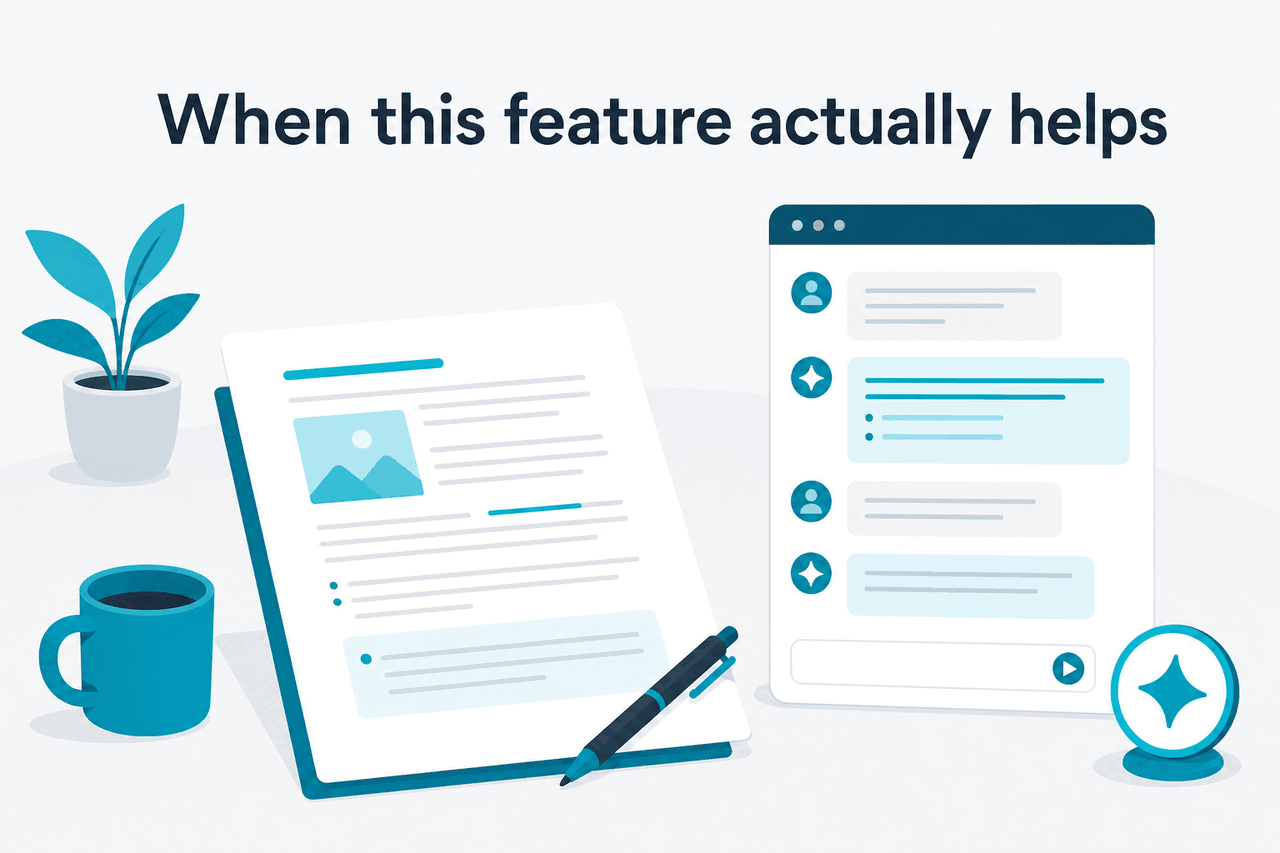
Claude imagine helps most when the job is still fuzzy but needs structure fast. It is useful for framing a product idea, clarifying screen content, testing alternate layouts, and giving developers or designers a concrete first draft to react to instead of a blank page.
- Landing page drafting: Generate headline options, section order, CTA placement, pricing copy, and FAQ modules from a product brief.
- Dashboard planning: Map cards, tables, charts, filters, empty states, and user actions for internal tools or SaaS products.
- Form and onboarding design: Reduce friction by reorganising steps, labels, helper text, validation states, and completion messages.
- Screenshot-to-spec workflows: Upload an existing screen and ask Claude to explain the layout, identify UX issues, or recreate it as structured HTML.
- Developer handoff drafts: Produce semantic markup, CSS suggestions, and component breakdowns that can move into an engineering workflow through the API or interactive coding tools.
Pick when
- You need a wireframe or UI concept quickly
- You have content and goals but no page structure yet
- You want HTML, copy, and layout logic in one draft
- You are iterating on existing screenshots or mockups
- You want multiple variations before handing off to design or engineering
Skip when
- You need pixel-perfect visual design with exact spacing and typography control
- You need a native Figma editing environment
- You expect one prompt to produce a finished product without review
- You need guaranteed brand compliance without supplying brand rules
- You need interaction testing, analytics, or real user validation
A good pattern is to use Claude for the first 70%: page logic, content hierarchy, UX rationale, and code scaffolding. Then use designers, product review, user testing, or your own front-end process for the last 30%. That division makes the tool genuinely useful. Expecting final-grade design output from a single prompt usually leads to disappointment.
What it can’t do
Claude can suggest, rewrite, and prototype interface ideas, but it does not remove the need for design judgment, QA, accessibility review, or implementation work. It can also sound more confident than the output deserves. The closer your use case gets to exact visual design, production-grade responsiveness, or domain-specific UX constraints, the more human review matters.
- Not a full visual editor: Claude does not replace a canvas-based design tool for precise spacing, grids, alignment, and visual polish.
- Can default to generic patterns: Without strong context, many outputs look like standard SaaS templates.
- Code may need cleanup: Generated HTML or CSS often needs refactoring, accessibility checks, and responsiveness testing.
- Weak prompts produce weak mockups: Missing audience, conversion goal, or content constraints leads to vague layouts.
- No real user validation: Claude can predict likely UX improvements, but it cannot prove that a design will convert or reduce friction in your audience.
- Brand consistency is not automatic: If you do not provide tone, colours, component rules, and examples, the result may drift.
- Feature assumptions happen: Claude may propose UI elements tied to workflows your product does not actually support.
Other questions readers ask
People searching for Claude imagine often mean one of several nearby questions: whether Claude can generate designs, whether it makes images, whether it can output production code, and which plan or model is worth using. Here are the short answers.
| Option | Best for | Price | Relevant detail |
|---|---|---|---|
| Free | Occasional UI ideation | $0/month | Web, iOS, Android, and desktop access with daily usage limits |
| Pro | Individuals who iterate often | $20/month or $17/month annual | Adds Claude Code, Claude Cowork, unlimited Projects, Research access, additional models, and Office integrations |
| Max | Power users generating many drafts | From $100/month | 5x or 20x Pro usage, higher output limits, early feature access, and priority traffic |
| Team Standard | Small teams | $25/seat/month or $20/seat/month annual | Shared workspace, SSO, and admin controls |
| Team Premium | Higher-capacity team usage | $125/seat/month or $100/seat/month annual | Priority traffic and expanded admin controls |
| Enterprise | Larger organisations | $20/seat base + usage at API rates | SCIM, audit logs, HIPAA-ready options, role-based access, spend controls, regional data residency |
90% off
cached input tokens with prompt caching
If you are automating prompt-heavy UI generation through the developer platform, Anthropic also documents cost controls such as prompt caching with 90% off cached input tokens and Batch API with 50% off both input and output. Those matter more for repeated or programmatic mockup generation than casual use in the app.
The honest take
Claude imagine is useful shorthand for a real capability: Claude is very good at turning product ideas into structured UI drafts, wireframes, content blocks, and editable front-end code. It is especially strong when the challenge is thinking through what a screen should contain and how a user should move through it. That makes it valuable for founders, marketers, product managers, and developers who need a first draft quickly.
It is not a magic design engine. If you need polished visuals, exact spacing, tested accessibility, or production-ready UX, Claude should sit inside your workflow rather than replace it. Used that way, it saves time. Used as a one-shot design substitute, it usually disappoints.
Independent guide. Not affiliated with Anthropic. For the official Claude product, visit claude.ai.
Last updated: 2026-05-12