Claude memory is Claude’s ability to carry useful context across conversations or sessions in limited ways, so you do not have to restate the same preferences, background, or project details every time; this guide explains what that means in practice, where it helps, where it breaks, and how it compares with other Claude features. c-ai.chat is an independent guide, not Anthropic or claude.ai.
- What it does at a glance
- How it works
- When this feature actually helps
- What it can’t do
- Other questions readers ask
- The honest take
What it does at a glance
Claude memory usually refers to cross-session recall: Claude can retain or reuse some information from earlier interactions so future replies feel less repetitive and more personalised, but it is not unlimited recall and it should not be treated like a perfect database of everything you have ever said.
- Cross-session recall of some prior context
- Less repetition for preferences and ongoing work
- Not perfect memory and not guaranteed on every turn
- Works best with clear projects, instructions, and follow-ups
In practical terms, memory matters most for people who use Claude repeatedly for the same kinds of tasks: writing in a house style, tracking a project, following coding preferences, or continuing a research thread. If you are comparing this with broader Claude capabilities, our feature guide and model overview help place it in context.
How it works
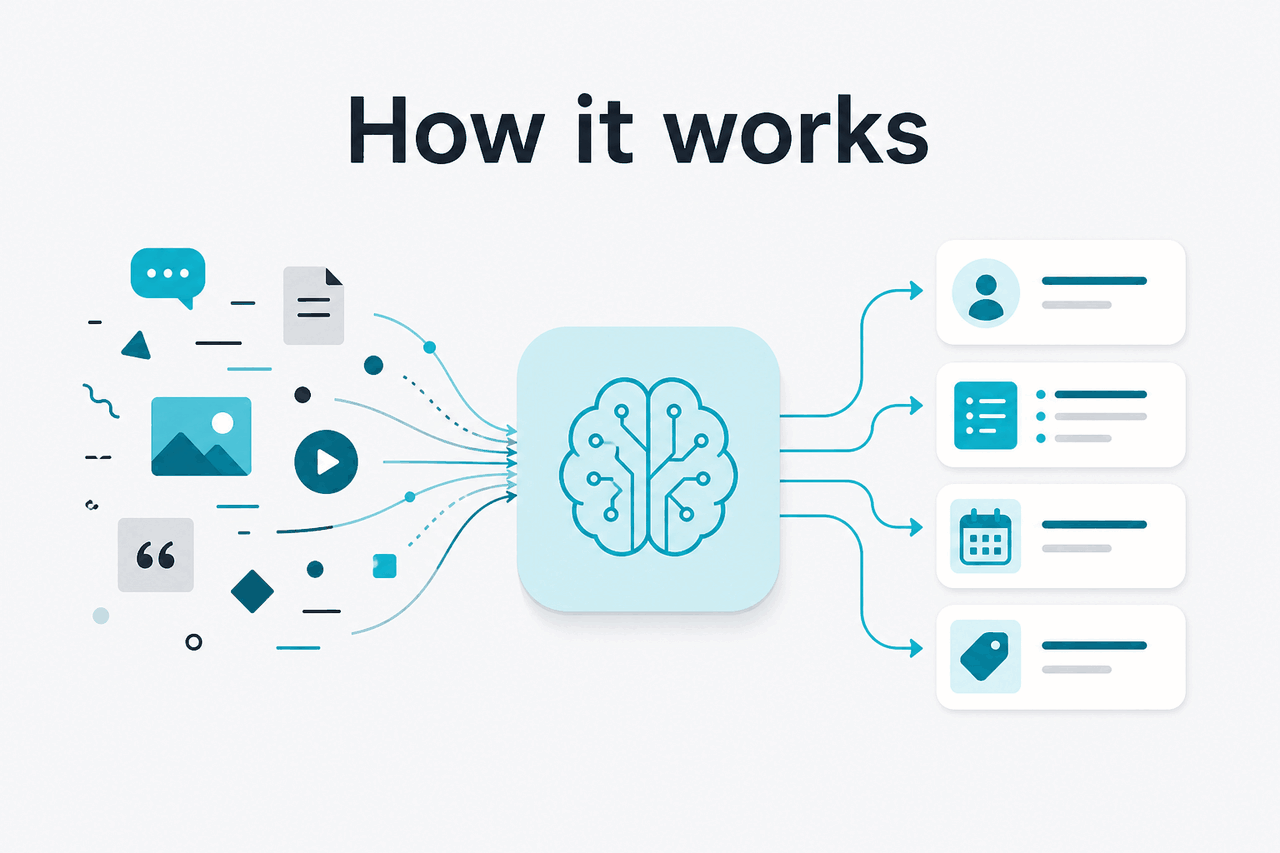
Plain English version: Claude does not “remember” the way a human does. Instead, relevant information from previous interactions can be made available again so the model can respond as if it has continuity. That continuity may come from saved preferences, project context, conversation history, or product-level features that resurface prior information. What matters to the user is the effect: less need to repeat yourself.
Under the hood, this is different from raw model intelligence. The model still answers based on the context it receives at generation time. So when people search for claude memory, the useful question is not “Does the model have a brain-like memory?” but “Can Claude bring forward enough past context to make later chats more useful?” Sometimes yes. Sometimes only partially. For developers using the Claude API, memory-like behaviour is often built explicitly through conversation state, tool use, retrieval, or app logic rather than happening automatically.
Worked example
Returning to the same writing project
The gain is convenience, not certainty. You still need to verify that Claude carried the right details forward.
This also explains why memory and context window are not the same thing. A long context window lets Claude process a lot of material in a single active conversation. Memory is about what survives or gets reused later. If you work with long files, coding sessions, or multi-step tasks, the distinction becomes important, especially when choosing between the web app, Claude Code, and the API.
When this feature actually helps
Claude memory helps most when your work has continuity. It is less impressive for one-off factual questions and more useful for repeated workflows where context carries real value from session to session.
- Ongoing writing work: keeping the same tone, structure, audience assumptions, or formatting preferences across drafts.
- Project follow-ups: returning to a business plan, content calendar, study plan, or research thread without starting from zero.
- Coding preferences: remembering your stack, naming conventions, testing habits, or preferred explanation depth when using Claude Code.
- Personal productivity: recurring templates for emails, meeting notes, summaries, and task planning.
- Team workflows: preserving shared context inside collaborative environments better than isolated single prompts.
Pick when
- You return to the same topics often
- You want less prompt repetition
- Your work benefits from stable preferences and style
- You use Projects or structured ongoing sessions
Skip when
- You need exact recall of every prior detail
- You are handling sensitive data that should not persist
- Your tasks are one-off and unrelated
- You need a formal system of record rather than conversational continuity
The short version: memory is strongest as a convenience layer. It reduces friction. It does not replace good prompting, project organisation, or external records. For many users that is still valuable, because saving even a minute or two per session adds up quickly.
What it can’t do
Claude memory has real limits, and this is the part many pages gloss over. It cannot be assumed to recall every fact perfectly, preserve context forever, or act as an authoritative archive of your past chats. If a detail matters for safety, compliance, cost, or correctness, restate it or store it outside the chat.
- No guarantee of perfect recall: Claude may forget, compress, or mis-prioritise earlier information.
- Not a database: memory is not the same as structured retrieval with exact records.
- Can over-generalise: it may carry forward a preference that no longer applies.
- Can miss important updates: if your goals changed since the last session, stale context can hurt the answer.
- Not ideal for critical facts: legal terms, medical instructions, financial numbers, or production settings should be rechecked explicitly.
- Product behaviour can differ by surface: web app, mobile app, Projects, and API workflows may not handle continuity in the same way.
Other questions readers ask
People searching for claude memory usually mean one of several related things. Here are the short answers.
If your actual question is “Which Claude setup is best for ongoing work?”, the answer depends on whether you are using the consumer app, team workspace, or programmatic access. Our Claude models page and API guide are the next useful stops.
The honest take
Claude memory is useful, but it is easy to overestimate. The real benefit is continuity: less repeated prompting, smoother follow-up work, and better handling of recurring preferences. The real limitation is reliability: it is not a perfect record and it should not be trusted like one.
If you use Claude for ongoing writing, coding, planning, or research, memory can make the product feel much better. If you need exact retrieval, compliance-grade history, or guaranteed persistence, use external systems and explicit workflow design instead. For most users, the right stance is simple: treat memory as a helpful assistant feature, not as your source of truth.
Independent guide. Not affiliated with Anthropic. For the official Claude product, visit claude.ai.
Last updated: 2026-05-12