The Claude message limit is not a fixed daily number: it depends on your plan, model, prompt length, attachments, chat history, output length, and current service load; c-ai.chat is an independent guide, not Anthropic, and our Claude features guide gives broader context on how Claude works.

- Claude message limit: quick answer
- How Claude message limits work
- How to use your limit well
- What the limit cannot tell you
- FAQ: related Claude limit questions
- Practical verdict
- Sources
Claude message limit: quick answer
Anthropic does not publish one universal Claude message limit for all users. A short question may use little capacity. A long document review, coding session, or chat with large attachments can use much more. That is why two users on the same plan can hit limits at different times.
No fixed public daily number
Claude usage depends on plan, model, input size, output size, attachments, chat history, and demand.
For official plan details, use Anthropic’s Claude pricing page. For an independent comparison of plan costs, see our Claude pricing guide.
Free
$0
Best for light use and testing. Limits arrive sooner with long chats, files, or heavier models.
Pro
$20/month
Also available at $17/month when billed annually. Higher individual usage than Free, but still limited.
Max
From $100/month
Designed for heavier individual use when Pro limits are too restrictive.
Team Standard
$25/seat/month
Also available at $20/seat/month when billed annually. Built for shared team use.
Team Premium
$125/seat/month
Also available at $100/seat/month when billed annually. Built for higher-capacity team use.
Enterprise
$20/seat base + API rates
For organisations that need managed access, admin controls, and usage-based API billing.
| Factor | How it affects Claude usage |
|---|---|
| Plan | Free has the lowest capacity. Pro, Max, Team, and Enterprise raise the ceiling. |
| Model | Larger models usually consume capacity faster than smaller models. |
| Prompt length | Long prompts use more context than short prompts. |
| Attachments | Files, pasted documents, code, and images can make one message much heavier. |
| Chat history | Long conversations can require Claude to process more prior context on each turn. |
| Output length | Long answers use more capacity than concise answers. |
How Claude message limits work
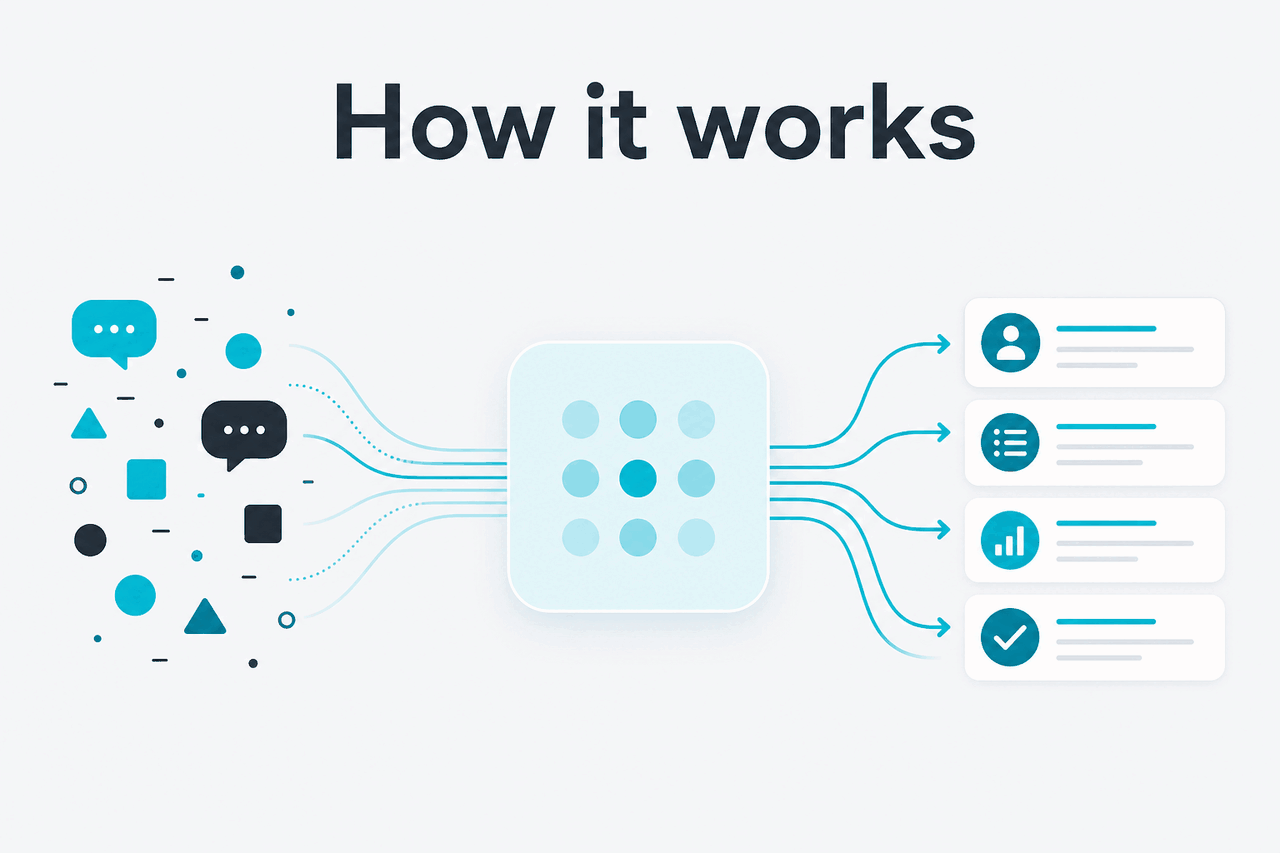
A Claude message is not just the text you type. Claude may also process the conversation history, uploaded files, project context, tool results, and instructions attached to the chat. A two-line question and a full document review can both appear as one message, but they do not cost the same amount of capacity.
Claude limits work more like a usage allowance than a simple message counter. Starting a new chat does not reset your account limit. It can still help because a fresh chat gives Claude less old context to read.
Worked example
Why two users hit different limits
Public “messages per day” estimates often miss prompt size, file size, model choice, and output length.
Model choice also matters. In the API lineup, Opus 4.7 is the flagship model at $5 per million input tokens and $25 per million output tokens, with a 1M context window. Sonnet 4.6 costs $3 per million input tokens and $15 per million output tokens, supports a 1M context window, and has a 128K maximum output. Haiku 4.5 costs $1 per million input tokens and $5 per million output tokens. For help choosing, see our Claude models guide.
API usage is billed by tokens, not by the visible number of chat messages. Anthropic’s API pricing docs explain current token pricing, prompt caching, and batch processing. Prompt caching gives 90% off cached input tokens. The Batch API gives 50% off in both directions when your workflow can wait for batch results.
50% off
input and output tokens through the Claude Batch API for eligible batch workloads.
If Claude says you have reached a limit, follow the notice shown inside the product. It may show when you can resume or suggest an upgrade. If Claude seems unavailable or unusually restricted, check status.claude.com.
How to use your limit well

Understanding the Claude message limit helps you plan heavy work before you hit a cap. It matters most for long documents, repeated follow-ups, coding, research, and workflows that need predictable throughput.
- Ask the most important question first. Do not spend capacity on vague setup prompts.
- Keep chats focused. Use one chat for one task. Move unrelated work into a new conversation.
- Paste only what Claude needs. Remove duplicate text, old logs, and irrelevant files.
- Control output length. Ask for bullets, tables, or a short draft when you do not need long prose.
- Use the right plan. Free works for light use. Pro fits many individuals. Max and Team plans suit heavier use.
- Use the API for repeatable workloads. If you need predictable cost and throughput, compare web chat with the API in our Claude API guide.
Web chat fits when
- You use Claude for research, drafting, planning, and analysis.
- You want a simple subscription instead of token billing.
- You can wait when a usage window resets.
- You can keep conversations short and task-specific.
The API fits better when
- You need predictable throughput for software or operations.
- You run automated document processing or batch jobs.
- You need cost tracking by request, user, or workflow.
- You process large inputs often and cannot pause for resets.
For more workflow tips, see our Claude resources and Claude FAQ.
What the limit cannot tell you
The Claude message limit is not a transparent public quota you can calculate perfectly in advance. Anthropic controls the limits and can adjust capacity by plan, model, workload, and service conditions.
- It cannot give every user the same daily number. Two users on the same plan can consume capacity differently.
- It cannot make Pro unlimited. Pro raises individual capacity, but limits still apply.
- It cannot be bypassed by opening a new chat. A new chat may reduce context size, but it does not reset account usage.
- It cannot guarantee a midnight reset. Usage windows can be rolling. Trust the in-product notice.
- It cannot replace API rate-limit planning. Developers should use Anthropic’s API docs, pricing, and rate-limit guidance.
- It cannot prevent service issues. If Claude is degraded, availability and limit behaviour may feel different.
FAQ: related Claude limit questions
Practical verdict
If you came here for an exact Claude message limit per day, the answer is that there is no single public number for everyone. Claude limits are plan-based and workload-based. Free is for light use. Pro raises the ceiling for individuals. Max and Team plans fit heavier use. Enterprise and API setups are better when capacity, controls, or predictable billing matter.
The best way to avoid surprises is simple: keep chats focused, remove unnecessary context, choose the right model, and move repeatable workloads to the API when you need token-level control. For the broader independent guide, start at c-ai.chat. For official account limits, use Anthropic’s product pages and the notices shown inside Claude.
Independent guide. Not affiliated with Anthropic. For the official Claude product, visit claude.ai.
Last updated: 2026-05-12