Claude connectors are Claude features that let the assistant pull in context from external apps, files, and workspaces so it can answer questions or complete tasks using your connected data; this guide explains what that means in practice, where it helps, and where the limits are. As an independent guide, c-ai.chat is not Anthropic or the official Claude site, and where relevant you should compare this with the broader Claude features overview.
- What it does at a glance
- How it works
- When this feature actually helps
- What it can’t do
- Other questions readers ask
- The honest take
What it does at a glance
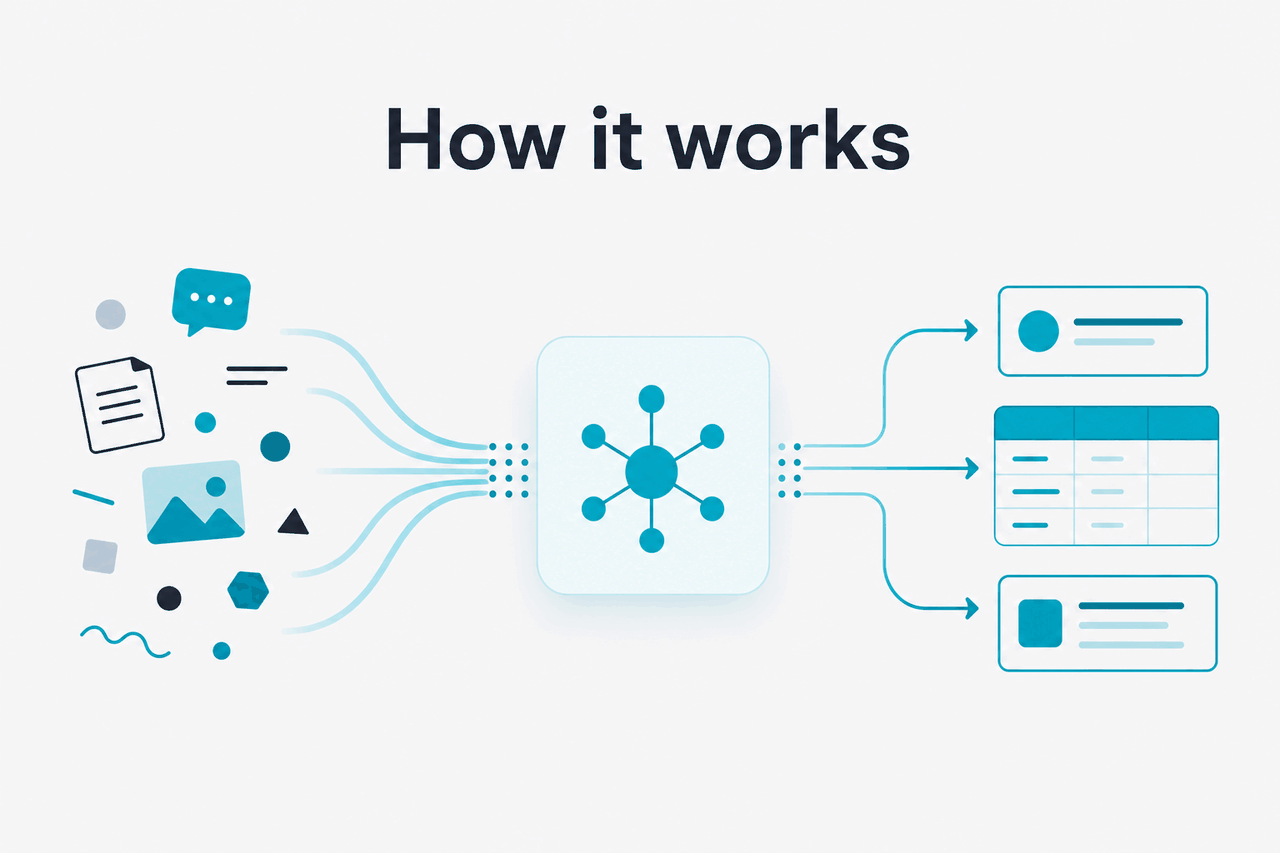
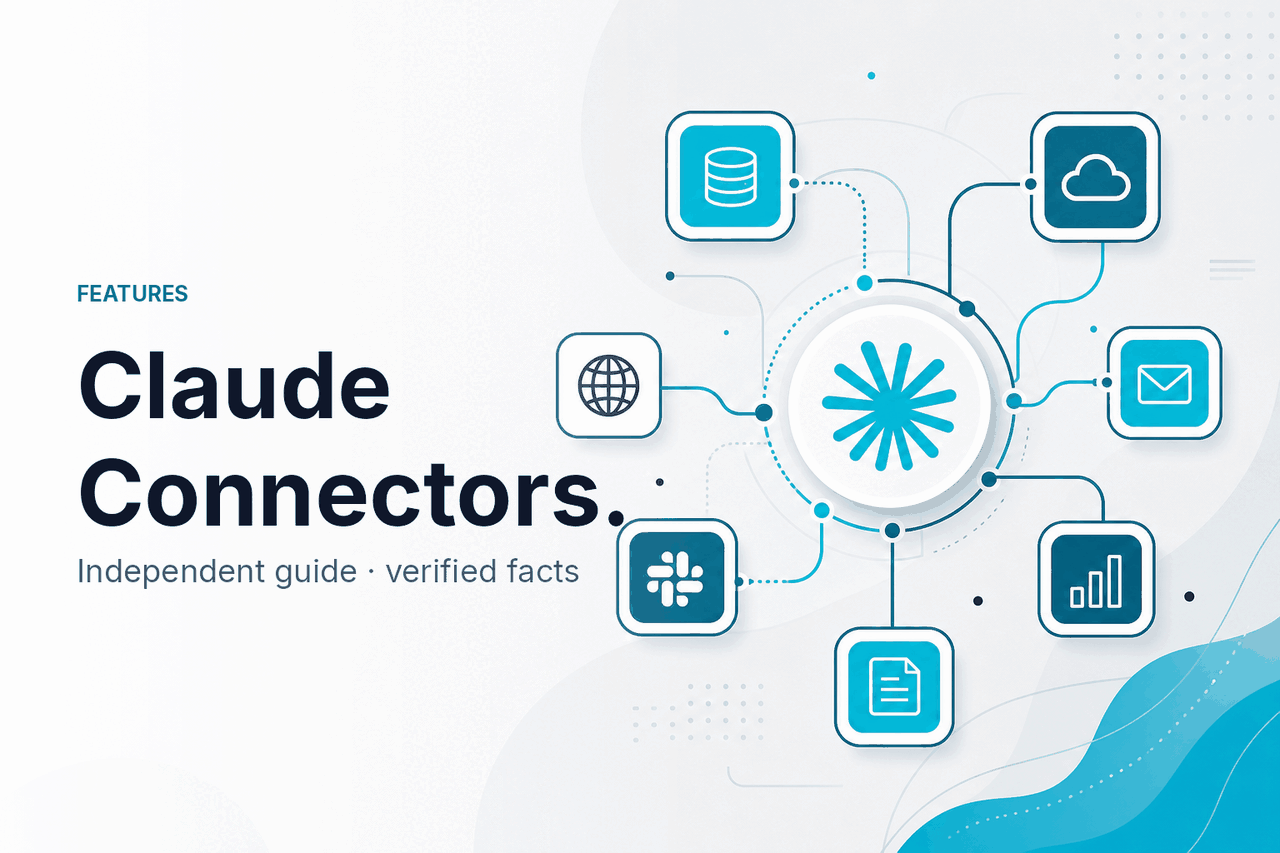
Claude connectors let Claude reference information from connected external sources inside your Claude workspace, so instead of relying only on the text you paste into a chat, it can use approved app data and documents as working context for answers, summaries, and follow-up questions.
- Connects Claude to external apps and data sources
- Reduces copying by pulling context into chats and workflows
- Works best for search, summarising, and cross-source questions
- Depends on access permissions, available integrations, and plan support
In plain terms, connectors are about access. If Claude can reach the right source, it can answer with more relevant context. If it cannot, you still need to paste content manually or use files, Projects, or the Claude API instead. That distinction matters, because many searches for “claude connectors” are really asking whether Claude can talk to the tools you already use.
Anthropic presents Claude as a product that can work across web, desktop, and mobile experiences, with different features available by plan and workspace type on claude.com/pricing. If you are deciding between app-level features and developer-controlled integrations, the bigger picture also includes Claude Code and the available Claude models.
How it works
Mechanically, a connector gives Claude a structured route to a data source that you have authorised. Instead of treating everything as one pasted prompt, Claude can retrieve information from that source when answering your question. That usually means it is pulling in selected content, metadata, or document context from the connected service and using it inside the same reasoning flow as the rest of your conversation.
This does not mean Claude has unlimited visibility into everything in an app. Access still depends on the connector itself, the permissions granted to your account, workspace rules, and what the connected service exposes. In practice, connectors sit between manual copy-paste and full custom integration: easier than building your own pipeline through the Claude developer platform, but less flexible than a bespoke API workflow.
Worked example
Asking Claude to compare project notes across sources
The gain is convenience and better context, not automatic truth. You still need to check important details against the source.
That last point is the one most users miss. Connectors improve retrieval. They do not remove the normal limits of AI output quality. Claude can still misunderstand a question, over-compress a long source, or miss a detail if the source is messy, access is partial, or the connector does not expose the exact field you expected.
When this feature actually helps
Claude connectors are most useful when your work depends on information that already lives somewhere else and changes often enough that pasting it into every chat becomes slow, error-prone, or impossible to keep current.
- Searching across scattered work materials: asking Claude to find the latest answer in a connected workspace is faster than opening five tabs and reading each source yourself.
- Summarising project status: connectors help when updates are split across documents, notes, and shared spaces rather than one clean brief.
- Preparing meetings or handoffs: Claude can assemble context from connected sources into a short brief, action list, or recap.
- Comparing versions of information: useful when you need to ask what changed between earlier and current plans, policies, or drafts.
- Reducing repetitive copy-paste: one of the biggest practical gains is simply not having to manually move the same reference material into every conversation.
Pick when
- Your team already stores work in supported apps or shared workspaces
- You ask repeat questions against changing documents or knowledge bases
- You want Claude to work from live context instead of static pasted text
- You need faster drafting, summarising, or retrieval inside Claude
Skip when
- Your source data is small enough to upload or paste manually
- You need deterministic automation, not conversational assistance
- Your app is not supported or your admin will not allow access
- You need field-level control that is better handled with the API
For individual users, the strongest case is knowledge retrieval and synthesis. For teams, the stronger case is shared context: everyone can ask questions against the same connected workspace instead of passing documents around. If your goal is not retrieval but building product features, connectors are usually the wrong tool. That is where the API or model-level choices from the Claude model lineup become more important.
What it can’t do
Claude connectors do not give Claude perfect, unlimited, or always-current understanding of an external app. They are constrained by the connector design, the permissions granted, workspace policy, and the normal limits of language models. That means a connector can be useful and still fail on edge cases, especially when your source data is incomplete, inconsistent, or spread across tools that are not actually connected.
- Not every app is supported: if your tool is not available as a connector, Claude cannot natively pull from it.
- Access is permission-bound: Claude only works with what your account or admin has allowed.
- Results may lag source changes: depending on the integration, very recent updates may not appear exactly when you expect.
- Structured data can lose nuance: fields, comments, attachments, and relationships are not always surfaced in the most useful way for a natural-language answer.
- Answers still need checking: Claude may summarise incorrectly, miss a detail, or infer too much from partial context.
- Not a replacement for workflow automation: connectors help Claude read and reason over context; they are not the same thing as full no-code or engineering automation.
- Plan and workspace differences matter: some capabilities may vary between Free, Pro, Max, Team, and Enterprise environments on Claude pricing.
Other questions readers ask
These are the related questions that usually sit behind searches for “claude connectors”.
90% off
cached input tokens with prompt caching
If you are comparing connectors with a custom build, cost is only one part of the decision. Anthropic also publishes a 50% off Batch API discount for both input and output, which can matter more than connector convenience for large-scale offline jobs. For many non-developers, though, the real tradeoff is speed of setup versus flexibility.
The honest take
Claude connectors are a practical feature, not a magic one. They help most when Claude already fits your workflow and the main pain point is getting external context into the conversation. In that situation, connectors can save time, reduce copying, and make Claude more useful against real working data.
They are less compelling if you need exact automation, guaranteed field-level behaviour, or support for an app that Claude does not connect to. For those cases, the better path is usually a custom integration through Anthropic’s platform, or a simpler workflow using uploads, Projects, or Claude Code. For the official feature set, current plan details, and workspace availability, verify against Claude’s pricing and plan page and the relevant documentation on docs.claude.com.
Independent guide. Not affiliated with Anthropic. For the official Claude product, visit claude.ai.
Last updated: 2026-05-12